
FIXONIC
SellSavedMy Fixonic
Official iFixit API visual reference

Samsung RF28R7201SG Refrigerator Evaporator Thermistor (Refrigerator Compartment) Replacement

This guide shows how to replace the evaporator...

iFixit Library Samsung RF28R7201SG Refrigerator Moderate 30 minutes - 1 hour Guide 161741
Open the authorised source
Licensed iFixit integration

This attributed iFixit guide is displayed through Fixonic's recorded commercial API permission. iFixit remains the independent source and author of the procedure.

Guide overview

Before you begin

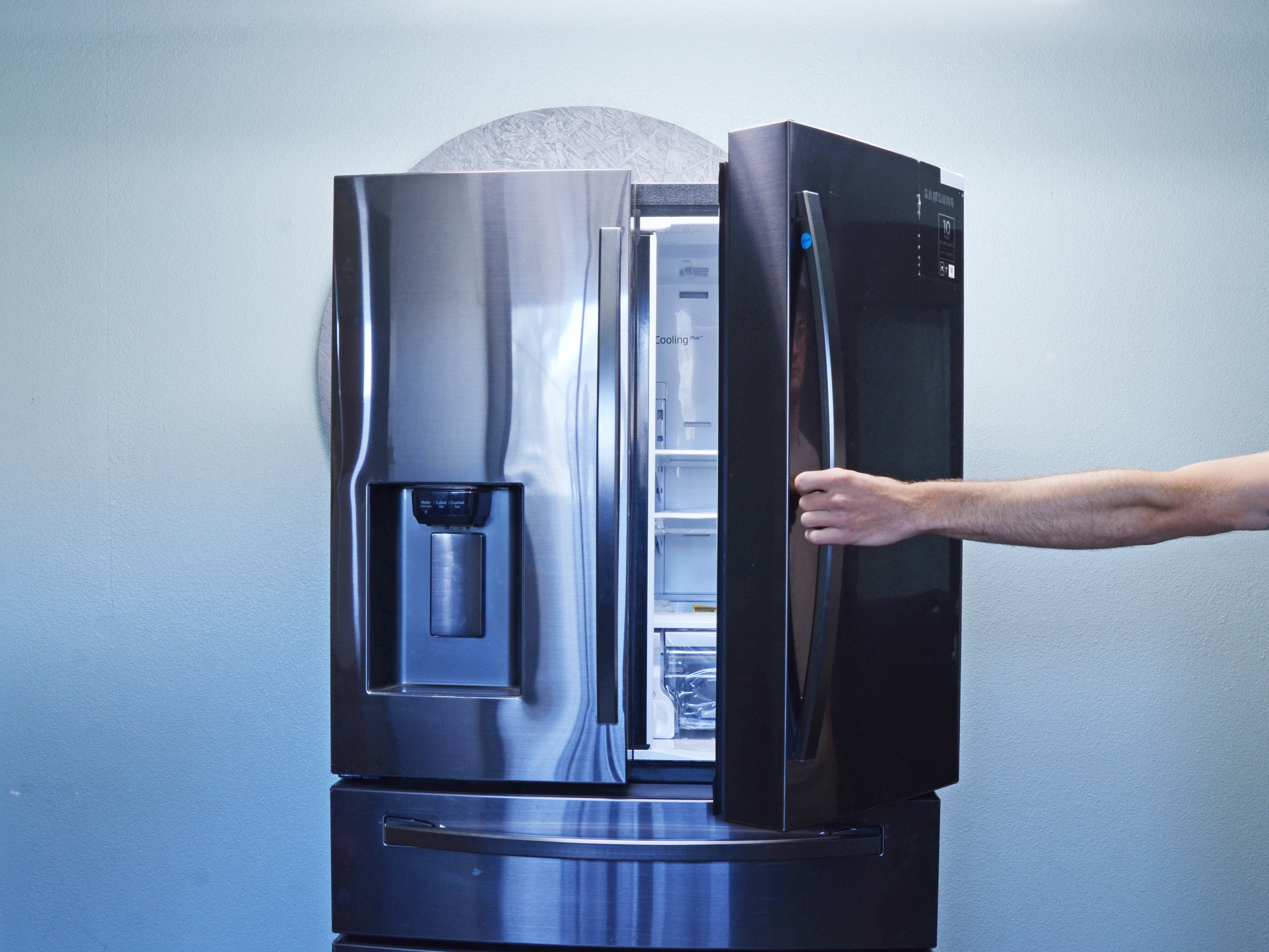
This guide shows how to replace the evaporator thermistor in your Samsung RF28R7201SG refrigerator. The Samsung fridge has two evaporators: one for the refrigerator compartment and one for the freezer. This guide is for the refrigerator evaporator thermistor. This thermistor does not sense the refrigerator compartment temperature. Rather, this thermistor senses the evaporator coil temperature. If this thermistor fails, your refrigerator won't cool the refrigerator compartment properly.

Step 1

Unplug your refrigerator

  • Unplug your refrigerator before you begin your repair.
Step 2

Open the refrigerator doors

  • Open both French doors for the refrigerator compartment.
Step 3

Remove the shelves

  • Remove all the loose shelves and bins from the refrigerator compartment.
  • The bottom shelf is clipped in place. Follow the next step to remove it.
Step 4

Repair step

  • Two stiff plastic tabs (one on each side) secure the bottom shelf in place.
  • Press both plastic tabs firmly with your fingers and lift upward to unclip the bottom shelf.
  • If the shelf doesn't unclip, you can try using a flathead screwdriver to press each clip in.
  • Remove the bottom shelf.
Step 5

Remove the refrigerator evaporator cover

  • Use a flathead screwdriver to pry and remove the top screw cover on the evaporator cover.
Step 6

Repair step

  • Use a Phillips screwdriver to remove the four screws securing the evaporator cover:
  • Two 37 mm-long screws
  • Two 16.5 mm-long screws
Step 7

Repair step

  • Grasp the right edge of the evaporator cover with your hands and swing it outwards toward you.
  • Don't try to fully remove the cover in this step, as it's connected by several wires.
Step 8

Repair step

  • Squeeze and disconnect the two wire connectors connecting the evaporator cover to the refrigerator.
Step 9

Repair step

  • Pull the evaporator cover towards you and remove it.
Step 10

Disconnect the evaporator thermistor

  • Use a flathead screwdriver to pry off and remove the two red connector retaining clips.
Step 11

Repair step

  • Use your fingers to squeeze the thermistor's white connector by the sides.
  • Pull the connector to disconnect it.
Step 12

Repair step

  • Use snips or scissors to cut any cable ties securing the yellow thermistor cable.
Step 13

Remove the evaporator thermistor

  • Use your fingers to twist and unclip the thermistor from the evaporator coil.
  • Remove the evaporator thermistor.