
FIXONIC
SellSavedMy Fixonic
Official iFixit API visual reference

Samsung RF28R7201SG Refrigerator Light (Refrigerator Compartment) Replacement

This guide shows how to remove and replace the...

iFixit Library Samsung RF28R7201SG Refrigerator Moderate 1 - 10 minutes Guide 161743
Open the authorised source
Licensed iFixit integration

This attributed iFixit guide is displayed through Fixonic's recorded commercial API permission. iFixit remains the independent source and author of the procedure.

Guide overview

Before you begin

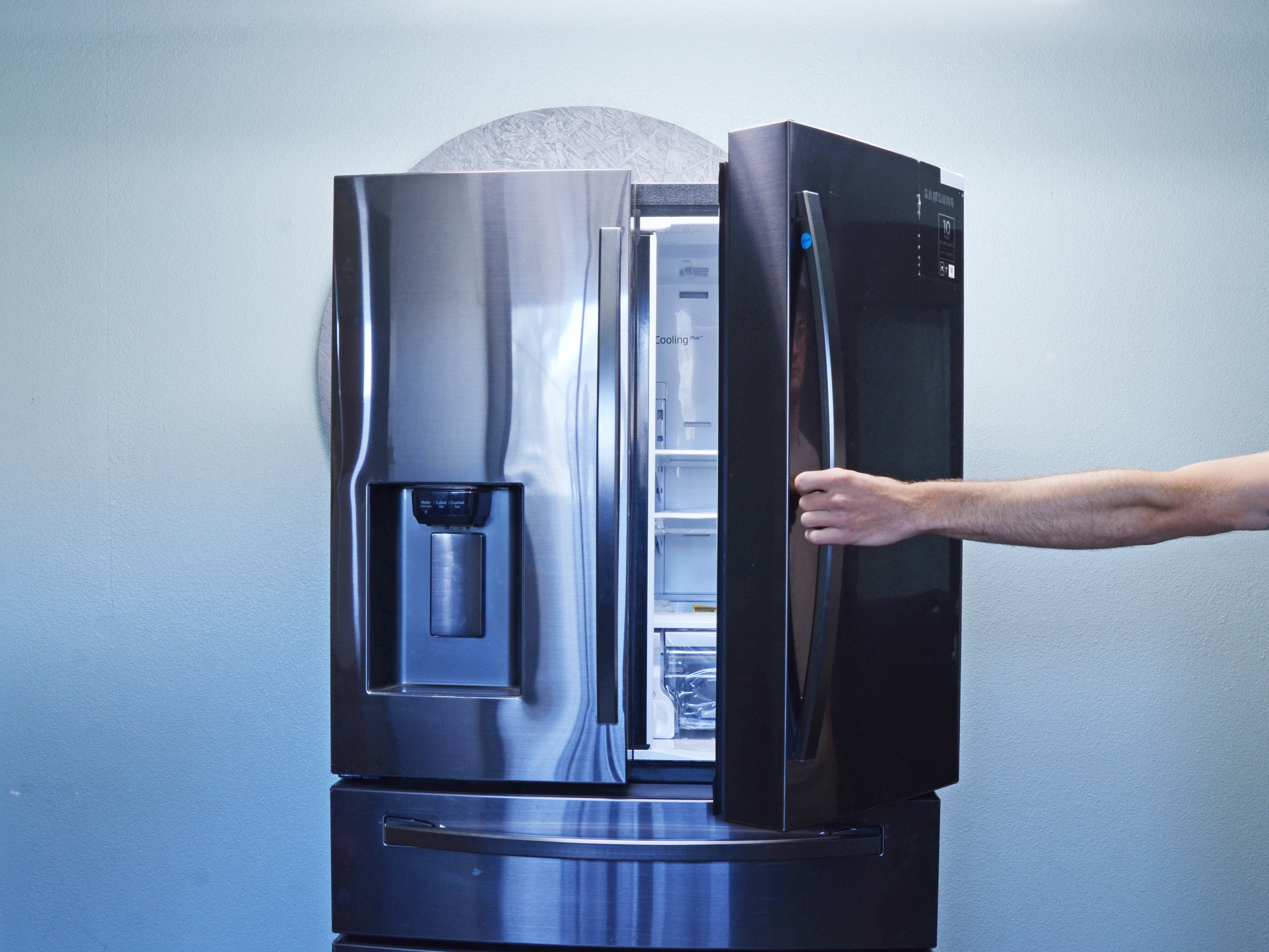
This guide shows how to remove and replace the refrigerator light in your Samsung RF28R7201SG refrigerator. The Samsung fridge uses LED strips, which shouldn't break often. If your refrigerator compartment doesn't light up when you open the door, you may need to replace the light.

Step 1

Unplug your refrigerator

  • Unplug your refrigerator before you begin your repair.
Step 2

Open the refrigerator doors

  • Open both French doors for the refrigerator compartment.
Step 3

Remove the light cover

  • Plastic clips hold the light cover in place.
  • Use a spudger to pry along the back edge of the light cover.
  • You can also use a flathead screwdriver, but be careful not to let the screwdriver slip, or you'll scratch your refrigerator surface.
  • Remove the light cover.
Step 4

Remove the light panel

  • Use a Phillips screwdriver to remove the three 14.2 mm-long screws securing the light panel.
Step 5

Repair step

  • Use a spudger or a flathead screwdriver to pry and loosen the light panel.
  • Don't try to remove the light panel yet, as it's connected to the refrigerator with a cable.
Step 6

Repair step

  • Use your fingers to unplug the light's wire connector.
Step 7

Repair step

  • Remove the refrigerator light.