
FIXONIC
SellSavedMy Fixonic
Official iFixit API visual reference

Samsung Refrigerator Control Panel Replacement

This guide shows how to remove and replace the...

iFixit Library Samsung Refrigerator Moderate 5 - 15 minutes Guide 162160
Open the authorised source
Licensed iFixit integration

This attributed iFixit guide is displayed through Fixonic's recorded commercial API permission. iFixit remains the independent source and author of the procedure.

Guide overview

Before you begin

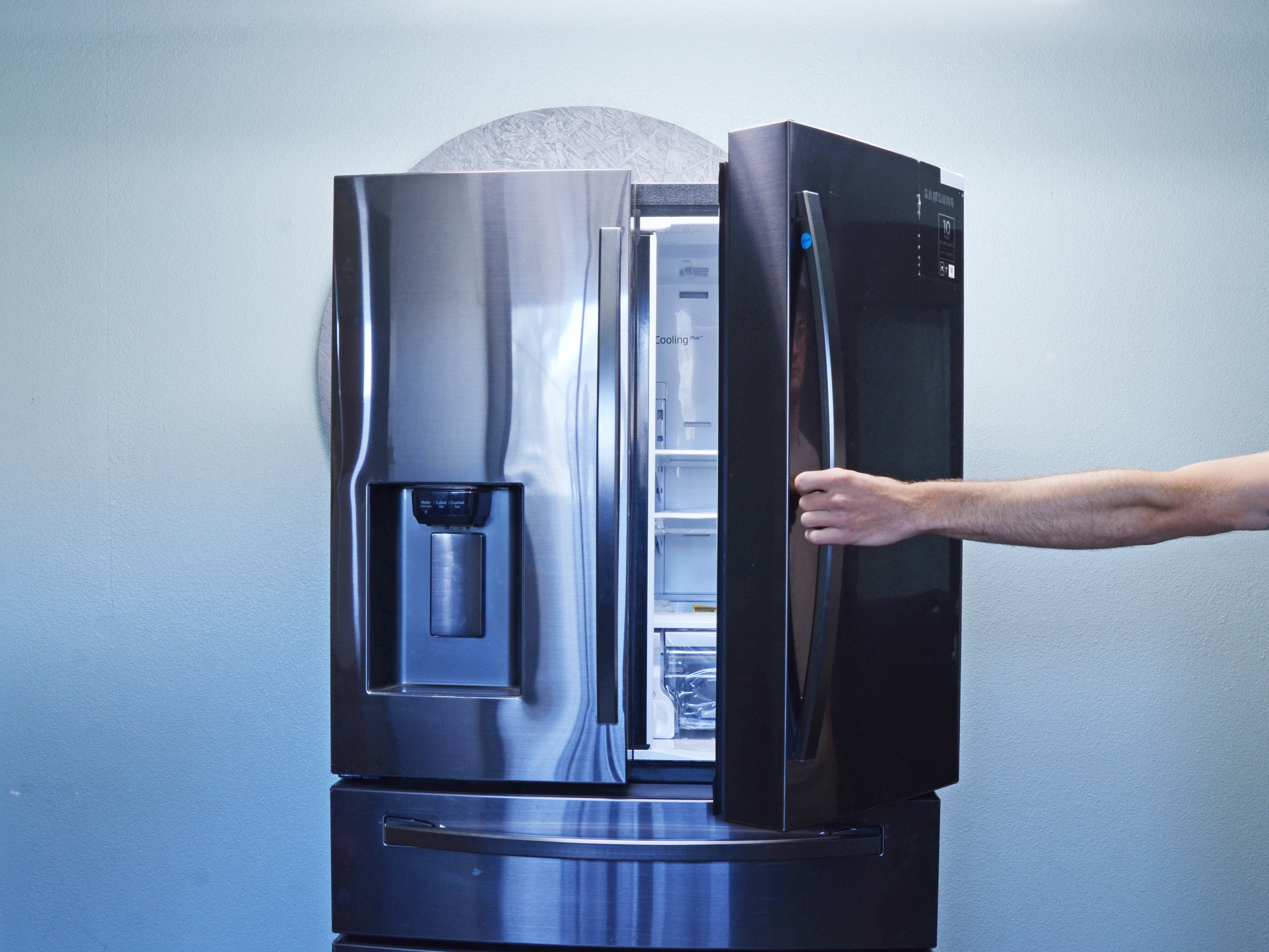
This guide shows how to remove and replace the control panel in your Samsung refrigerator. The control panel contains the buttons to change the refrigerator settings, as well as a display for current settings. The panel can become damaged and inoperative from prolonged moisture exposure. This guide will work for most Samsung Refrigerators . This guide is based on a model RF28R7201SG Refrigerator. If you have a different model, you may encounter some minor disassembly differences, but the overall repair process will be the same.

Step 1

Unplug your refrigerator

  • Unplug your refrigerator before you begin your repair.
  • If you are testing or repairing the following items, you may also need to shut off and disconnect the water supply:
  • Condenser fan motor
  • Compressor motor and thermal overload device
  • Water supply valve assembly
Step 2

Open the refrigerator doors

  • Open both French doors for the refrigerator compartment.
Step 3

Loosen the control panel

  • The control panel has plastic clips around its perimeter that secure it to the refrigerator wall.
  • Insert a spudger into the seam along the right edge of the control panel.
  • You can also use a flathead screwdriver, but be careful not to let the screwdriver slip, or you'll scratch your refrigerator surface.
  • Press the spudger in firmly and pry to loosen the panel.
  • Use your spudger to slide and pry around the control panel to loosen it from the refrigerator wall.
Step 4

Repair step

  • Flip the control panel over to reveal the cable connector.
Step 5

Repair step

  • Use your fingers to slide the cable connector out of its socket.
Step 6

Remove the control panel

  • Remove the control panel.