FIXONIC
Before you begin
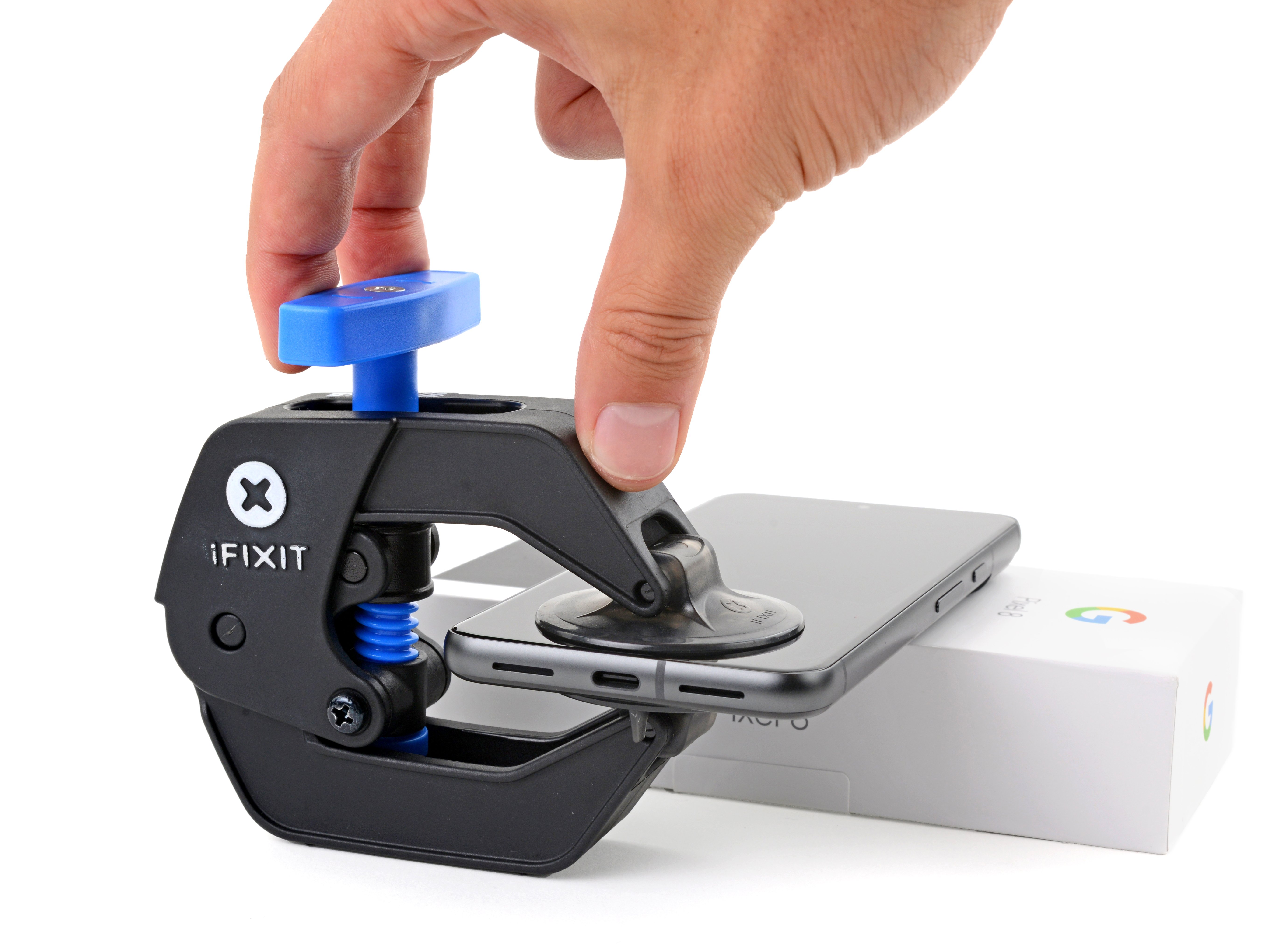
This repair guide was authored by the iFixit staff and hasn’t been endorsed by Google. Learn more about our repair guides here. Follow this guide to replace a dead or worn out battery in your Google Pixel 8 Pro. If your battery is swollen, take appropriate precautions. Lithium-ion batteries have a limited lifespan. If your phone doesn't hold a charge or dies unexpectedly, it might be time to replace the battery. You'll need replacement screen adhesive to complete this repair. Note: This guide was made with the 5G mmWave antenna model of the Pixel 8 Pro. If you have the non-mmWave version, you can still use this guide—just skip the steps that mention the 5G mmWave antenna.