FIXONIC
SellSavedMy Fixonic
Official iFixit API visual reference

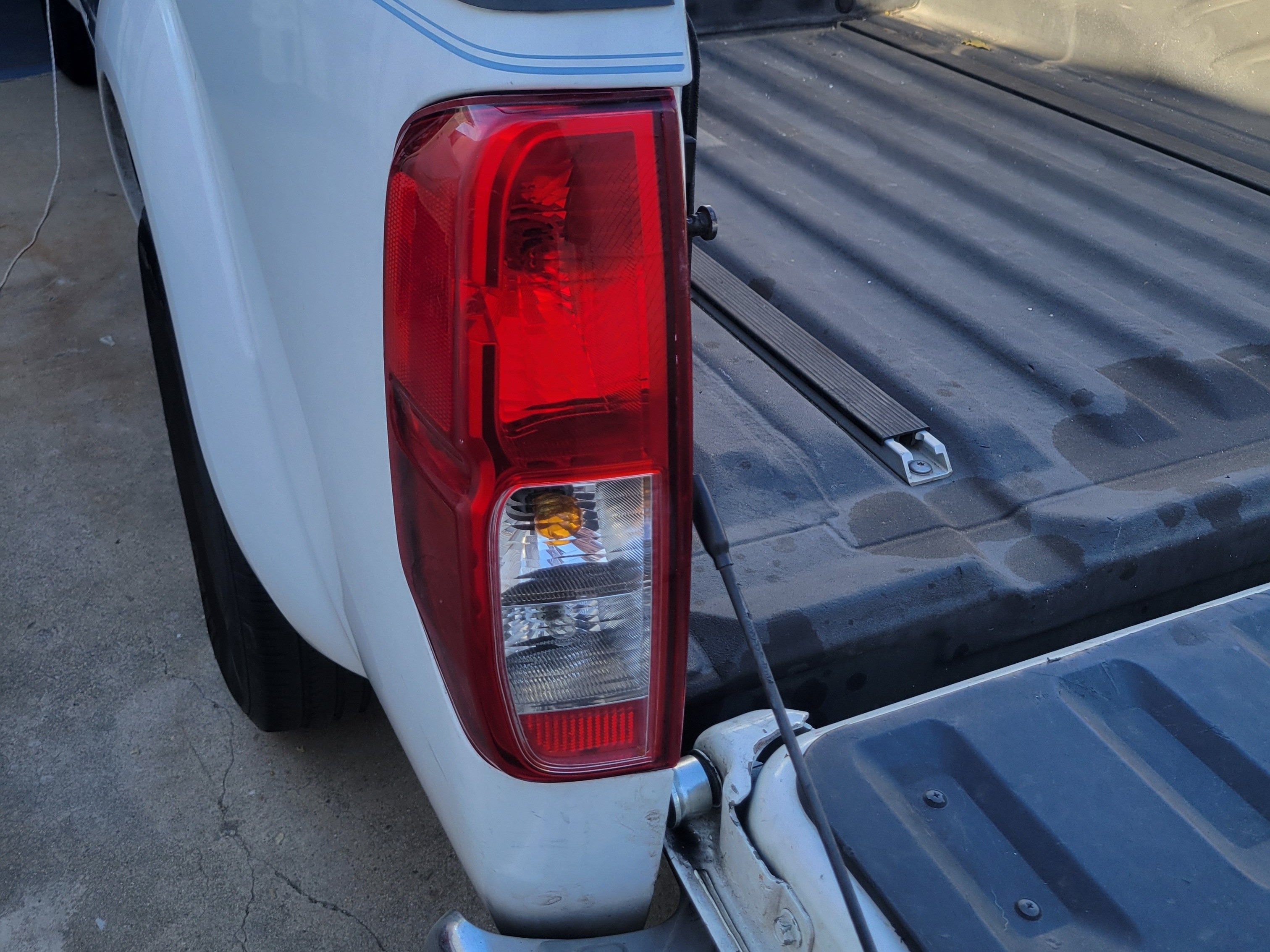
2004-2015 Nissan Frontier Tail Light Replacement

If one or more of the tail lights on your...

iFixit Library 2004-2015 Nissan Frontier Easy 10 - 15 minutes Guide 167011
Open the authorised source
Licensed iFixit integration

This attributed iFixit guide is displayed through Fixonic's recorded commercial API permission. iFixit remains the independent source and author of the procedure.

Guide overview

Before you begin

If one or more of the tail lights on your 2005-2020 Nissan Frontier is defective, you'll be able to skip a trip to the dealer by replacing them all on your own with this simple guide. The process is much easier than one might expect, requiring little technical knowledge about cars to complete. As common driving knowledge, functioning outer lights are important for the safety of everyone on the road. Before starting, you first have to purchase the appropriate replacement bulbs, as each tail light is equipped with three bulbs of varying sizes and colors. Regardless of the specific bulb you are addressing, this guide will be helpful.

Step 1

Repair step

  • Open the tailgate by lifting the center handle.
Step 2

Repair step

  • Unscrew the two Phillips #1 screws.
Step 3

Repair step

  • Pull the tail light assembly out of its place within the frame of the vehicle.
Step 4

Repair step

  • Twist the bulb within its socket counter-clockwise, then remove it from the inner assembly.
  • Remove the bulb by pulling directly out of the socket.
Step 5

Repair step

  • Gently place your replacement bulb into the socket.
  • Insert the socket back into the tail light assembly, then twist clockwise until secure.
Step 6

Repair step

  • Gently place the tail light assembly back into its original position.
  • Screw back in the Phillips #1 screws.
Step 7

Repair step

  • Close the tail gate.
  • Turn on your truck to ensure that the lights are in working condition.