FIXONIC
SellSavedMy Fixonic
Official iFixit API visual reference

Acer Iconia W510 Dock Battery Replacement

The tablet and the dock use the same battery....

iFixit Library Acer Iconia W510 Dock Moderate No estimate Guide 168649
Open the authorised source
Licensed iFixit integration

This attributed iFixit guide is displayed through Fixonic's recorded commercial API permission. iFixit remains the independent source and author of the procedure.

Guide overview

Before you begin

The tablet and the dock use the same battery. This guide shows how to remove the battery from the dock/keyboard.

Step 1

Repair step

  • Remove the two 6.6mmT6 Torx screws near the hinge.
  • Remove the four 3.6mm T6 Torx screws on either side.
Step 2

Repair step

  • Using an Xacto knife, peel the rubber strip back far enough on either end to expose the two screws.
  • Remove the two 4.5mm Phillips screws.
Step 3

Repair step

  • Unclip the rear cover.
Step 4

Repair step

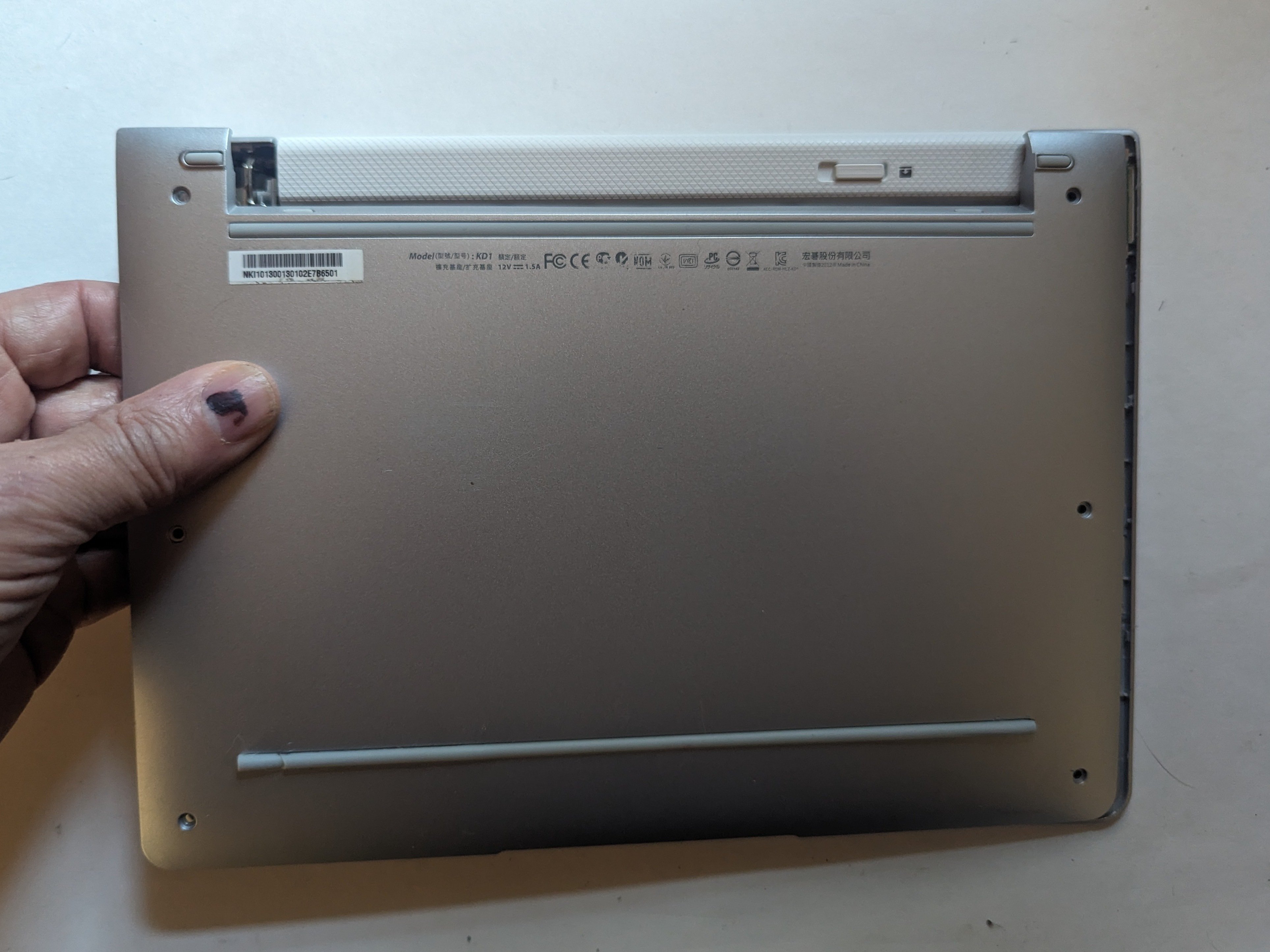
  • Remove the bottom cover.
Step 5

Repair step

  • Using the two tabs on either side of the connector, unplug the battery.
Step 6

Remove the Battery

  • Two strips of adhesive on either side hold the battery in place.
Step 7

Repair step

  • Use a flexible piece of plastic to slice the strip of adhesive on one side.
  • Leave the plastic in place when doing the other side.
Step 8

Repair step

  • Slice the strip of adhesive on the other side.
Step 9

Repair step

  • Lift the battery from the dock.
Step 10

Repair step

  • The battery is now free.