FIXONIC
Before you begin
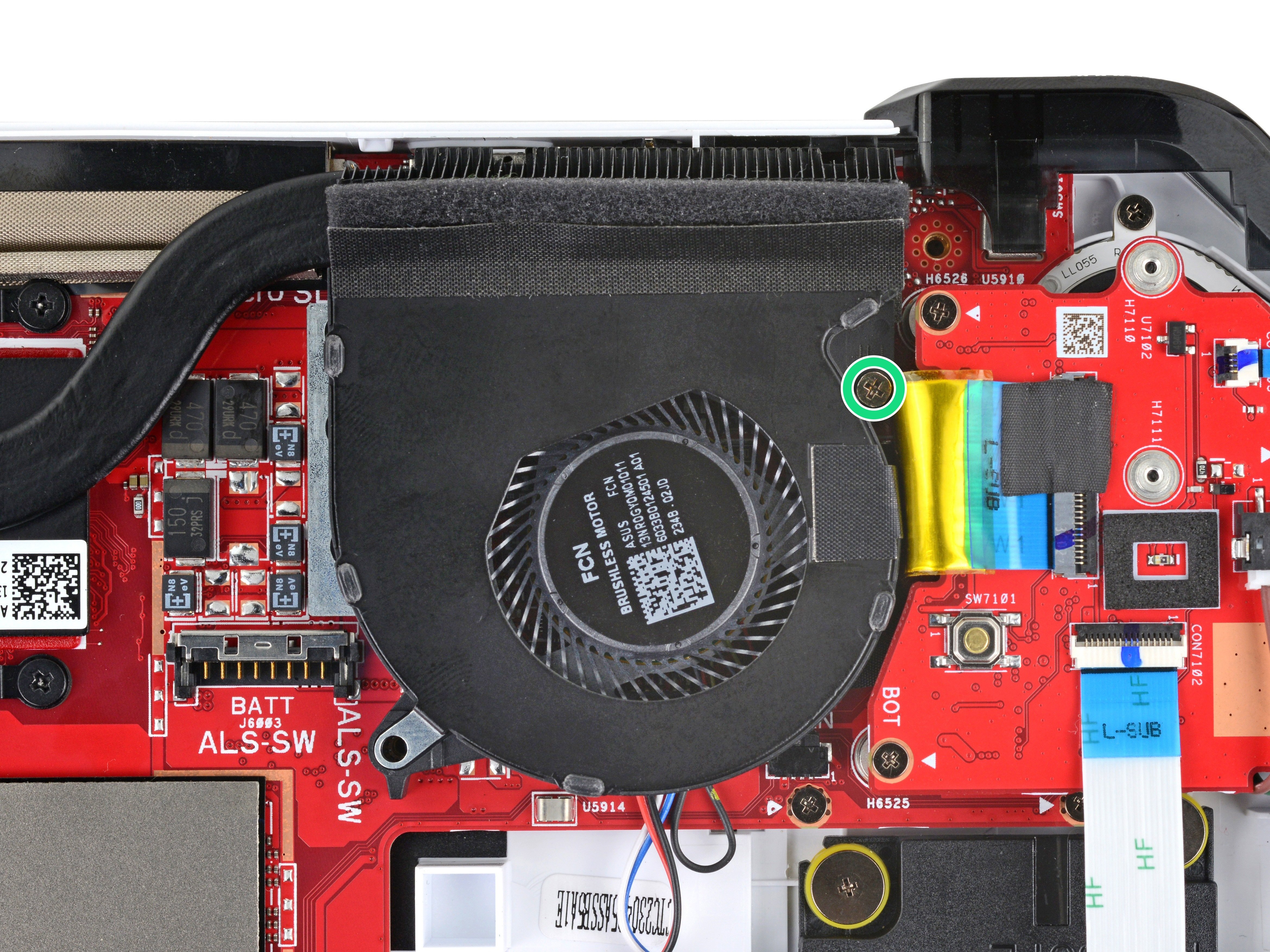
Follow this guide to replace a broken or faulty left fan in your Asus ROG Ally. This is the fan that's on the left-hand side when you're using your device. You can also use this guide to clean the fan. If your fan is spinning slowly, making loud noises, or isn't spinning at all, you may need to replace it. Before purchasing a new fan, it's a good idea to remove your current fan and clean off any dust and dirt that may have gotten into it—it's possible this is the problem. If your fan is still having problems after cleaning it, you'll need to get a replacement.