FIXONIC
SellSavedMy Fixonic
Official iFixit API visual reference

How To Open A Desktop Hard Drive

Have you ever wanted to open up an old hard...

iFixit Library Hard Drive Moderate 5 - 10 minutes Guide 168938
Open the authorised source
Licensed iFixit integration

This attributed iFixit guide is displayed through Fixonic's recorded commercial API permission. iFixit remains the independent source and author of the procedure.

Guide overview

Before you begin

Have you ever wanted to open up an old hard drive? Whether it's to permanently delete your data or to better understand how a disk drive works, I'm going to be showing you how to do it yourself. Note: Doing this is not reversible and can damage your hard drive. I am doing this on a junk hard drive, take caution when you do it yourself.

Step 1

Remove The Front Screws

  • Use a size 8 Torx screwdriver to remove the front screws. The location and amount may vary depending on your drive, but they are very easy to locate.
Step 2

Removing The Hidden Screws

  • There may be a screw hidden under the front sticker, so make sure to peel it off and check before you open it up. Use a spudger to peel off any material in the way of the screw
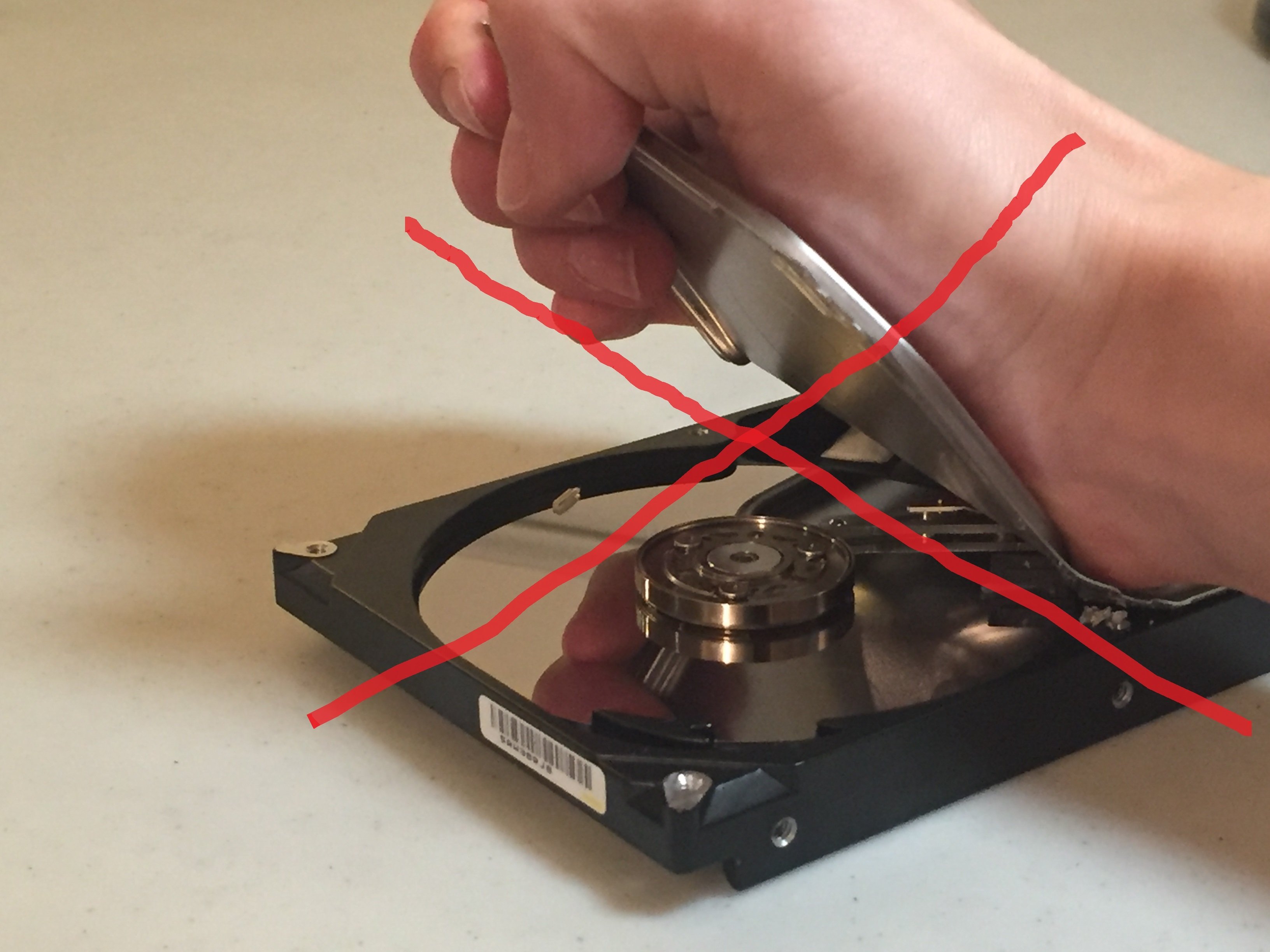
  • Please check under the sticker before you open up your disk drive. I didn't, and went full brute-force on the hard drive cover. Whoops!
Step 3

Repair step

  • Slide a spudger around the front cover to remove any adhesive or rubber insulation before opening.
Step 4

Repair step

  • Gently remove the cover.
  • Do NOT do what I did, please.
Step 5

Repair step

  • There you have it! Now you have a fully-opened hard drive. Whether you want to make a pretty cool (and large) paperweight or perma-delete your data, you can now do so.