FIXONIC
Before you begin
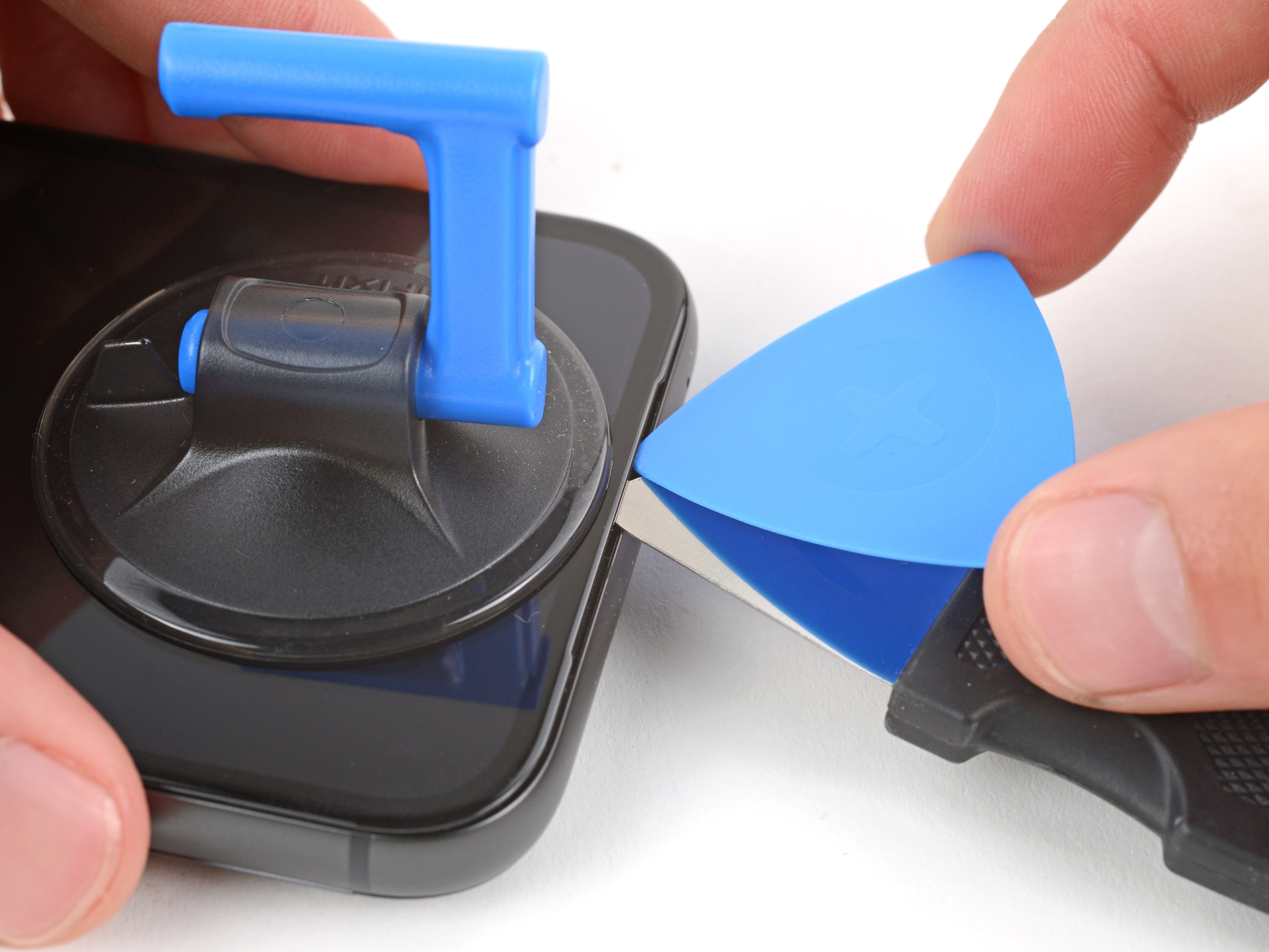
This repair guide was authored by the iFixit staff and hasn’t been endorsed by Google. Learn more about our repair guides here. Follow this guide to replace a broken, cracked, or unresponsive screen on your Google Pixel 8a. To calibrate the display’s fingerprint reader, follow this guide. Genuine Google replacement screens come with the fingerprint reader already attached. If your replacement screen doesn’t have a pre-installed fingerprint reader, you’ll need to transfer the original fingerprint reader to your new screen and recalibrate it to retain functionality. You'll need replacement screen adhesives in order to complete this repair. Note: Any repair can compromise the water resistance of your phone. Retaining water resistance after the repair will depend on how well you reapply the adhesive.