FIXONIC
Before you begin
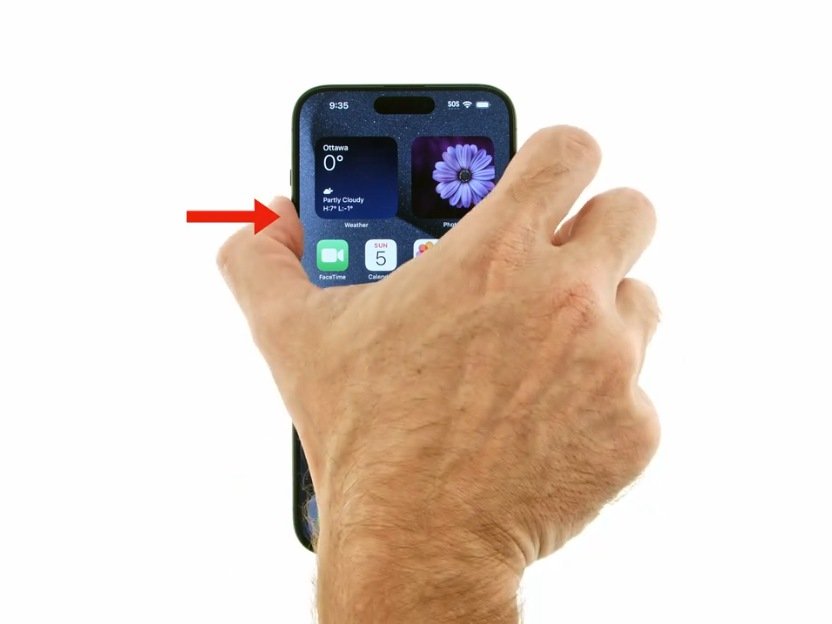
If iPhone isn't responding, and you can't turn it off then on, try forcing it to restart.
If iPhone isn't responding, and you can't turn...
This attributed iFixit guide is displayed through Fixonic's recorded commercial API permission. iFixit remains the independent source and author of the procedure.
If iPhone isn't responding, and you can't turn it off then on, try forcing it to restart.