FIXONIC
SellSavedMy Fixonic
Official iFixit API visual reference

Motorola V60s Front Chassis Disassembly

This guide shows how to take apart the front...

iFixit Library Motorola V60s Easy 5 minutes Guide 1743
Open the authorised source
Licensed iFixit integration

This attributed iFixit guide is displayed through Fixonic's recorded commercial API permission. iFixit remains the independent source and author of the procedure.

Guide overview

Before you begin

This guide shows how to take apart the front casing. This allows access to the front LCD screen.

Step 1

Repair step

  • Push in and hold small release latch.
  • Hold the latch through step 2.
Step 2

Repair step

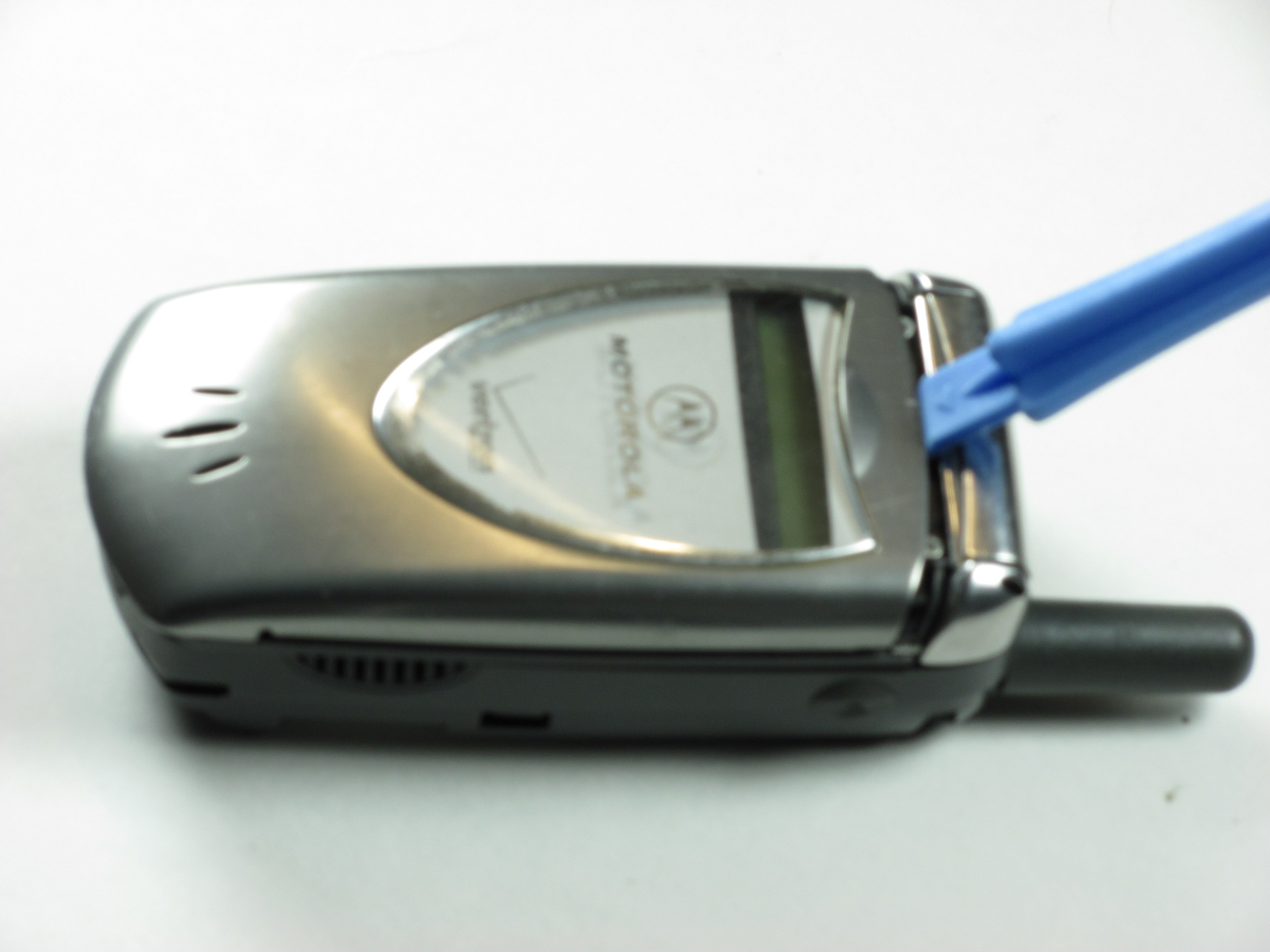
  • While holding the release latch, use an opening tool to help you slide off the front cover.
Step 3

Repair step

  • Remove the two screws at top of phone with a Phillips #1 screwdriver.
Step 4

Repair step

  • Use an opening tool to gently pry off the black cover, revealing the internal LCD display.