FIXONIC
SellSavedMy Fixonic
Official iFixit API visual reference

How to Fix Stick Drift for a SCUF INFINITY4PS PRO

If your SCUF INFINITY4PS PRO controller is...

iFixit Library Computer Game Controller Easy 10 - 20 minutes Guide 174338
Open the authorised source
Licensed iFixit integration

This attributed iFixit guide is displayed through Fixonic's recorded commercial API permission. iFixit remains the independent source and author of the procedure.

Guide overview

Before you begin

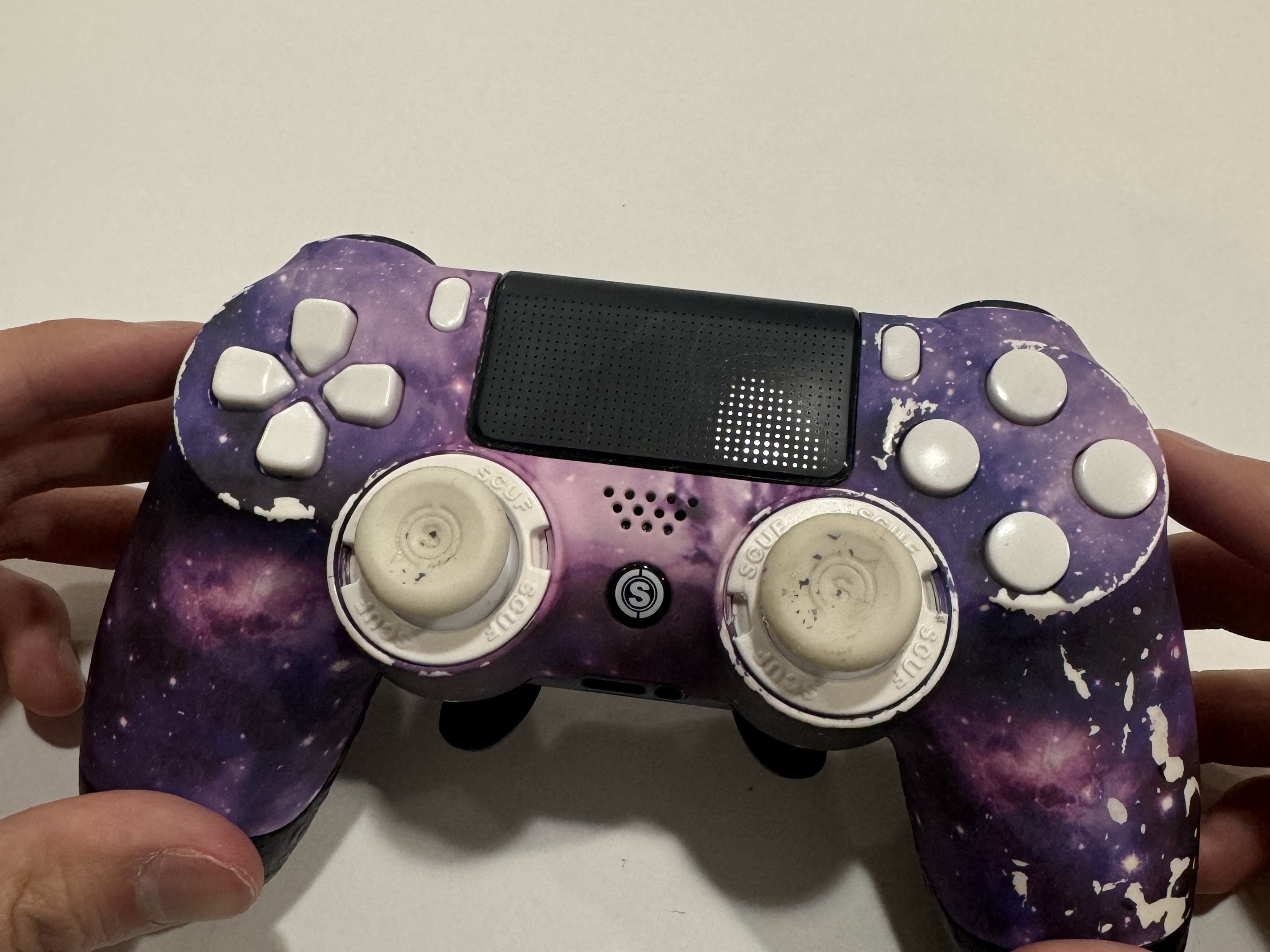
If your SCUF INFINITY4PS PRO controller is experiencing stick drift, where the joysticks move on their own or register inputs without any touch, use this guide to fix it. Stick drift is often caused by dust or dirt inside the controller, leading to stick drift. Regular cleaning can help avoid stick drift and extend the life of your controller. Before beginning, make sure to power off your controller completely and disconnect it from any power source.

Step 1

Repair step

  • Use a spudger or opening tool to remove the joystick covers.
  • Point the narrow end of the tool into one of the small openings on either side of each joystick cover and pry the covers off.
Step 2

Repair step

  • Cover a Q-tip with an alcohol wipe or dip the end of the Q-tip in Isopropyl alcohol.
  • Squeeze the end of the Q-tip to remove excess fluid and avoid dripping alcohol in the device.
  • Use the alcohol wipe and Q-tip to clean the joysticks and around the inside of the controller.
Step 3

Repair step

  • Clean the bottom of both joysticks covers with the alcohol wipe and Q-tip.
  • Be gentle when handling the internal components to prevent any damage.
Step 4

Repair step

  • Replace the joystick covers.
  • They should snap back on.