FIXONIC
SellSavedMy Fixonic
Official iFixit API visual reference

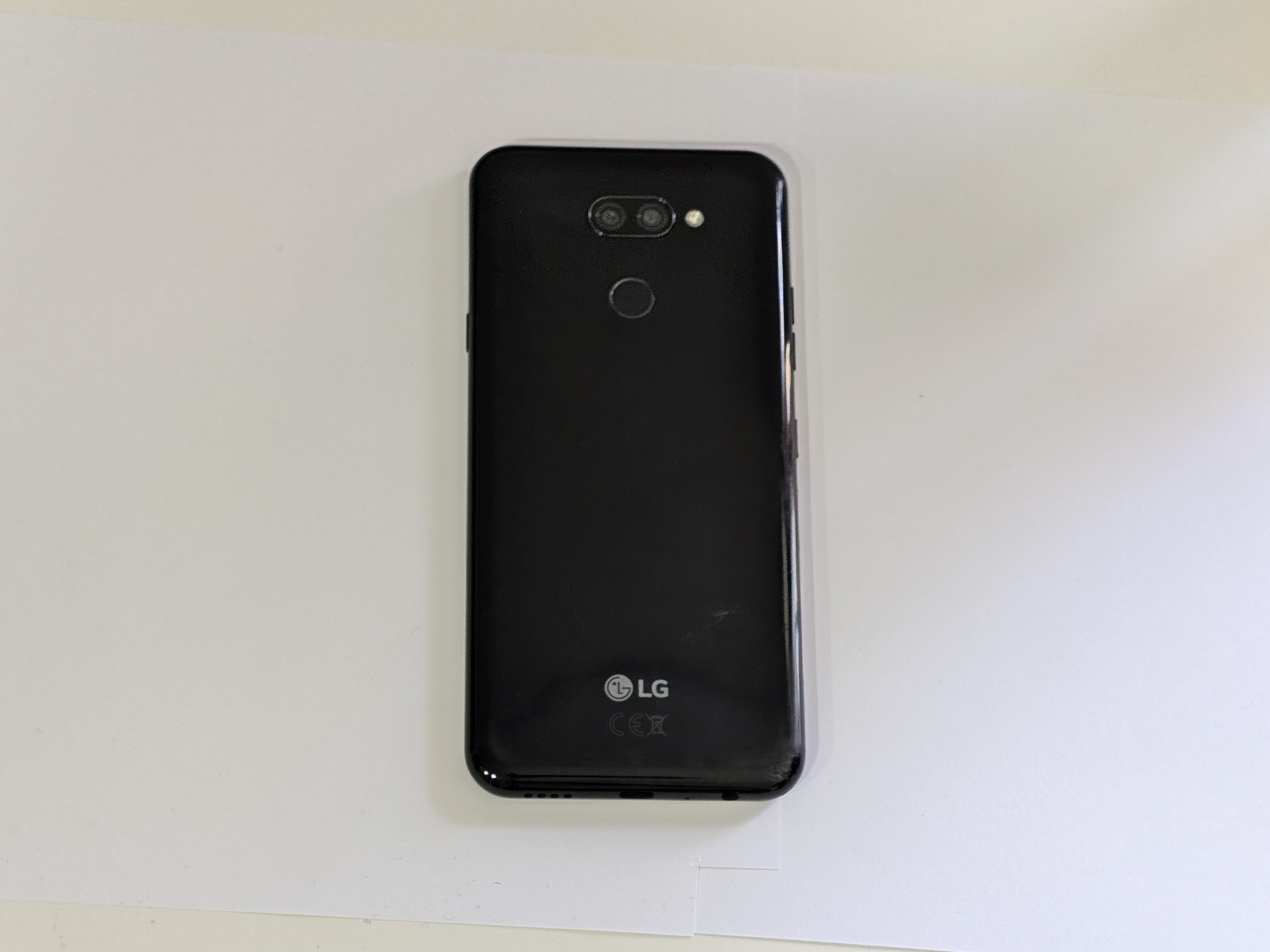
LG K40S Back Panel Replacement

Use this guide to replace the back panel on...

iFixit Library LG K40S Easy 5 - 10 minutes Guide 174969
Open the authorised source
Licensed iFixit integration

This attributed iFixit guide is displayed through Fixonic's recorded commercial API permission. iFixit remains the independent source and author of the procedure.

Guide overview

Before you begin

Use this guide to replace the back panel on your LG K40S. If you damage the fingerprint scanner or the flex cable for it during your repair, follow this guide to replace that too.

Step 1

Precautions

  • Power off your phone by holding the power key, pressing power off, then confirm.
  • Make sure that the battery of your phone is below 25% before opening to avoid battery fires should an accident happen.
Step 2

Removing SIM & SD Card trays

  • Use a SIM Eject tool (real one, bent paperclip or otherwise) to eject the 2 SIM & SD Card trays before removing them from the phone.
Step 3

Removing back panel

  • The back panel is made of plastic significantly reducing the chance of breakage compared to a glass back.
  • The back panel is held on with plastic clips and can be unclipped using plastic picks.
  • Be careful around the buttons so as to not damage the flex cables they reside on. The buttons on the back panel are seperate from the flex cable containing the buttons
  • Do not fully pull the back panel off straight away, you may rip the flex cable for the fingerprint scanner.
Step 4

Disconnecting fingerprint scanner

  • Open the back panel to the right as shown in image 1.
  • Disconnect the fingerprint scanner flex cable using a plastic pick or spudger
  • Pull the old back panel away from the phone.
Step 5

Removing fingerprint scanner from old back panel

  • This step can be skipped if you are also replacing the fingerprint scanner
  • Carefully remove the black tape covering the fingerprint scanner using your fingers or a plastic pick, being careful not to insert your pick too far if using one.
  • Carefully push the fingerprint scanner through the old back panel.
  • Use a plastic pick to carefully unadhere the flex cable from the old back panel.
  • Pull the fingerprint sensor away from the old back panel.