FIXONIC
Before you begin
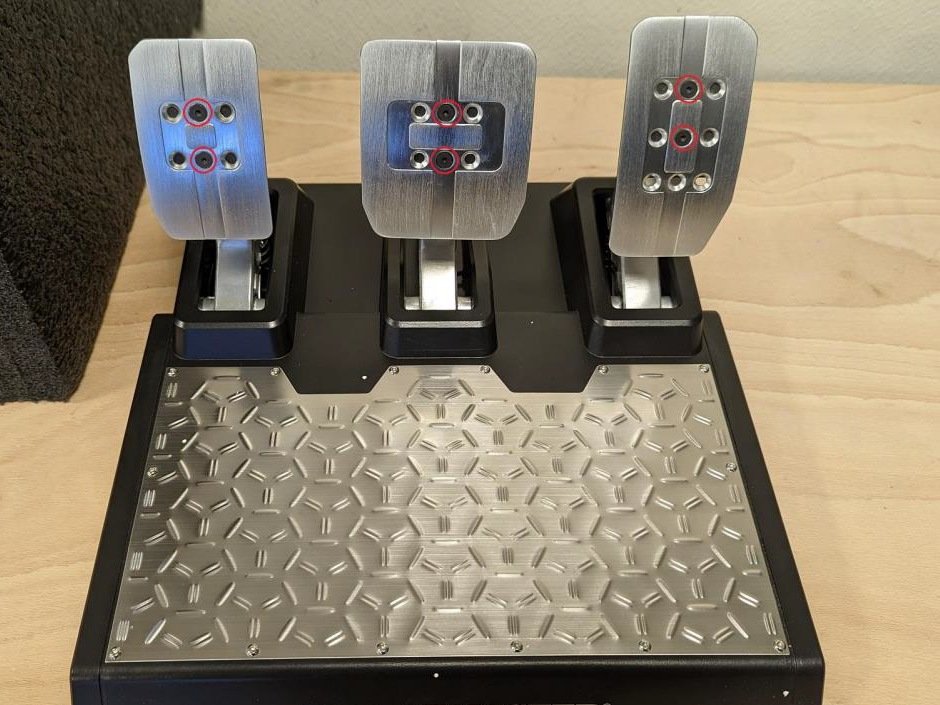
This guide shows how to open and clean a Thrustmaster T-LCM pedal set. You will be able to dust the interior and clean the axes as well as the metal contacts of the accelerator and clutch pedals.
This guide shows how to open and clean a...
This attributed iFixit guide is displayed through Fixonic's recorded commercial API permission. iFixit remains the independent source and author of the procedure.
This guide shows how to open and clean a Thrustmaster T-LCM pedal set. You will be able to dust the interior and clean the axes as well as the metal contacts of the accelerator and clutch pedals.