
FIXONIC
SellSavedMy Fixonic
Official iFixit API visual reference

Open the enclosure

These instructions describe how to open the...

iFixit Library Braun Series 9 9090cc (Model 5790) Moderate 10 - 30 minutes Guide 177786
Open the authorised source
Licensed iFixit integration

This attributed iFixit guide is displayed through Fixonic's recorded commercial API permission. iFixit remains the independent source and author of the procedure.

Guide overview

Before you begin

These instructions describe how to open the razor enclosure. This is a prerequisite for further steps such as replacing the battery or the drive.

Step 1

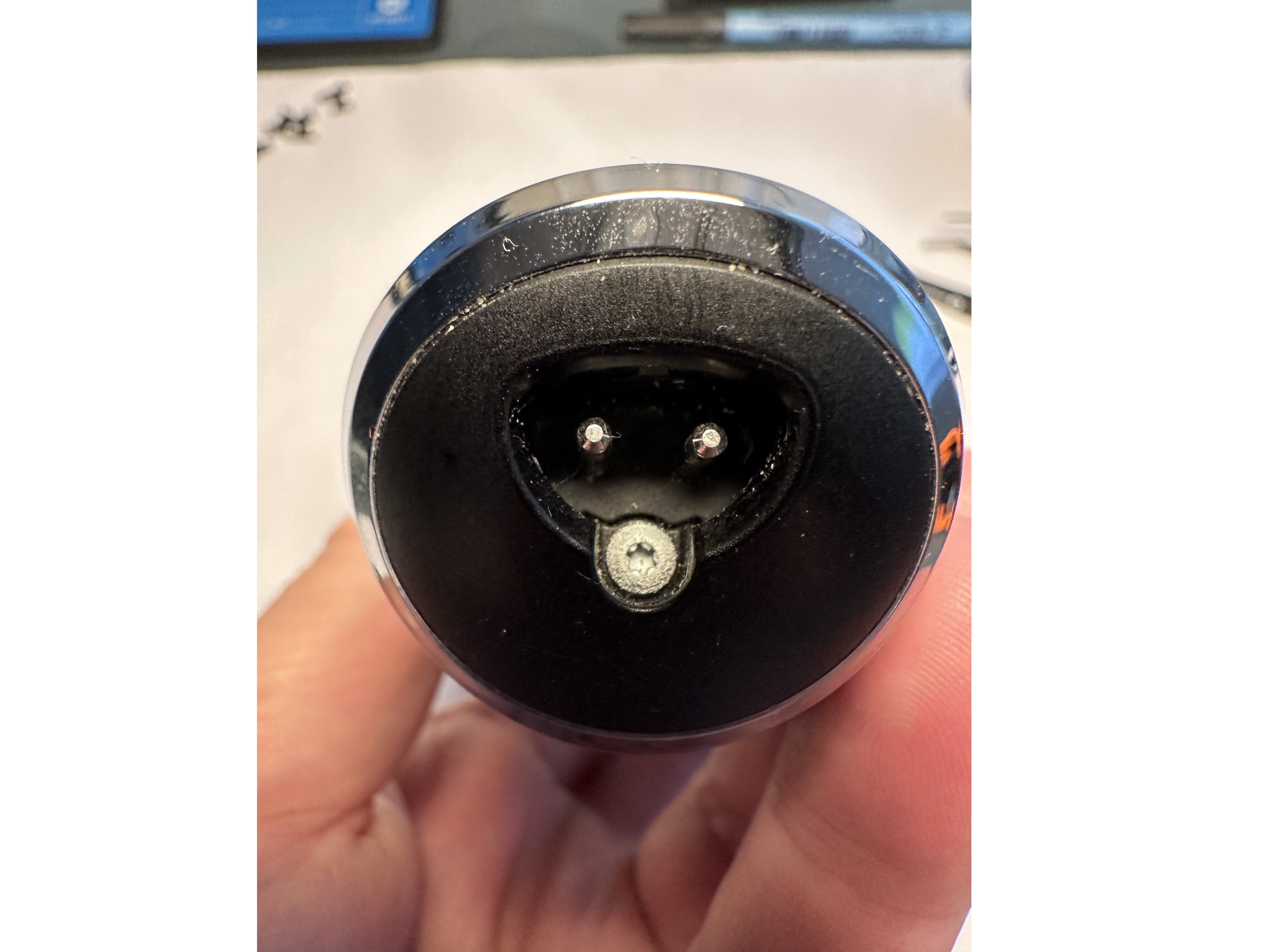
Remove the bottom cover

  • To do this, unfasten and remove the Torx T6 screw
  • Then pull off the cover.
Step 2

Remove the lower (rear) housing cover

  • To do this, extend the trimmer, i.e., push it upward from the bottom position toward the shaving head (red arrow)
  • Pull (green arrows) the covers on the left and right of the trimmer over the retaining pins (green rings)
  • Then pull them downward toward the bottom to remove them.
Step 3

Remove the side panels of the outer trim

  • Remove the upper side panels of the front outer trim on the left and right.
Step 4

Remove the front enclosure cover

  • Remove the front enclosure cover (outer panel). To do this, carefully pry the three side eyelets on the left and right slightly over the retaining tabs with a spatula.
  • Carefully lift off the enclosure cover.
Step 5

Remove the switch cover

  • Remove the switch cover. To do this, carefully pry the retaining tabs on the left and right over the retaining lugs.
  • Then lift off the exposed rocker switch at the top.
Step 6

Remove the front (inner) housing cover

  • To do this, remove the four Torx T8 screws that are visible on the front left and right sides.
  • The tongue and groove opposite the case and cover can be pushed apart using a spatula.
  • The positive terminal of the 18500 cell points downward (shaving head at the top).