FIXONIC
SellSavedMy Fixonic
Official iFixit API visual reference

Blackberry PRIV Battery Replacement

A failing battery can impact daily use and pose...

iFixit Library Blackberry PRIV Moderate 15 minutes Guide 179468
Open the authorised source
Licensed iFixit integration

This attributed iFixit guide is displayed through Fixonic's recorded commercial API permission. iFixit remains the independent source and author of the procedure.

Guide overview

Before you begin

A failing battery can impact daily use and pose safety risks. By replacing the battery, you can restore your phone's reliability, improve its lifespan, and avoid the need for a costly new device. Before replacing the battery, test with a different charger and inspect the charging port for debris. Make sure to not puncture the battery as it can be dangerous. Always power off the phone and disconnect it from any power source before starting. Use this guide to replace your device's battery.

Step 1

Repair step

  • Look for the two small holes at the top of your device.
  • Use a SIM eject tool to push down into the holes which lifts the SIM and SD trays.
  • Pull the trays up and out of the device.
Step 2

Repair step

  • Insert an opening pick in the seam between the rear casing and chassis. Apply downward pressure to pry the casing upward.
  • Follow this procedure for only the right, left, and top side of the casing.
Step 3

Repair step

  • Remove the rear casing by sliding the case down and out.
Step 4

Repair step

  • Remove the two 3.3 mm T4 Torx screws that secure the battery connector.
  • There may be a plastic protector covering the circuit board and battery. Remove the plastic protector to begin.
Step 5

Repair step

  • Use an opening tool to lift and disconnect the battery connector.
Step 6

Repair step

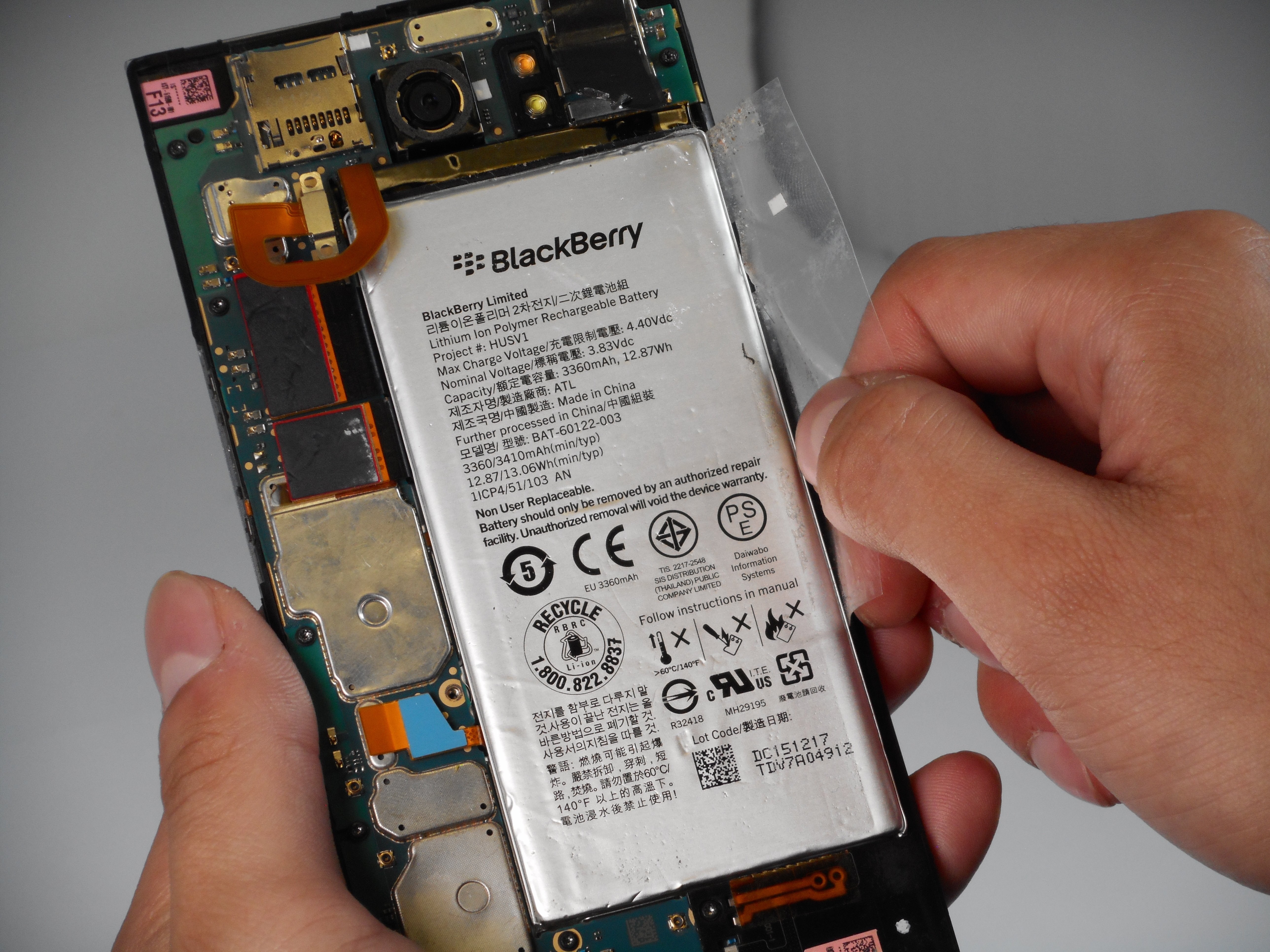
  • Pull on the plastic tab to remove the battery from the device.
  • For easier removal, use a blow dryer to warm the battery glue.
  • Be careful to not overheat the battery or puncture the battery as lithium batteries are dangerous.