FIXONIC
Before you begin
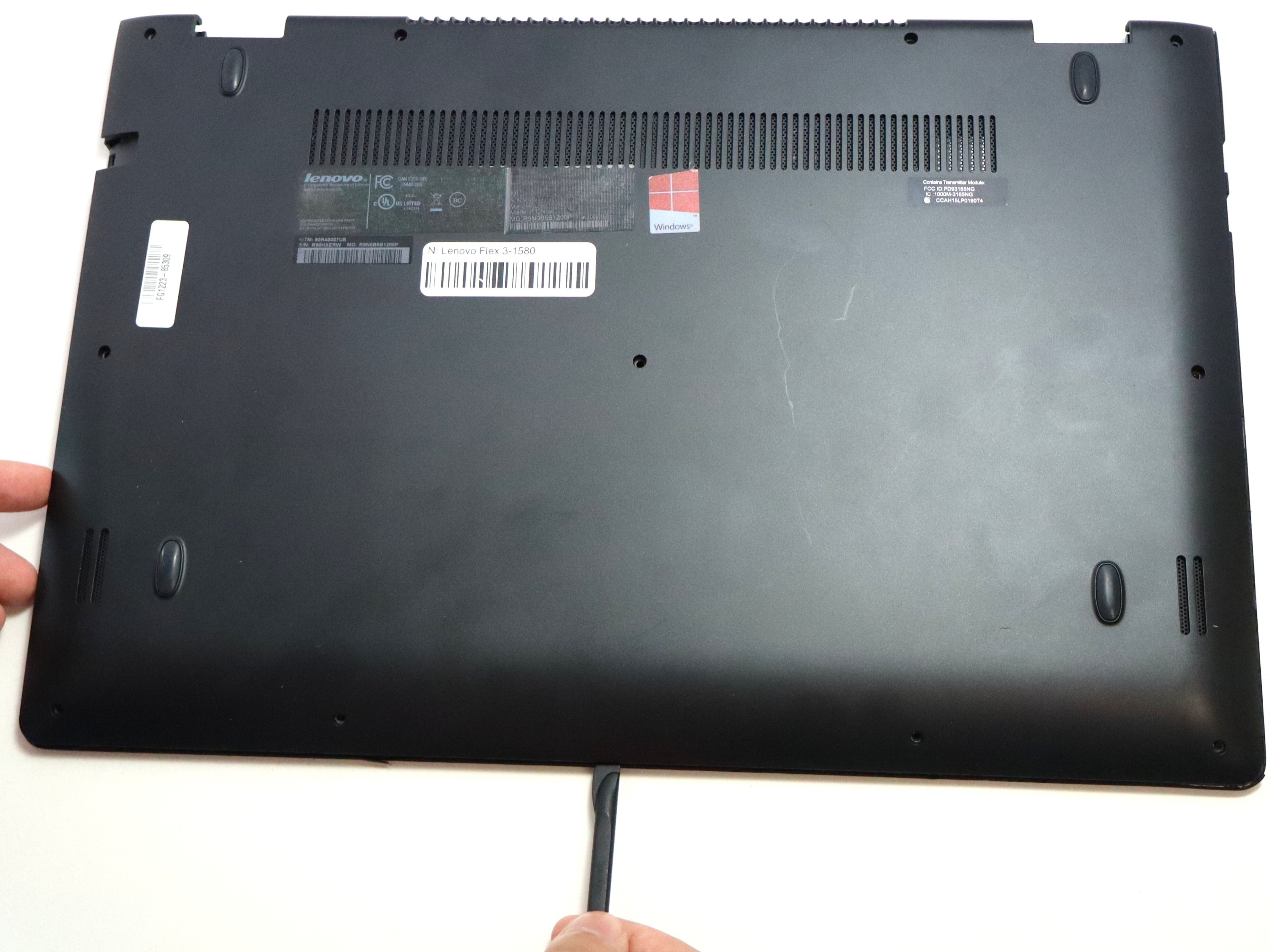
If your Lenovo Flex 3-1580 is not holding a charge, not charging, or has a damaged battery, the purpose of this guide will explain how to replace the battery. With a new battery you'll notice a decrease in charging times and overall battery life. Review this troubleshooting guide before jumping to replace the battery first. Warning: Power down your device completely by holding the power button for 5-10 seconds, then ground yourself by using an anti-static wrist strap connected to a grounded surface before handling any sensitive components. For a further explanation how to use the iFixit anti-static wristband please refer to this guide. Batteries in Lenovo Flex products have not had any recall notices.