FIXONIC
SellSavedMy Fixonic
Official iFixit API visual reference

Lenovo Flex 3-1580 Speaker Replacement

If the Lenovo Flex 3-1580 speakers are not...

iFixit Library Lenovo Flex 3-1580 Easy 15 minutes Guide 182079
Open the authorised source
Licensed iFixit integration

This attributed iFixit guide is displayed through Fixonic's recorded commercial API permission. iFixit remains the independent source and author of the procedure.

Guide overview

Before you begin

If the Lenovo Flex 3-1580 speakers are not producing any audio or sound distorted, this guide will walk you through how to replace them. Replacing any faulty speakers will help produce clear sound. Before resulting in a replacement, it can be beneficial to check this troubleshooting guide first. Warning: Power down your device completely by holding the power button for 5-10 seconds, unplug the charger if still plugged in, then ground yourself by using an anti-static wrist strap connected to a grounded surface before handling any sensitive components. For a further explanation how to use the iFixit anti-static wristband please refer to this guide. No recall notices have been issued by Lenovo for the Flex 3-1580 series speakers.

Step 1

Repair step

  • Remove eleven 6.0 mm screws from the bottom cover using a JIS #1 screwdriver.
Step 2

Repair step

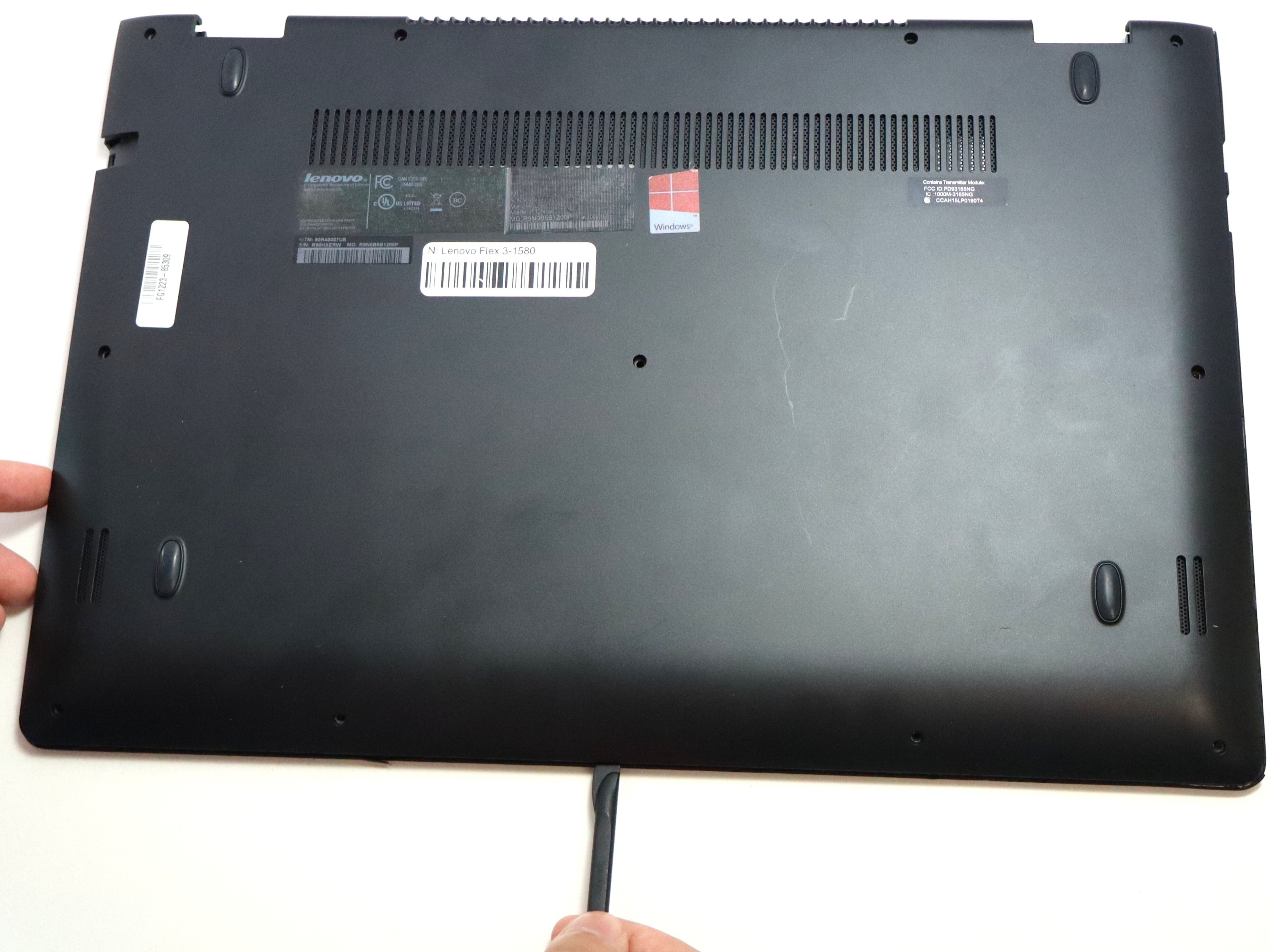
  • Loosen the backing cover by sliding a spudger along the edges.
  • You’ll hear and feel a pop as you loosen the edges. This lets you know the backing is loosening up.
  • Remove the bottom cover from the laptop.
Step 3

Repair step

  • Pull up the speakers from their compartments on the right and left sides.
Step 4

Repair step

  • Gently pull and wiggle out the plug from the motherboard.