FIXONIC
SellSavedMy Fixonic
Official iFixit API visual reference

Lenovo Flex 3-1580 Back Cover Replacement

This guide will show you how to remove the back...

iFixit Library Lenovo Flex 3-1580 Moderate No estimate Guide 182191
Open the authorised source
Licensed iFixit integration

This attributed iFixit guide is displayed through Fixonic's recorded commercial API permission. iFixit remains the independent source and author of the procedure.

Guide overview

Before you begin

This guide will show you how to remove the back cover for the Lenovo Flex 3-1580.

Step 1

Repair step

  • Remove eleven 6.0 mm screws from the bottom cover using a JIS #1 screwdriver.
Step 2

Repair step

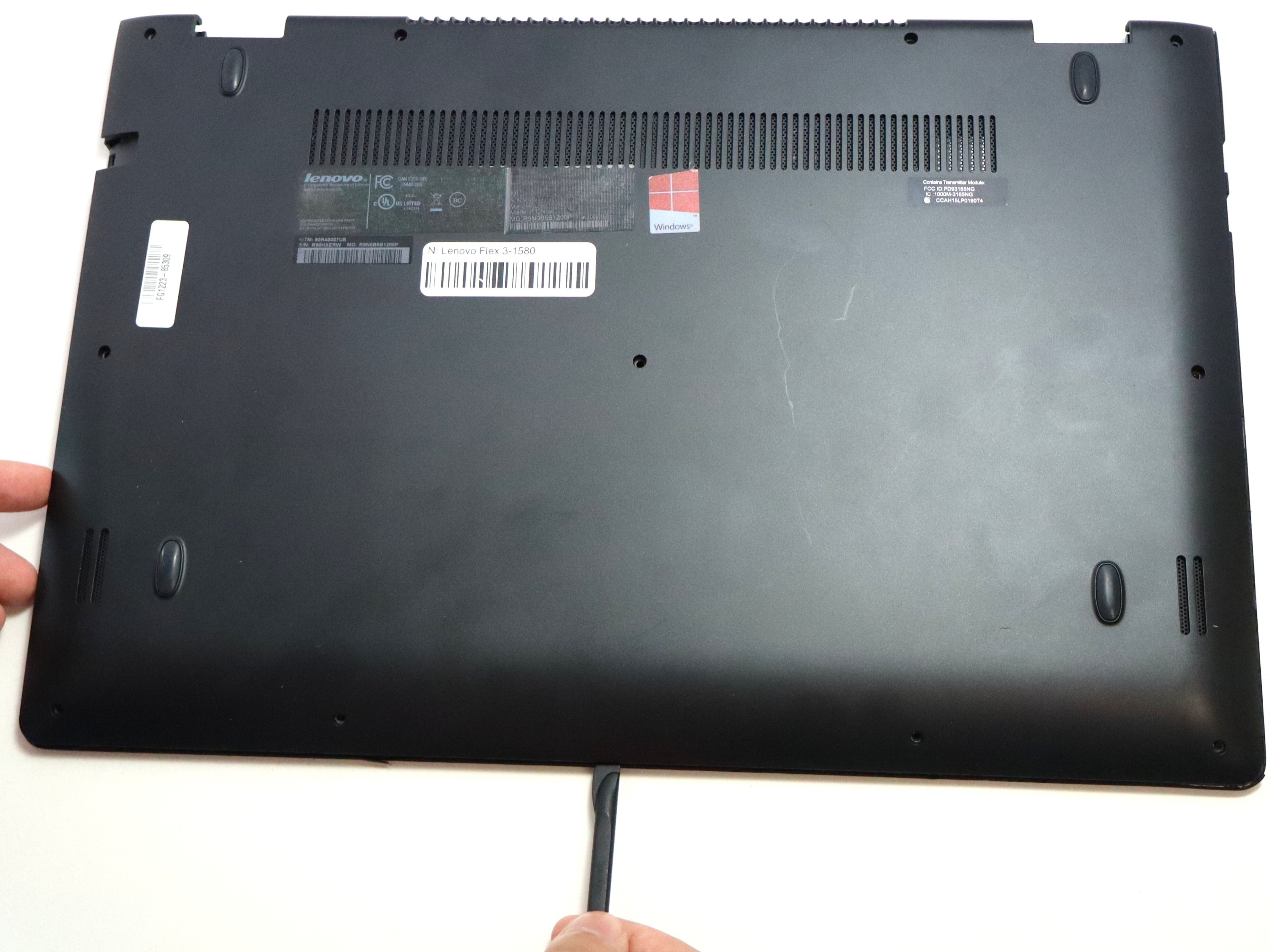
  • Loosen the backing cover by sliding a spudger along the edges.
  • You’ll hear and feel a pop as you loosen the edges. This lets you know the backing is loosening up.
  • Remove the bottom cover from the laptop.