
FIXONIC
SellSavedMy Fixonic
Official iFixit API visual reference

eufy RoboVac 11S MAX Bumper Replacement

Having the eufy Robovac 11s Max around the...

iFixit Library eufy RoboVac 11S MAX Moderate 15 minutes Guide 184065
Open the authorised source
Licensed iFixit integration

This attributed iFixit guide is displayed through Fixonic's recorded commercial API permission. iFixit remains the independent source and author of the procedure.

Guide overview

Before you begin

Having the eufy Robovac 11s Max around the house can be a great help. However, issues can occur with the device. The bumper can need a replacement if the vacuum hits walls or has other sensory issues. This guide can help you replace the bumper.
Step 1

Repair step

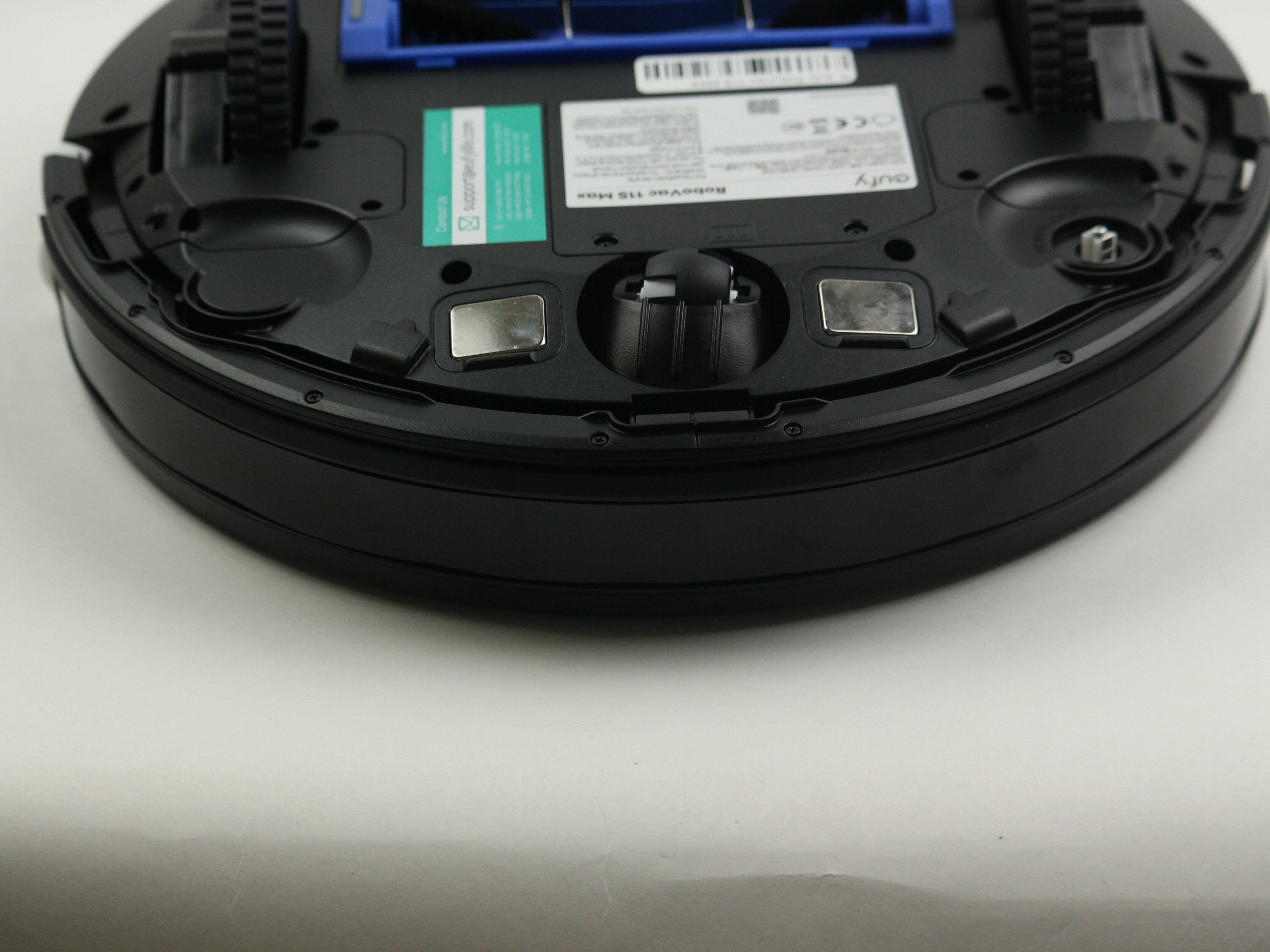
  • Flip the device upside down.
  • Remove the eight screws from under the vacuum where the bumper is placed using a Phillips screwdriver.
Step 2

Repair step

  • Disconnect the cable that connects the bumper to the vacuum.
  • Remove the bumper pieces.