FIXONIC
SellSavedMy Fixonic
Official iFixit API visual reference

Zebra CS3 Teardown

Attributed iFixit repair guide for 芝柯.

iFixit Library 芝柯 Moderate 3 minutes Guide 184352
Open the authorised source
Licensed iFixit integration

This attributed iFixit guide is displayed through Fixonic's recorded commercial API permission. iFixit remains the independent source and author of the procedure.

Step 1

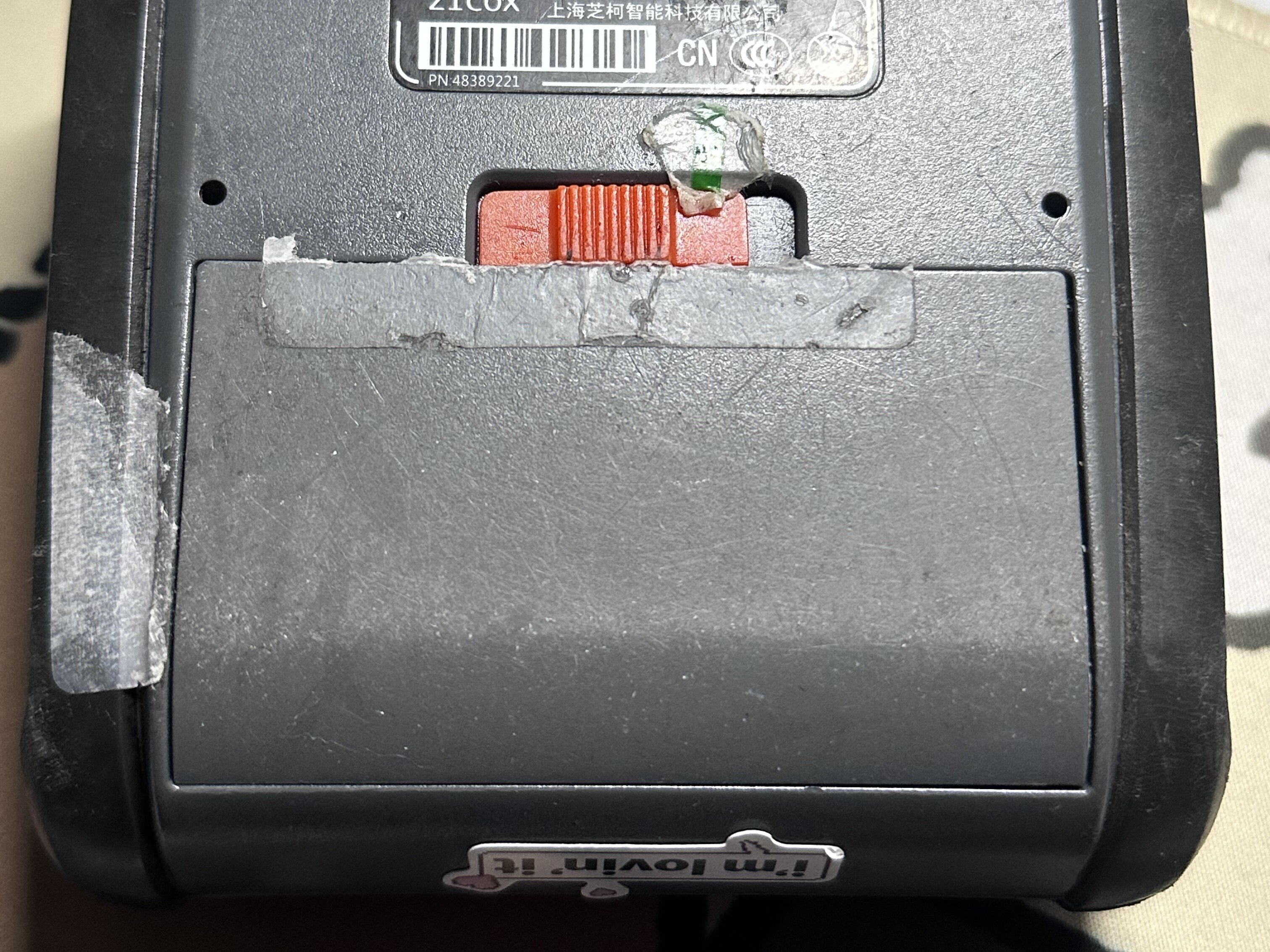
Remove the battery

  • Flip the red lever to remove the battery
Step 2

Remove the 4 securing screws

  • 2 are in the paper compartment, and 2 are in the battery compartment
Step 3

Remove the rear cover

  • Separate the front cover from the rear cover
Step 4

Remove the motherboard screws

  • 4 silver screws
Step 5

Disconnect the screen and motor ribbon cables

  • There is one ribbon cable on the front and another on the back. Be careful not to tear them. You need to release the locking clips before pulling out the ribbon cables.