
FIXONIC
SellSavedMy Fixonic
Official iFixit API visual reference

Dell Chromebook 3100 Speakers Replacement

This is a guide on how to replace the speakers...

iFixit Library Dell Chromebook 3100 Easy 1 minute Guide 184540
Open the authorised source
Licensed iFixit integration

This attributed iFixit guide is displayed through Fixonic's recorded commercial API permission. iFixit remains the independent source and author of the procedure.

Guide overview

Before you begin

This is a guide on how to replace the speakers from a Dell Chromebook 3100 system. The prerequisite guide needed is the battery removal, please follow those steps before attempting step 1 of the speaker removal guide.
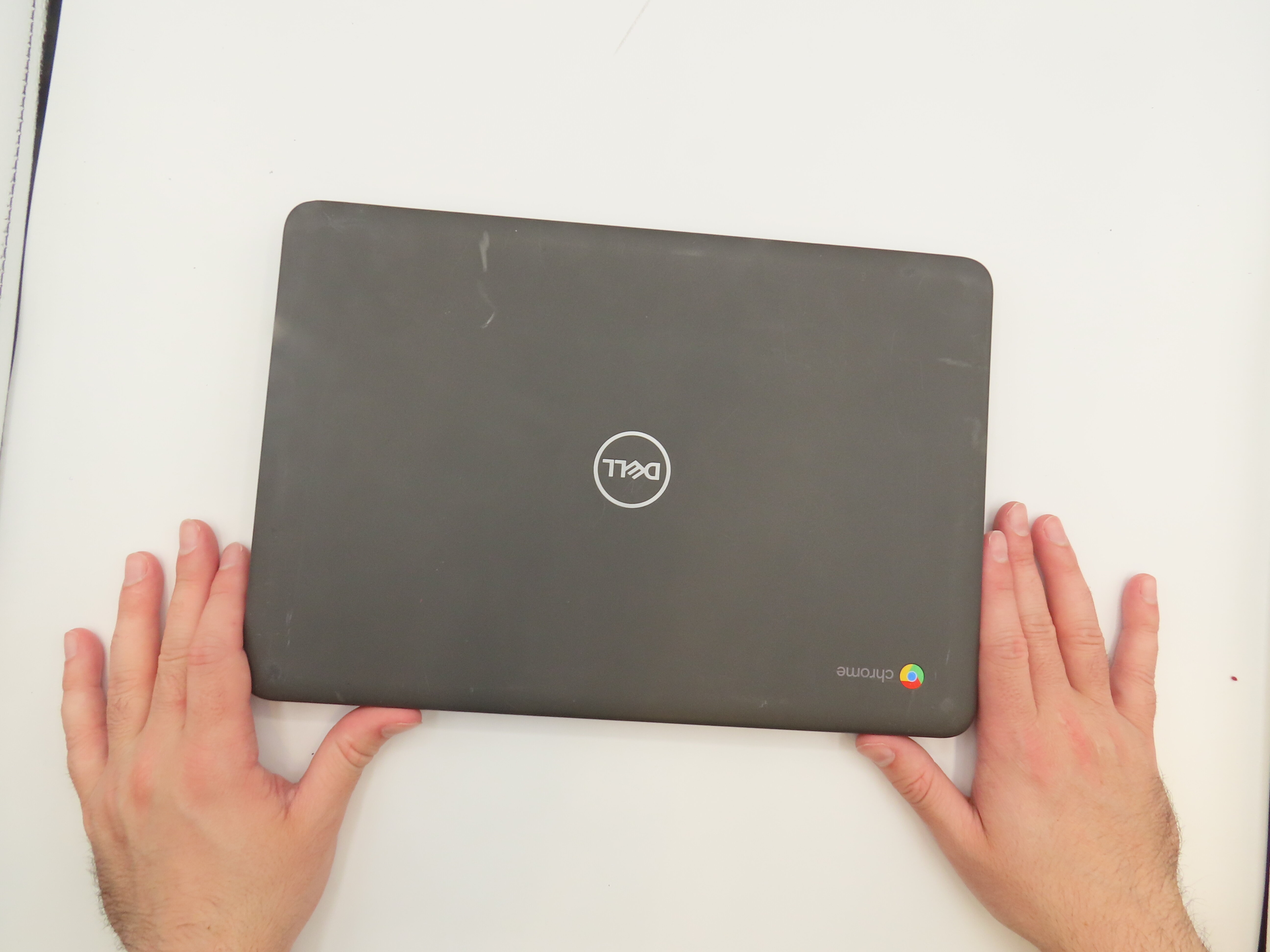
Step 1

Repair step

  • Flip the laptop so the bottom is facing upwards.
  • Loosen the nine screws from the back panel using a Phillips #0 screwdriver.
Step 2

Repair step

  • Pry the back panel away from the rest of the laptop using an iFixit opening tool.
Step 3

Repair step

  • Remove the screws attached to the battery using a Phillips #0 screwdriver.
  • Disconnect the battery from the motherboard by gently pulling on the connector cable at the top of the battery.
Step 4

Repair step

  • Carefully remove the battery.
Step 5

Repair step

  • Gently detach the wire connecting the speakers to the motherboard.
Step 6

Repair step

  • Lift up and remove the left speaker assembly from the posts.
  • Speakers are secured by two small posts. Simply lift up on the left speaker assembly module.
Step 7

Repair step

  • Lift up and remove the right speaker module from the posts.
Step 8

Repair step

  • Remove the wiring from the wire guides along the bottom portion of the case.
  • Remove the speaker modules and the connected wires from the system.