FIXONIC
SellSavedMy Fixonic
Official iFixit API visual reference

iPhone 16e Front Camera Assembly Installation

Attributed iFixit repair guide for iPhone 16e.

iFixit Library iPhone 16e Moderate No estimate Guide 185188
Open the authorised source
Licensed iFixit integration

This attributed iFixit guide is displayed through Fixonic's recorded commercial API permission. iFixit remains the independent source and author of the procedure.

Step 1

Place the front camera assembly

  • Slide the front camera assembly into its recess in the frame.
  • Press the assembly down so it lies flat.
Step 2

Repair step

  • Slide the front camera assembly cable into its slot along the battery.
Step 3

Reconnect the front camera assembly

  • Use your spudger or your fingers to reconnect the front camera assembly press connectors.
Step 4

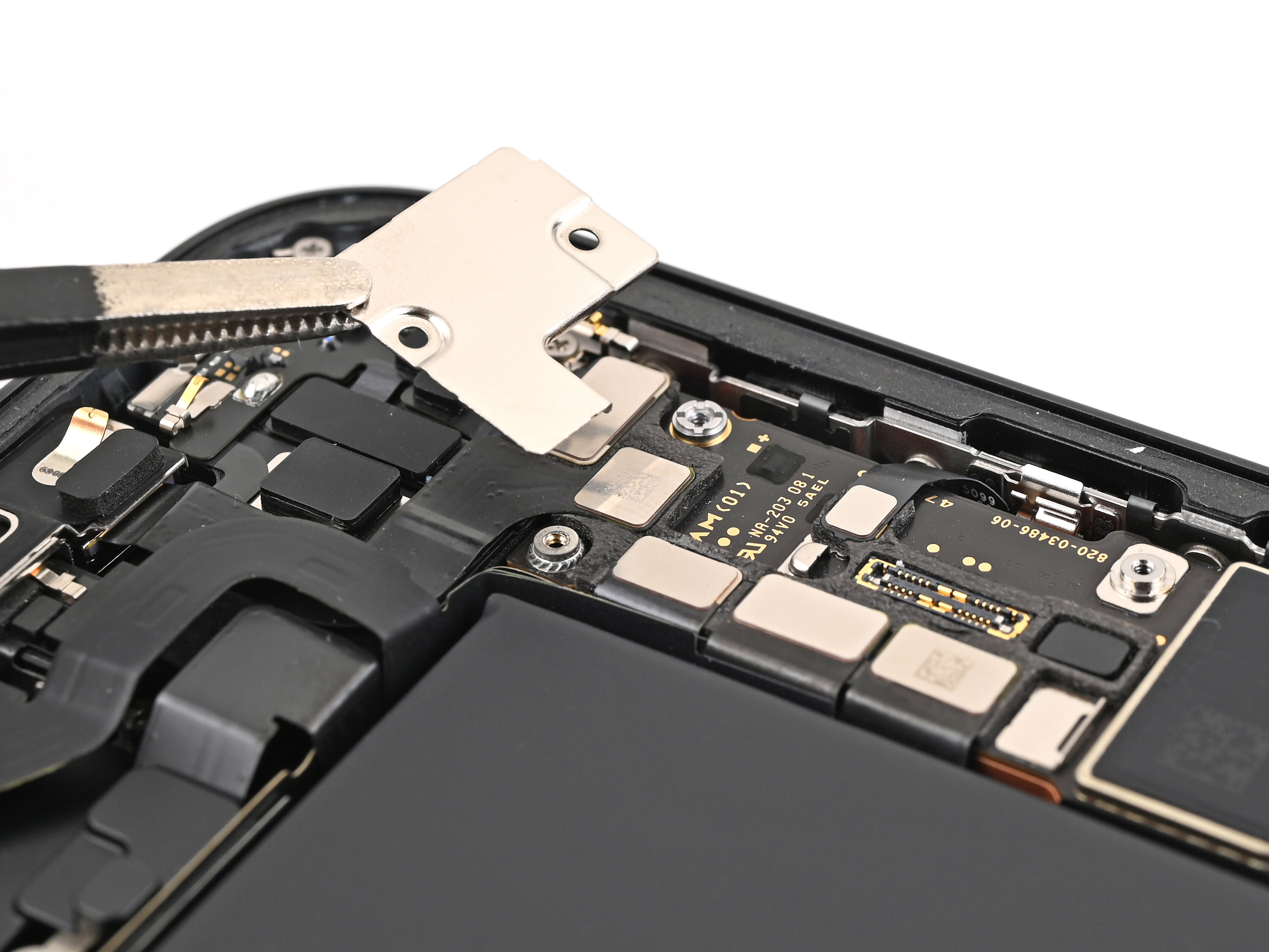
Install the top connector cover

  • Place the top connector cover onto the logic board over the three press connectors.
Step 5

Install the top connector cover screws

  • Use a tri-point Y000 screwdriver to install the two screws securing the top connector cover:
  • One 1.0 mm‑long screw
  • One 1.3 mm‑long screw