FIXONIC
SellSavedMy Fixonic
Official iFixit API visual reference

RIM BlackBerry 7510 Disassembly

This guide will show how to disassemble the...

iFixit Library BlackBerry 7510 Easy 30 minutes Guide 1871
Open the authorised source
Licensed iFixit integration

This attributed iFixit guide is displayed through Fixonic's recorded commercial API permission. iFixit remains the independent source and author of the procedure.

Guide overview

Before you begin

This guide will show how to disassemble the Blackberry.

Step 1

Repair step

  • Remove the back cover exposing the battery, and remove the battery.
Step 2

Repair step

  • Remove the six screws with the screwdriver using the T-5 tip.
Step 3

Repair step

  • Pry open back cover
Step 4

Repair step

  • Lift off the back cover.
Step 5

Repair step

  • Unscrew the two screws with a T-6 screwdriver head
Step 6

Repair step

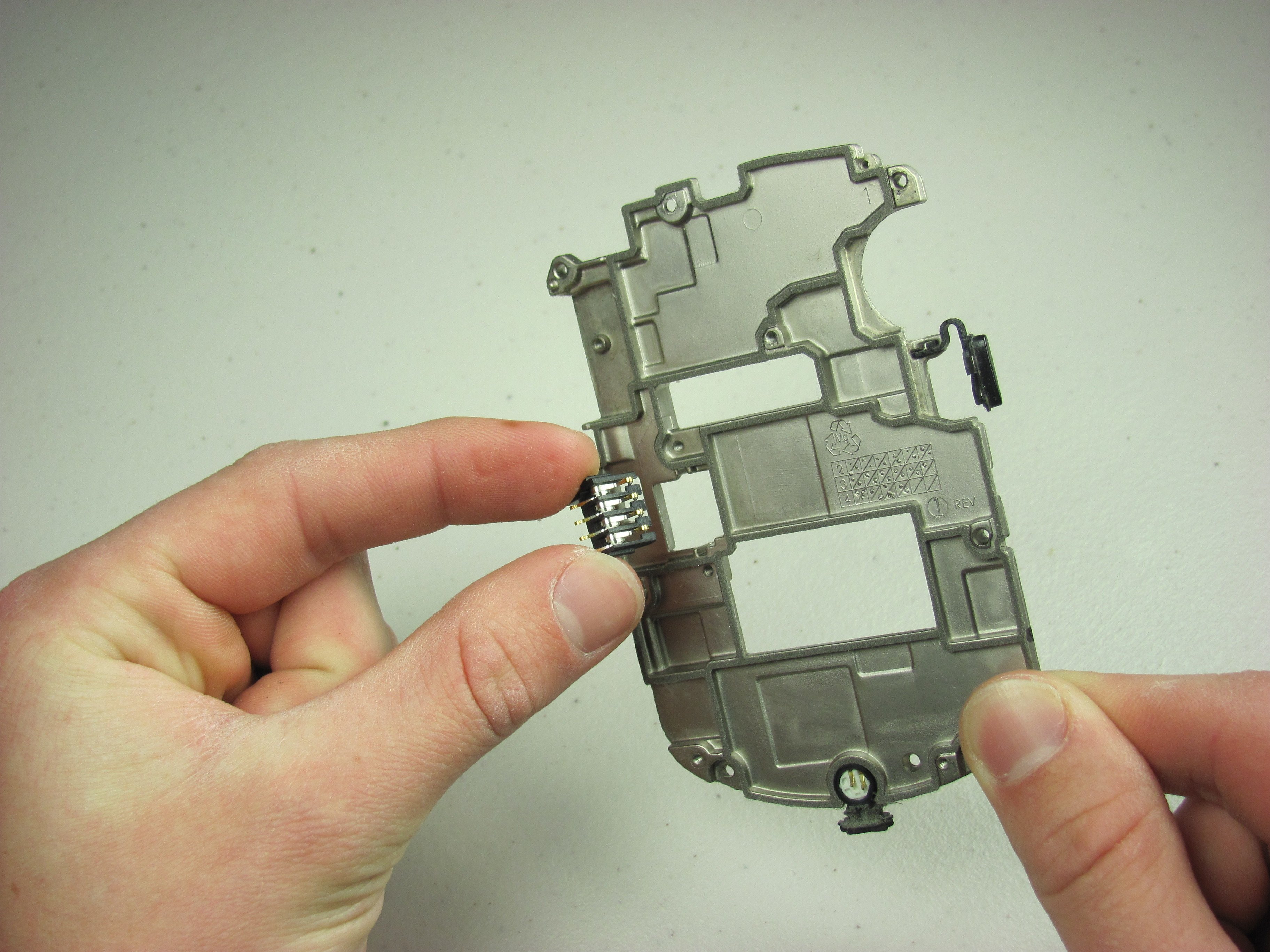
  • Remove chip
Step 7

Repair step

  • Unscrew to remove the back plate
Step 8

Repair step

  • Carefully pry off back plate
Step 9

Repair step

  • Take off front cover and keypad
Step 10

Repair step

  • Remove one screw in the front.
Step 11

Repair step

  • Pry the two parts apart.
Step 12

Repair step

  • The screen is now apart from the phone.
Step 13

Repair step

  • Using the Philips screwdriver unscrew center screw.
Step 14

Repair step

  • The final two parts now come apart.
Step 15

Repair step

  • The phone is now completely disassembled. Handle back with care shown piece comes right off.
Step 16

Repair step

  • Your blackberry has been fully disassembled.