FIXONIC
SellSavedMy Fixonic
Official iFixit API visual reference

Framework Laptop 12 Top Cover Installation

Top Cover installation prereq guide
iFixit Library Framework Laptop 12 Moderate 30 minutes - 1 hour Guide 187485
Open the authorised source
Licensed iFixit integration

This attributed iFixit guide is displayed through Fixonic's recorded commercial API permission. iFixit remains the independent source and author of the procedure.

Guide overview

Before you begin

Top Cover installation prereq guide

Step 1

Install the Top Cover

  • Use your fingers to lift the hinges over the Top Cover lip and lay them in place.
Step 2

Repair step

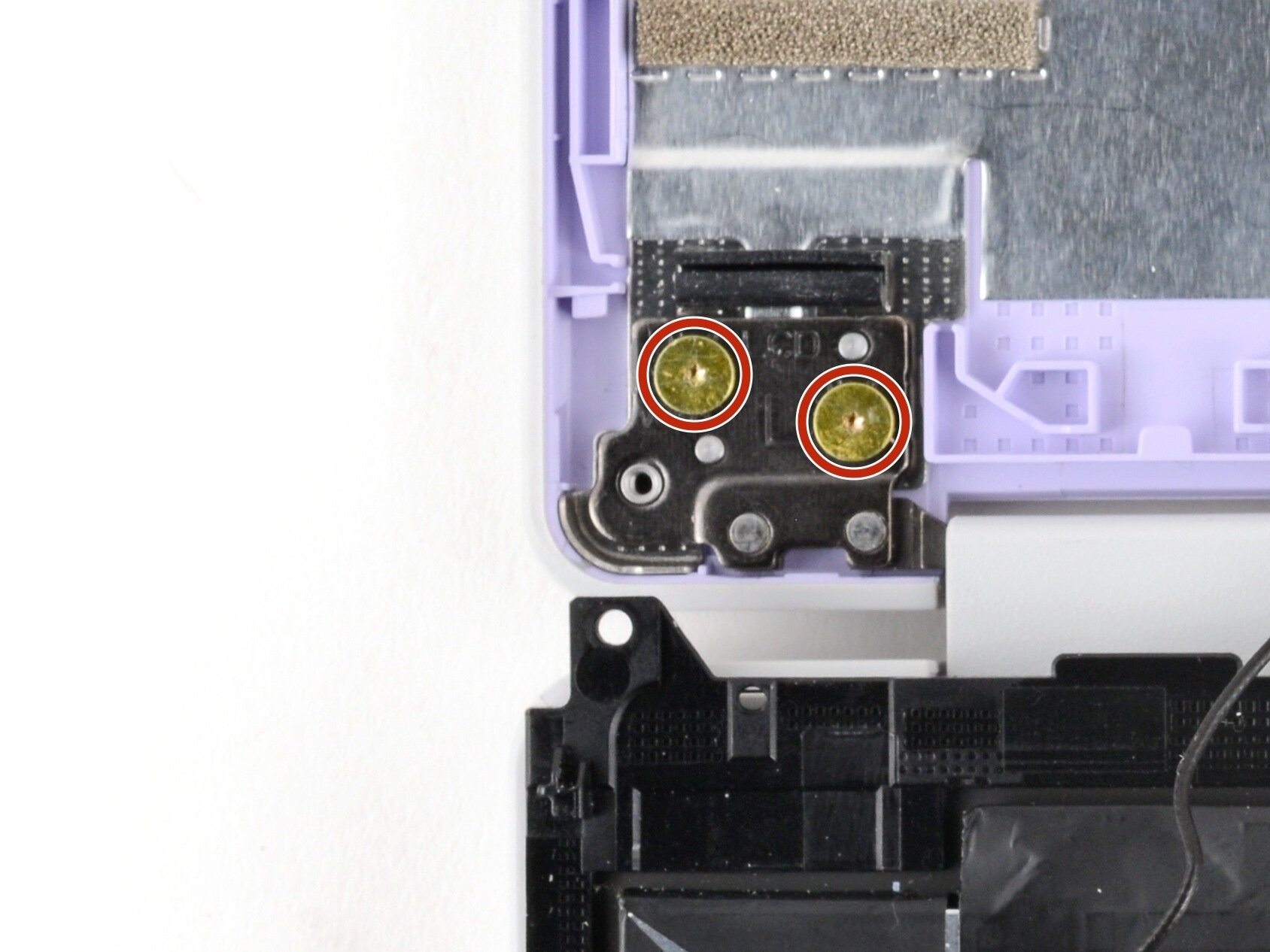
  • Use your Framework Screwdriver to install the four 2.4 mm‑long T5 Torx screws to secure the two hinges to the Top Cover.
  • Make sure to install these screws in the marked locations. There are additional screw holes on the hinges that are not for these screws.
Step 3

Repair step

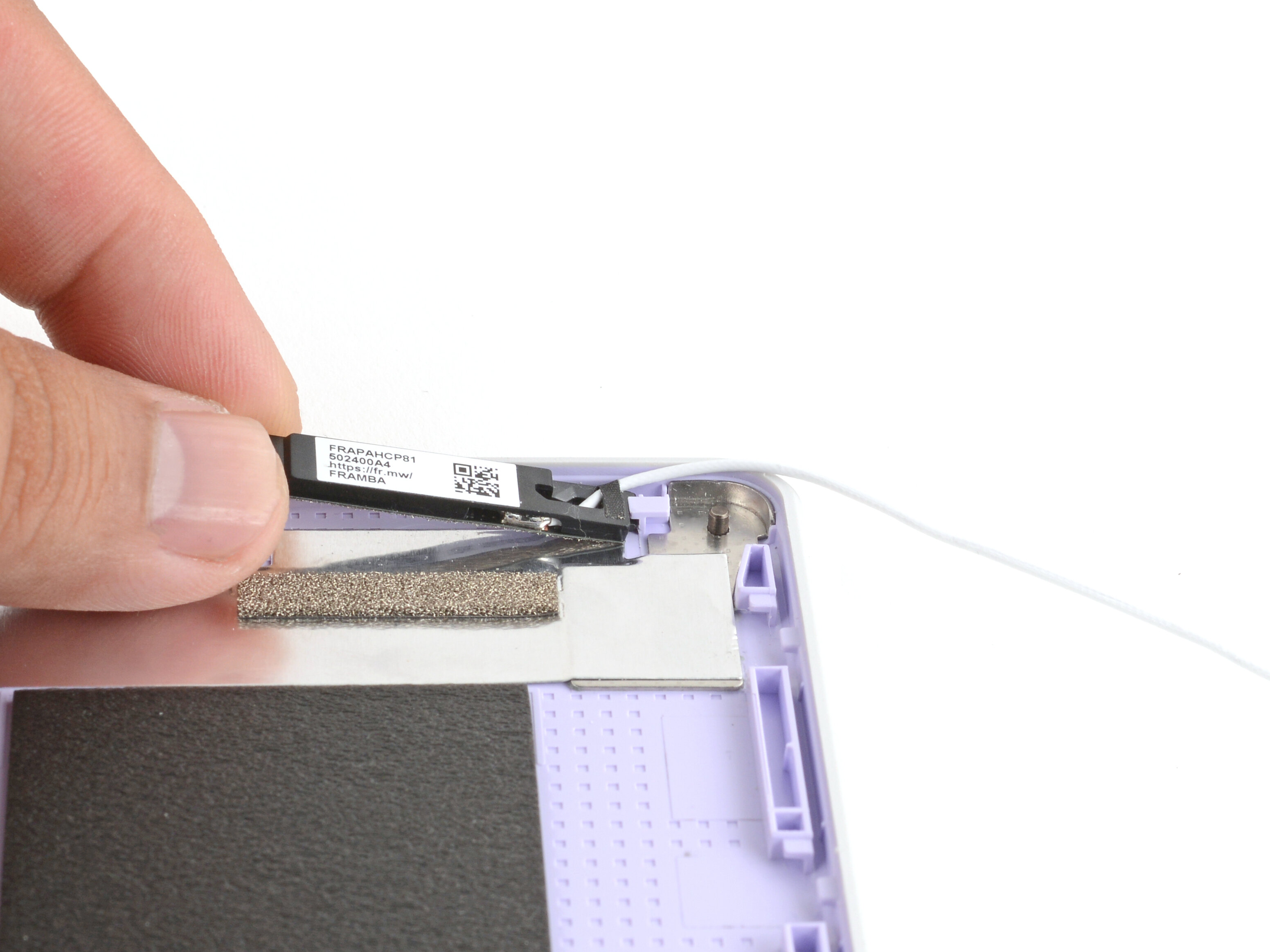
  • Lay each antenna in place in the Top Cover.
Step 4

Repair step

  • Use your Framework Screwdriver to install the two 2.4 mm‑long T5 Torx screws to secure the antennas to the Top Cover.
Step 5

Repair step

  • Use your fingers and your Framework Screwdriver to guide and press both antenna cables back into their channels.
  • Zoom in on the third image to see how the cables sit in their channels.