
FIXONIC
SellSavedMy Fixonic
Official iFixit API visual reference

LG G Pad 5 10.1 Charging Port Replacement

Signs you might need this replacement: (1)...

iFixit Library LG G Pad 5 10.1 Moderate 10 minutes Guide 189297
Open the authorised source
Licensed iFixit integration

This attributed iFixit guide is displayed through Fixonic's recorded commercial API permission. iFixit remains the independent source and author of the procedure.

Guide overview

Before you begin

Signs you might need this replacement: Tablet doesn't chargeMay be caused by faulty batteryTablet charges slowlyMay be caused by fault battery
Step 1

Repair step

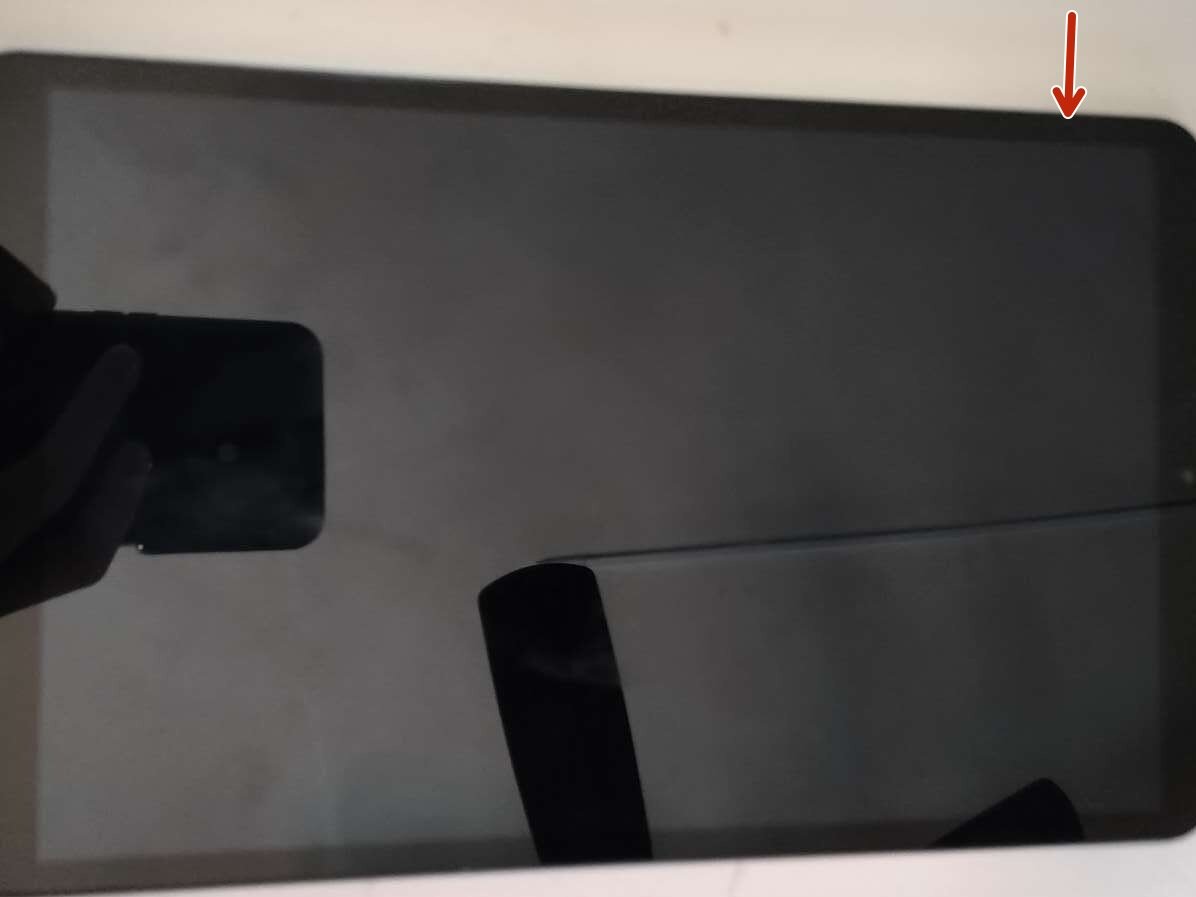
  • Insert your Sim Card Eject Tool into the SIM tray hole and pull out the SIM tray
Step 2

Repair step

  • Remove the screws at the buttom (near the charging port) with your T2 Torx Screwdriver
Step 3

Repair step

  • Use your opening picks to loosen the back plate and lift it from the tablet.
  • Disconnect the fingerprint wire to remove the back plate fully.
Step 4

Repair step

  • Unscrew and remove the right panel using your Phillips #00 Screwdriver
Step 5

Repair step

  • Using your Phillips #00 Screwdriver, unscrew and remove the left panel.
Step 6

Repair step

  • Disconnect the wires
Step 7

Repair step

  • Using tweezers, remove the charging port board
  • Insert your new port