FIXONIC
SellSavedMy Fixonic
Official iFixit API visual reference

Cobra 29 LTD Classic Knobs Replacement

Whether your knobs are broken or you want to...

iFixit Library Cobra 29 LTD Classic Easy 5 - 10 minutes Guide 19153
Open the authorised source
Licensed iFixit integration

This attributed iFixit guide is displayed through Fixonic's recorded commercial API permission. iFixit remains the independent source and author of the procedure.

Guide overview

Before you begin

Whether your knobs are broken or you want to put a decorative sticker on your front panel, sometimes you need to get the knobs off of your radio. This guide will instruct you on how to use plastic opening tools to safely remove the knobs.

Step 1

Repair step

  • Turn the power switch, the leftmost knob, counterclockwise to off.
Step 2

Repair step

  • Turn the device around and firmly pull the power cable plug to remove it from the radio.
Step 3

Repair step

  • Unscrew the cap counterclockwise on the microphone plug to disconnect the cable.
Step 4

Repair step

  • Gently unplug the microphone plug.
Step 5

Repair step

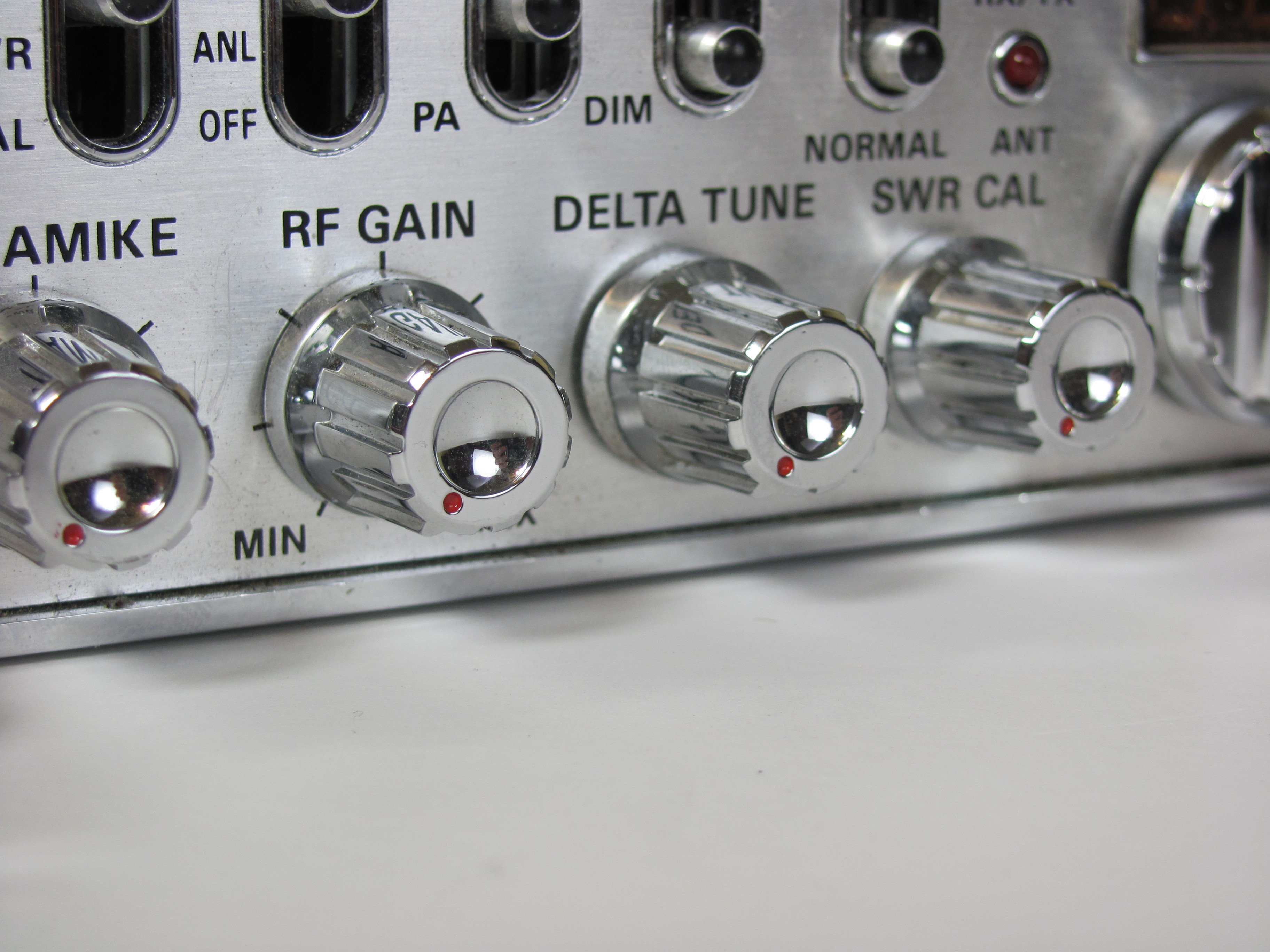
  • Gently turn the middle four knobs counter-clockwise until they no longer move.
  • The middle four knobs are held in place by friction and do not have a way to keep them in the correct position. When reassembling the middle four knobs, make sure to line up the mark on the knob with the left-most mark on the front panel.
Step 6

Repair step

  • Insert two plastic opening tools behind the tuning knob.
  • With some force, pry the knob off of the radio.
  • Two opening tools are needed so that you don't break the knob or connector by applying uneven force.
Step 7

Repair step

  • Repeat the above procedure with the remaining knobs.
  • The final knob will have a power knob on the end of it. When reassembling, put the power knob on last.