FIXONIC
SellSavedMy Fixonic
Official iFixit API visual reference

Polaroid Sun 600 LMS Film Pack Replacement

How to install a new film pack.

iFixit Library Polaroid Sun 600 LMS Very easy 5 minutes Guide 1962
Open the authorised source
Licensed iFixit integration

This attributed iFixit guide is displayed through Fixonic's recorded commercial API permission. iFixit remains the independent source and author of the procedure.

Guide overview

Before you begin

How to install a new film pack.

Step 1

Repair step

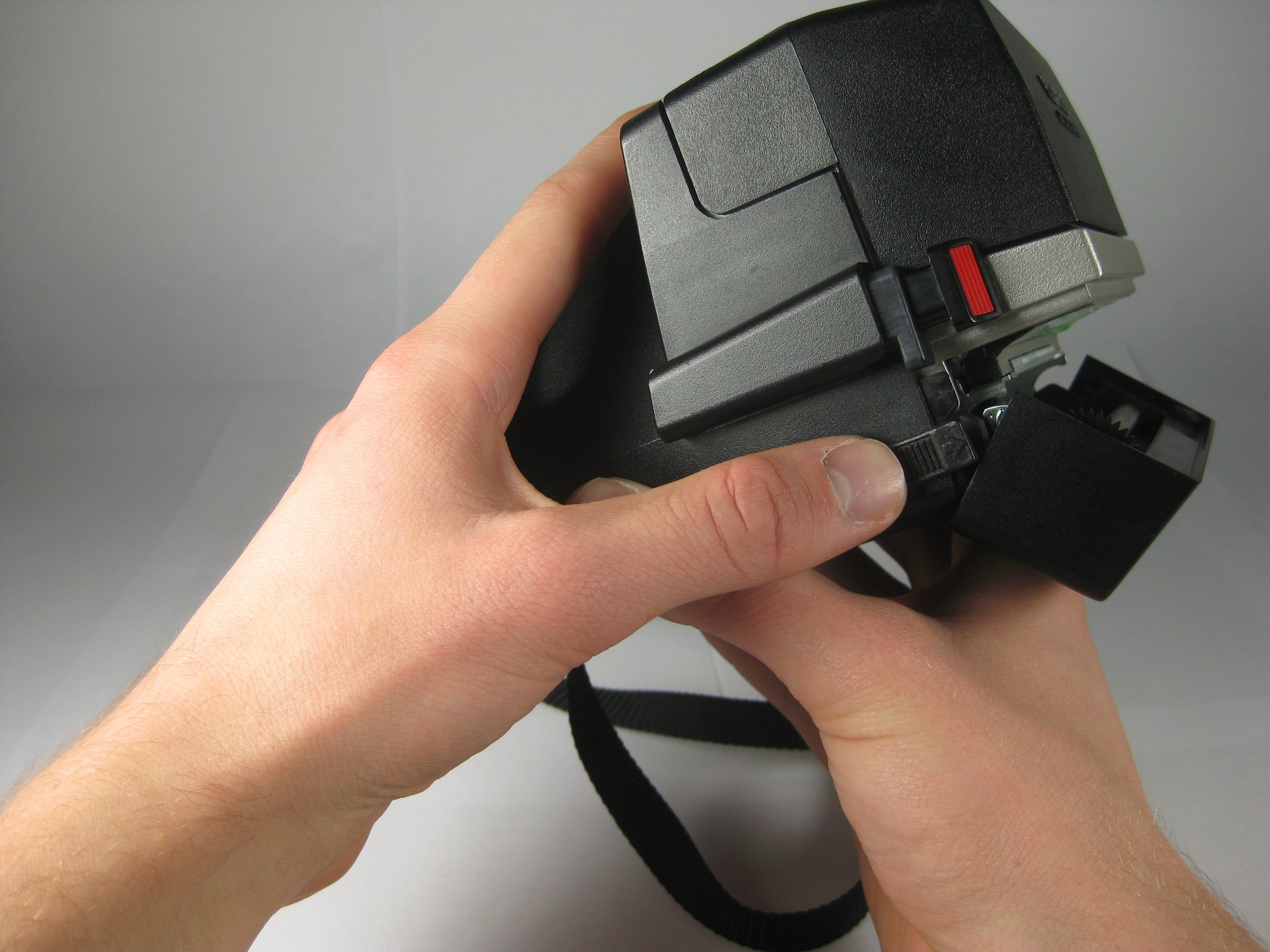
  • Locate film door and slide release latch.
  • The slide release is near the lower left corner towards the front of the camera.
Step 2

Repair step

  • Slide side latch towards the front of camera.
  • The film door will pop open.
Step 3

Repair step

  • Insert film pack.
  • Make sure the battery contacts on the film pack are facing down and in contact with the camera's contacts.
Step 4

Repair step

  • Close film door by gently pushing it back into place.