FIXONIC
Before you begin
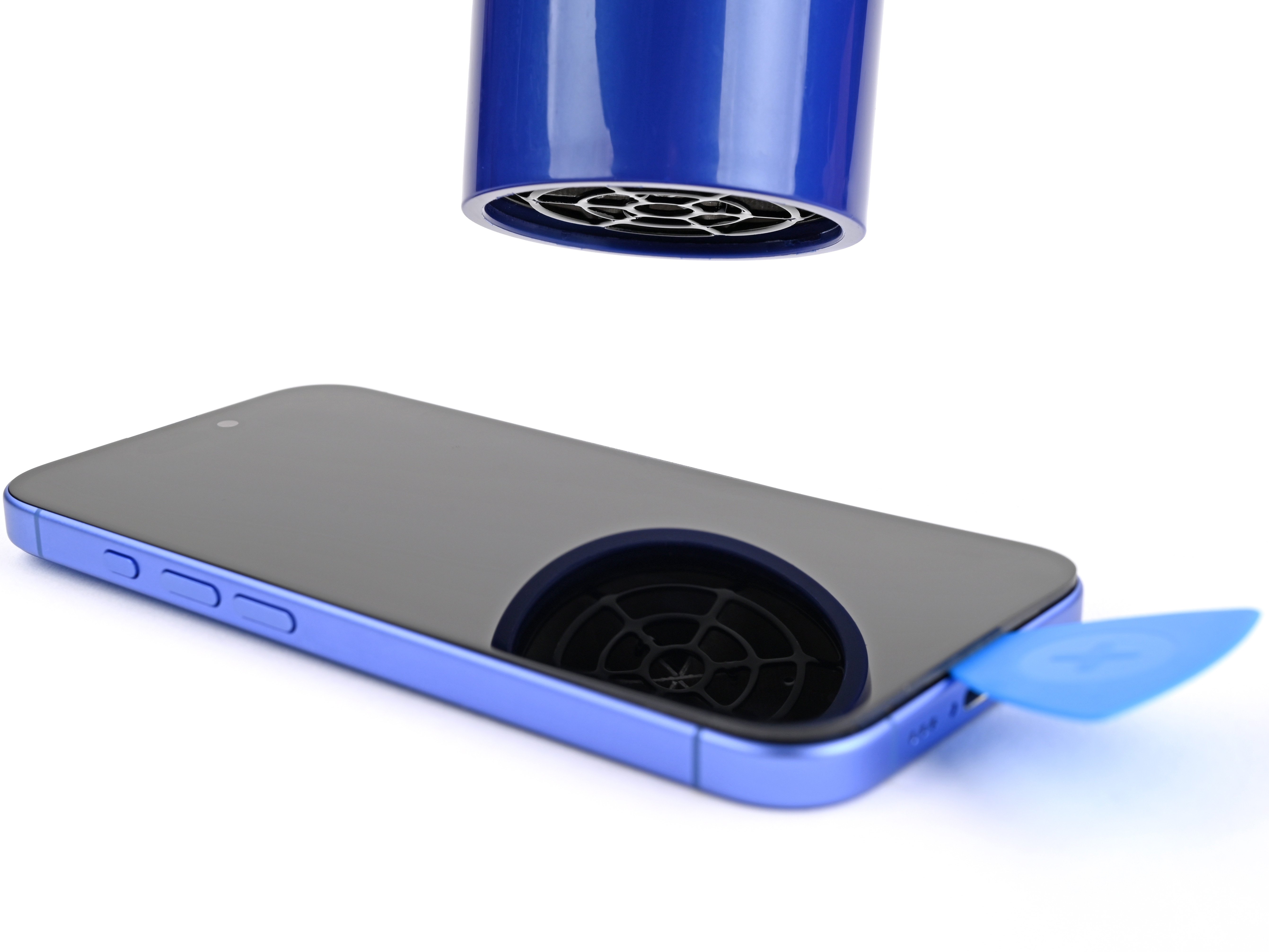
Use this guide to replace a broken, cracked, or non‑responsive screen on an iPhone 17. You'll need replacement screen adhesive to complete this repair. Note: Since you can't disconnect the battery during this repair, be especially careful not to use metal prying tools or touch exposed contacts in your iPhone. After your repair, if you're missing True Tone or auto brightness functionality, calibrate the new display using Apple's Repair Assistant. The photos in this guide are from a different model and may contain slight visual discrepancies, but they won't affect the procedure.