FIXONIC
SellSavedMy Fixonic
Official iFixit API visual reference

Framework Laptop 16" Mid Plate Installation (Mid Plate)

Attributed iFixit repair guide for Framework Laptop 16 (AMD Ryzen™ AI 300 Series).

iFixit Library Framework Laptop 16 (AMD Ryzen™ AI 300 Series) Easy 5 - 10 minutes Guide 197497
Open the authorised source
Licensed iFixit integration

This attributed iFixit guide is displayed through Fixonic's recorded commercial API permission. iFixit remains the independent source and author of the procedure.

Step 1

Remove the Mid Plate liner

  • If there's a blue liner on the thermal pad located on the bottom of the Mid Plate, use your fingers to peel it off.
Step 2

Place the Mid Plate

  • Place the Mid Plate on the laptop, making sure it sits evenly on its alignment pegs.
Step 3

Tighten the Mid Plate screws

  • Use your Framework Screwdriver to tighten the 16 captive T5 Torx screws in order (starting with 2) to secure the Mid Plate evenly.
Step 4

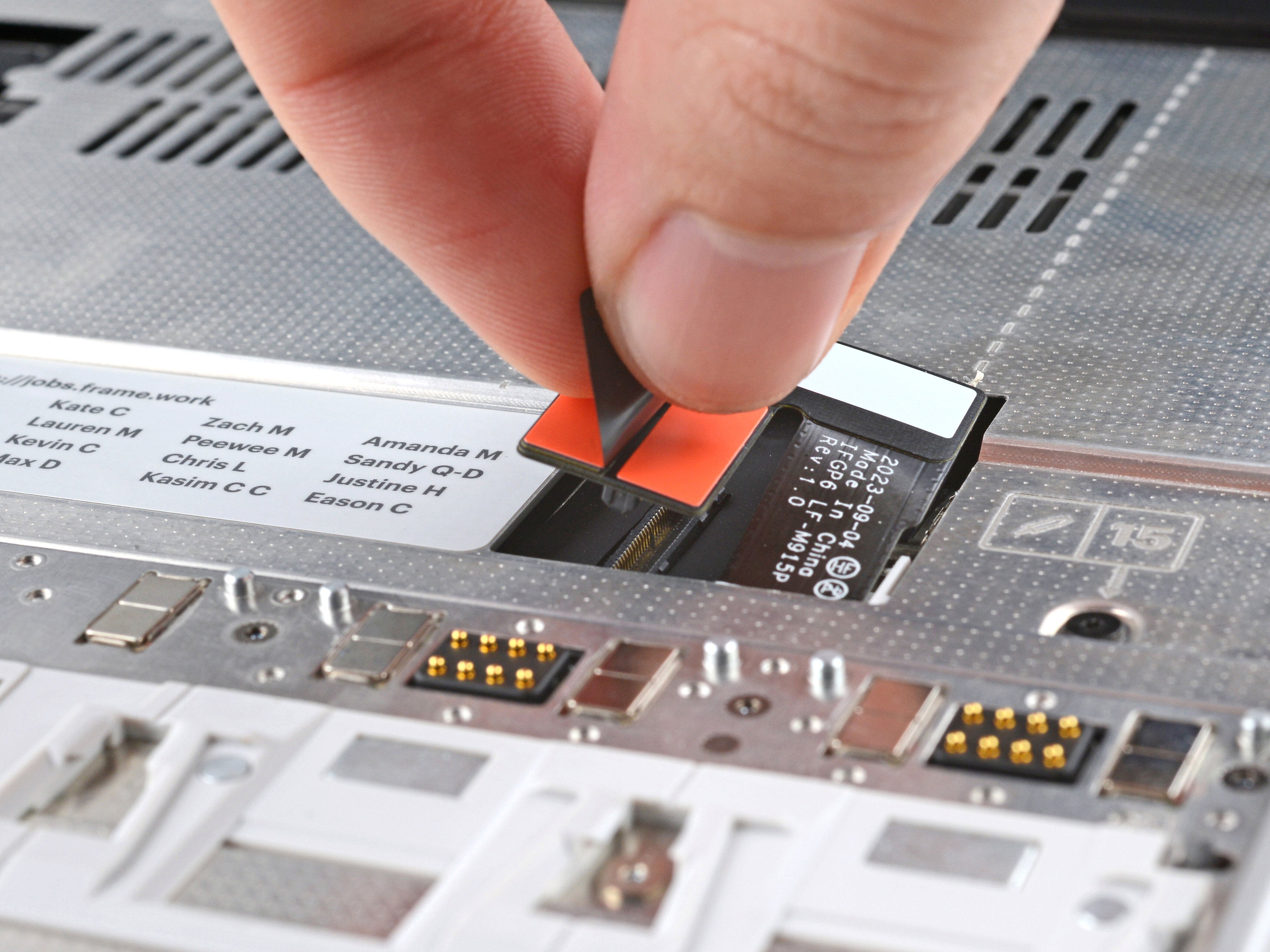
Connect the Mid Plate cable

  • Align the Mid Plate cable press connector over its socket and press down to connect it.