FIXONIC
SellSavedMy Fixonic
Official iFixit API visual reference

Dell Latitude 3310 RAM Replacement

The purpose of this guide is to inform the...

iFixit Library Dell Latitude 3310 Easy 10 - 30 minutes Guide 200789
Open the authorised source
Licensed iFixit integration

This attributed iFixit guide is displayed through Fixonic's recorded commercial API permission. iFixit remains the independent source and author of the procedure.

Guide overview

Before you begin

The purpose of this guide is to inform the reader on how to properly remove the RAM from their Dell Latitude 3310.

Step 1

Repair step

  • Remove seven 8.0 mm screws using a Phillips #1 screwdriver.
  • Remove three 5.0 mm screws using a Phillips #1 screwdriver.
Step 2

Repair step

  • Using the iFixit opening tool, gently pry between the body of the laptop and the bottom cover. Make your way around the laptop carefully releasing all plastic clips.
  • The screen hinges are an ideal spot to begin prying.
Step 3

Repair step

  • Remove the bottom cover.
Step 4

Repair step

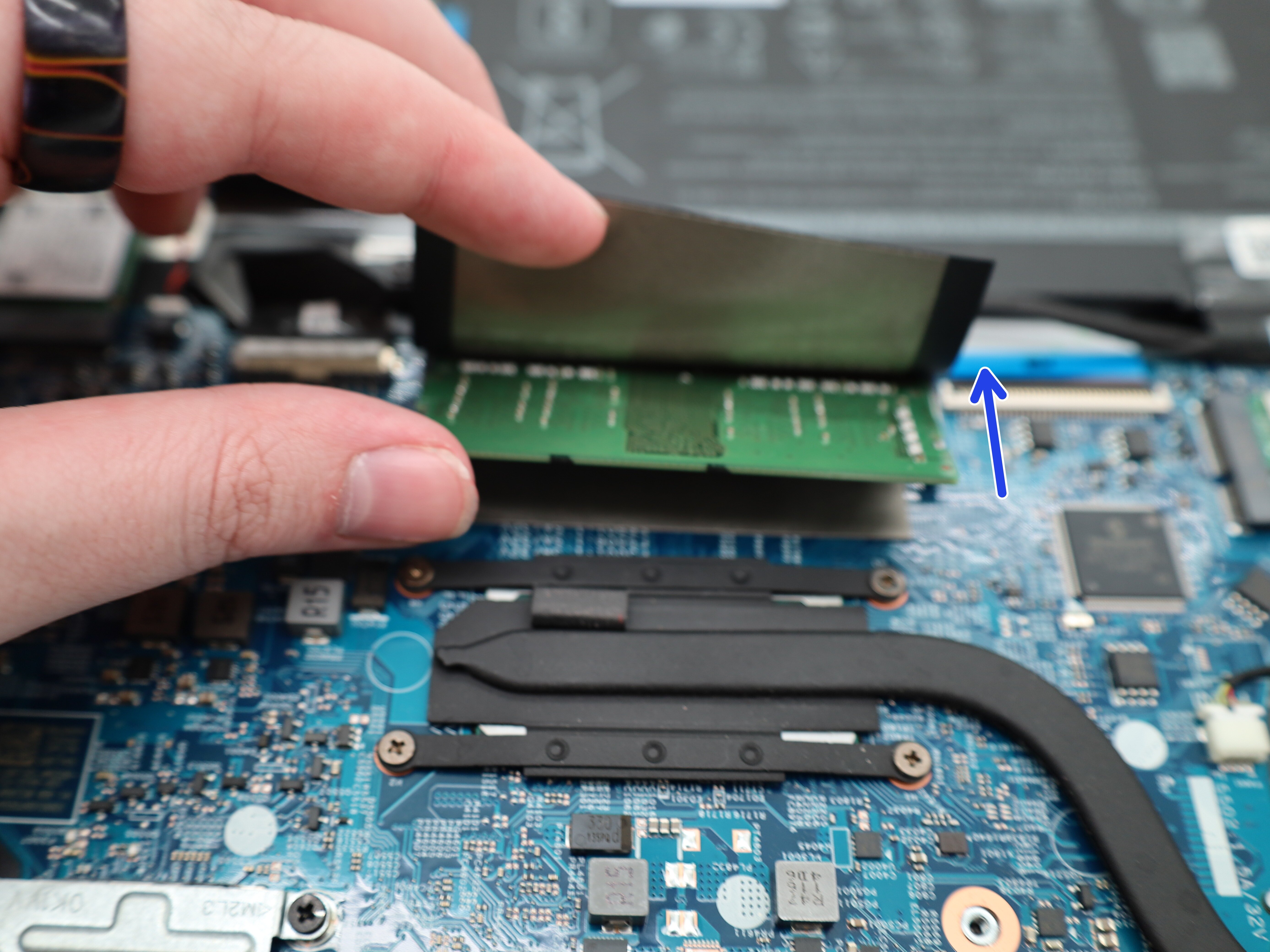
  • Lift the plastic cover up to expose the memory chipset.
  • Carefully pull the clips away from the chip to disengage them.
Step 5

Repair step

  • After the clips are moved, the RAM will lift up on its own.
  • Remove the RAM.