FIXONIC
SellSavedMy Fixonic
Official iFixit API visual reference

How to do a test print on a HP LaserJet Pro MFP M428fdw

Learn how to test print on your HP LaserJet Pro...

iFixit Library hp LaserJet Pro MFP M428fdw Very easy 40 seconds Guide 201619
Open the authorised source
Licensed iFixit integration

This attributed iFixit guide is displayed through Fixonic's recorded commercial API permission. iFixit remains the independent source and author of the procedure.

Guide overview

Before you begin

Learn how to test print on your HP LaserJet Pro MFP M428fdw

Step 1

Repair step

  • Turn on the dashboard and swipe down from the top.
Step 2

Repair step

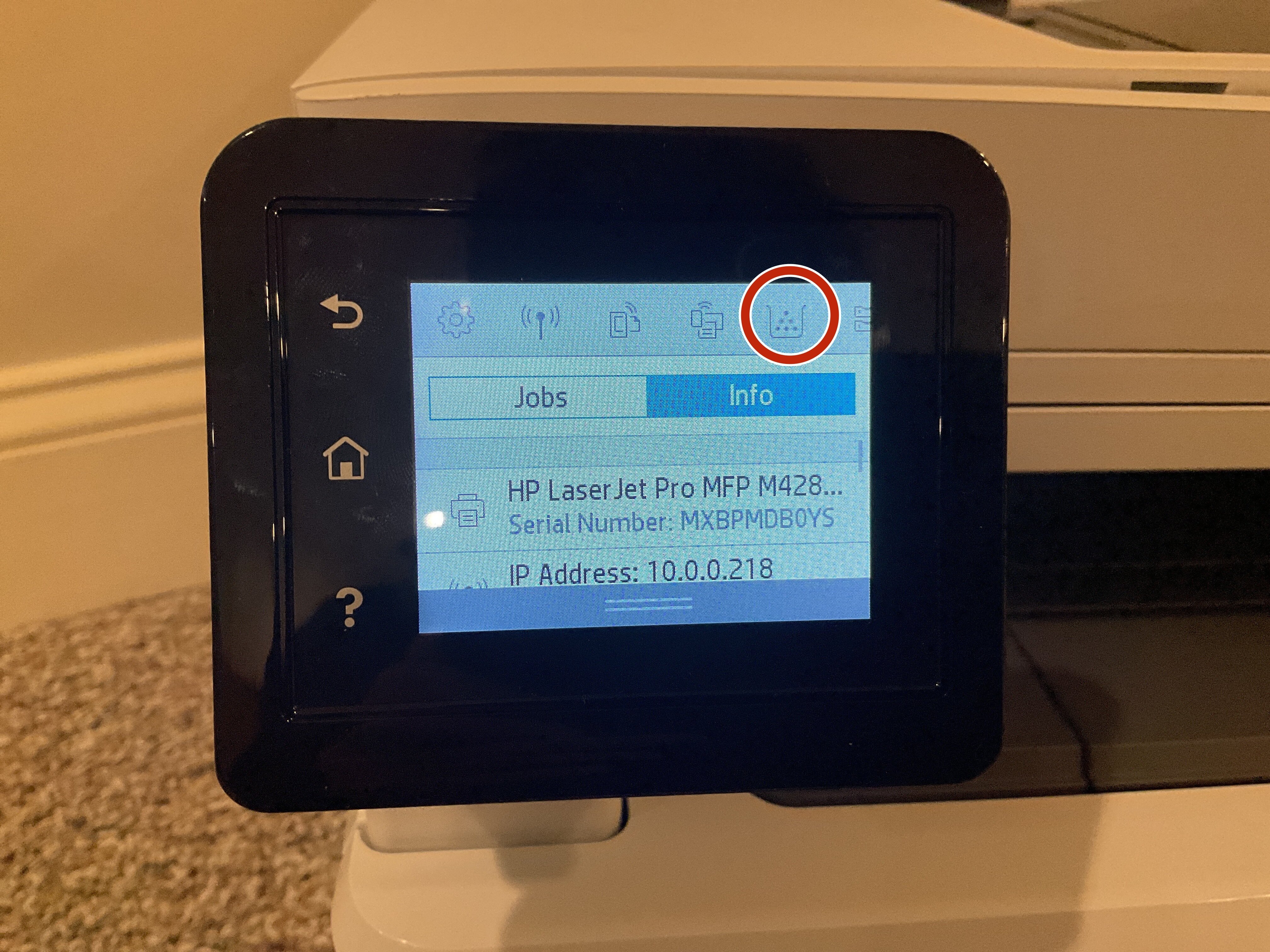
  • Click the toner button
Step 3

Repair step

  • Click print
  • Make sure you have paper and toner in your printer
Step 4

Repair step

  • The test printer paper should come out like this