 FIXONIC
Official iFixit API visual reference
Open the authorised source
iPhone 17 Pro Max Screen Installation
Attributed iFixit repair guide for iPhone 17 Pro Max.
Apple iPhone 17 Pro Max
Moderate
No estimate
Guide 204795
Licensed iFixit integration
This attributed iFixit guide is displayed through Fixonic's recorded commercial API permission. iFixit remains the independent source and author of the procedure.
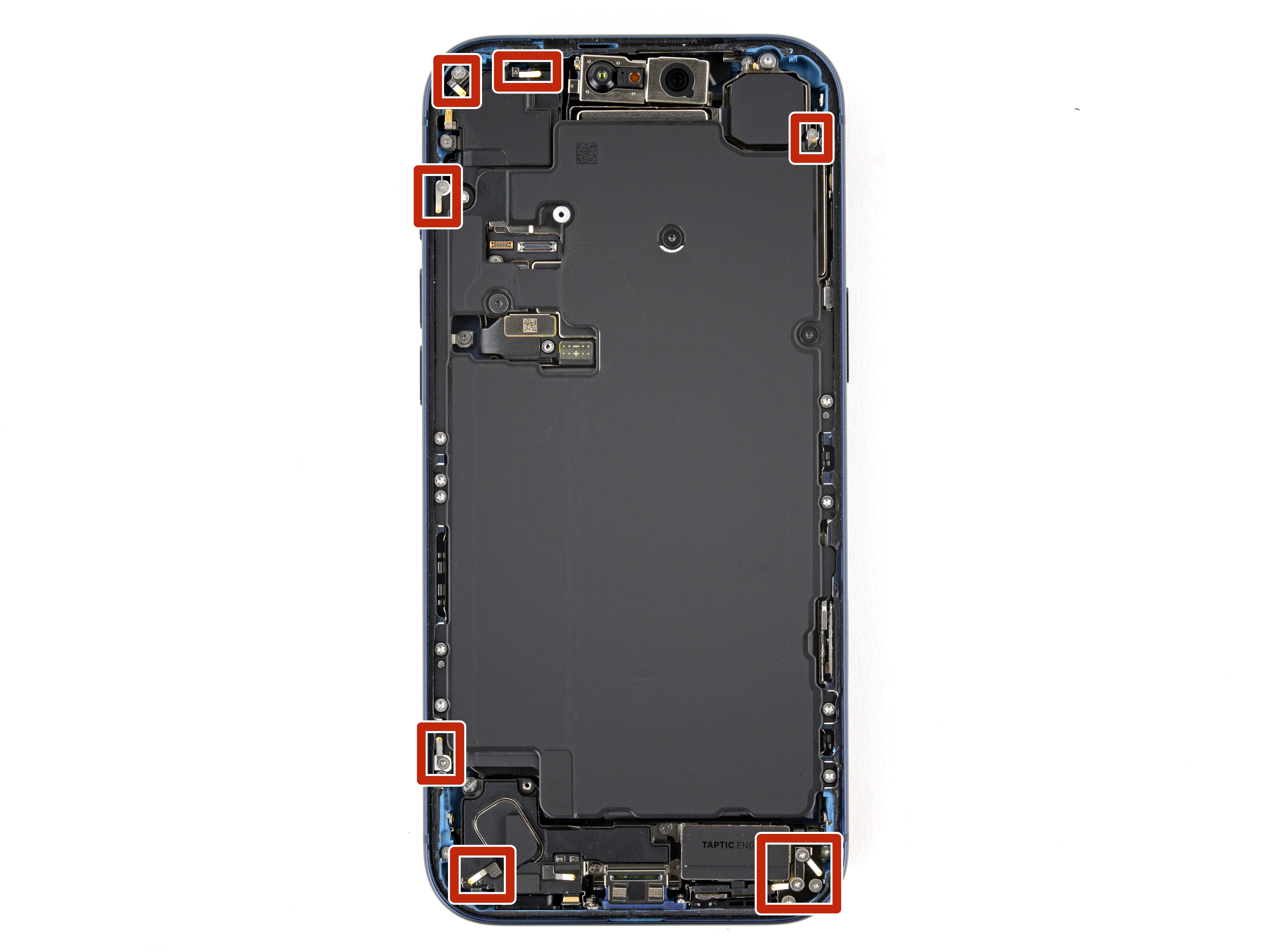


Repair step

- Apply a few drops of high concentration (>90%) isopropyl alcohol to the adhesive residue.
- Use a microfiber or lint-free cloth to wipe in one direction along the perimeter of the frame to clean the residue.
Clean the screen

- If you're reusing your screen, apply a few drops of highly-concentrated isopropyl alcohol (over 90%) to a microfiber or lint-free cloth and wipe around the perimeter to prepare the surface for new adhesive.
Orient the replacement adhesive

Apply the replacement adhesive

Repair step

Repair step

Repair step

Repair step

Connect the screen

Repair step

Connect the battery

Test your repair

- Power on your iPhone and make sure it works as expected. Power it back down and continue reassembly.
- If your iPhone doesn't turn on, connect it to a power source and try again.
Install the battery connector cover


Repair step

Install the screen connector cover

Repair step

Remove the final adhesive liners

- With one hand hold the screen steady.
- Use your fingers or a spudger to peel away all perimeter liners, exposing the adhesive.
- Check the internals for any stray liners and remove them. There should be no liners remaining.
Install the screen

Repair step

- Firmly squeeze around the entire perimeter of the iPhone.
