FIXONIC
Before you begin
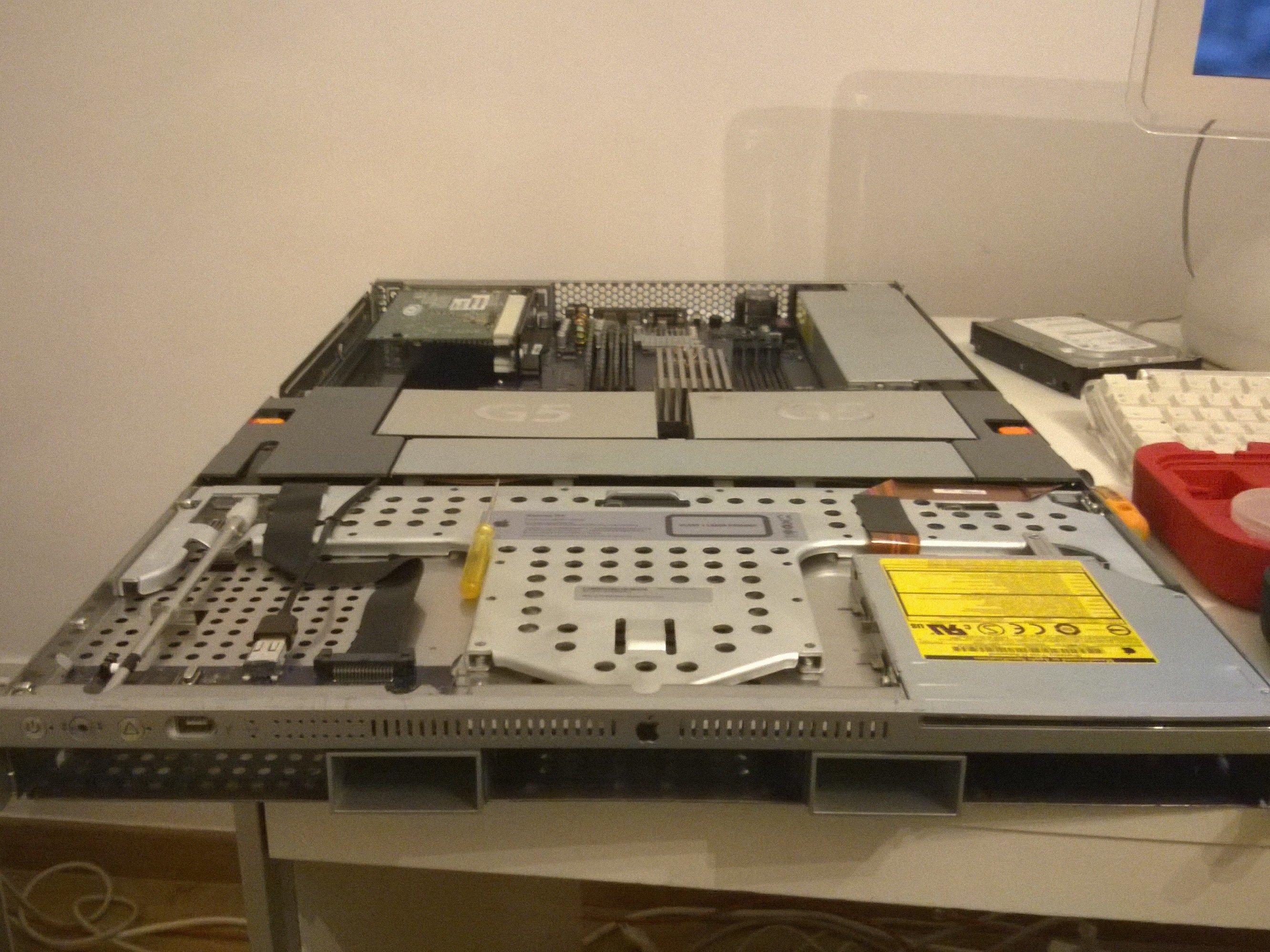
It's my first guide so hello fixers ! This Xserve G5 is the top of the top : Dual 2.7 Ghz PowerPC G5 from IBM, 2 GB DDR, 3x 80GB. But a sad day, the PSU died. That's all. So now, repair !
It's my first guide so hello fixers ! This...
This attributed iFixit guide is displayed through Fixonic's recorded commercial API permission. iFixit remains the independent source and author of the procedure.
It's my first guide so hello fixers ! This Xserve G5 is the top of the top : Dual 2.7 Ghz PowerPC G5 from IBM, 2 GB DDR, 3x 80GB. But a sad day, the PSU died. That's all. So now, repair !