FIXONIC
SellSavedMy Fixonic
Official iFixit API visual reference

iRobot Roomba 4160 Brush Replacement

The brush replacement consists of two brushes:...

iFixit Library iRobot Roomba 4160 Easy 3 minutes Guide 24660
Open the authorised source
Licensed iFixit integration

This attributed iFixit guide is displayed through Fixonic's recorded commercial API permission. iFixit remains the independent source and author of the procedure.

Guide overview

Before you begin

The brush replacement consists of two brushes: the rubber brush and the wire brush. These brushes can get tangled with hair and dirt easily, so it is important to replace them every now and then.

Step 1

Repair step

  • Make sure the Roomba is turned off to prevent injury.
  • Turn the Roomba upside down so that the underside is exposed. The wheels and brushes should be visible.
  • Identify the brush guard, which is the black rectangular frame that the metal rods are attached to.
Step 2

Repair step

  • Locate the 2 small rectangular yellow tabs on either side of the brush guard, directly adjacent to the blue flap.
  • Place index fingers on both tabs, and apply slight pressure in the direction of the yellow battery pack.
  • While you are applying pressure, the guard should hinge up in the direction of the yellow battery pack.
Step 3

Repair step

  • After the guard hinges up, lift the guard up and away from the Roomba.
Step 4

Repair step

  • Remove the wire brush by grabbing it by the yellow plastic part of the brush.
  • Pull the brush upwards until it comes out.
Step 5

Repair step

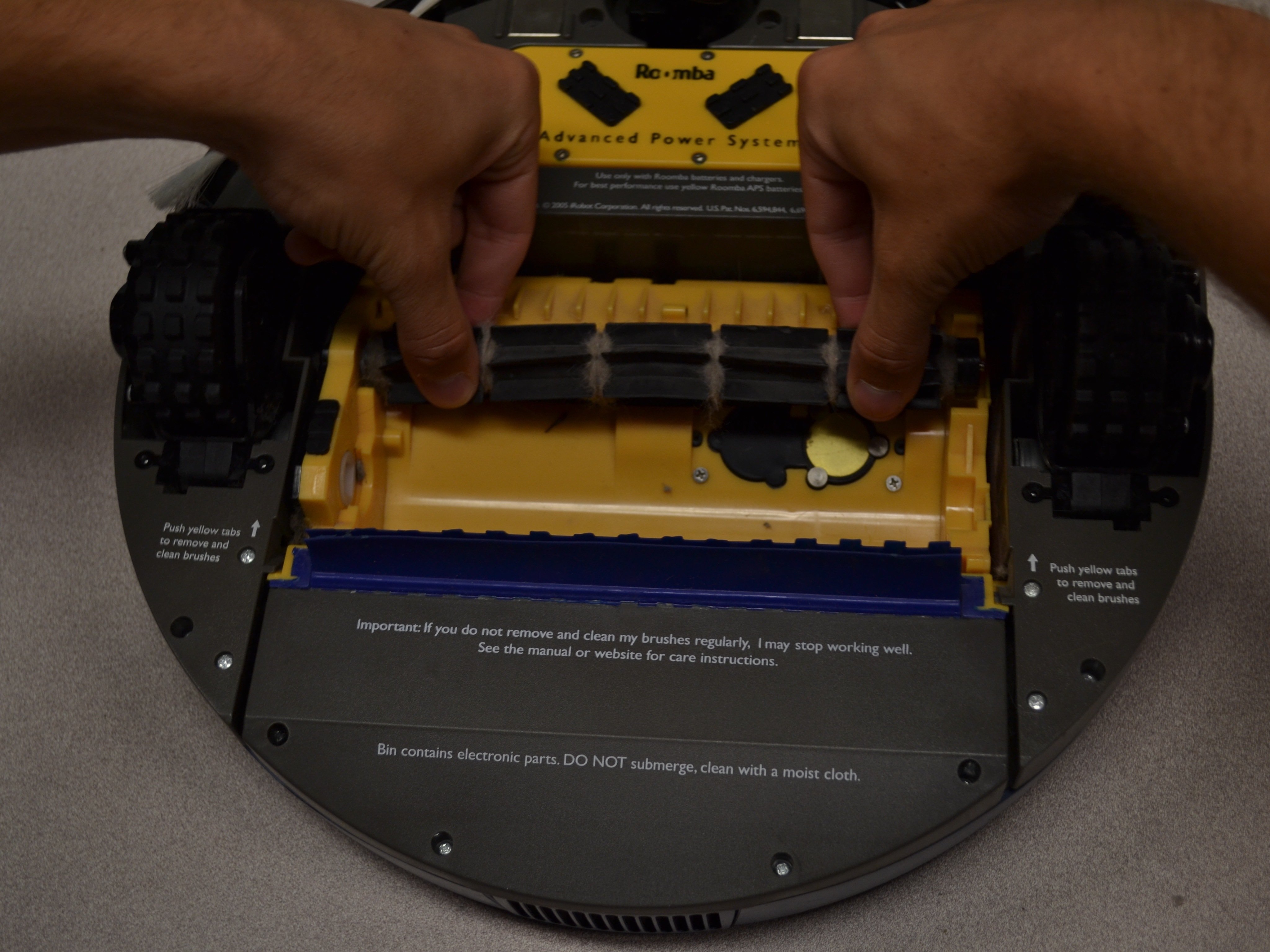
  • Remove the rubber spinning brush by grabbing it by the rubber part on both ends.
  • Pull the brush upwards until it dislodges.