 FIXONIC
Official iFixit API visual reference
Open the authorised source
Asus Padfone 2 Vibrator Replacement
Attributed iFixit repair guide for Asus Padfone 2.
iFixit Library Asus Padfone 2
Moderate
15 - 30 minutes
Guide 30114
Licensed iFixit integration
This attributed iFixit guide is displayed through Fixonic's recorded commercial API permission. iFixit remains the independent source and author of the procedure.

Remove Back Plate

- Use plastic opening tool to pry off the back cover of the phone.
Battery Removal
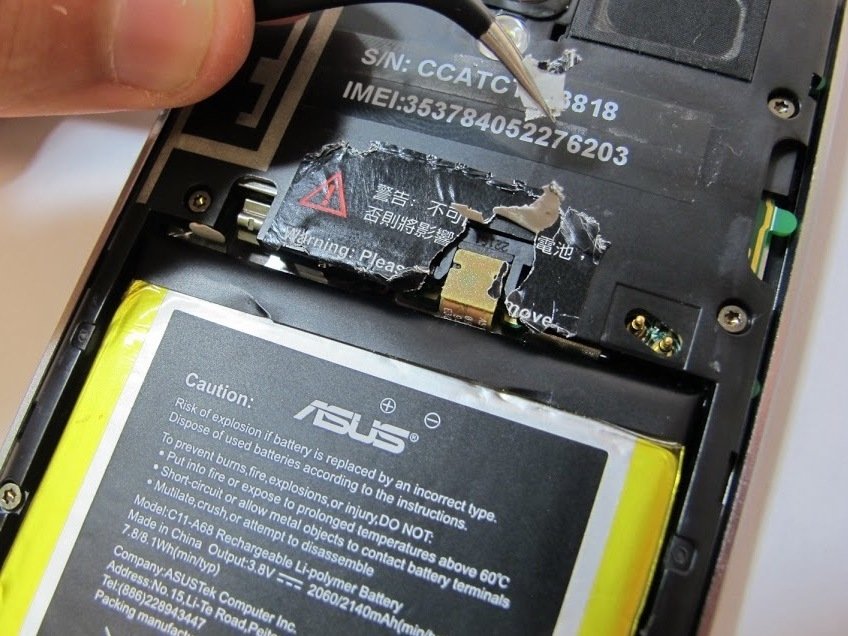

- Remove the warning sticker that covers the battery plug and connecting cord.
- Look for the widest gap on either side of the battery. Using the plastic opening tool carefully lift battery out.
- Disconnect battery connecting cord using tweezers.


