
FIXONIC
SellSavedMy Fixonic
Official iFixit API visual reference

JD Razor 2000 Handle Bar Replacement

The JD Razor 2000 scooter features two...

iFixit Library JD Razor 2000 Easy 10 minutes Guide 32119
Open the authorised source
Licensed iFixit integration

This attributed iFixit guide is displayed through Fixonic's recorded commercial API permission. iFixit remains the independent source and author of the procedure.

Guide overview

Before you begin

The JD Razor 2000 scooter features two soft-grip handle bars that are each attached to the T-Bar by a fastening button as well as a continuous string with stoppers at each end. This guide will show how to replace a handle bar.

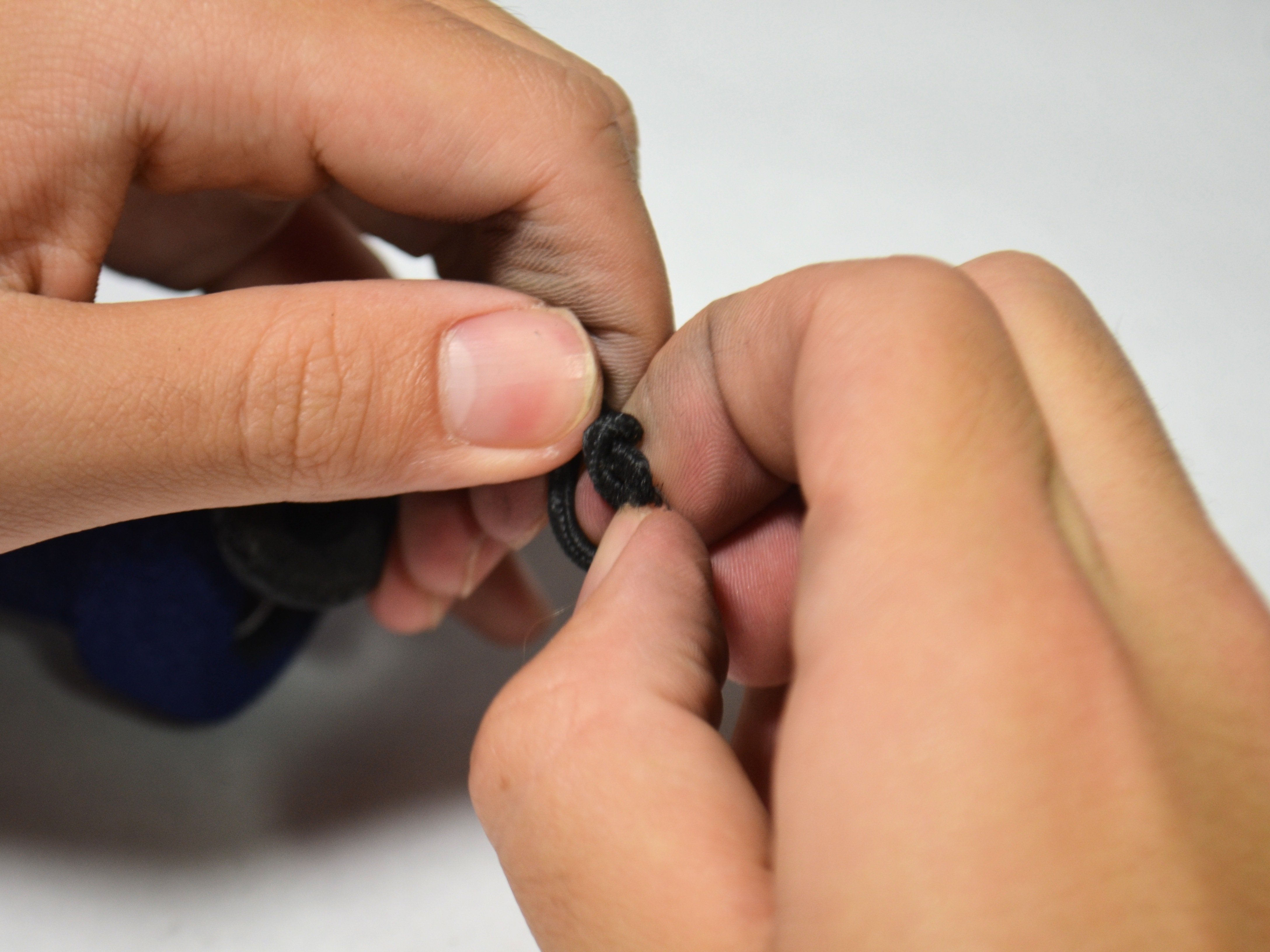
Step 1

Pulling Out the String

  • Firmly hold the handle bar in place.
  • Grab with one hand the black removable tip of the handle bar and pull it out.
  • Pull out the end of the tied string through the removable tip.
Step 2

Untying the Knot

  • Untie the knot at the end of the string.
  • If you let go of the string while its in tension, it may recoil far into the other side of the handle bars. To avoid this, bring the end of the string inward towards the hollow section of the handle bar and then carefully let it go.
Step 3

Pulling Out the Handlebar

  • Press down firmly on the golden fastening button located on the handle bar being replaced.
  • While still pressing down on the fastening button, slide the handle bar apart from the T Bar.
  • When re-installing the handlebar (after completion of the guide), you may need a pair of needle-nosed pliers to thread the string back through the handlebar.