
FIXONIC
SellSavedMy Fixonic
Official iFixit API visual reference

Mac Pro First Generation GPU Replacement

Accessing the GPU is easy and requires no...

iFixit Library Mac Pro First Generation Easy 10 - 20 minutes Guide 32215
Open the authorised source
Licensed iFixit integration

This attributed iFixit guide is displayed through Fixonic's recorded commercial API permission. iFixit remains the independent source and author of the procedure.

Guide overview

Before you begin

Accessing the GPU is easy and requires no tools. Use this guide to add or replace RAM for your Mac Pro.
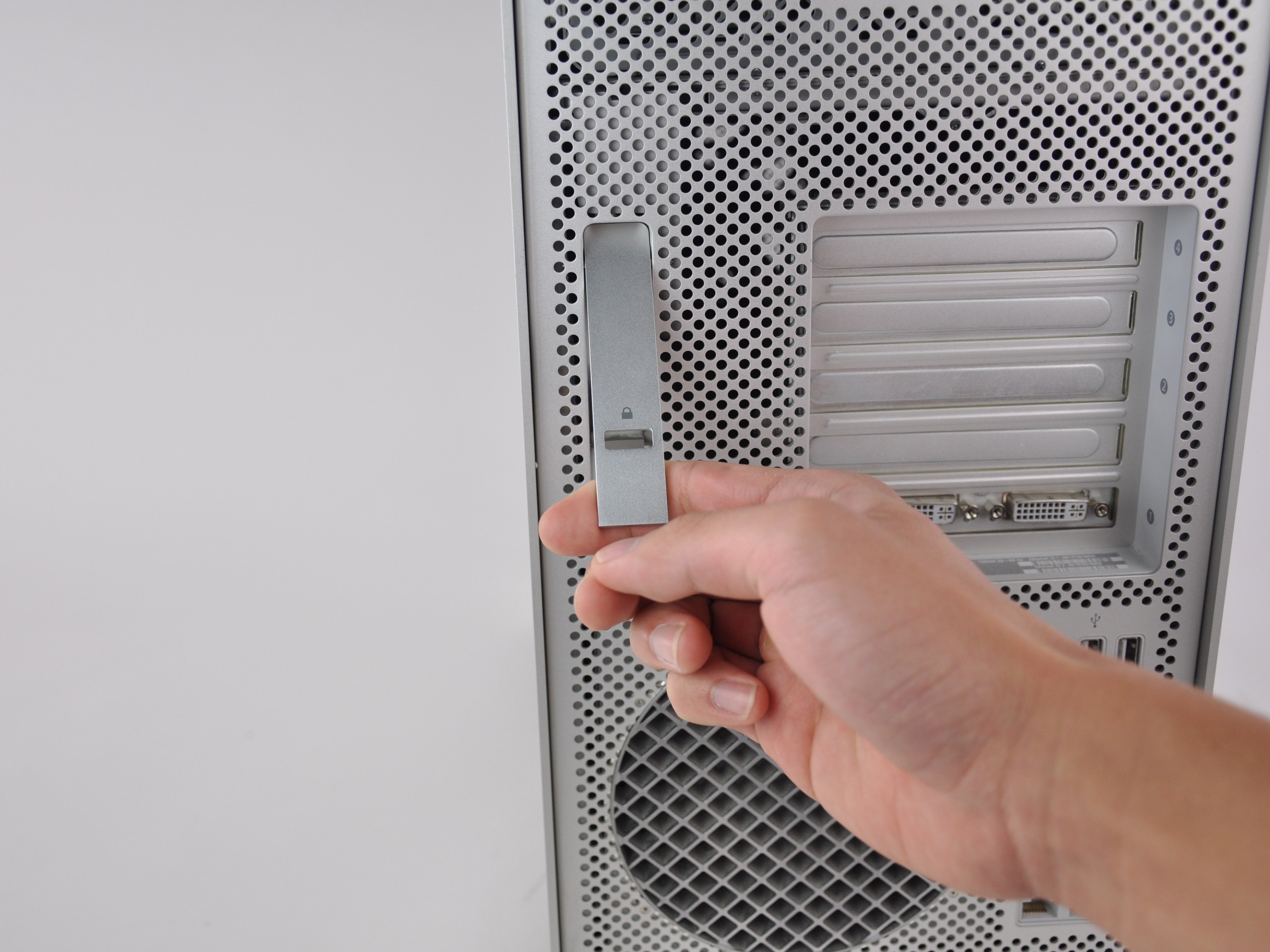
Step 1

Case Panel

  • Lift the lever to unlock the case.
Step 2

Repair step

  • Remove the side panel of the Mac Pro.
  • Discharge any static electricity by touching a grounded surface prior to working on any internal components. Touching the metal PCI slot covers works great, or any other grounded metal surface. You can also wear a anti-static wrist strap.
Step 3

Repair step

  • Locate the graphics card in the open panel side of your Mac Pro.
Step 4

Repair step

  • Unscrew the two thumb screws by twisting counterclockwise using your fingers until the slide lock is released.
  • Remove the slide lock.
Step 5

Repair step

  • Push up on the clip directly behind the graphics card to release it from its slot.
  • Slide the graphics card out of the slot using both hands by firmly holding the corners of the top of the card as shown.
  • Handle the card only by its edges. Don't touch any exposed components or connectors.