FIXONIC
Official iFixit API visual reference
Open the authorised source
ASUS PadFone X Station Battery Replacement
Attributed iFixit repair guide for ASUS PadFone X Station.
iFixit Library ASUS PadFone X Station
Easy
5 - 10 minutes
Guide 32800
Licensed iFixit integration
This attributed iFixit guide is displayed through Fixonic's recorded commercial API permission. iFixit remains the independent source and author of the procedure.


Finding the Battery

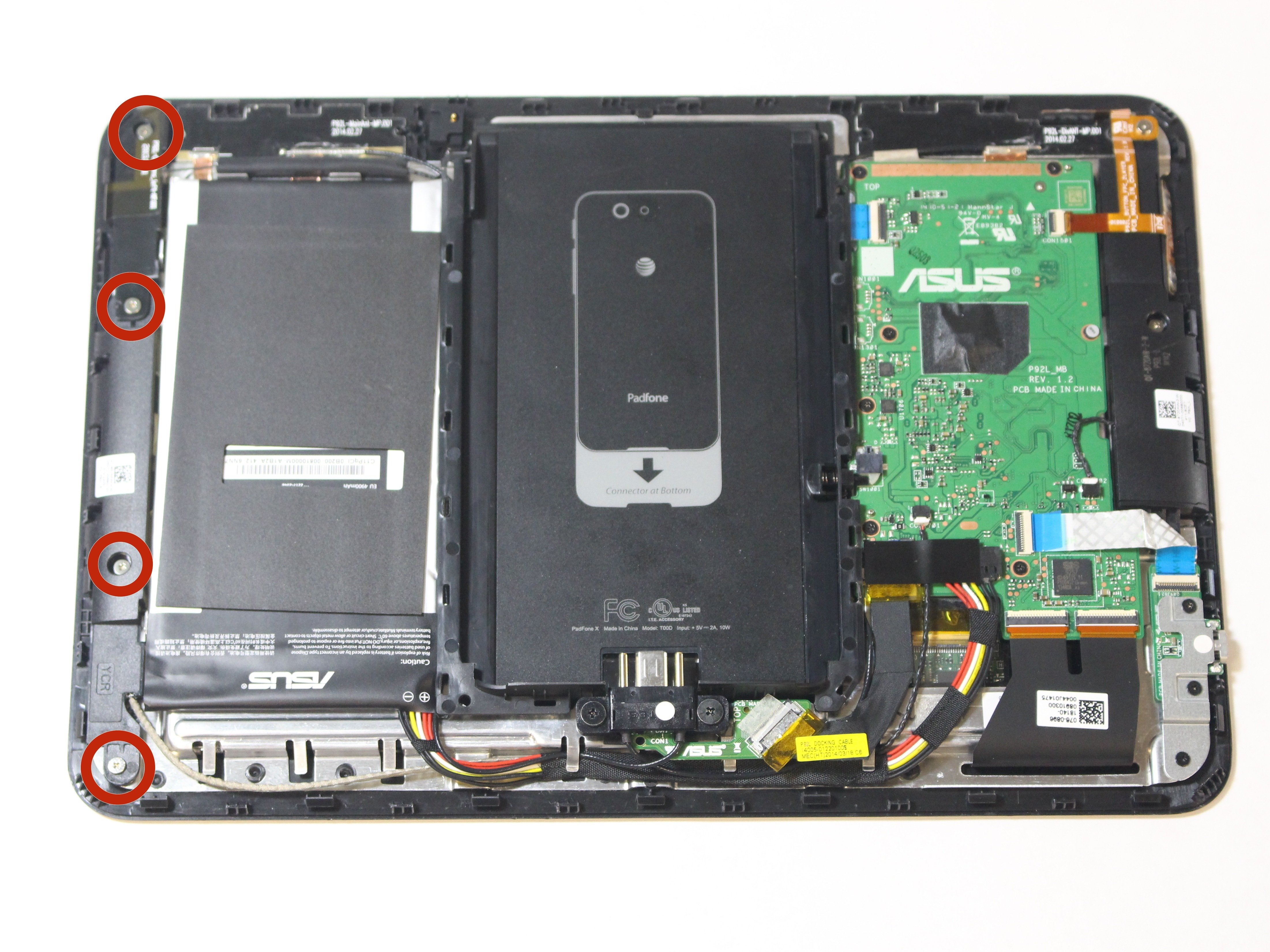
- Locate 4600mAh Battery
Removing the Protective Cover


- Locate (+) and (-) battery terminals
- Trace black, white, red, and yellow wires to connection on motherboard
- Remove protective plastic cover with tweezers