FIXONIC
SellSavedMy Fixonic
Official iFixit API visual reference

Barnes And Noble Nook HD Tablet Screen Replacement

Attributed iFixit repair guide for Nook HD Plus.

iFixit Library Nook HD Plus Moderate No estimate Guide 32998
Open the authorised source
Licensed iFixit integration

This attributed iFixit guide is displayed through Fixonic's recorded commercial API permission. iFixit remains the independent source and author of the procedure.

Step 1

Remove the front screen

  • wedge the plastic opening piece underneath the bottom left hand corner of the front frame. Pry the frame off of the Nook.
Step 2

Remove the screws

  • Remove every visible screw tying the chassis to the bottom frame using the T-4 attachment for the screwdriver in the iFixit screwdriver kit.
Step 3

Remove the chassis

  • Remove every visible screw tying the chassis to the bottom frame using the T-4 attachment for the screwdriver in the iFixit screwdriver kit.
Step 4

Detach battery

  • detach the battery ribbon from the motherboard.
Step 5

Flip the nook

  • flip center chassis so that the back of the screen is facing you, and the hole is positioned in the bottom right corner.
Step 6

Detach the screen from chassis part 1

  • Remove copper tape above the antenna, 3 quarters of the way up the left side of the nook.
Step 7

Detach the screen from chassis part 2

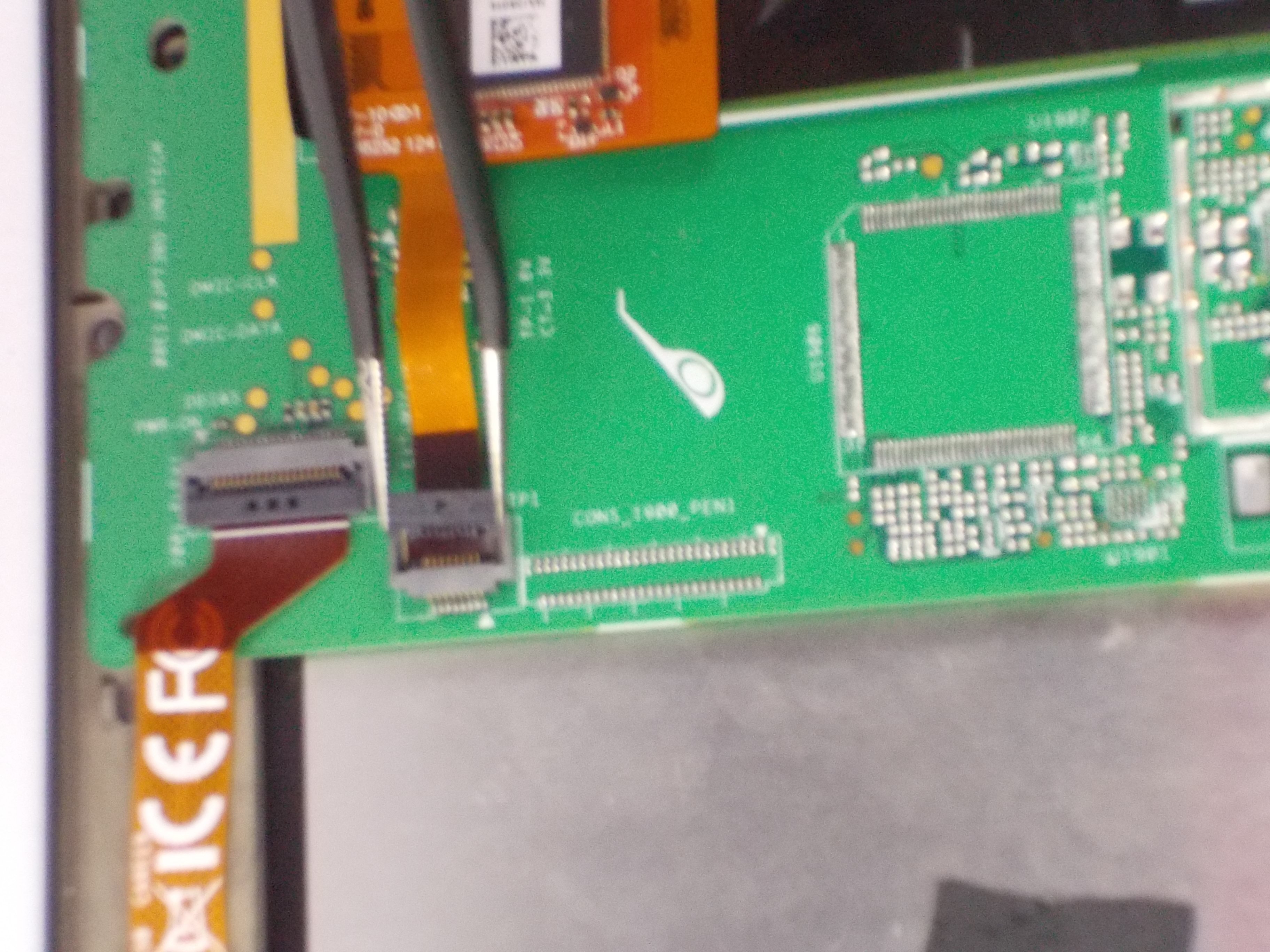
  • Locate thin orange strip on the top side of the motherboard. Apply tweezers to the black casing that locks it into the motherboard (plastic piece will completely come out).
Step 8

Detach the screen from chassis part 3

  • Locate the foam covered orange strip on the motherboard. Pull up (away from motherboard) so that it i no longer connected to the motherboard.
Step 9

Take motherboard away from the screen

  • Lift motherboard away from the screen. Pull frame off of the screen.
Step 10

Place new screen

  • Put the new screen back into place in the frame (the reverse of step 9). Place motherboard back into place on the back of the screen. And follow steps in reverse order to reassemble.