
FIXONIC
SellSavedMy Fixonic
Official iFixit API visual reference

Xbox One Stereo Headset Foam Ear Pads Replacement

This is a simple guide to help users replace...

iFixit Library Xbox One Stereo Headset Very easy 5 minutes Guide 37916
Open the authorised source
Licensed iFixit integration

This attributed iFixit guide is displayed through Fixonic's recorded commercial API permission. iFixit remains the independent source and author of the procedure.

Guide overview

Before you begin

This is a simple guide to help users replace damaged or missing foam ear pads in their Xbox One Stereo Headset. The replacement should only take a couple of minutes, and only requires a metal spudger and a foam-safe, all purpose adhesive.
Step 1

Repair step

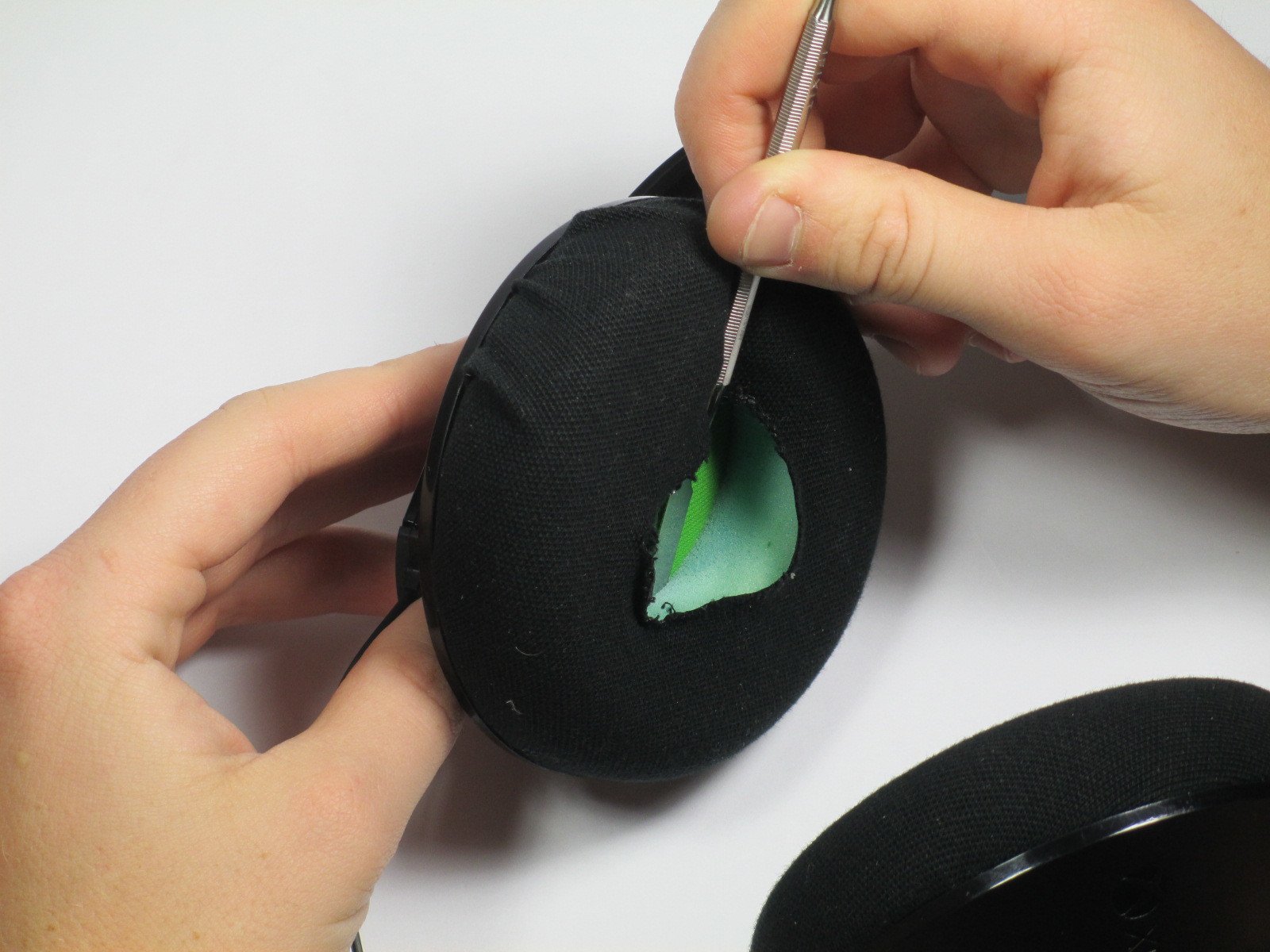
  • Insert the metal spudger between the foam ear pad and the black plastic speaker cover.
Step 2

Repair step

  • Carefully slide the spudger between the ear pad and the speaker cover, along the seam, to remove the adhesive.
Step 3

Repair step

  • Be careful not to tear the cloth ear pad cover.
  • Using your fingers, carefully pull the ear pad out from the black cloth cover.
  • When reinserting the foam ear pad, you may want to use a foam-safe adhesive to secure the back side of the foam to the plastic speaker cover.