FIXONIC
SellSavedMy Fixonic
Official iFixit API visual reference

QFX IT-437 Motherboard Replacement

Attributed iFixit repair guide for QFX IT-437.

iFixit Library QFX IT-437 Moderate 25 minutes Guide 39214
Open the authorised source
Licensed iFixit integration

This attributed iFixit guide is displayed through Fixonic's recorded commercial API permission. iFixit remains the independent source and author of the procedure.

Step 1

Repair step

  • Begin the process by using a PH00 Phillips screw driver.
  • Remove the two 1.2mm x 3mm screws at the bottom of the tablet.
Step 2

Repair step

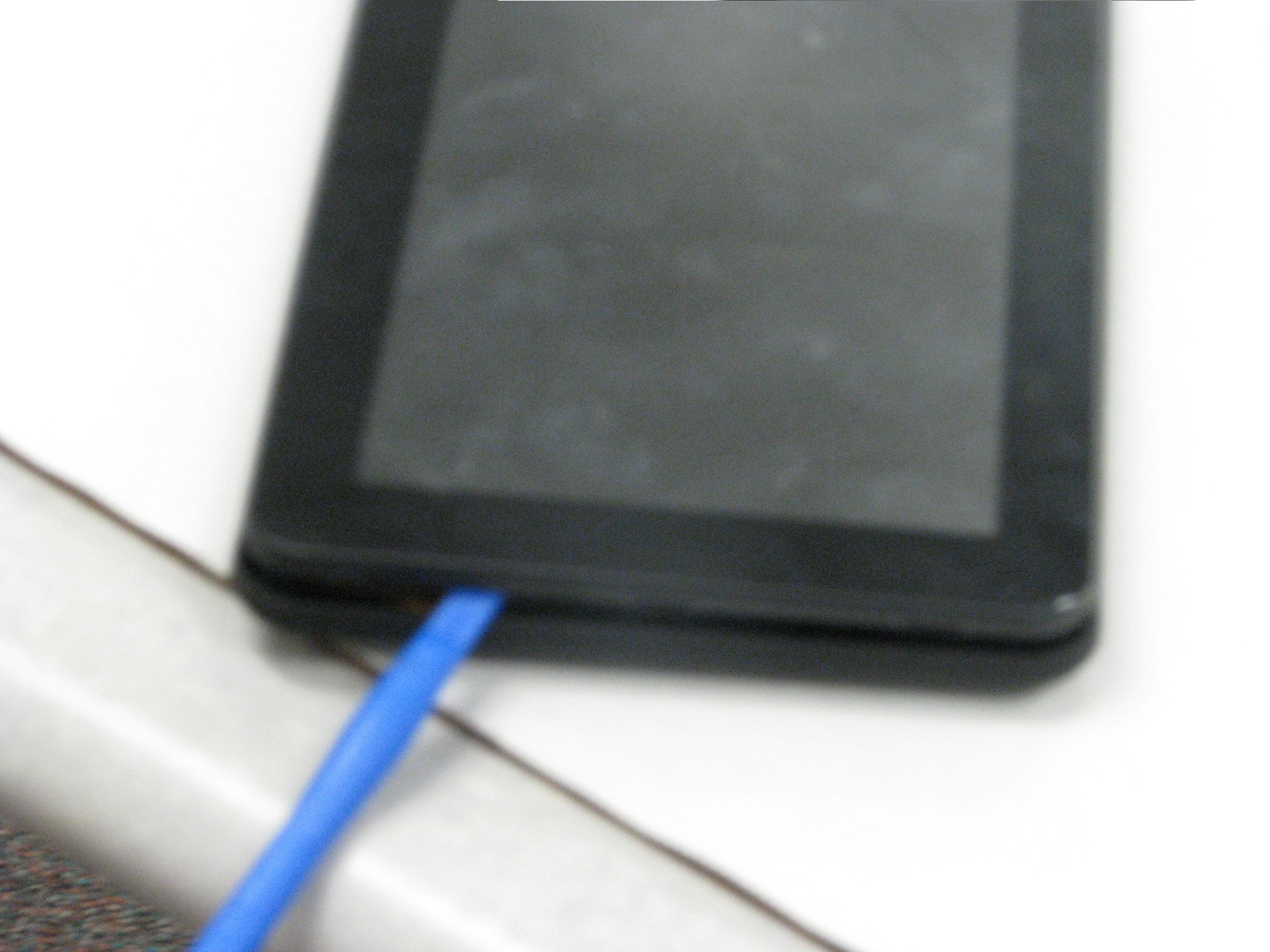
  • Use the iFixit plastic opening tool to pry open the back of the tablet.
  • Do not remove the back case completely as tape has to be removed from the wires, and pulling the case apart can tear off the wires.
Step 3

Repair step

  • In order to unseat the motherboard, use the Phillips PH00 screw driver bit to remove the three 1.2mm x 3mm screws.
Step 4

Repair step

  • Once the motherboard is loose, remove the tape above the SD card slot using an iFixit opening pick.
  • Be careful not to rip or damage the tape or else new tape will have to be used for the new motherboard.
Step 5

Repair step

  • Use the spudger to remove the ribbon.
  • Avoid using too much force here or else the ribbon can be ripped.
Step 6

Repair step

  • Use the spudger in the top corner of the tablet and lift the camera up.
Step 7

Repair step

  • Lift the tape over the wires that are holding them to the tablet insulation.
Step 8

Repair step

  • Pull out the motherboard and set it aside.
  • The wires must be soldered back on to the motherboard.