
FIXONIC
SellSavedMy Fixonic
Official iFixit API visual reference

Samsung ATIV Book 4 Screen Replacement

If your laptop is experiencing display issues...

iFixit Library Samsung ATIV Book 4 Moderate 15 - 30 minutes Guide 39825
Open the authorised source
Licensed iFixit integration

This attributed iFixit guide is displayed through Fixonic's recorded commercial API permission. iFixit remains the independent source and author of the procedure.

Guide overview

Before you begin

If your laptop is experiencing display issues such as bad resolution, flickering, or black dots, and/or is physically damaged or broken, replacing the screen may solve these problems.
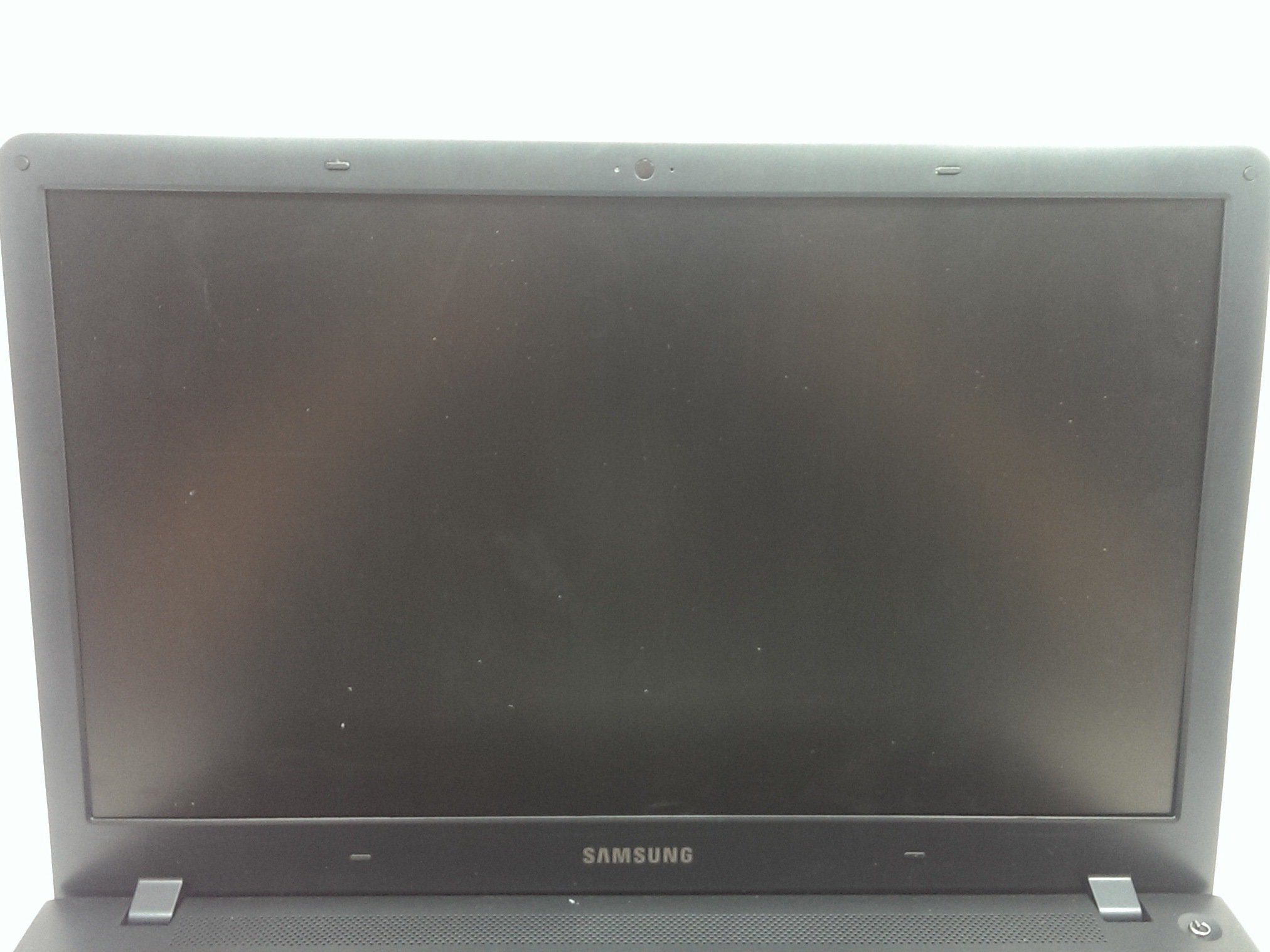
Step 1

Repair step

  • Be sure the computer is off, and open the computer so that the screen is showing.
  • Use the plastic opening tool and pry away the casing surrounding the screen. Remove the casing entirely.
Step 2

Repair step

  • Remove the four 3.5mm screws securing the screen.
  • Tilt the screen back before removing the screws, there is a possibility it could fall and damage your keyboard or the ribbon cable connected to it.
Step 3

Repair step

  • Place the screen gently on the keyboard.
Step 4

Repair step

  • Remove the ribbon cable from the screen.
  • Remove and replace the screen.