FIXONIC
SellSavedMy Fixonic
Official iFixit API visual reference

2004-2008 Mazda RX-8 Battery Replacement

This replacement guide will teach you how to...

iFixit Library 2004-2008 Mazda RX-8 Easy 10 minutes Guide 42157
Open the authorised source
Licensed iFixit integration

This attributed iFixit guide is displayed through Fixonic's recorded commercial API permission. iFixit remains the independent source and author of the procedure.

Guide overview

Before you begin

This replacement guide will teach you how to how to replace the battery, safely, in a few easy steps.

Step 1

Repair step

  • Find black tabs that lock Battery cover into place.
  • The tabs should snap off easily.
Step 2

Repair step

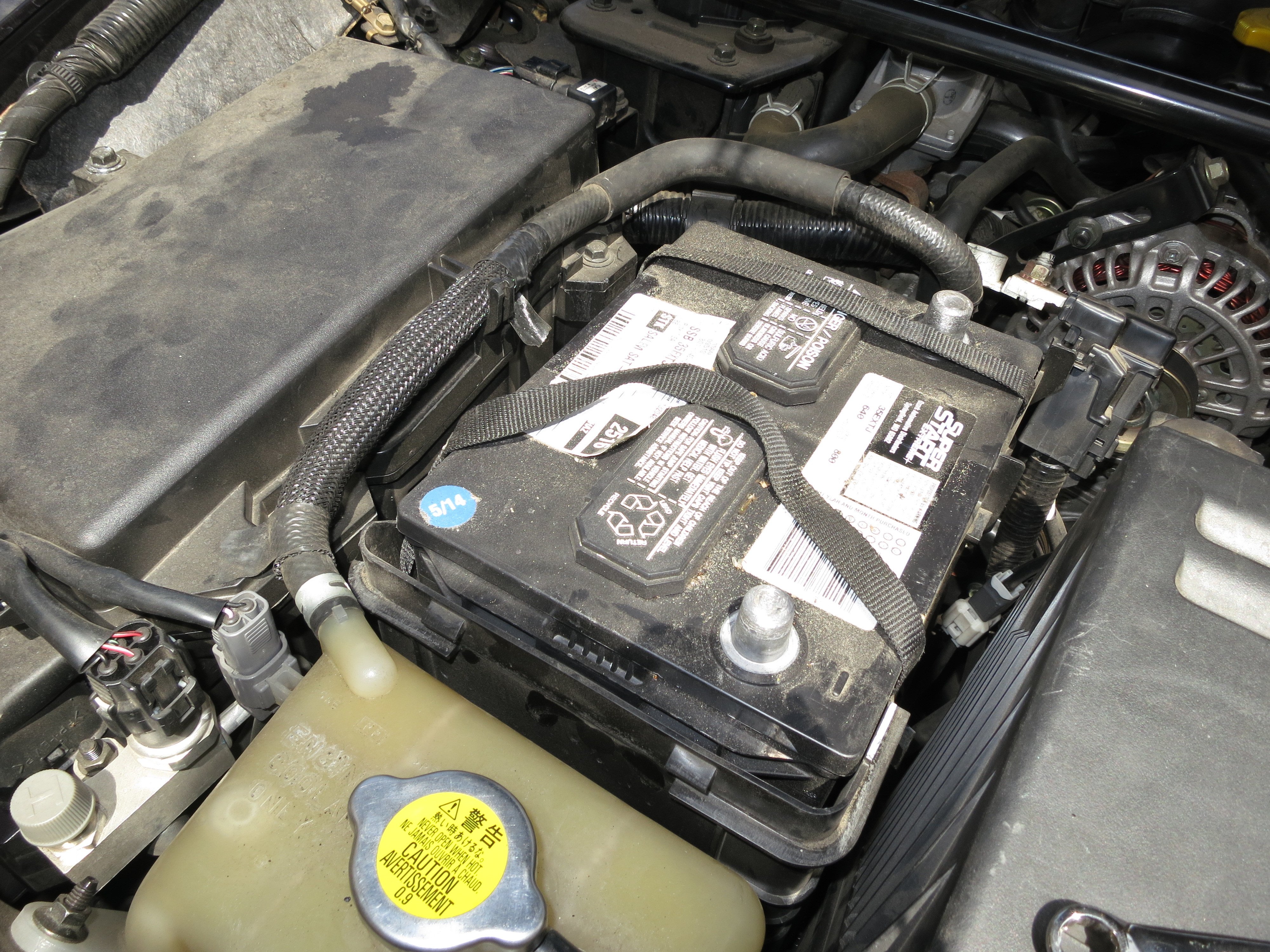
  • Use the 10 mm wrench to disconnect the negative battery terminal, followed by the positive terminal.
  • It is vital to disconnect the negative terminal before interacting with the battery. Make sure not to bridge the two terminals with your wrench or other tools.
  • Remove the terminals once nuts are completely loose.
Step 3

Repair step

  • Remove Battery terminals.
Step 4

Repair step

  • Using the 10mm Wrench remove gold nuts that hold the retention bar in place.
Step 5

Repair step

  • After removing the bar pull the dead battery out using the black straps.