
FIXONIC
SellSavedMy Fixonic
Official iFixit API visual reference

2011-2013 Scion tC Car Battery Replacement

Attributed iFixit repair guide for 2011-2013 Scion tC.

iFixit Library 2011-2013 Scion tC Easy 5 - 10 minutes Guide 42200
Open the authorised source
Licensed iFixit integration

This attributed iFixit guide is displayed through Fixonic's recorded commercial API permission. iFixit remains the independent source and author of the procedure.

Step 1

Repair step

  • Begin by opening the hood of the car and locating the battery on the front of the driver side in the engine compartment
Step 2

Repair step

  • Using a socket wrench, loosen the 2 (5/16 inch) nuts on the top of the battery support bracket
  • Remove the bracket by lifting up
Step 3

Repair step

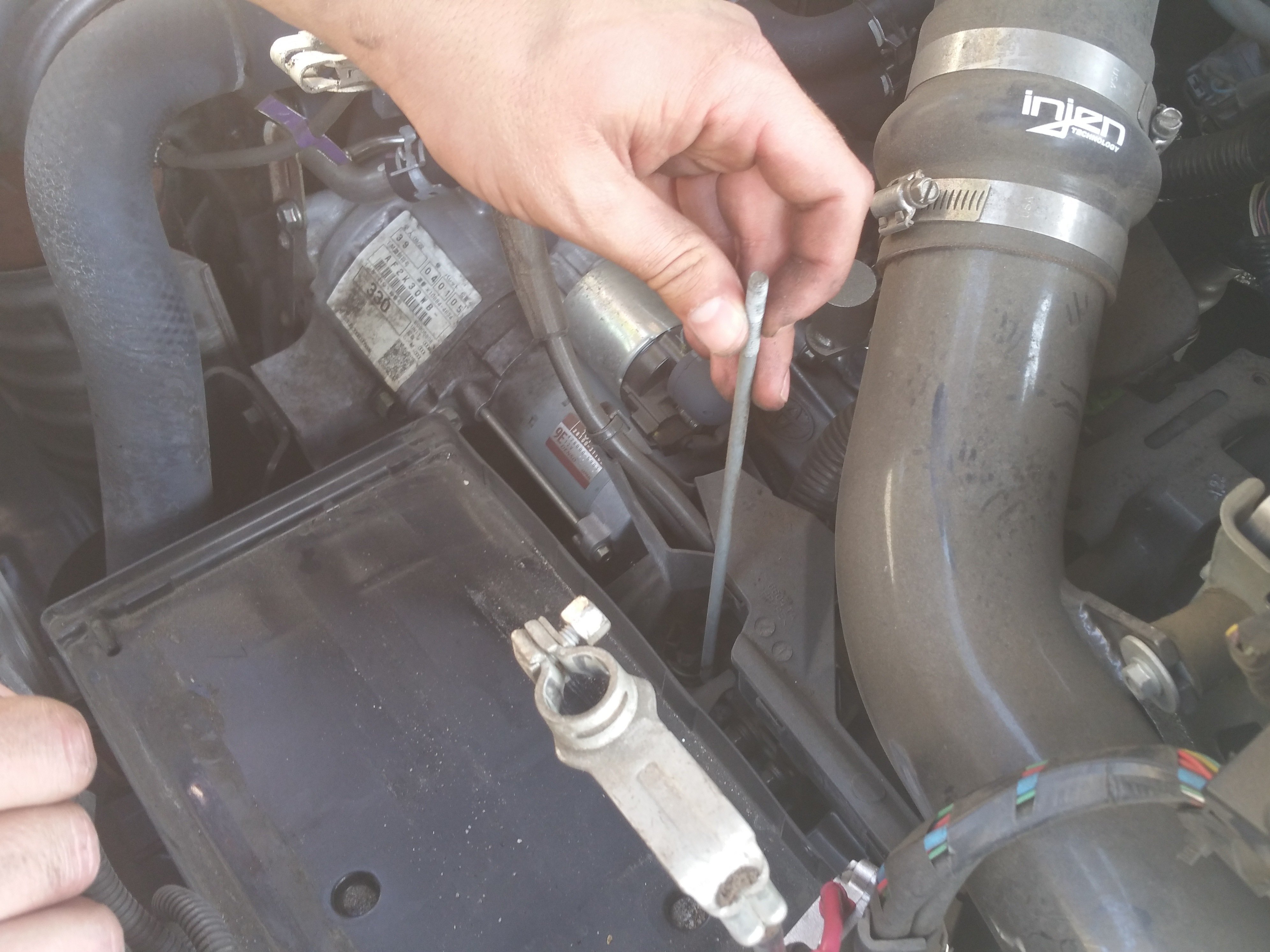
  • After removing the bracket, locate the supporting rod behind the battery
  • The rod is hooked on a hole in the metal behind the battery. Unhook the rod and remove it
Step 4

Repair step

  • Start with the negative terminal of the battery
  • Loosen the nut on the negative terminal with a 10mm socket wrench
  • Remove the wire by slightly twisting and pulling up
Step 5

Repair step

  • Remove the cap from the positive terminal of the battery
  • Using a 10mm socket wrench, loosen the nut on the positive terminal
  • Remove the wire from the positive terminal by slightly twisting and pulling up
  • Remove the battery by lifting it out of the engine compartment