
FIXONIC
SellSavedMy Fixonic
Official iFixit API visual reference

Apex Digital DTV Converter Box Power supply Board replacement

How to open the converter box and replace the...

iFixit Library Apex Digital DTV Converter Box Easy No estimate Guide 4299
Open the authorised source
Licensed iFixit integration

This attributed iFixit guide is displayed through Fixonic's recorded commercial API permission. iFixit remains the independent source and author of the procedure.

Guide overview

Before you begin

How to open the converter box and replace the power supply...
Step 1

Repair step

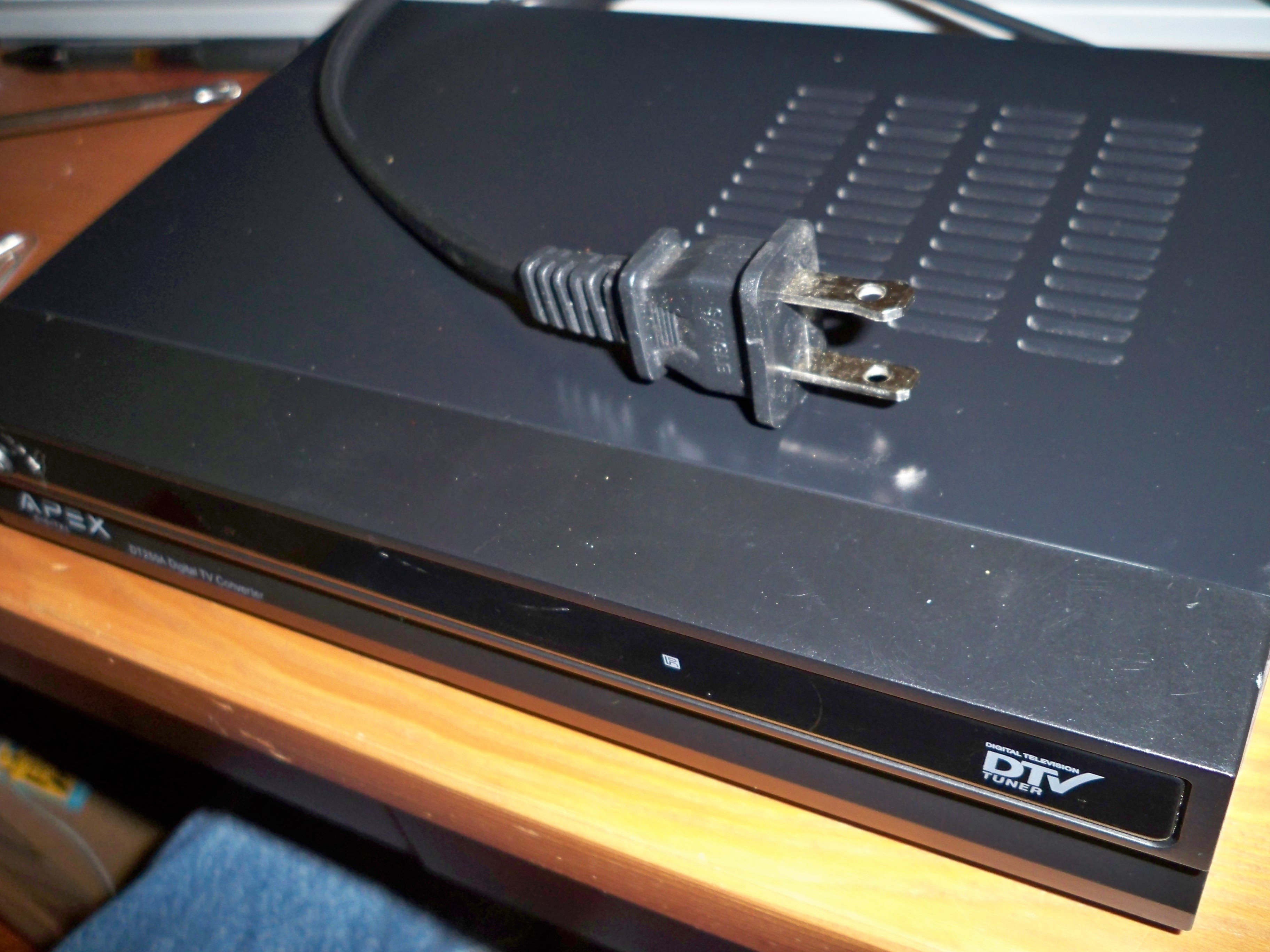
  • Unplug your device from the wall outlet.
Step 2

Repair step

  • Remove the screws on the sides and rear. There are two on each side and four on the back.
  • Note: only remove the black ones (the silver ones stay for now). You should have removed eight identical screws by now.
Step 3

Repair step

  • Lift the top cover up and toward you simultaneously. It shouldn't require very much force.
Step 4

Repair step

  • Locate the power board inside the converter box.
  • Circled in red in the picture.
Step 5

Repair step

  • Remove this plug
  • You will need to squeeze the locking lever to release it. don't pull too hard.
  • Circled in red in the picture.
Step 6

Repair step

  • Remove this plug from the main board. It is not detachable from the power board end.
  • Be gentle.
  • Circled in red in the picture
Step 7

Repair step

  • Remove one last cable. This one leads to the front panel
  • Be gentle.
  • Circled in red
Step 8

Repair step

  • Remove the power cord from its slot in the casing. This will make it easier to remove the power board.
  • Circled in blue
Step 9

Repair step

  • Remove the four silver colored philips screws holding the power board in.
  • Marked in pink (eeww)
Step 10

Repair step

  • Lift the power board out. Be careful to not touch the bottom of the power board. even when unplugged, it may still hold a charge.
  • Here is the empty spot.