FIXONIC
Before you begin
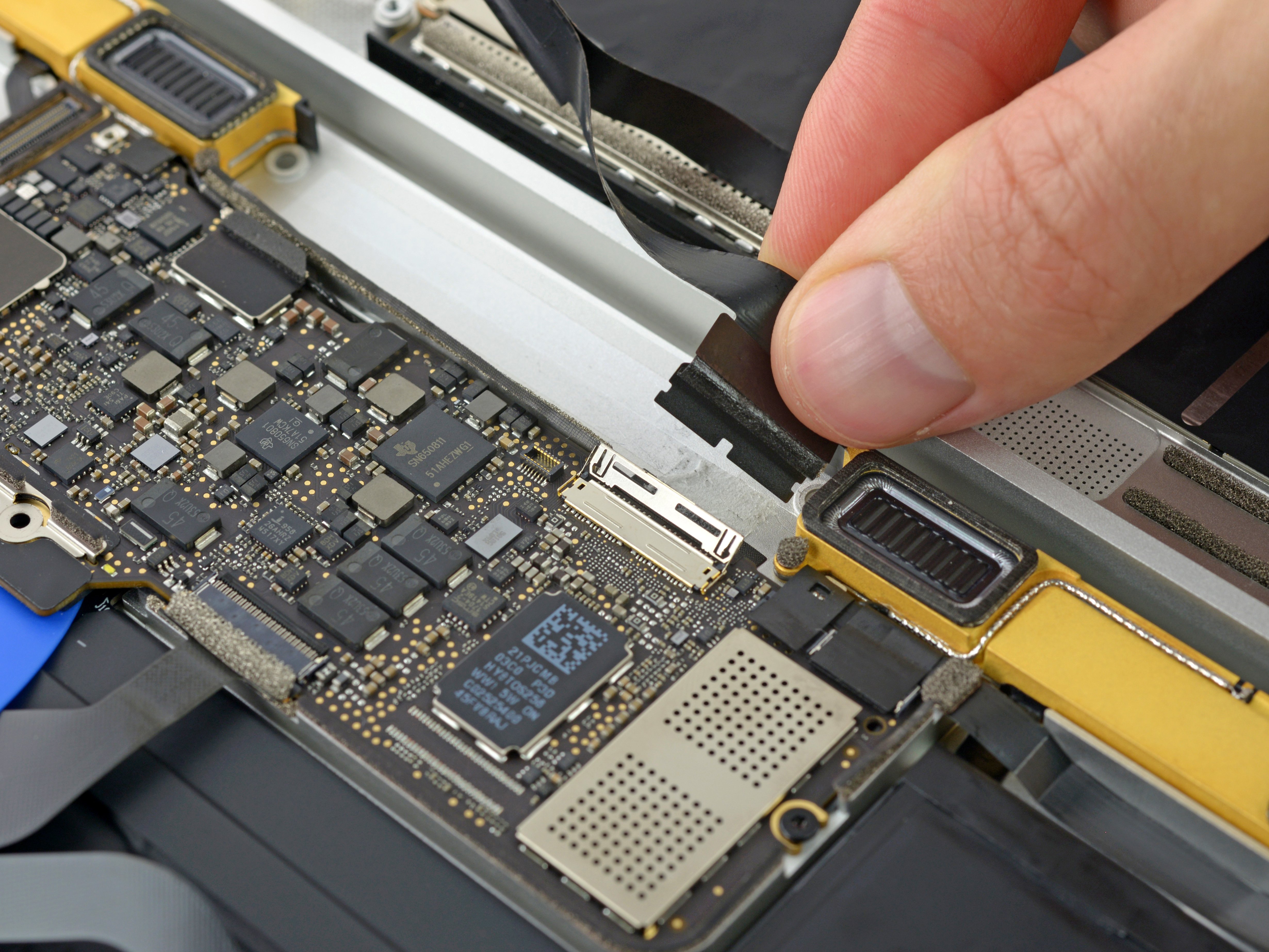
Use this guide to replace your Retina MacBook's lower case assembly together with the battery as a single unit. Follow this guide if you’d like to separate the battery from the case. To avoid logic board damage, when your MacBook repair is complete but before powering it on, connect it to low-voltage power using a 5-Watt iPhone charger and a USB-C to USB-A cable. These accessories are not included with your MacBook, so make sure you have them ready before you begin.