FIXONIC
Before you begin
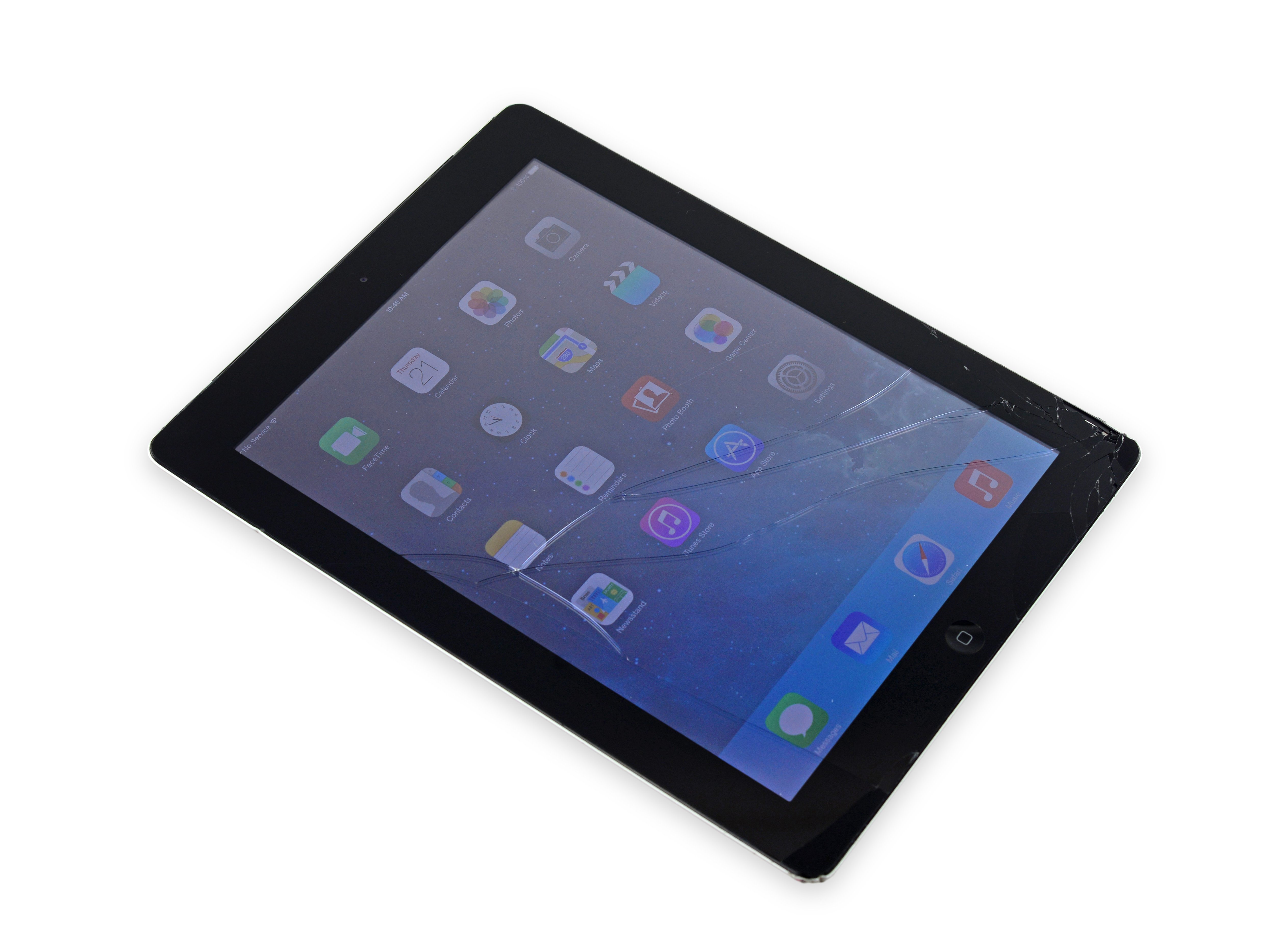
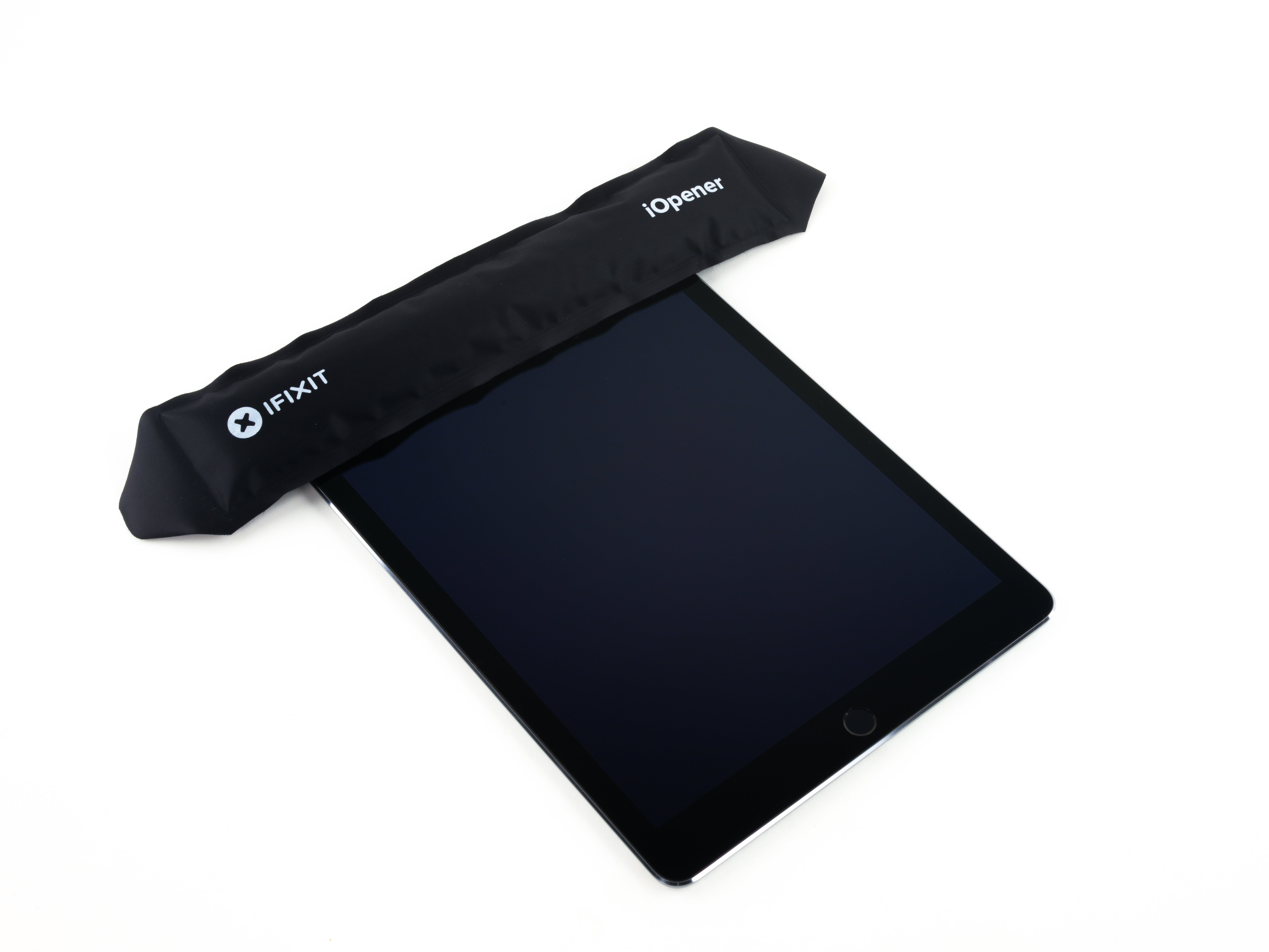
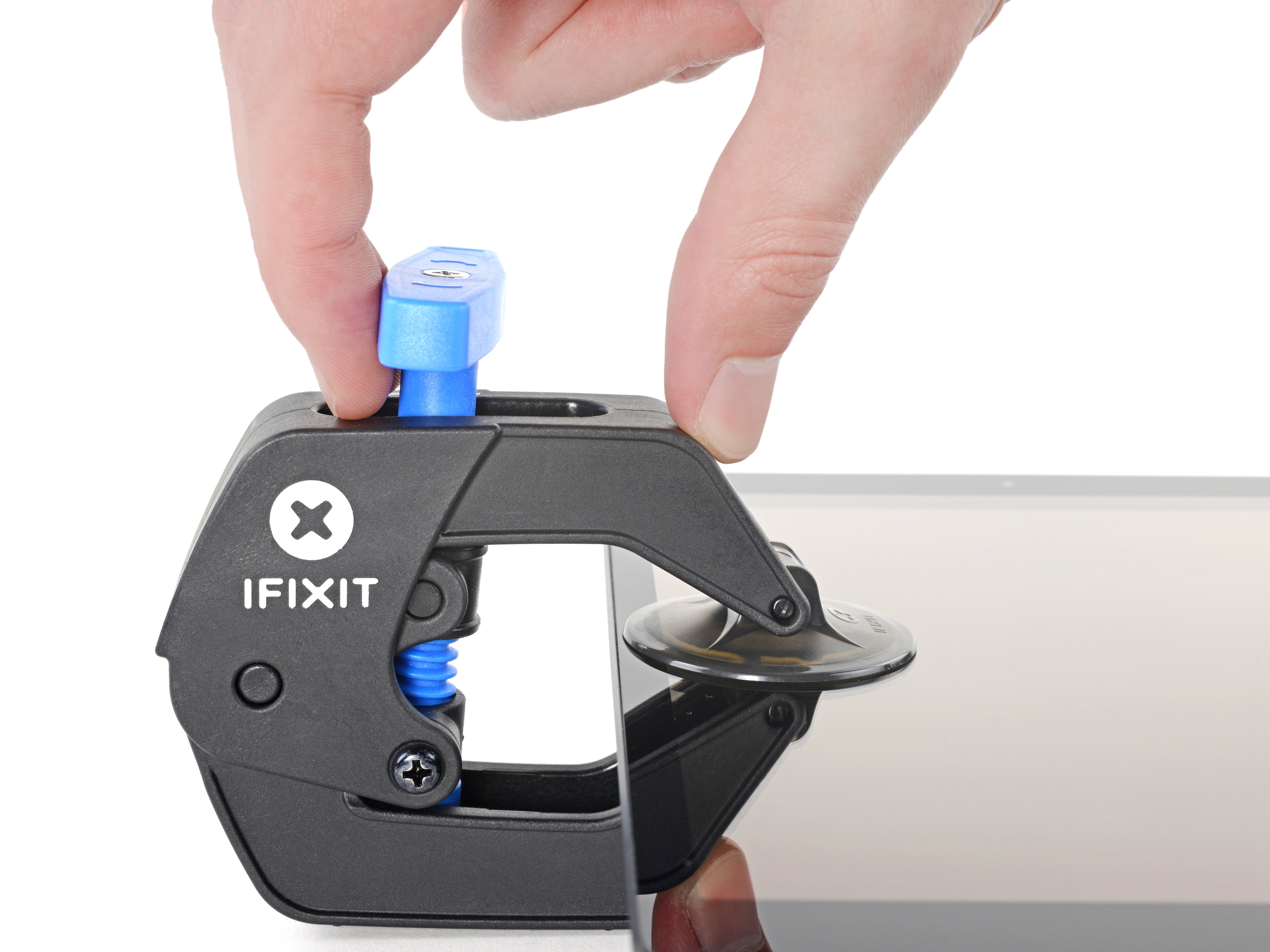
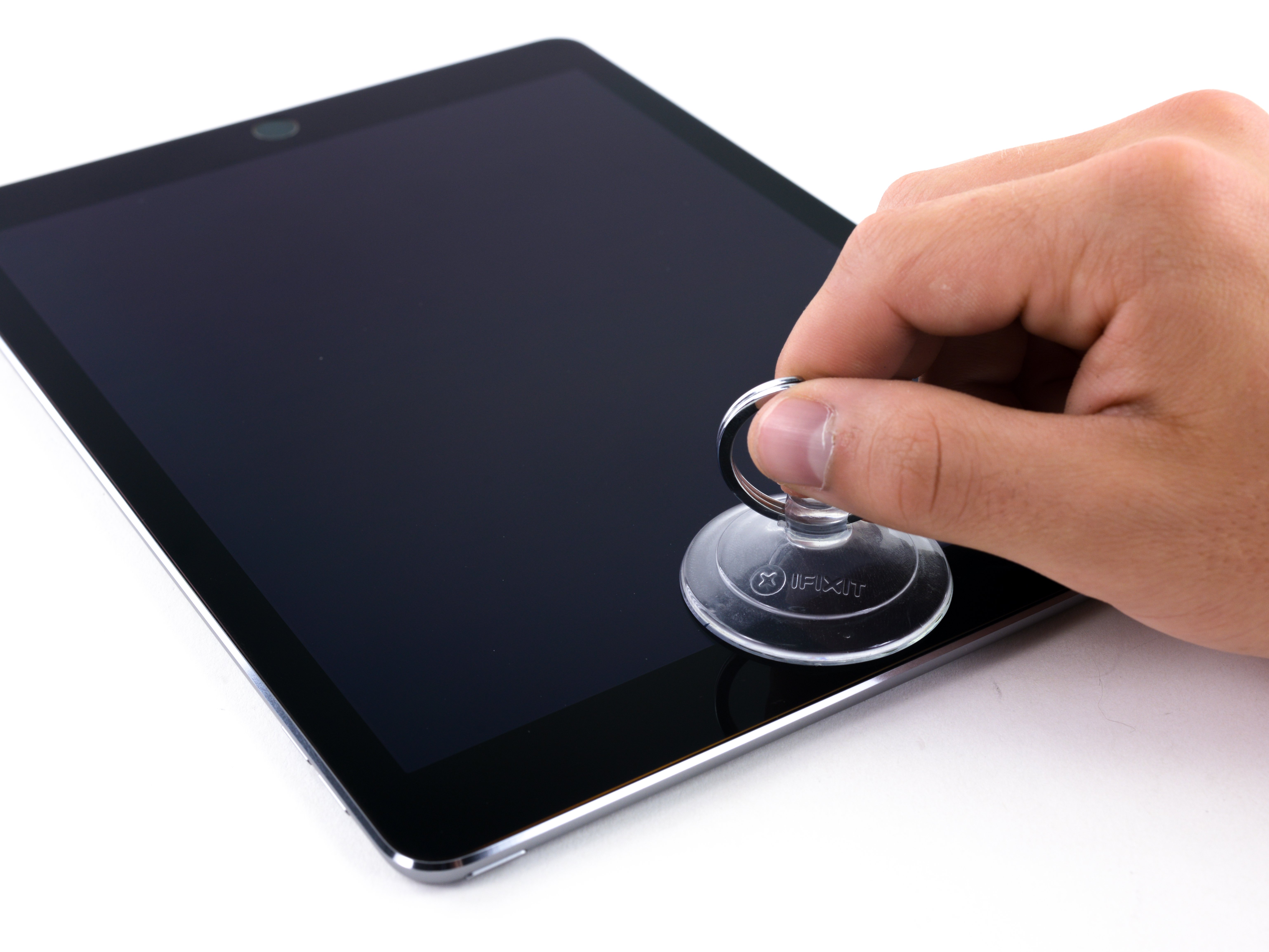
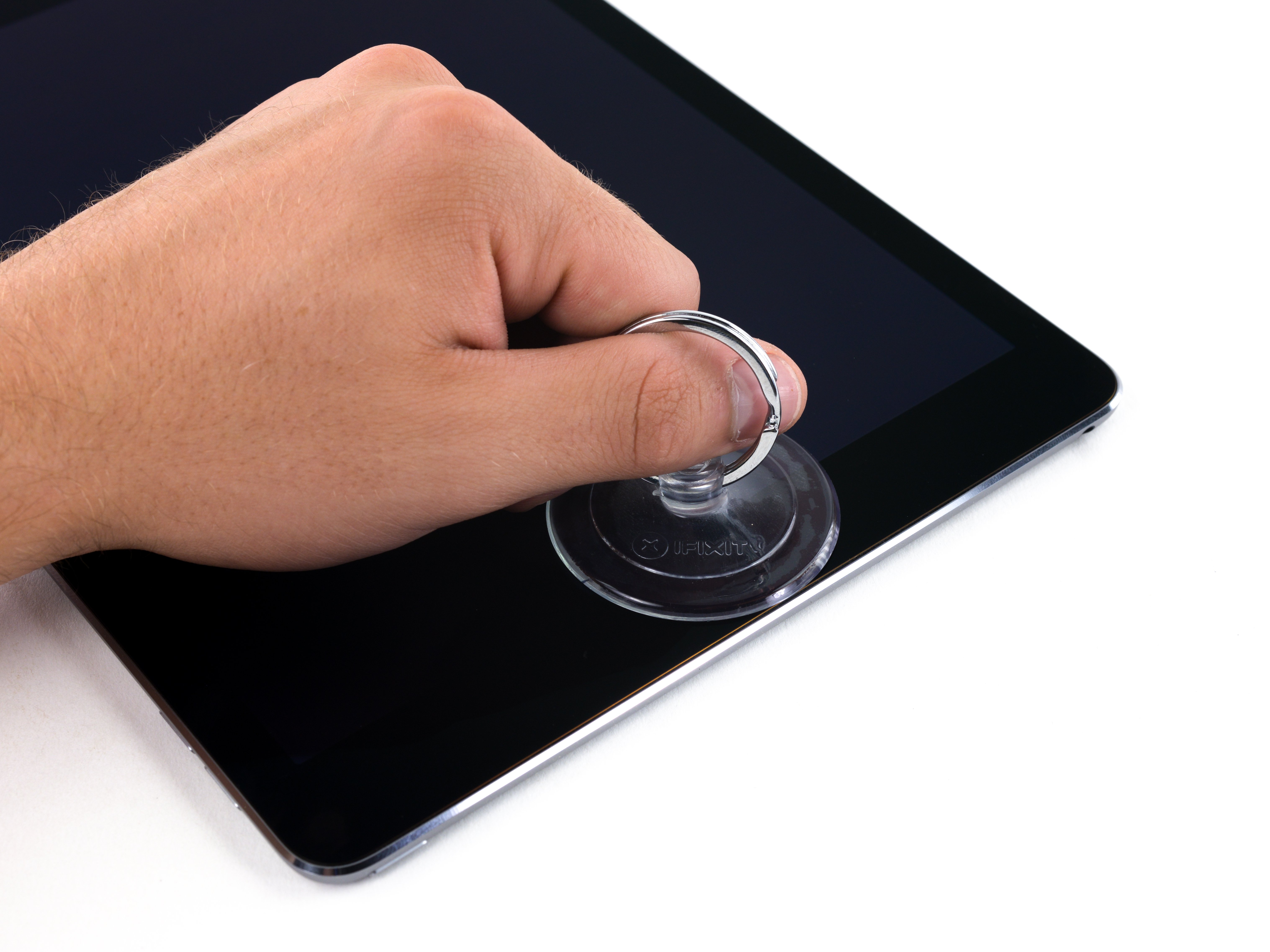
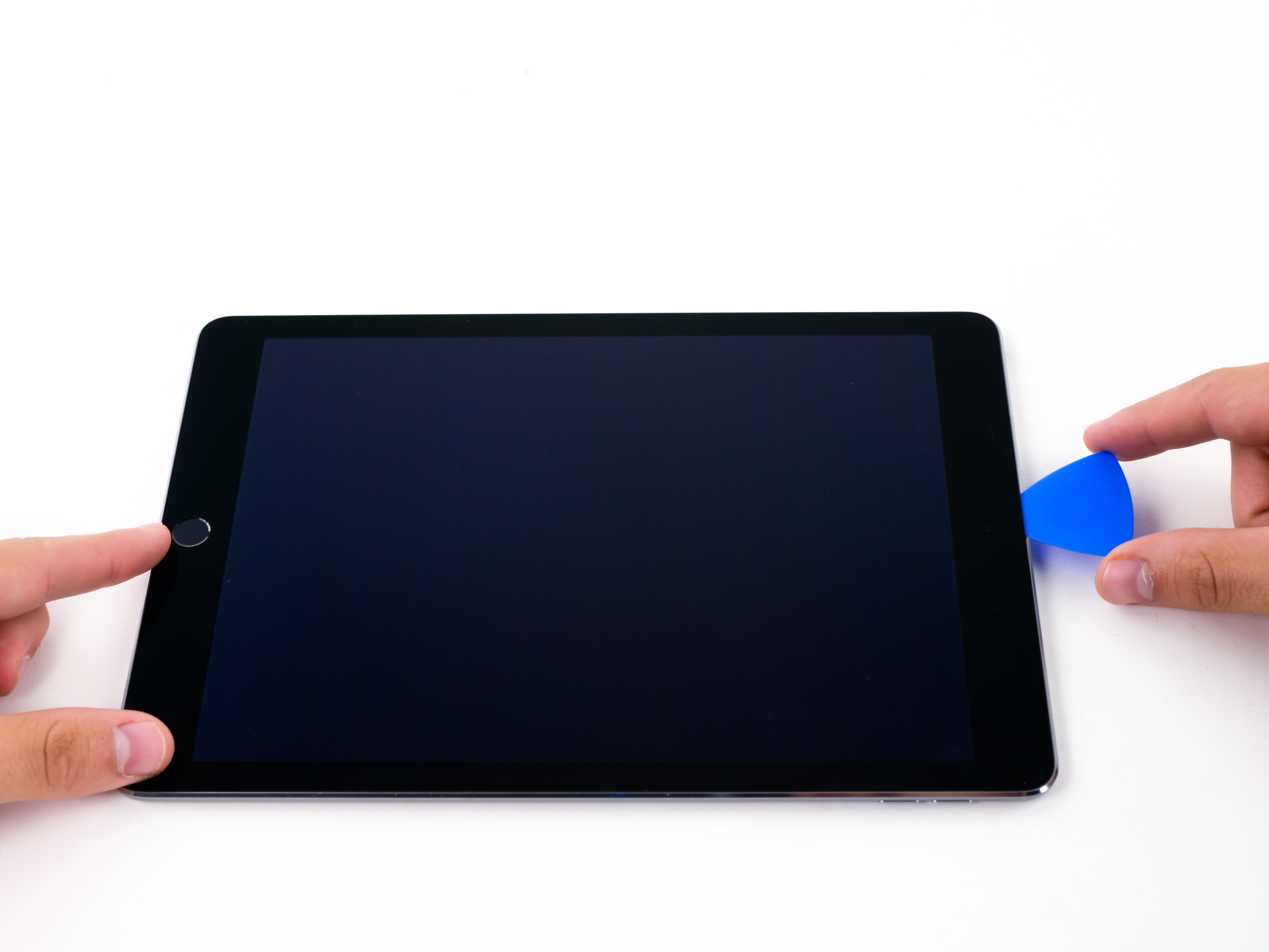
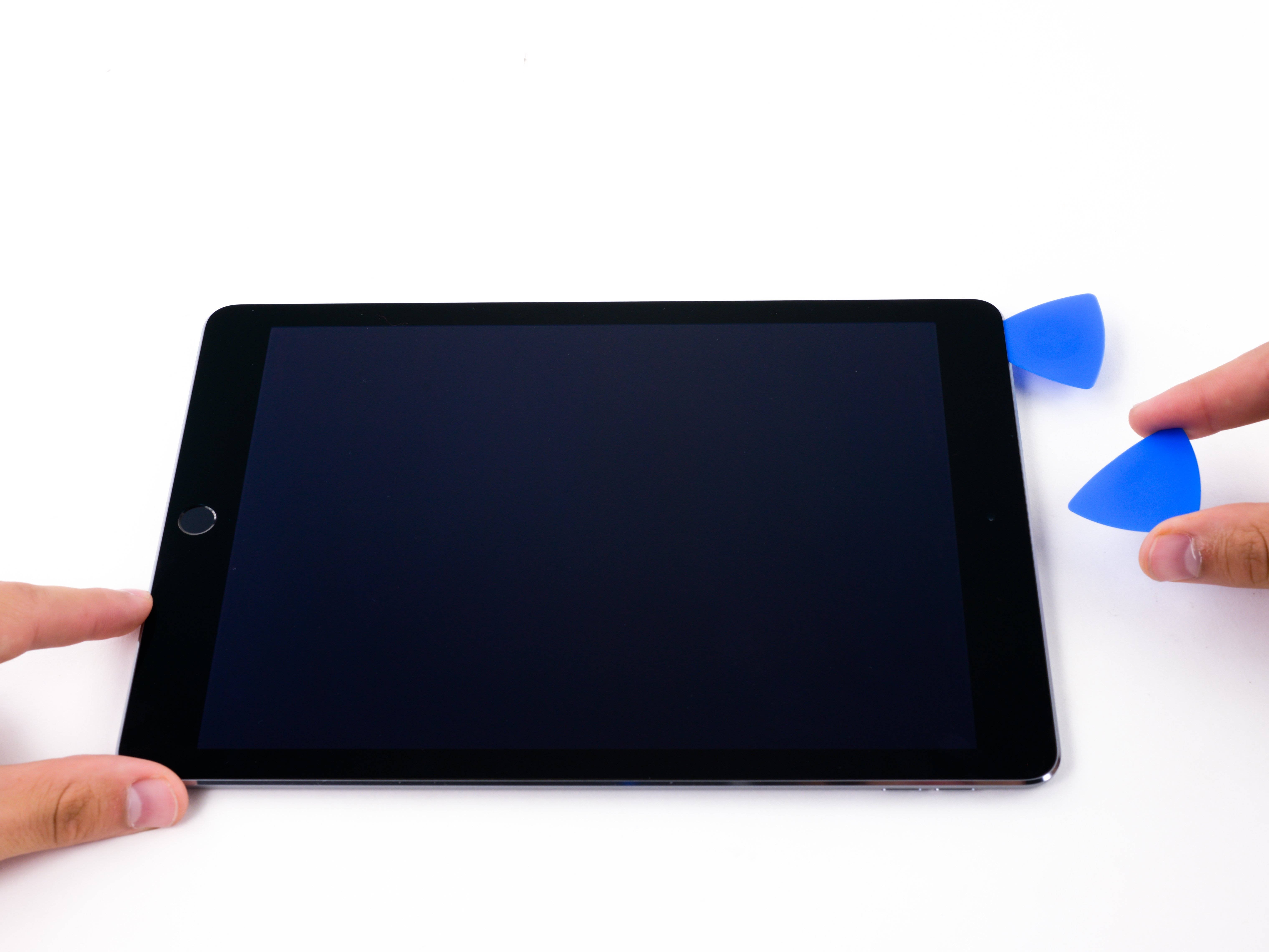
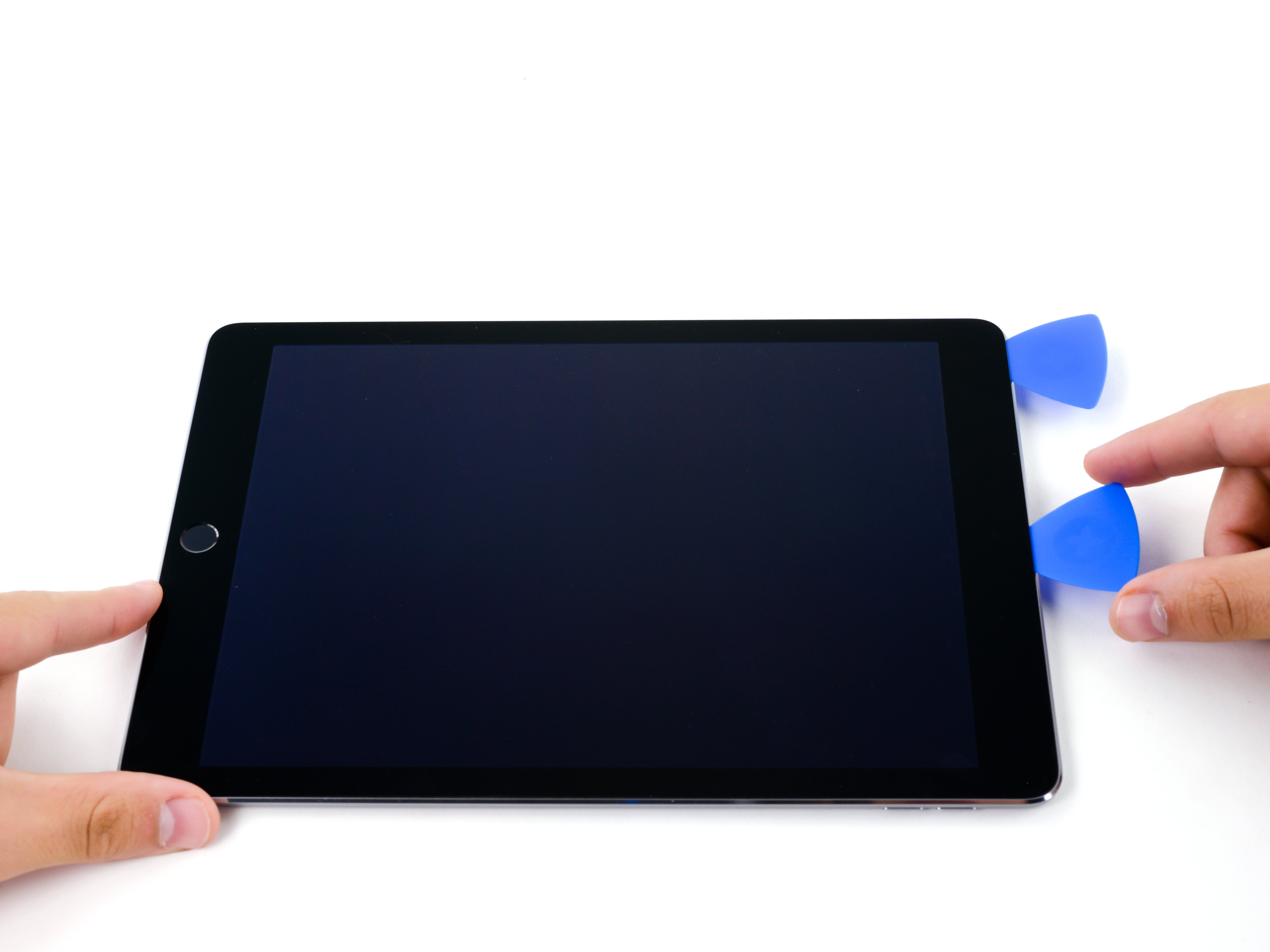
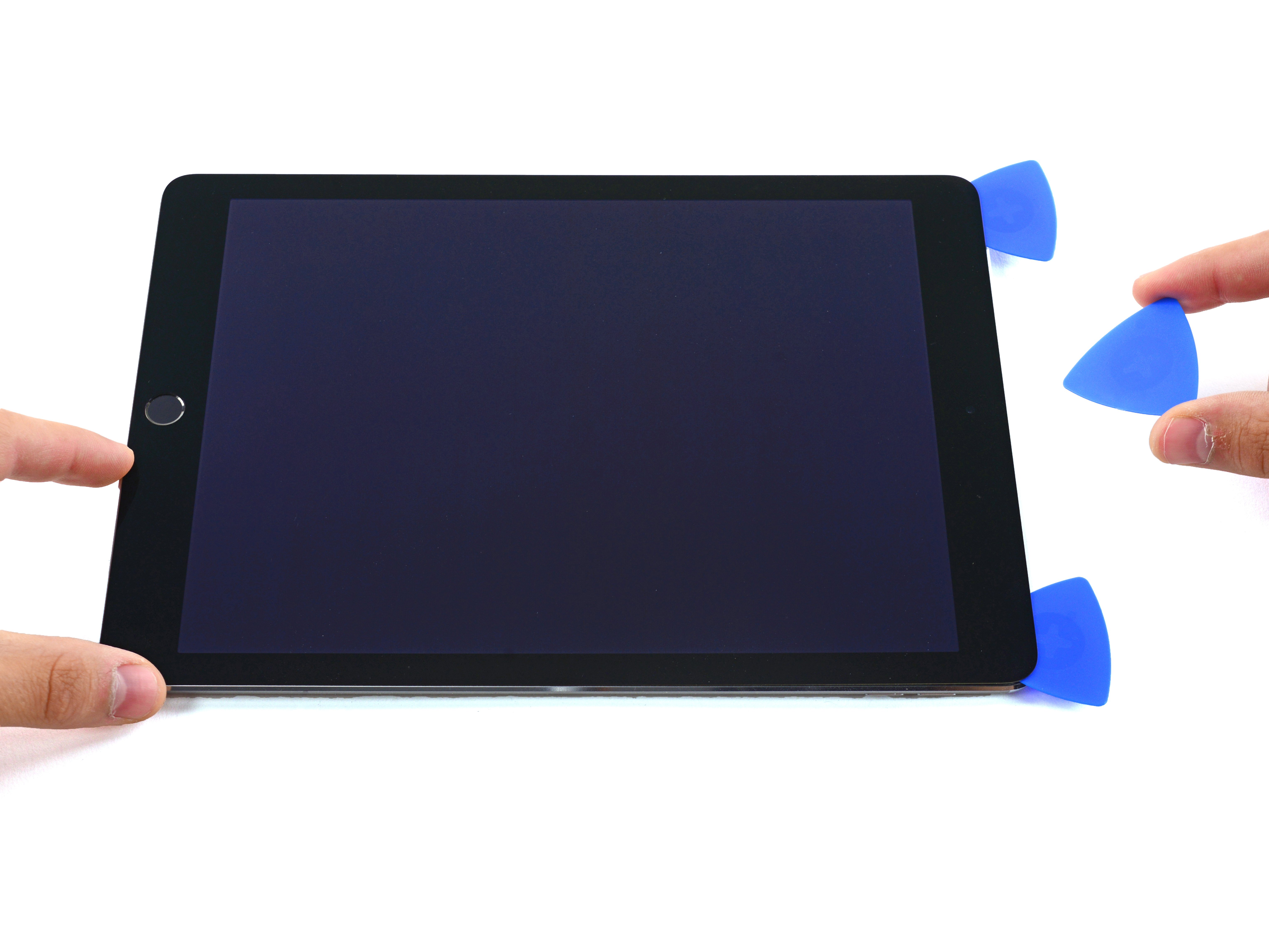
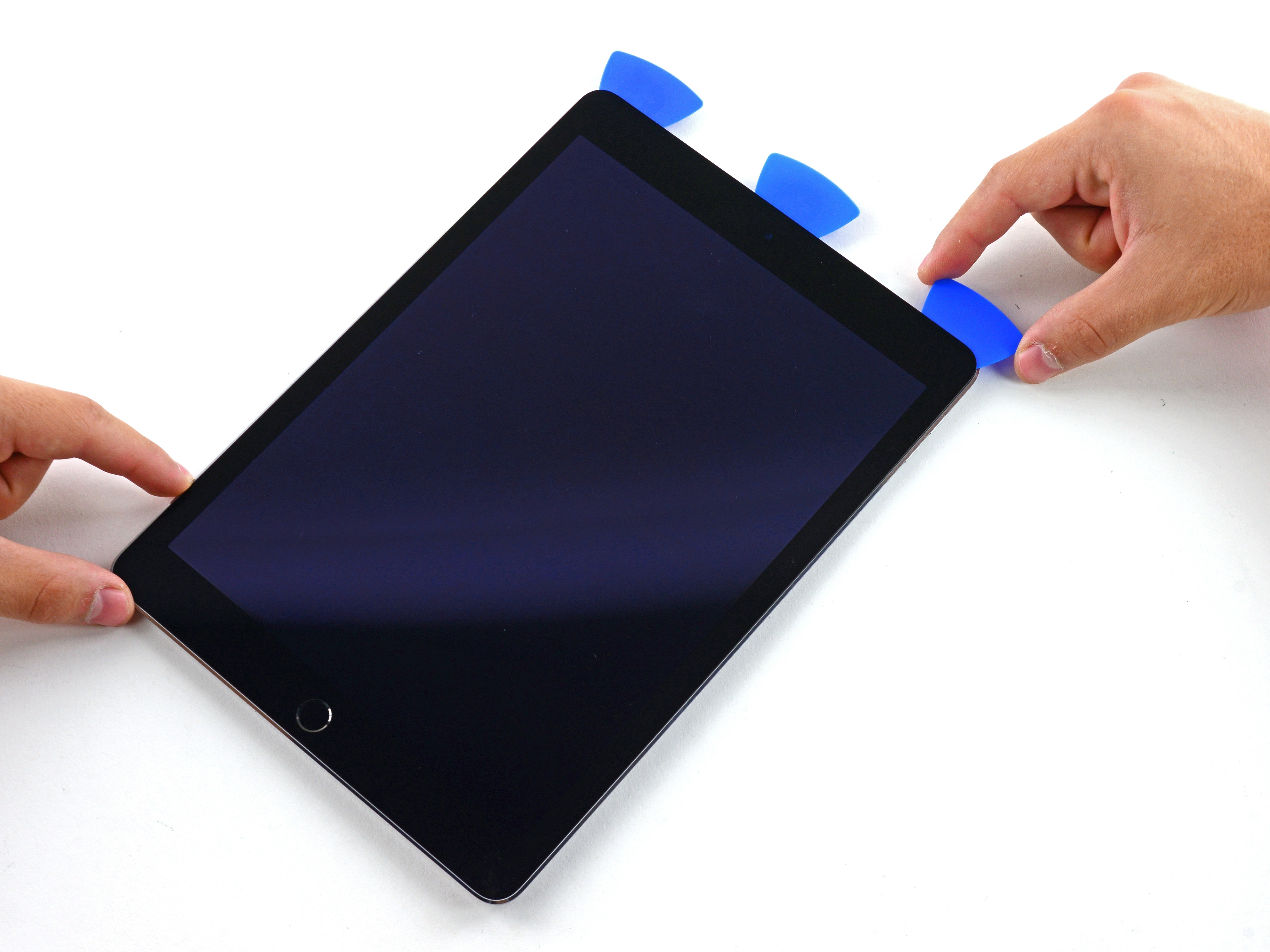
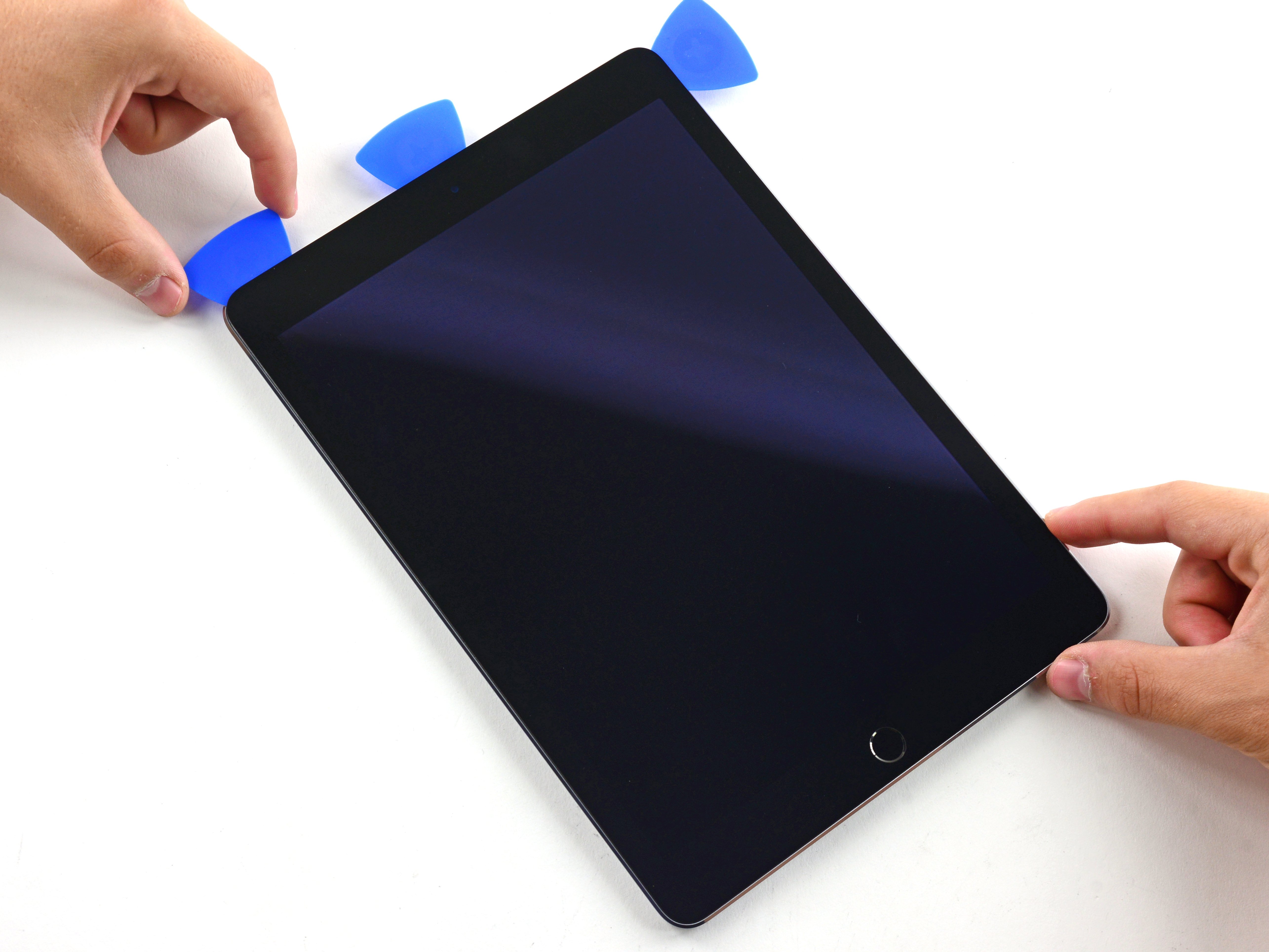
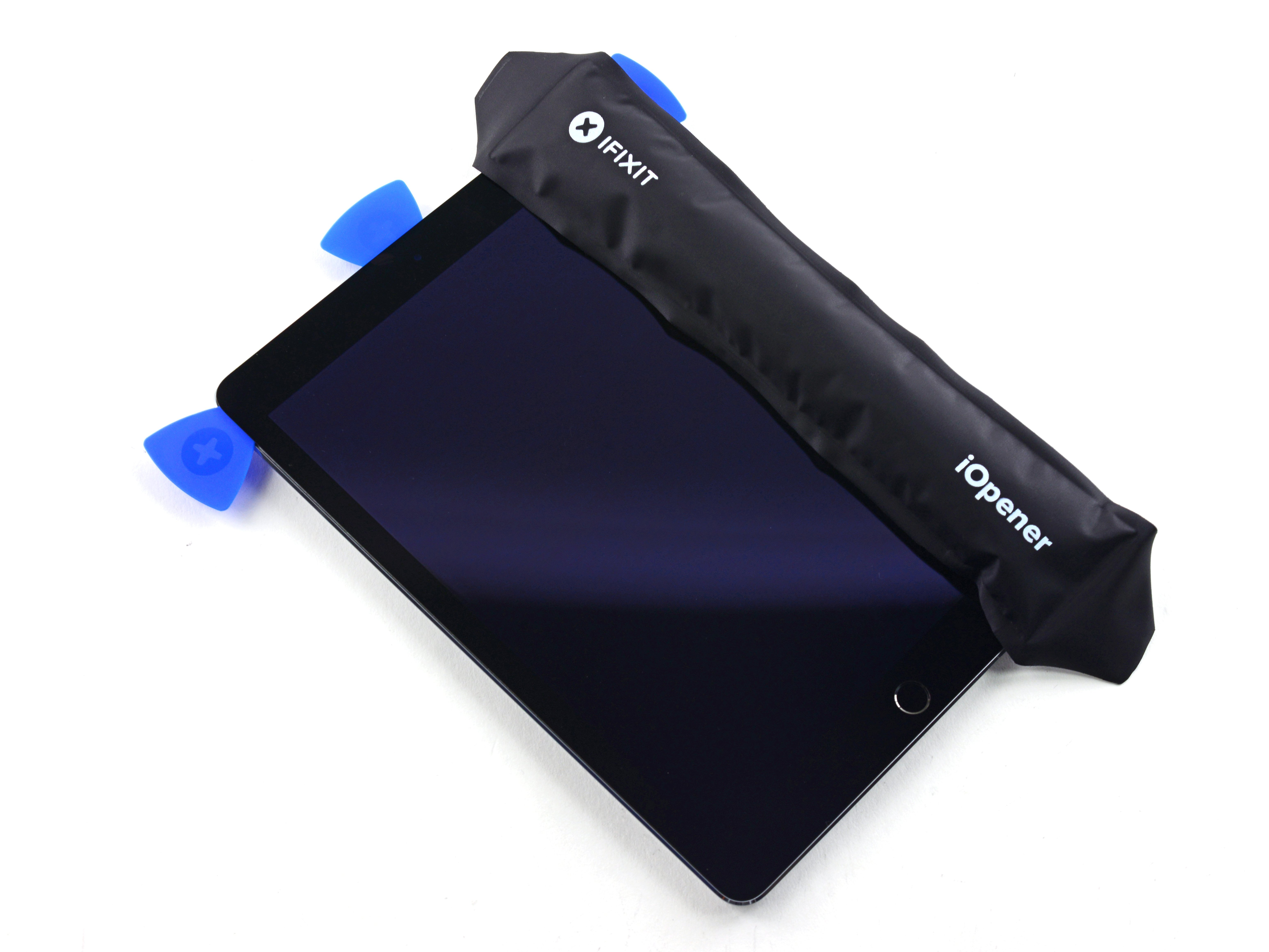
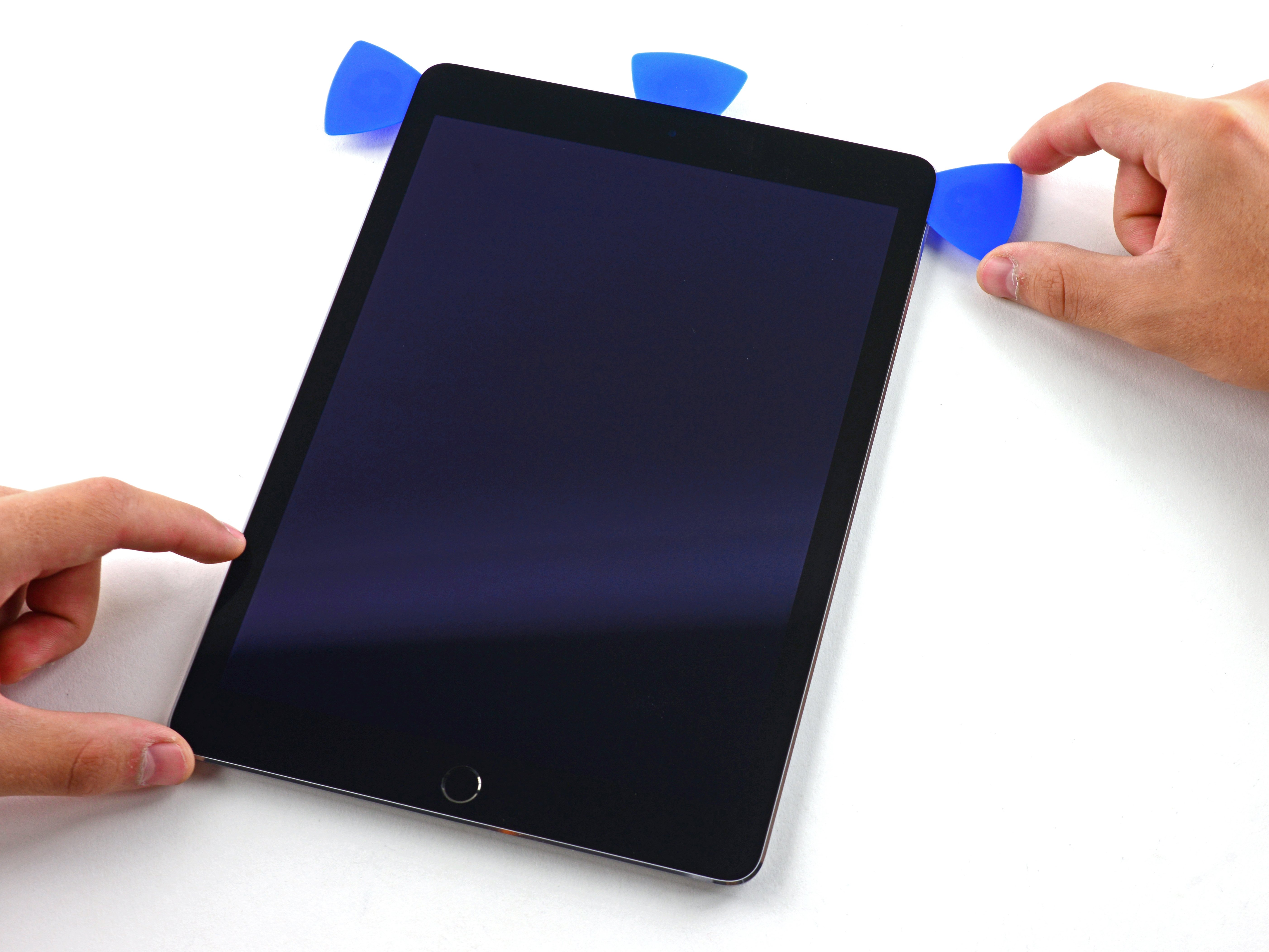
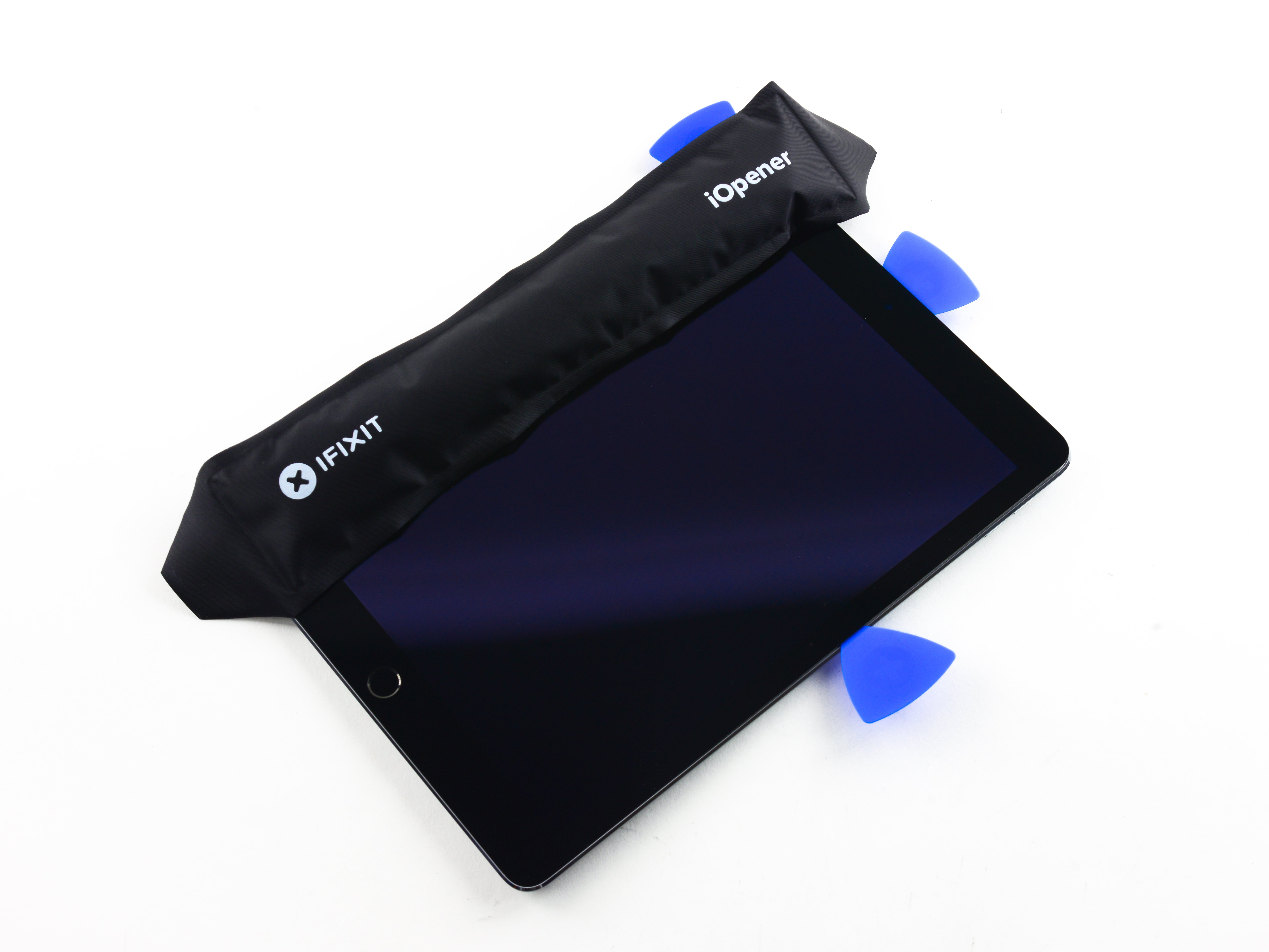
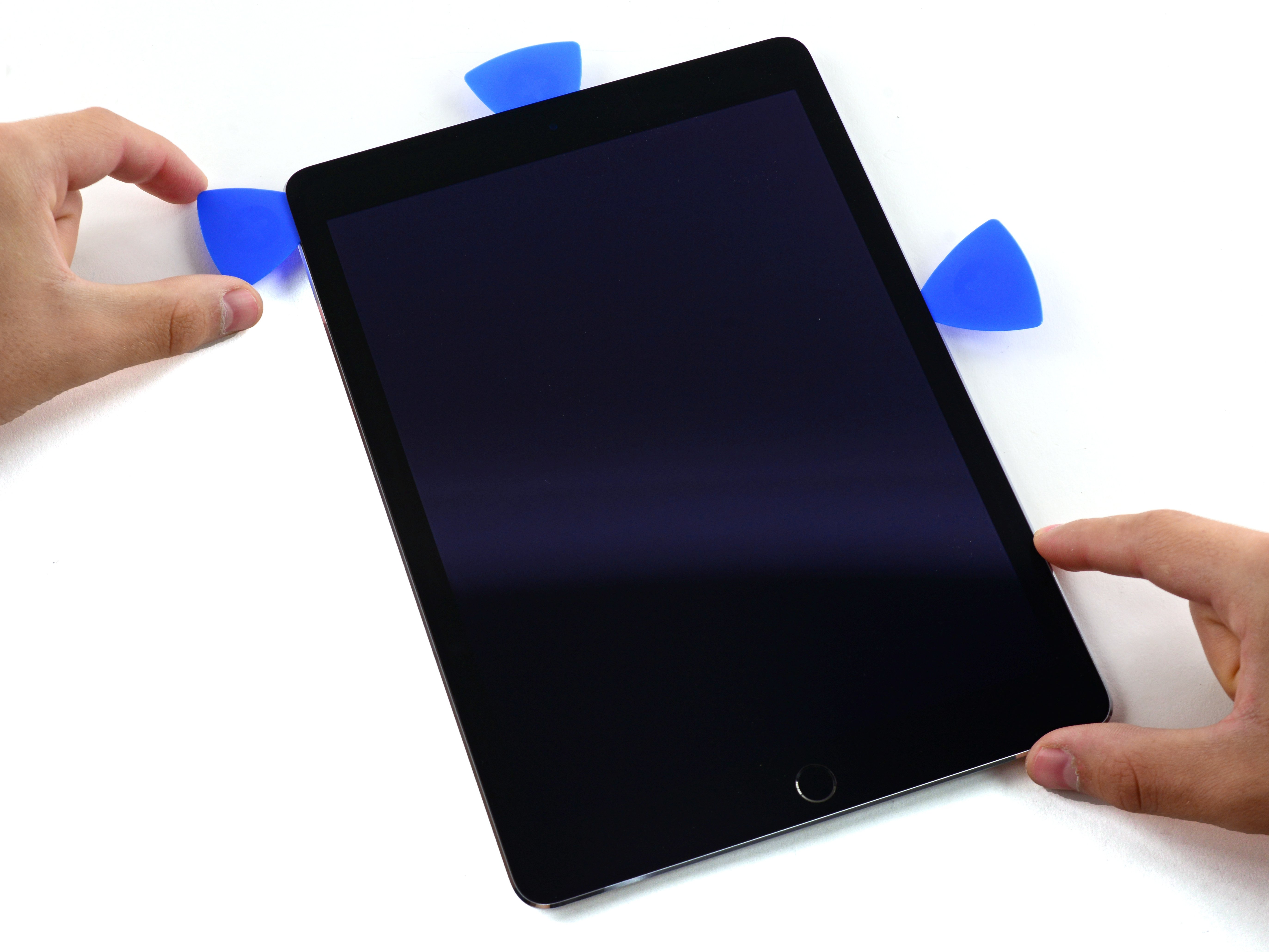
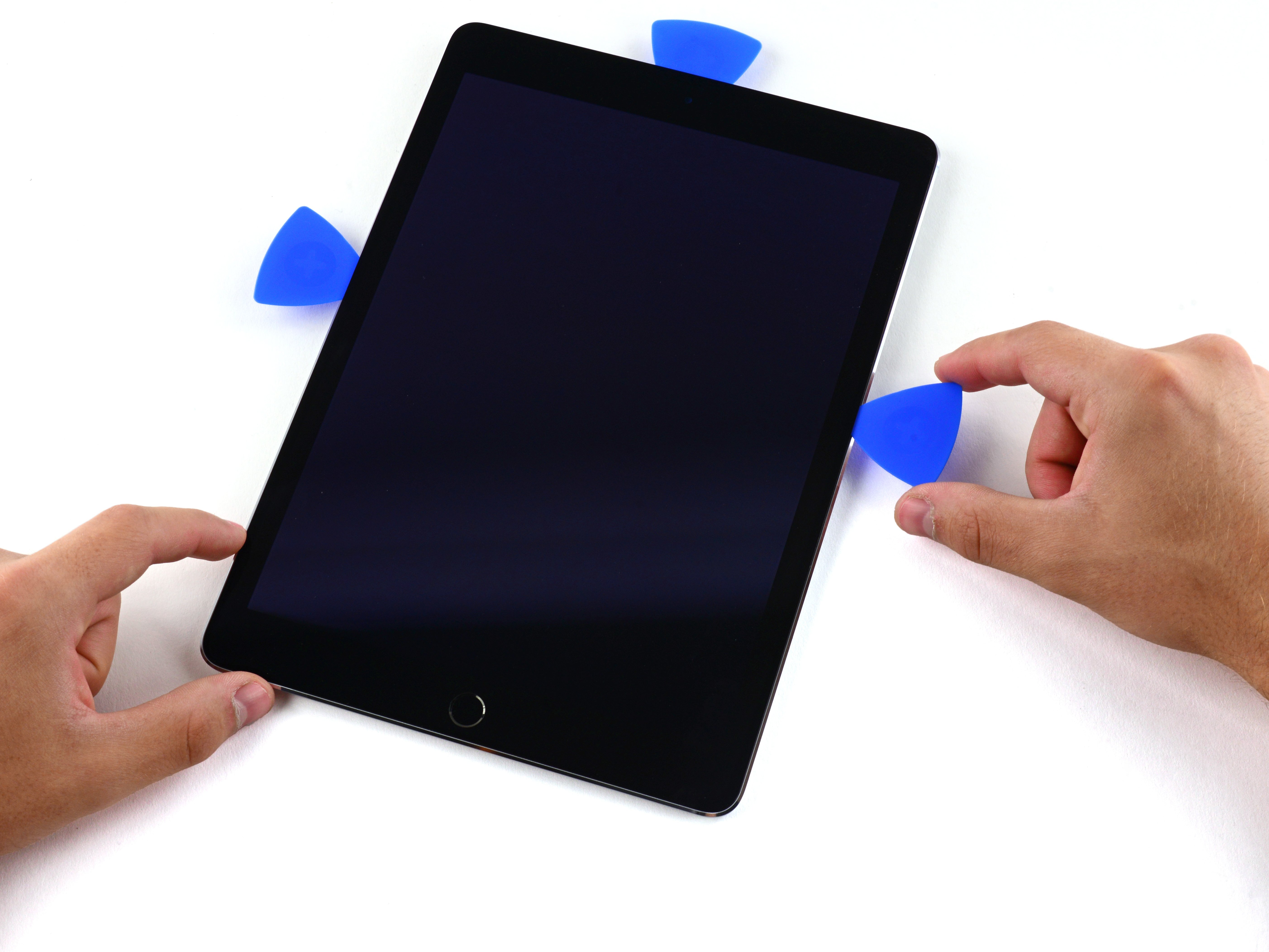
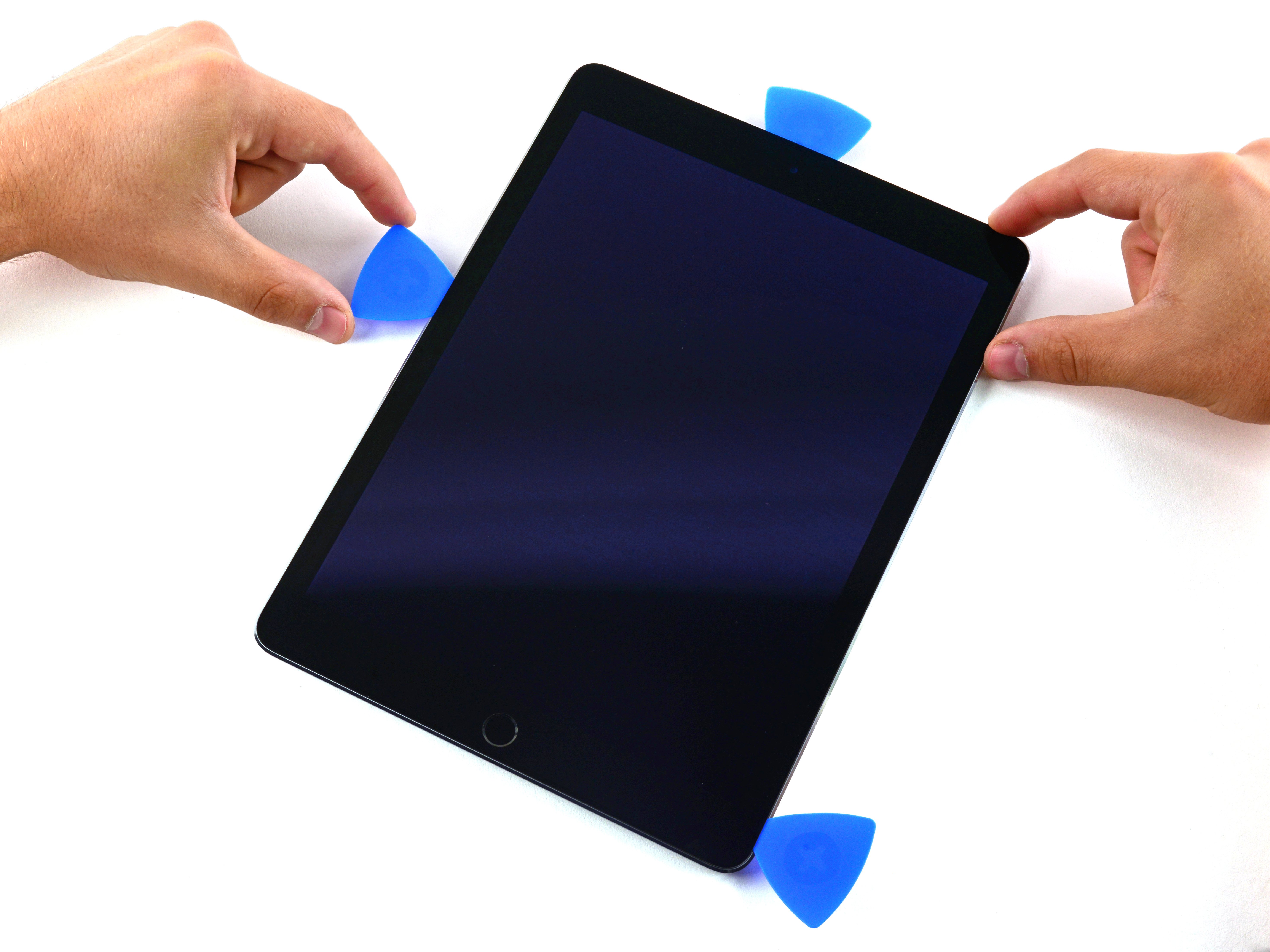
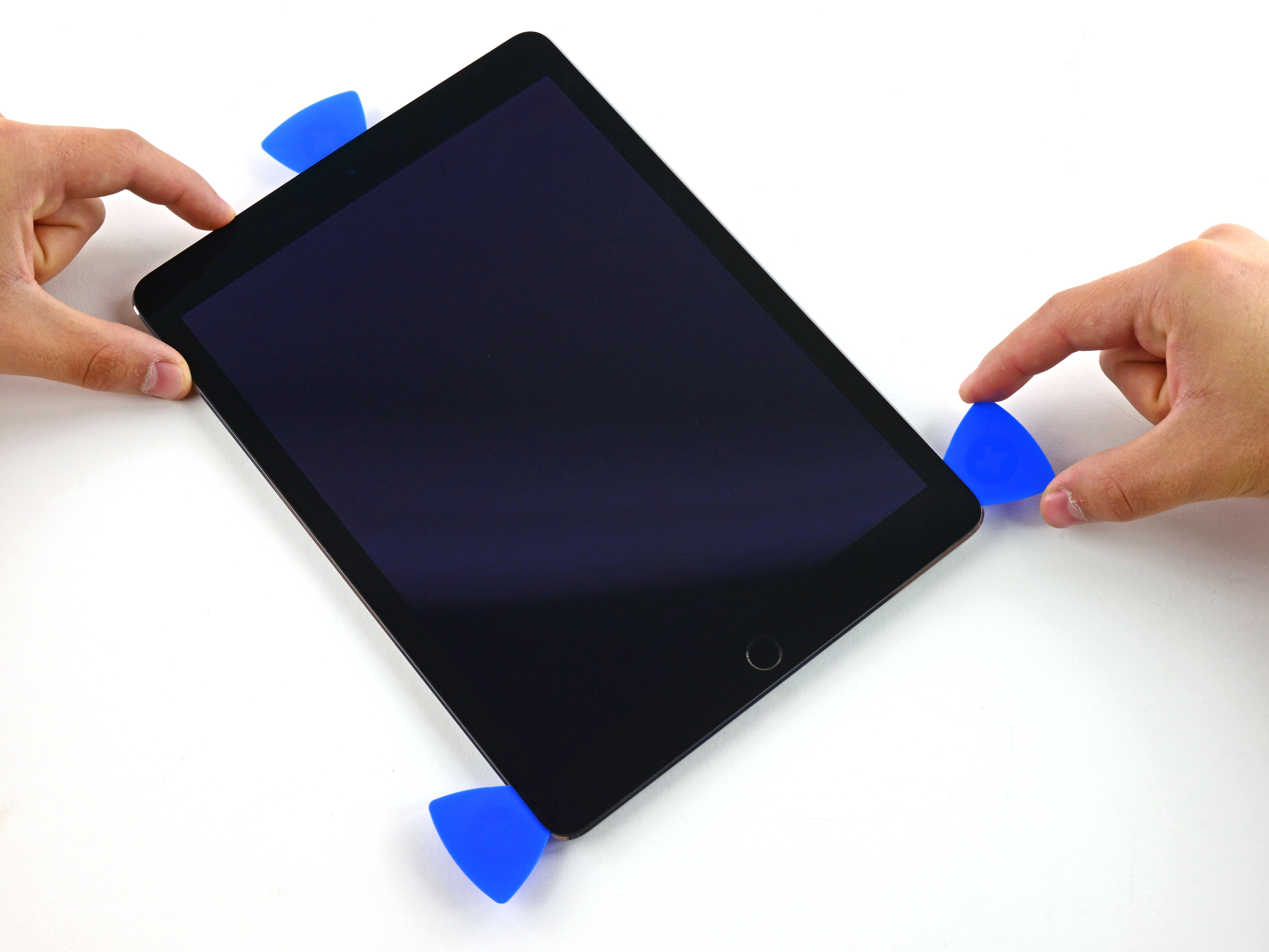
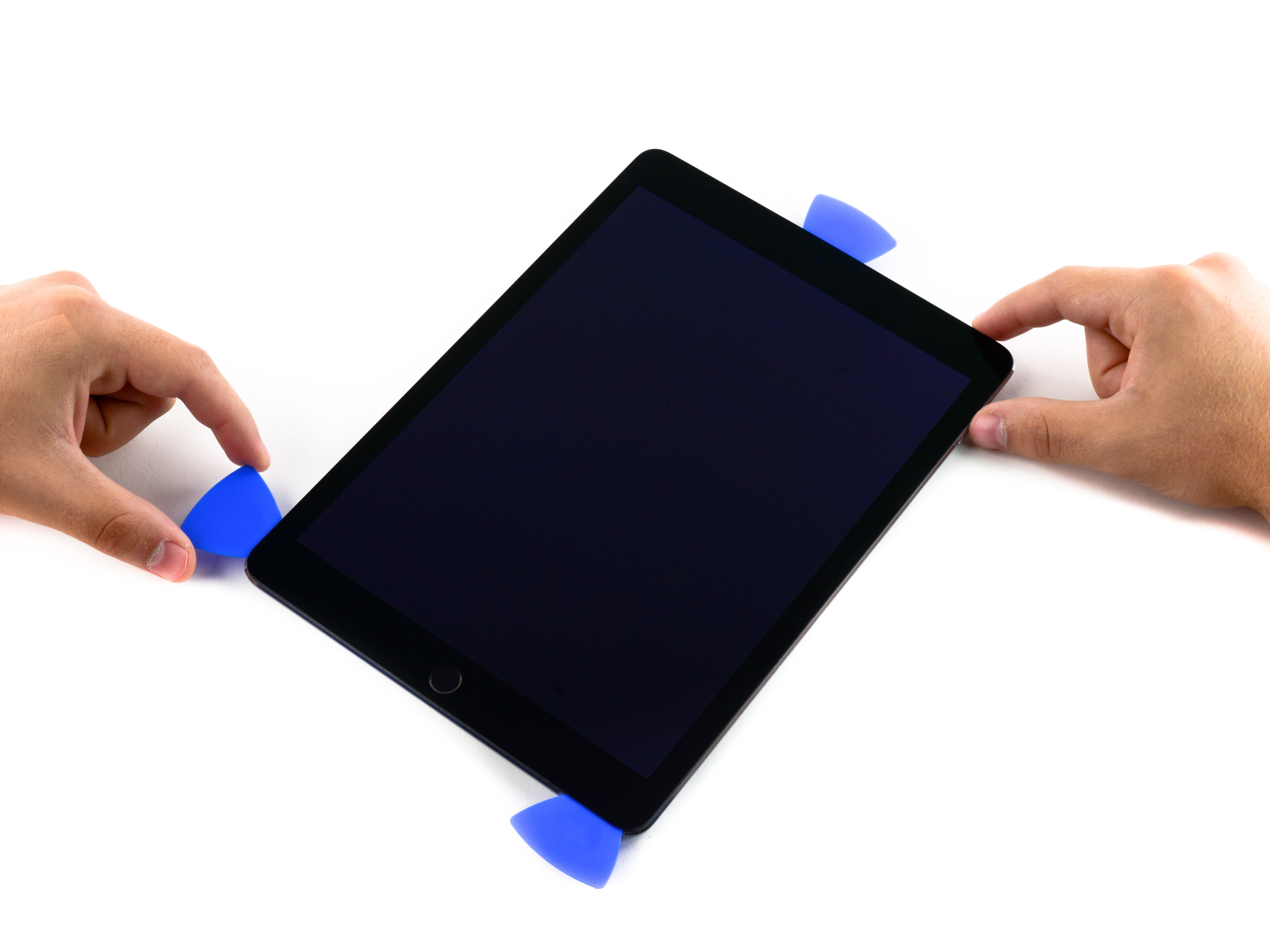
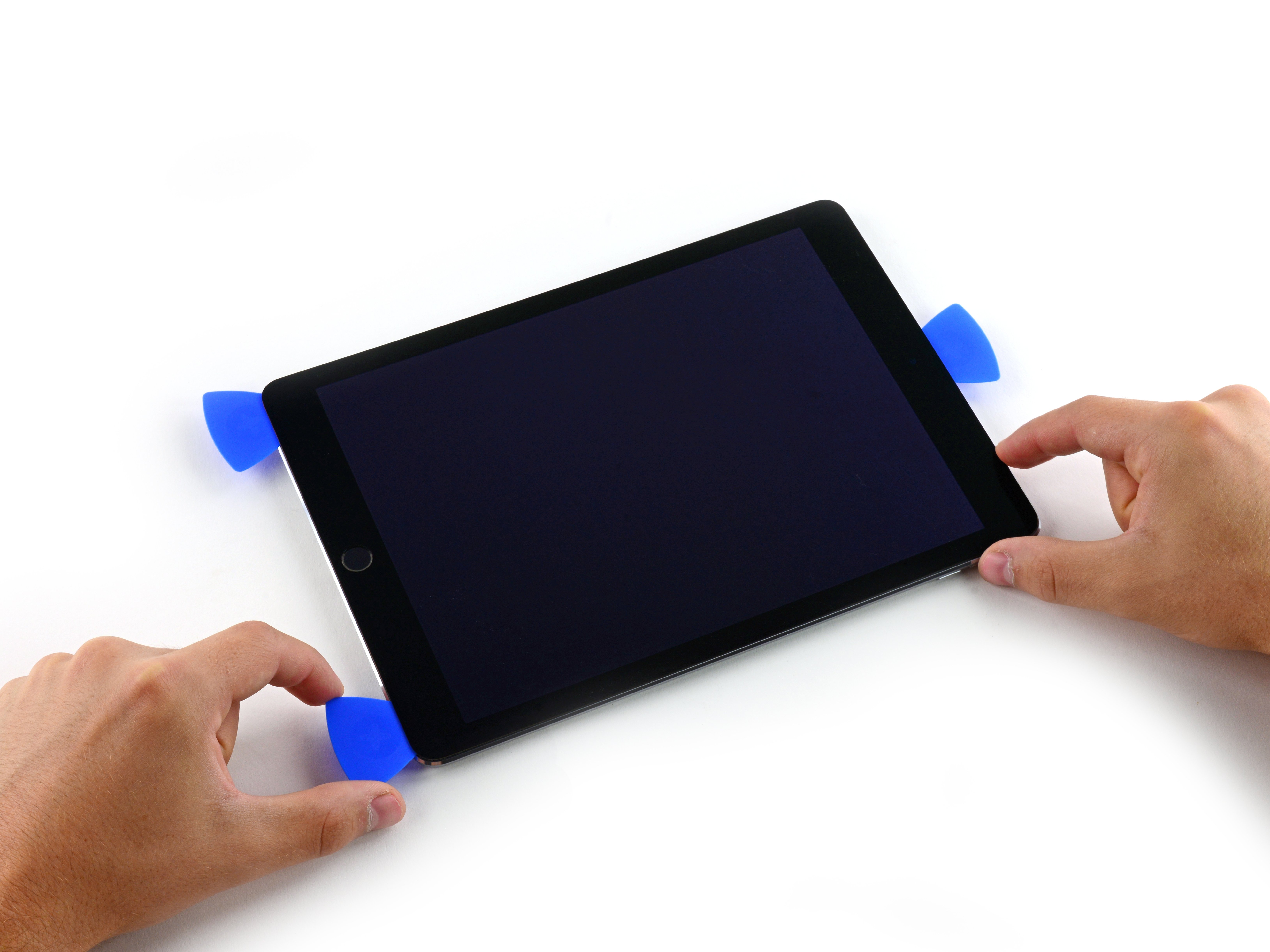
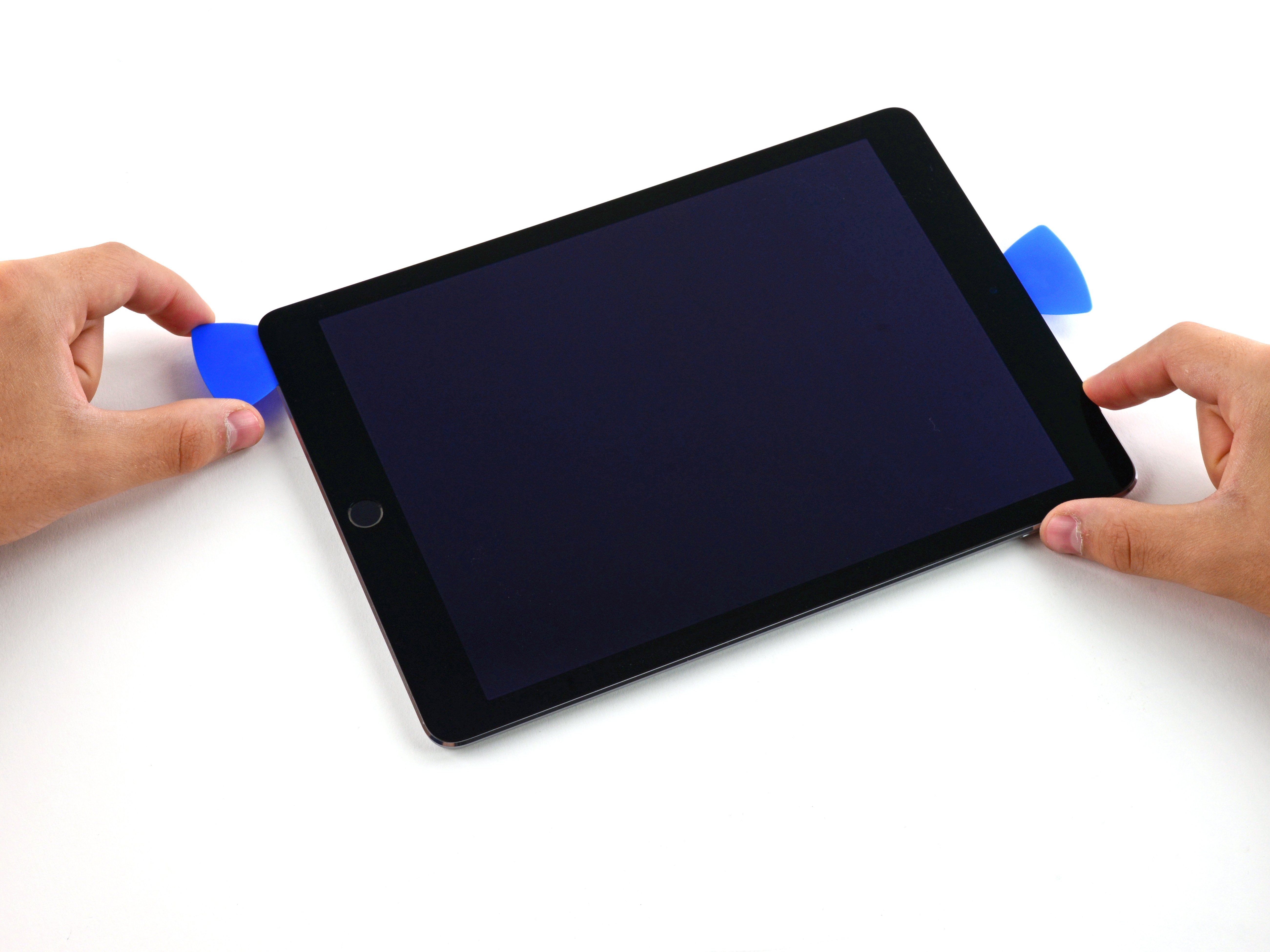
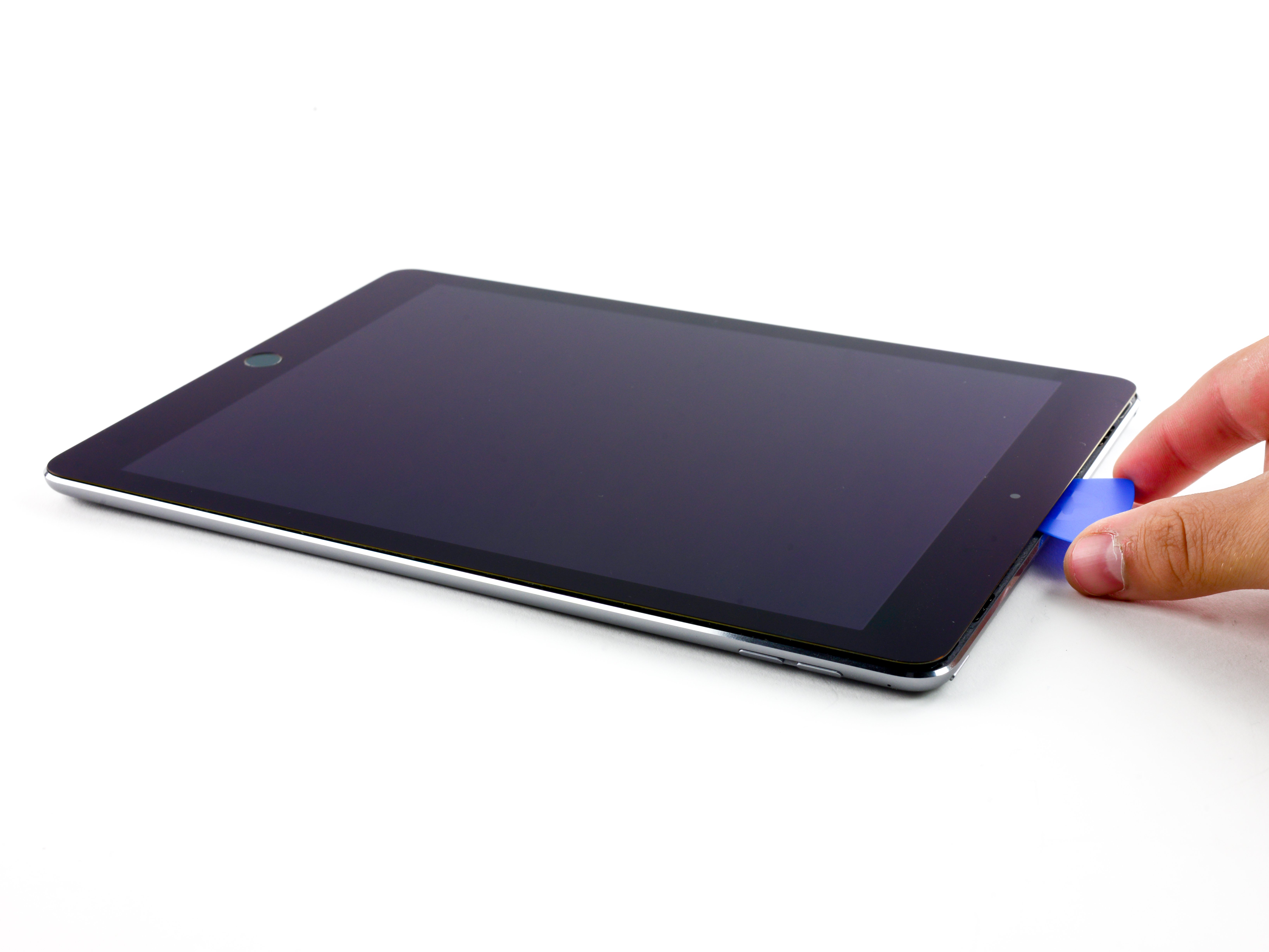
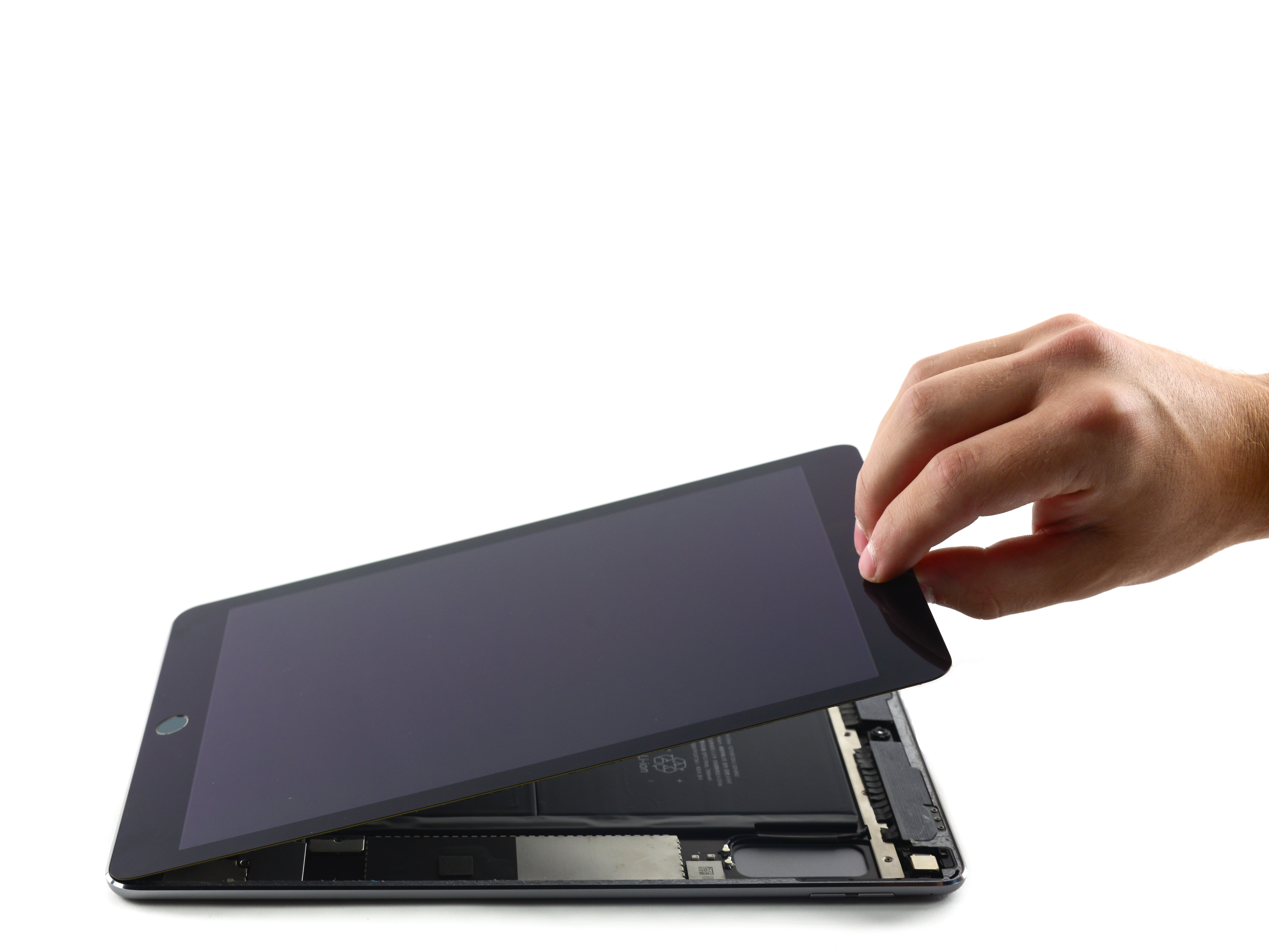
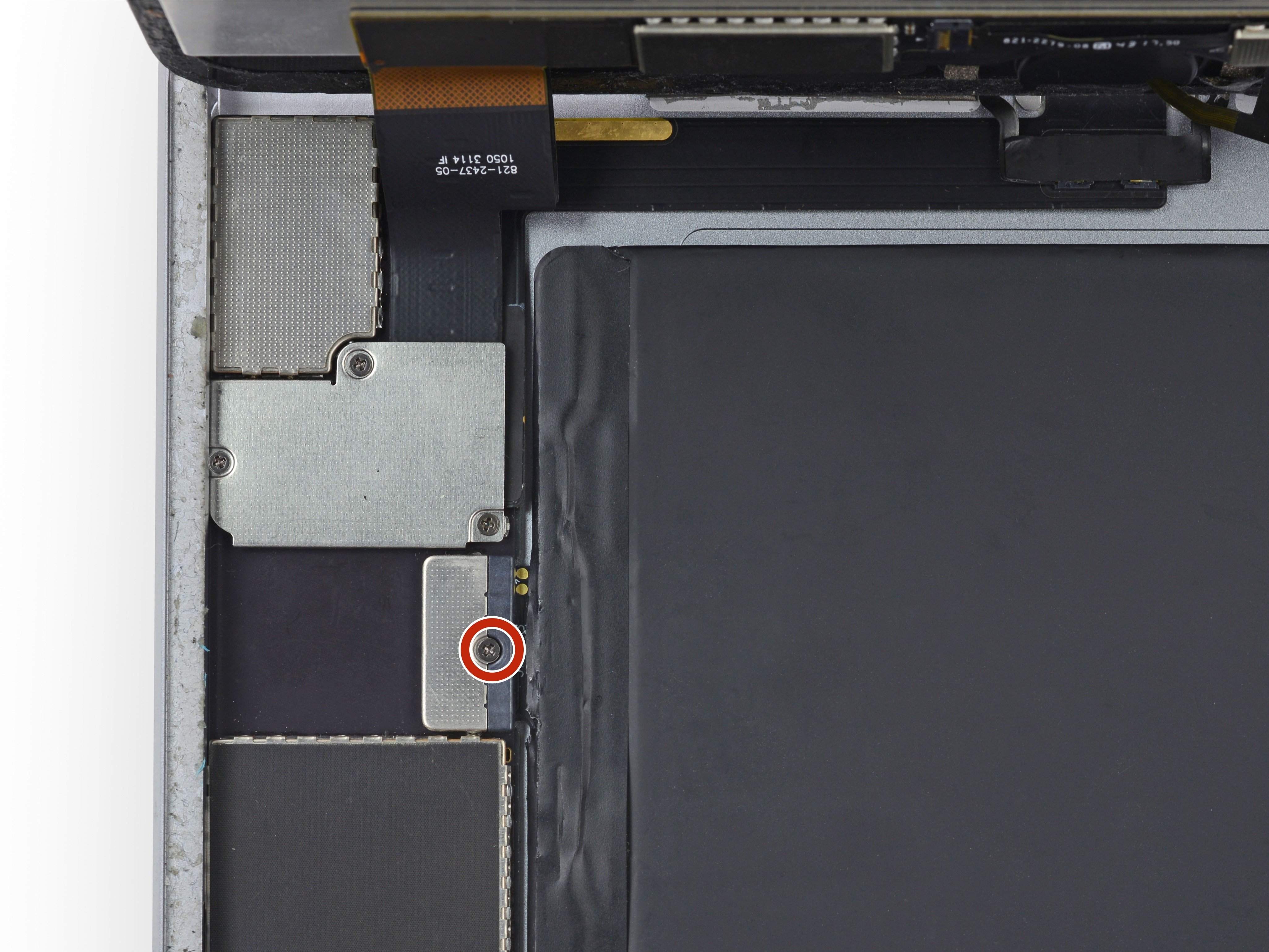
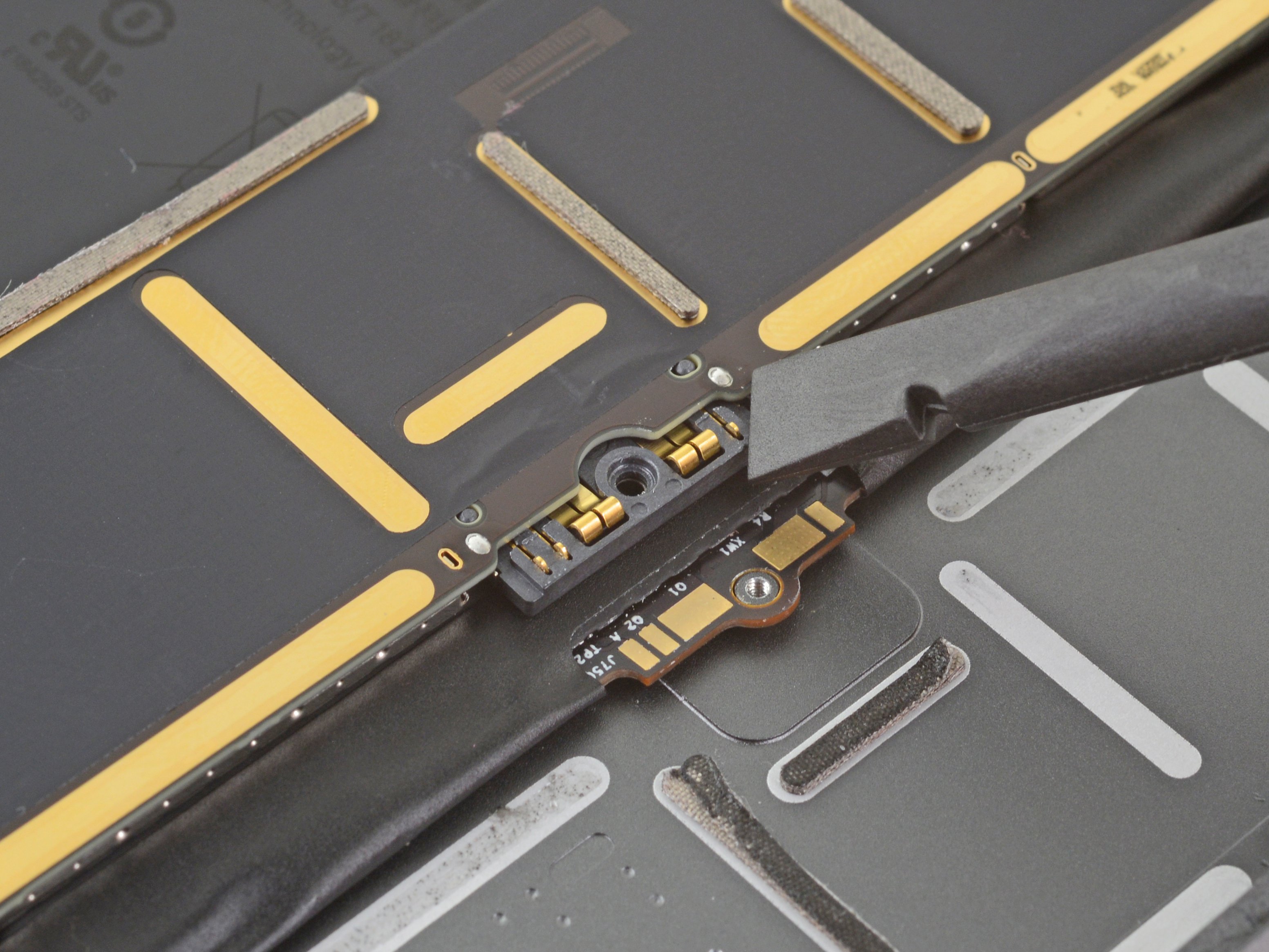
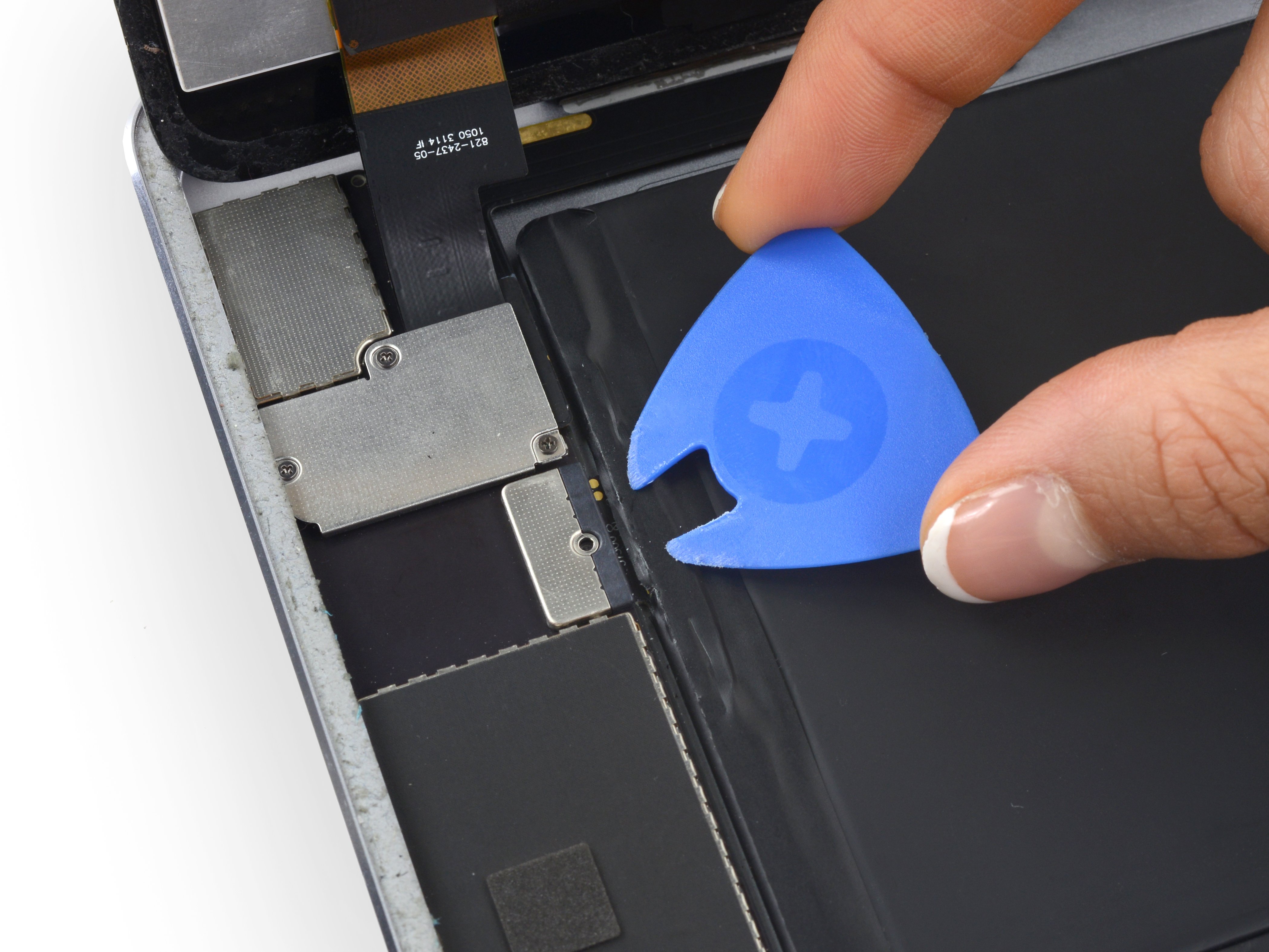
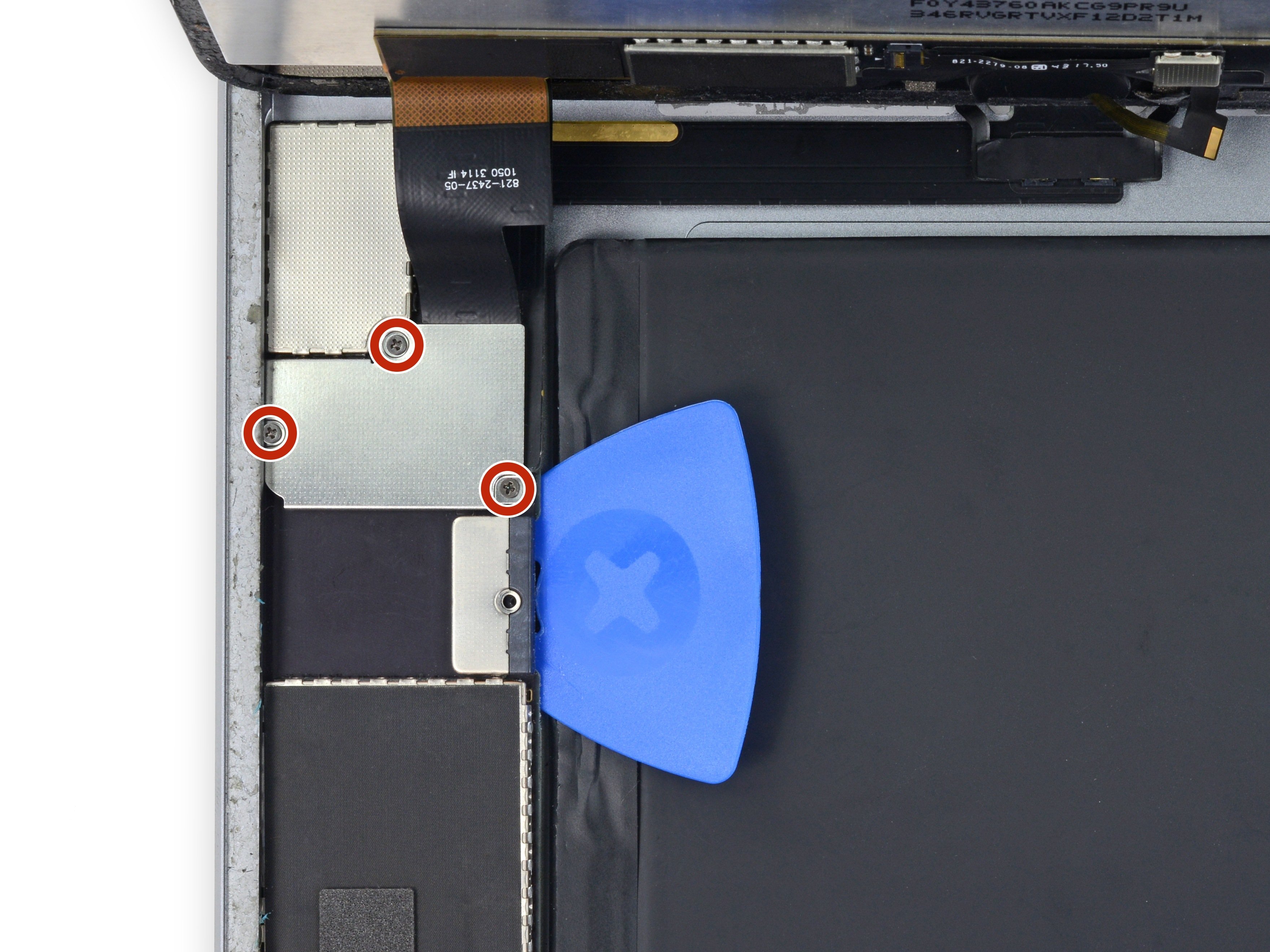
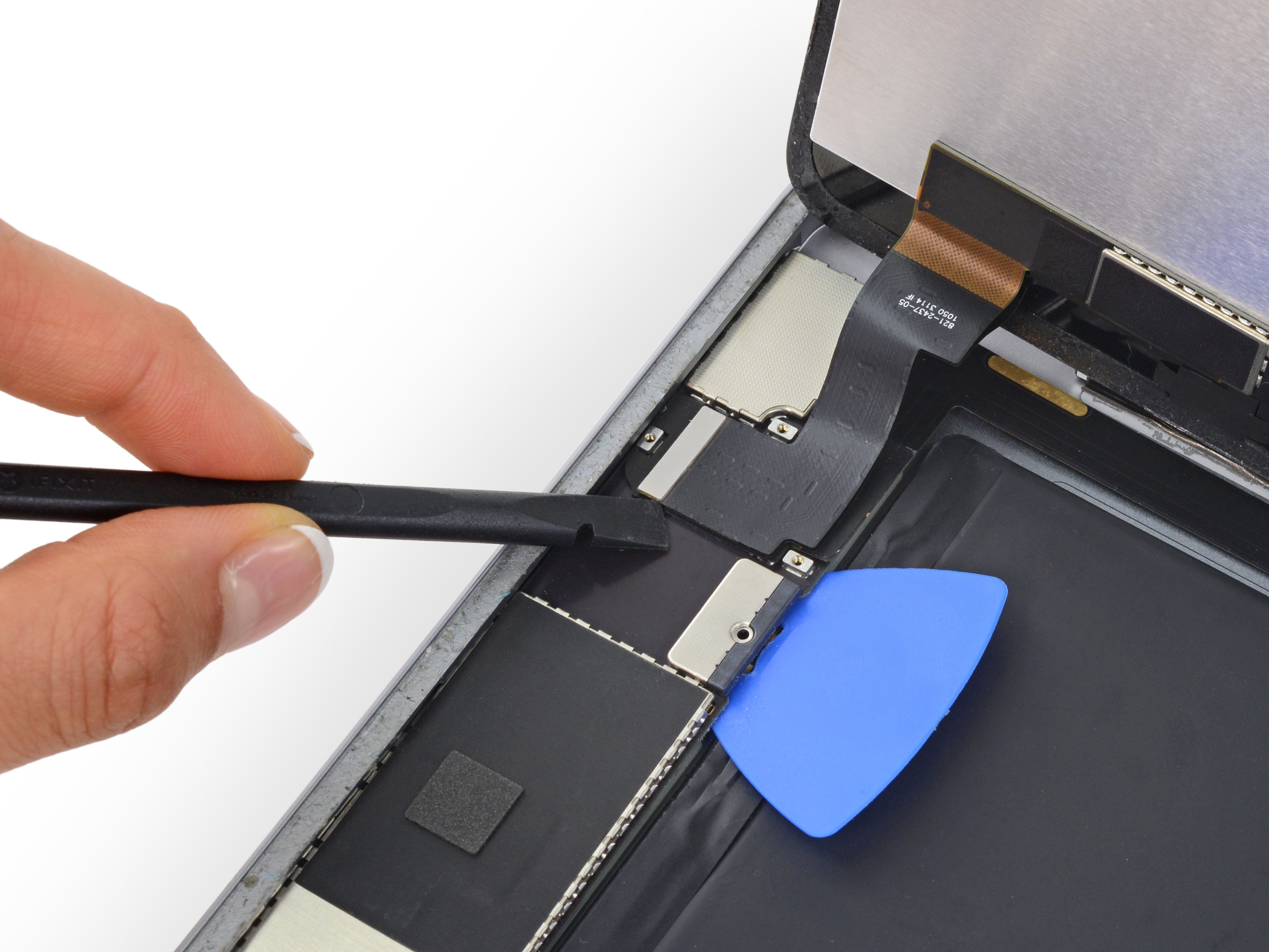
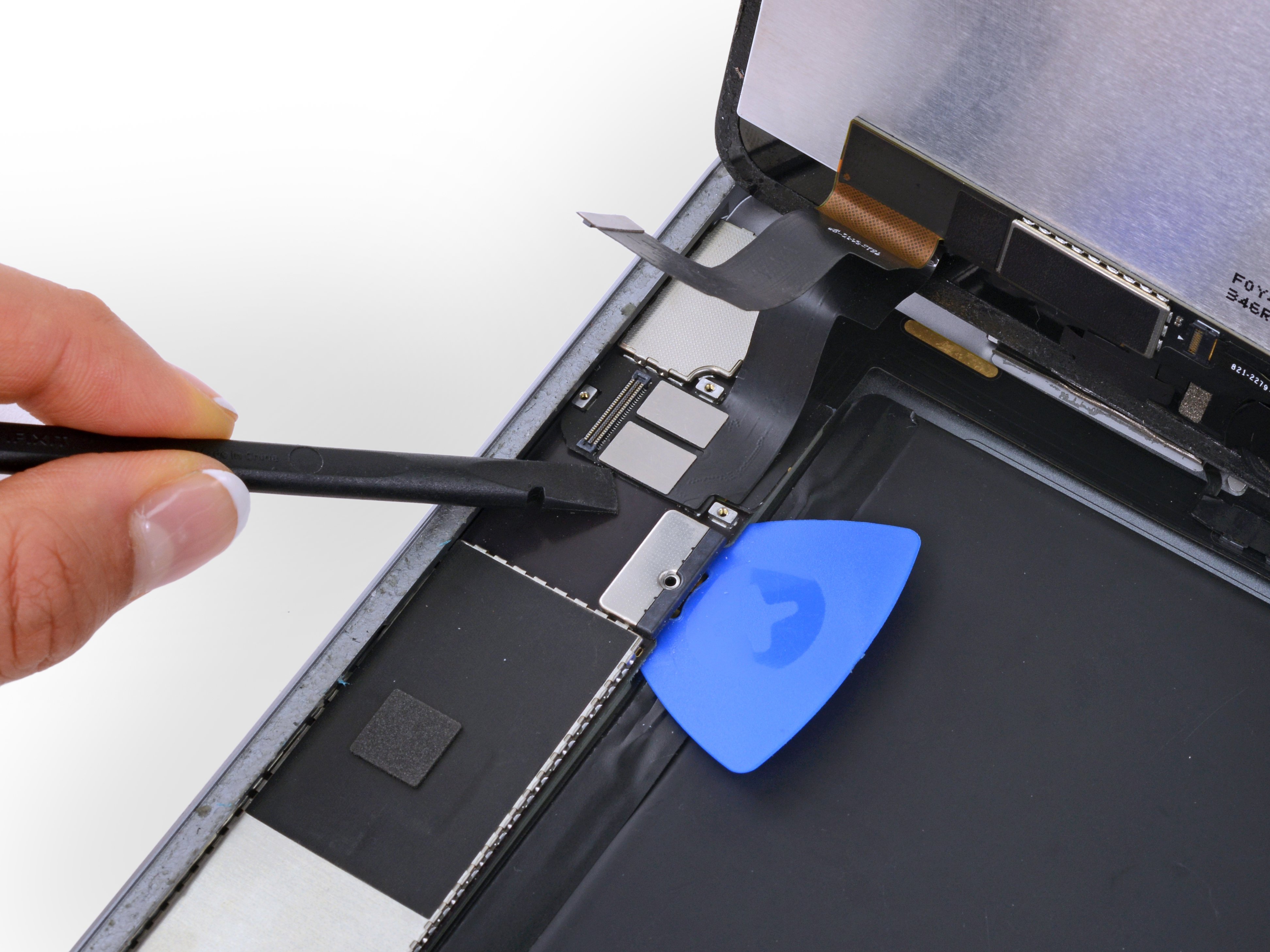
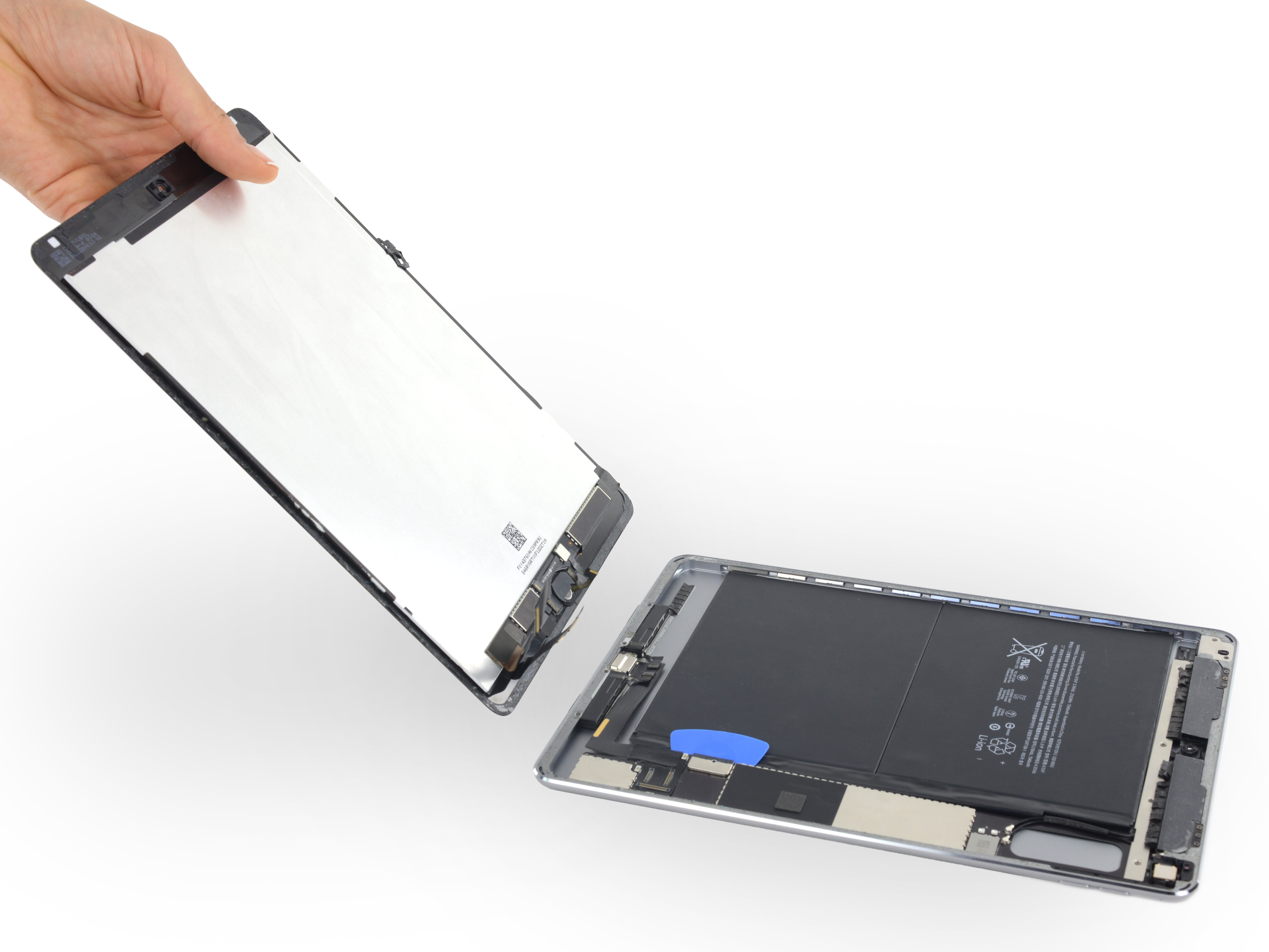
Remove the front panel assembly from an iPad Air 2 Wi-Fi model to access any internal component for repair or replacement. Be very careful when you isolate the battery using a battery blocker. The battery contacts are easily damaged, resulting in irreversible damage to the logic board. If you choose to complete the guide without isolating the battery, avoid using metal tools except when completely necessary (like when removing screws) to prevent shorting the battery and damaging sensitive circuit components.