FIXONIC
Before you begin
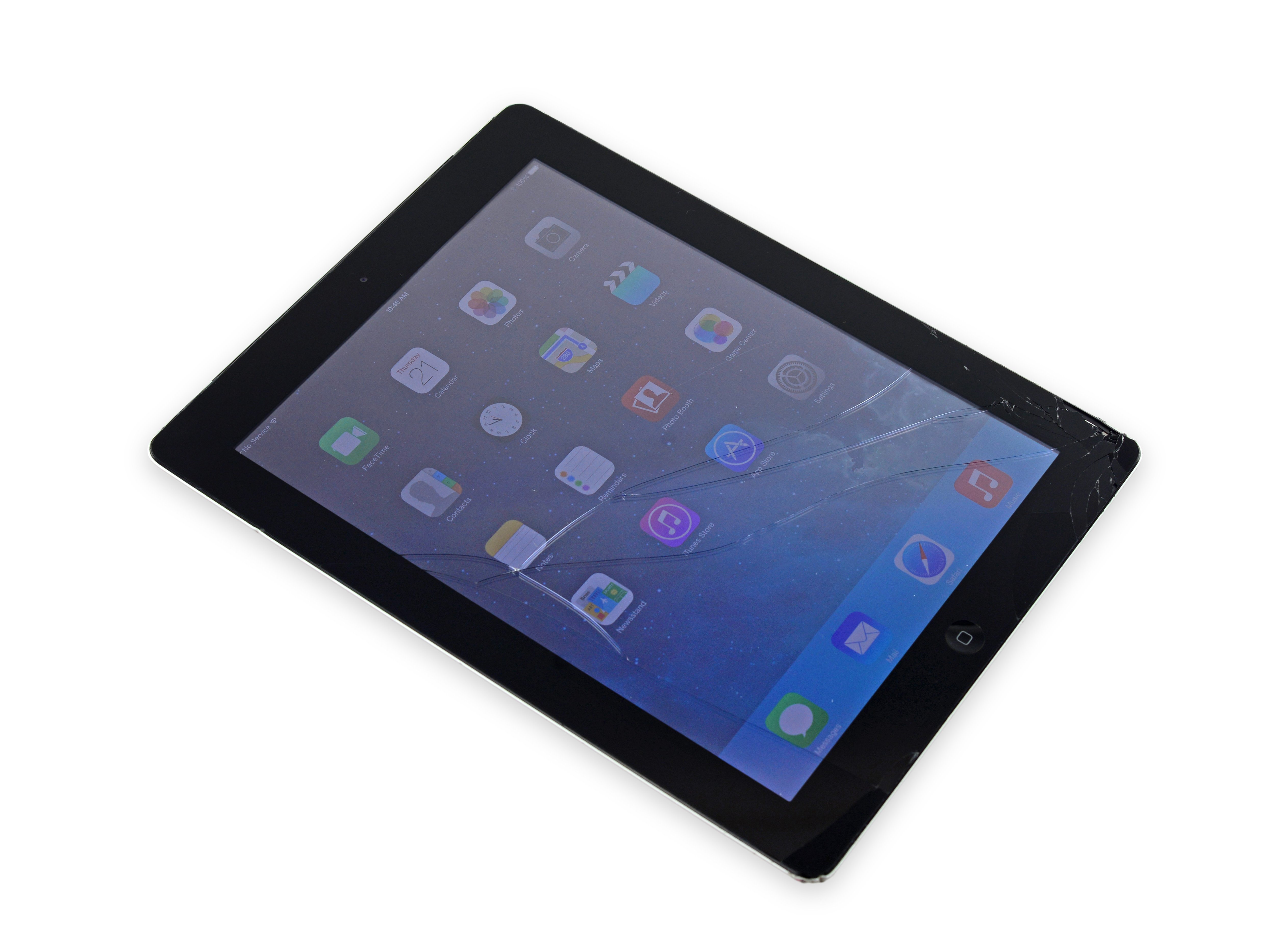
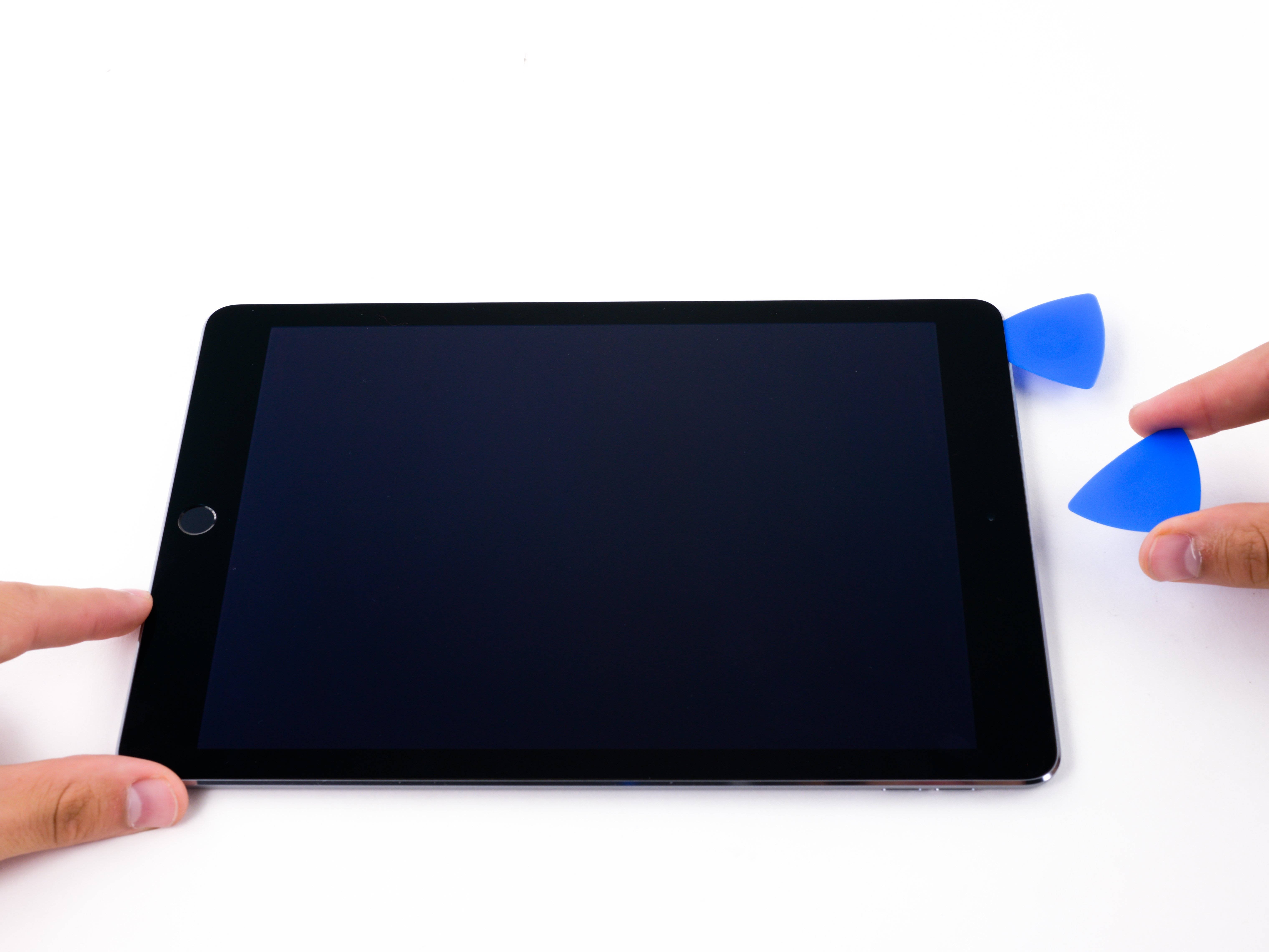
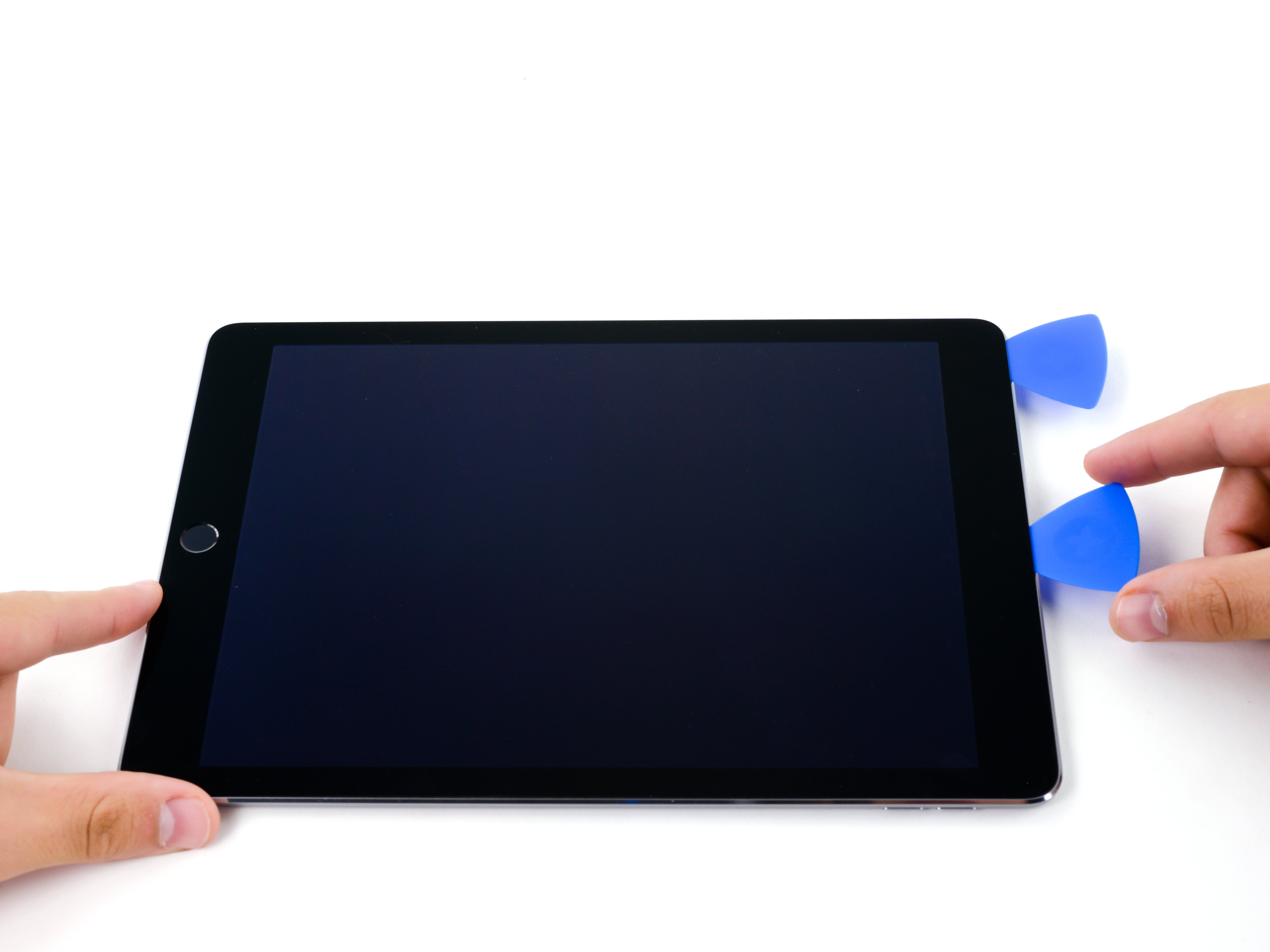
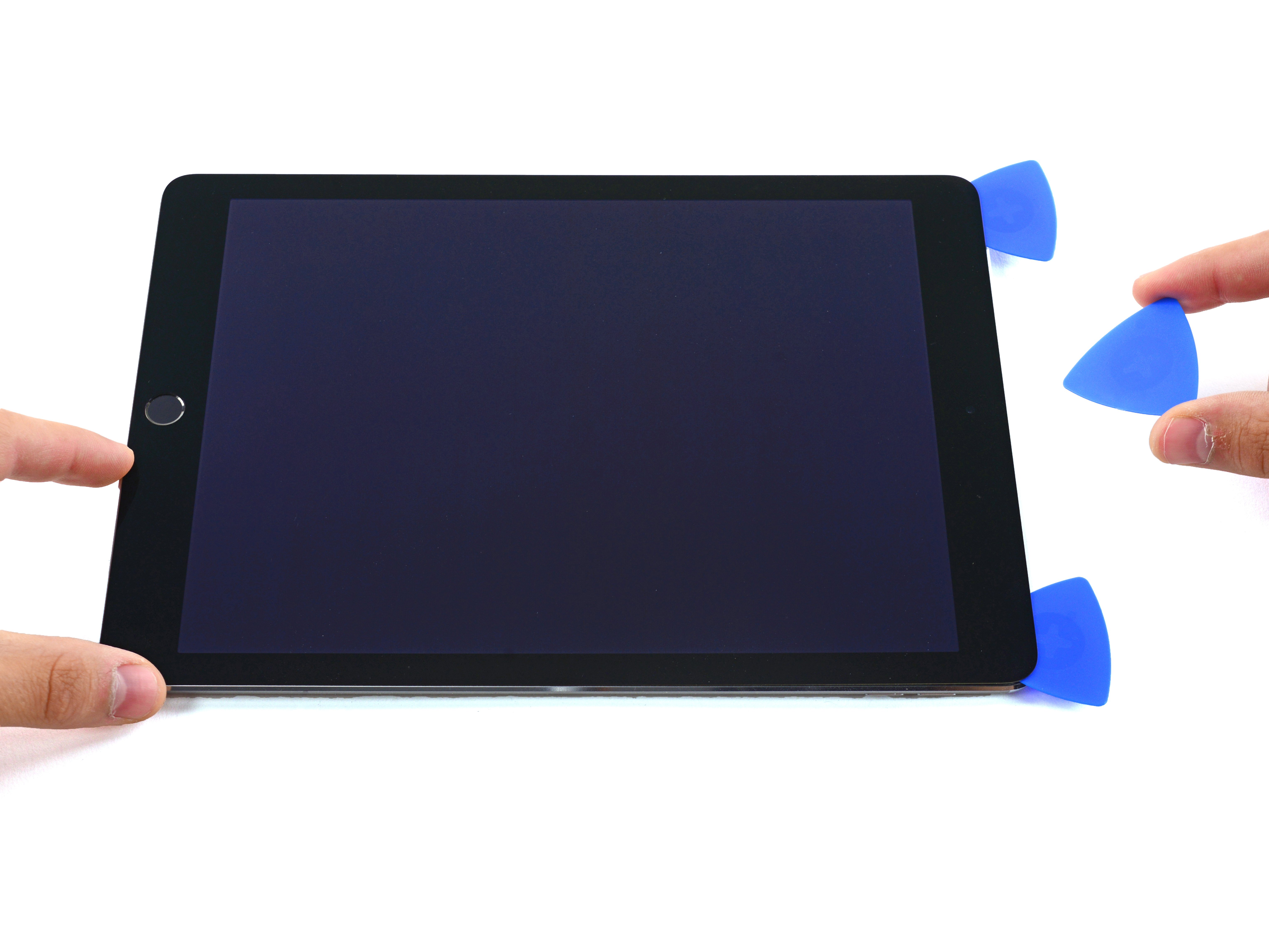
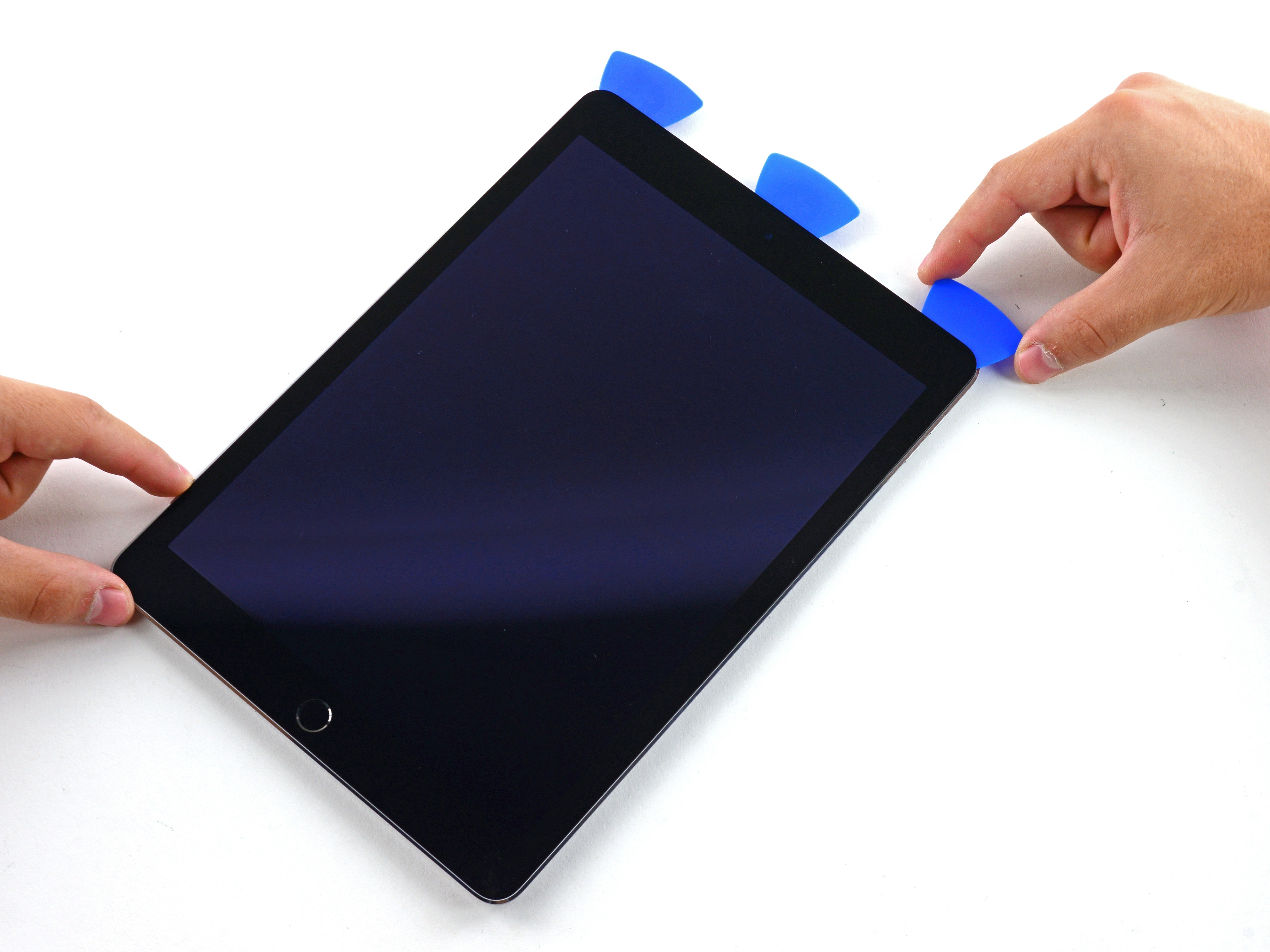
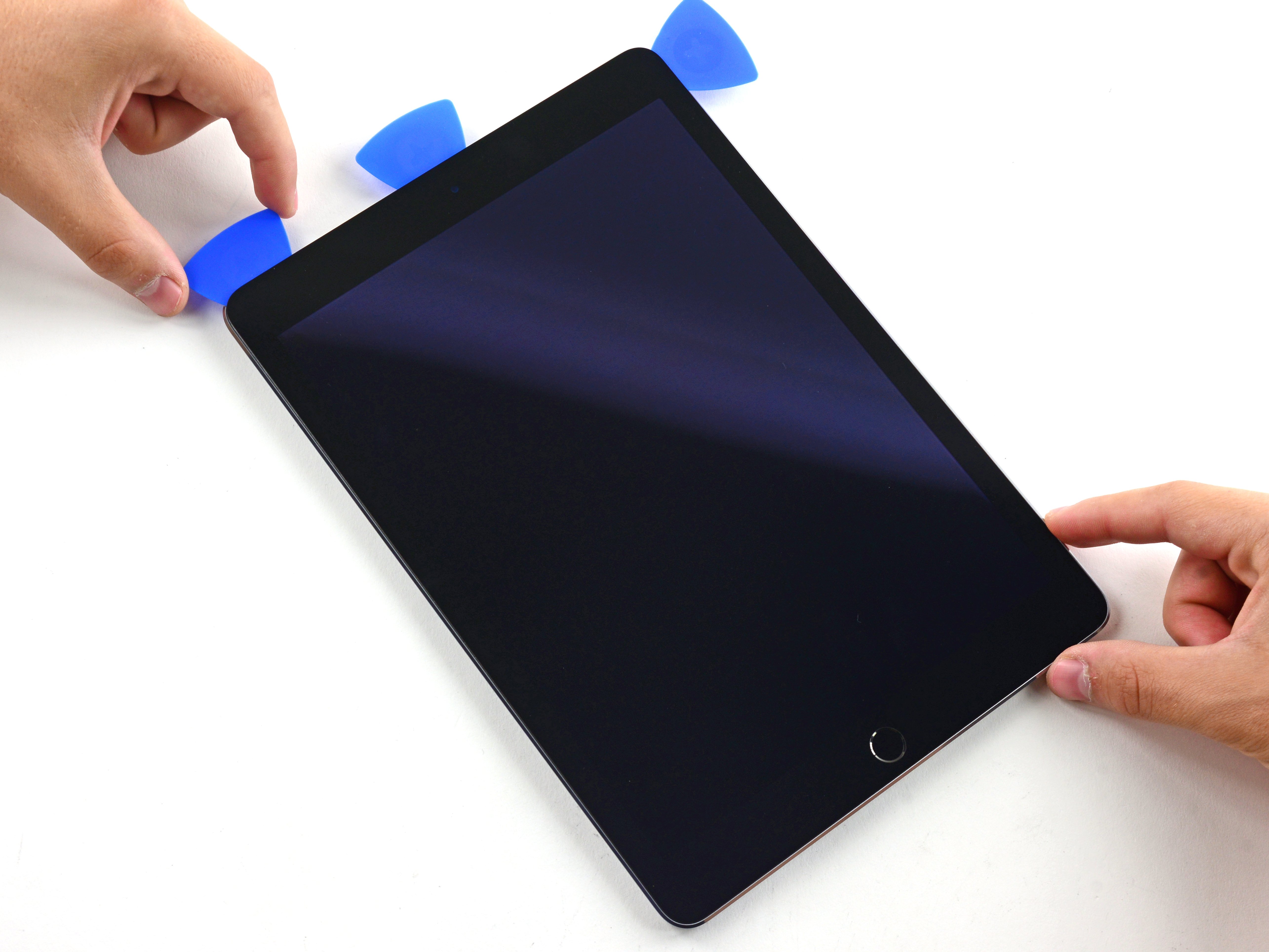
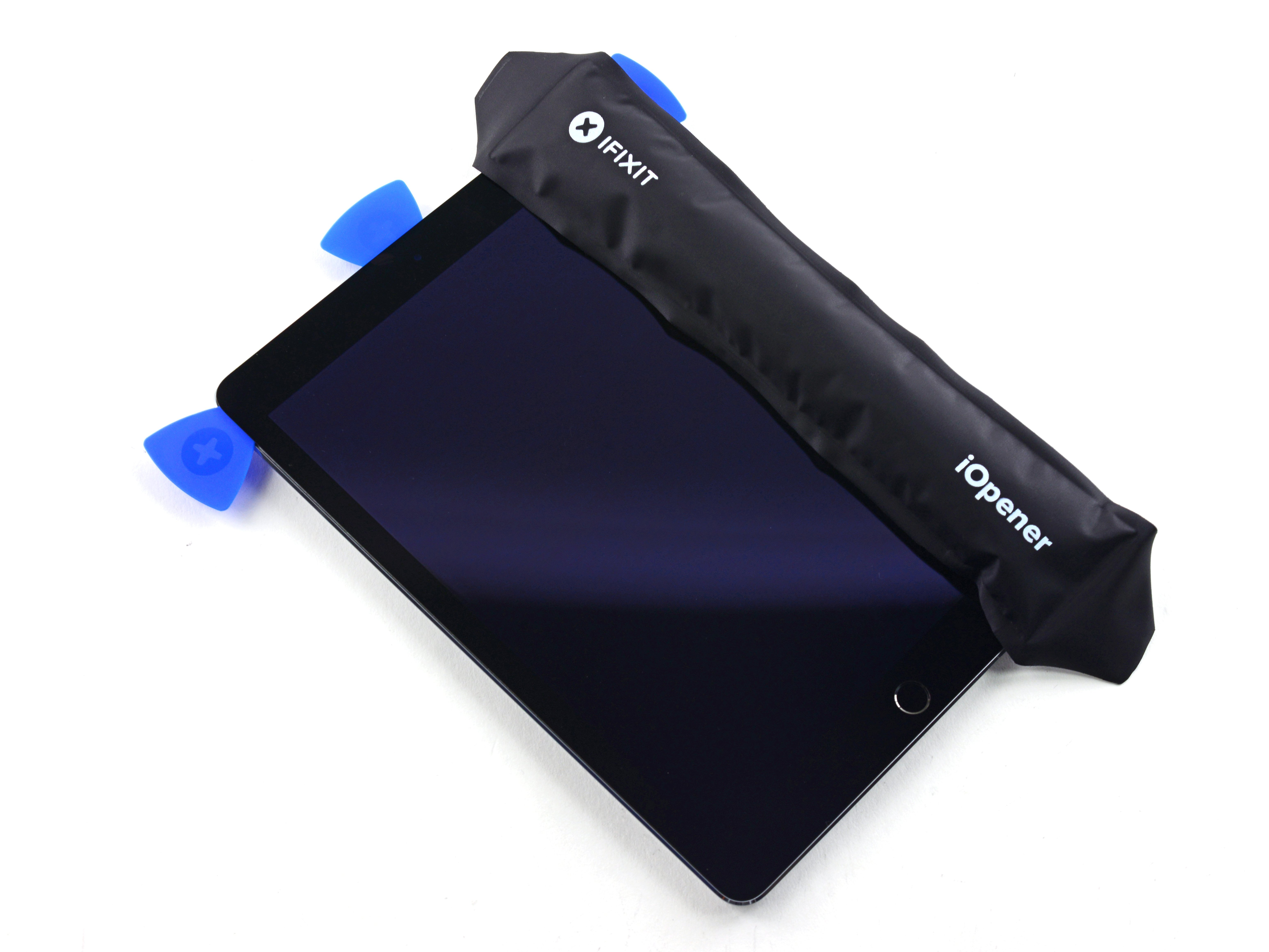
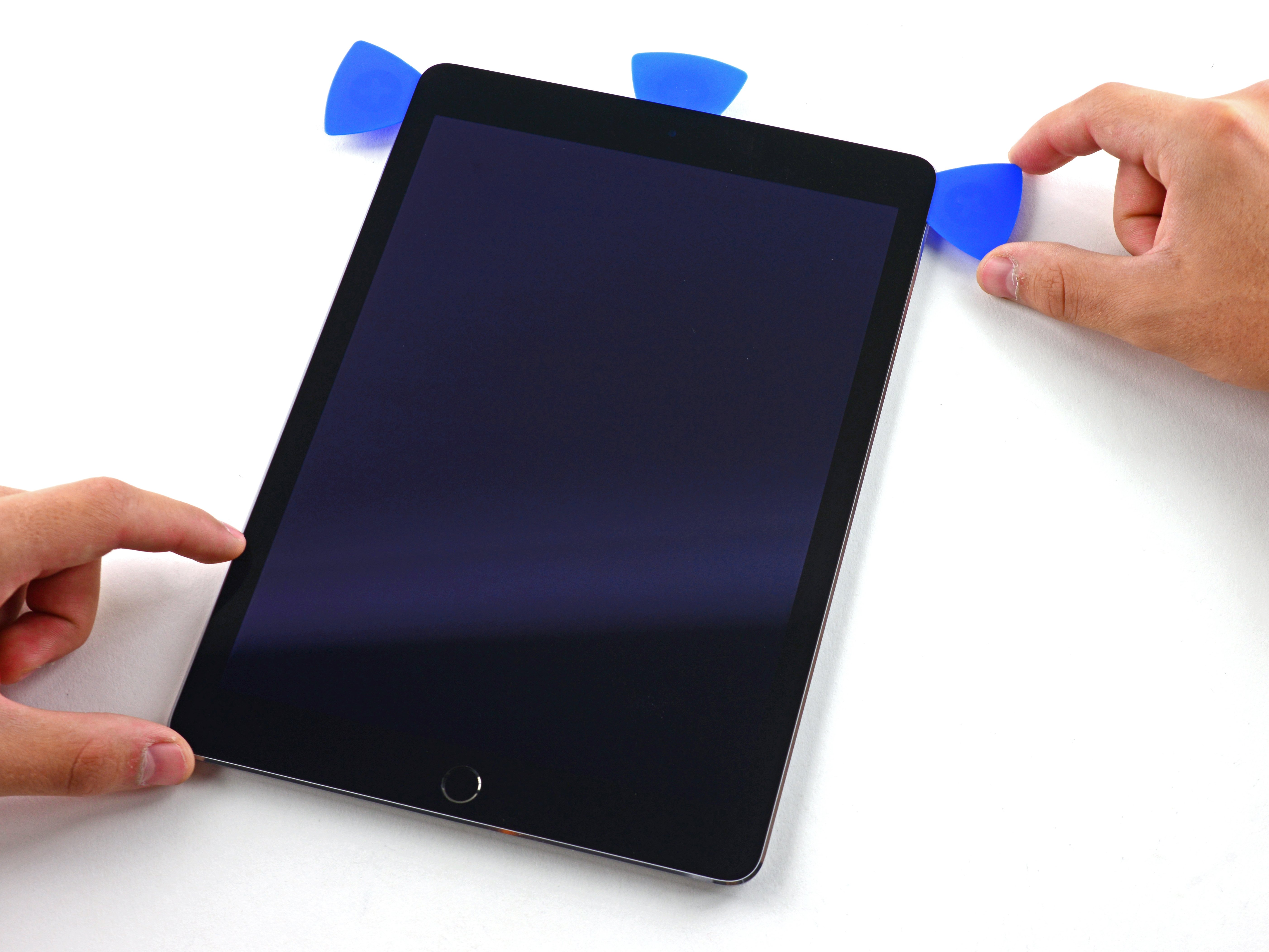
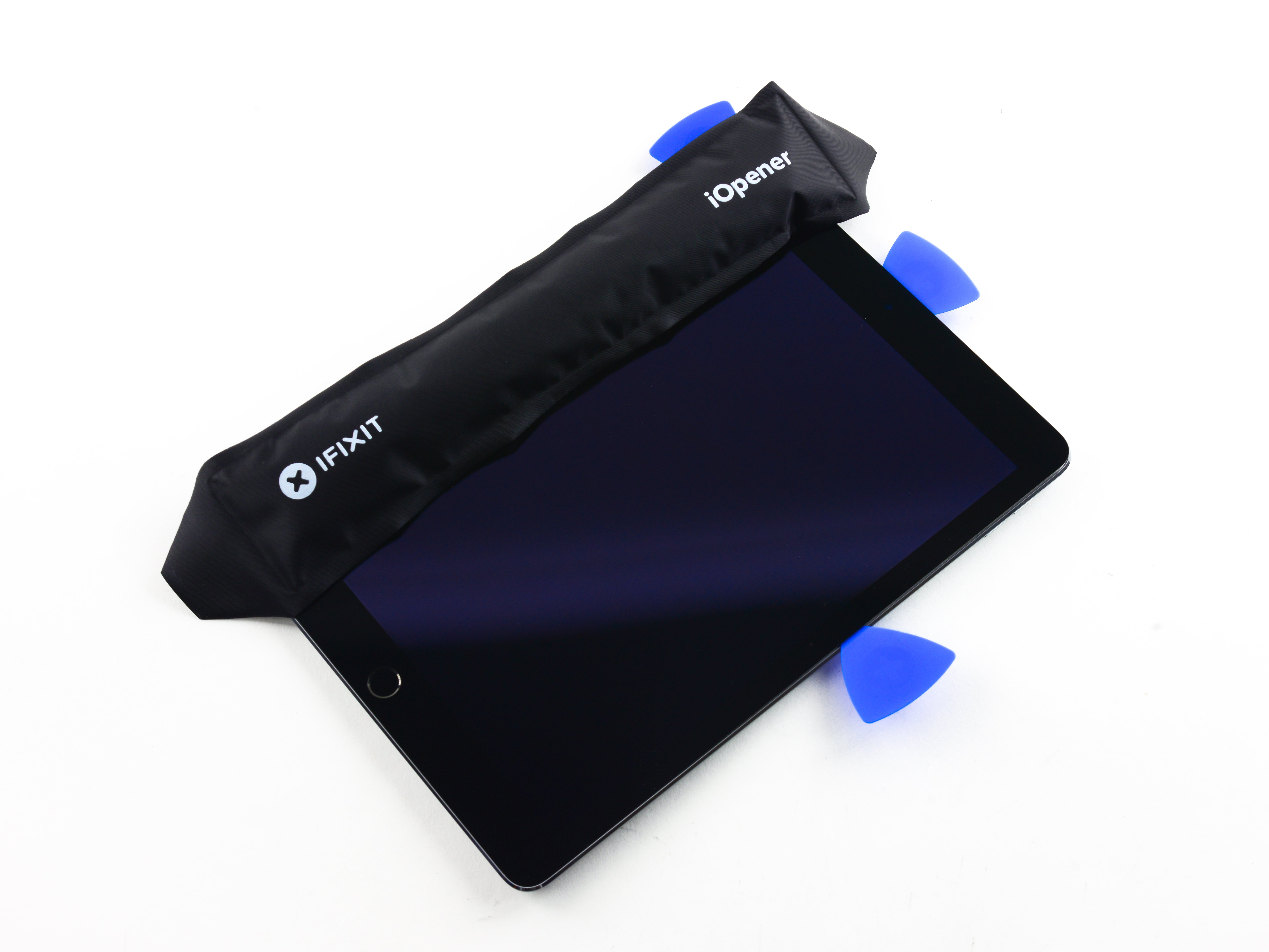
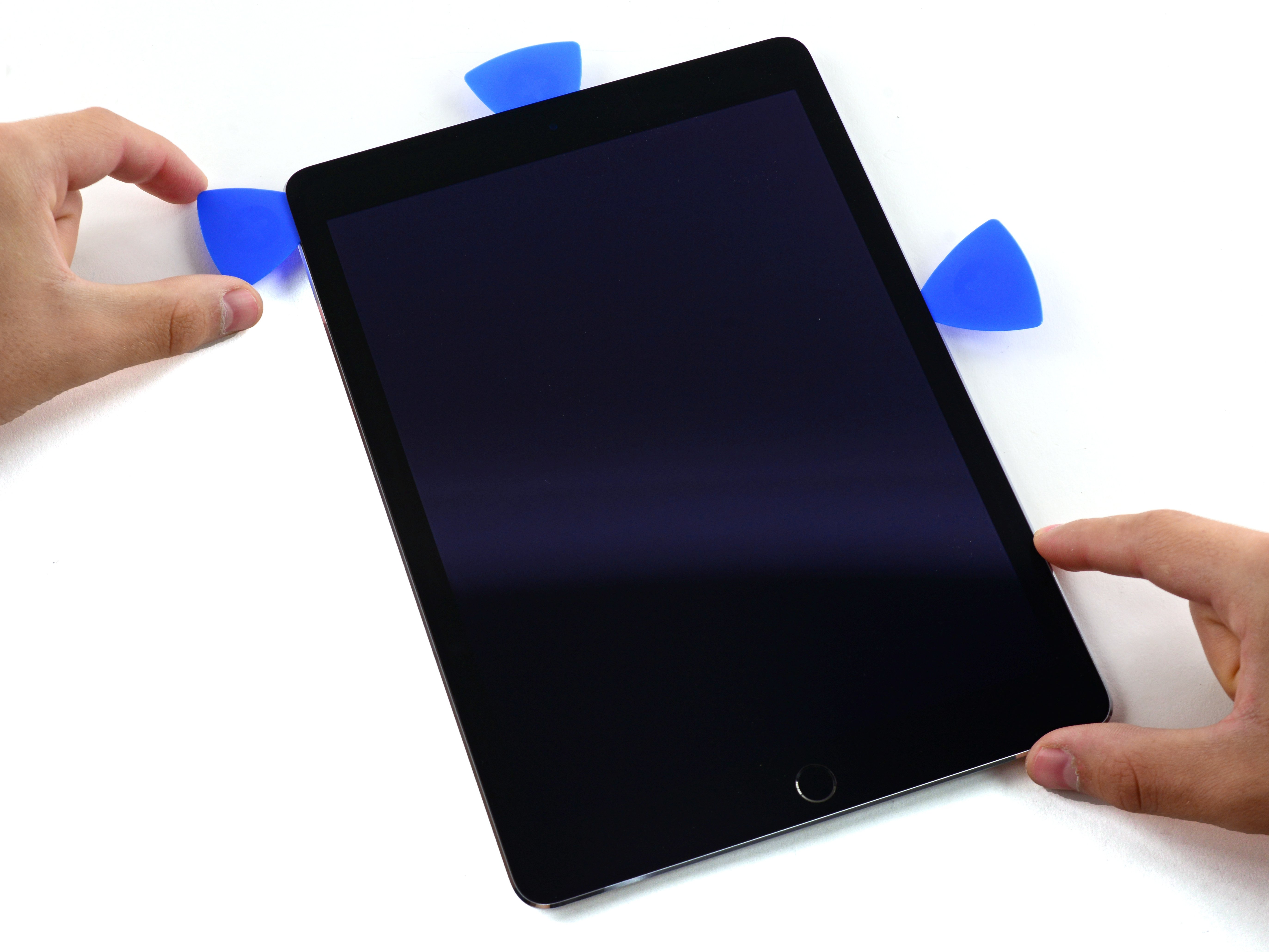
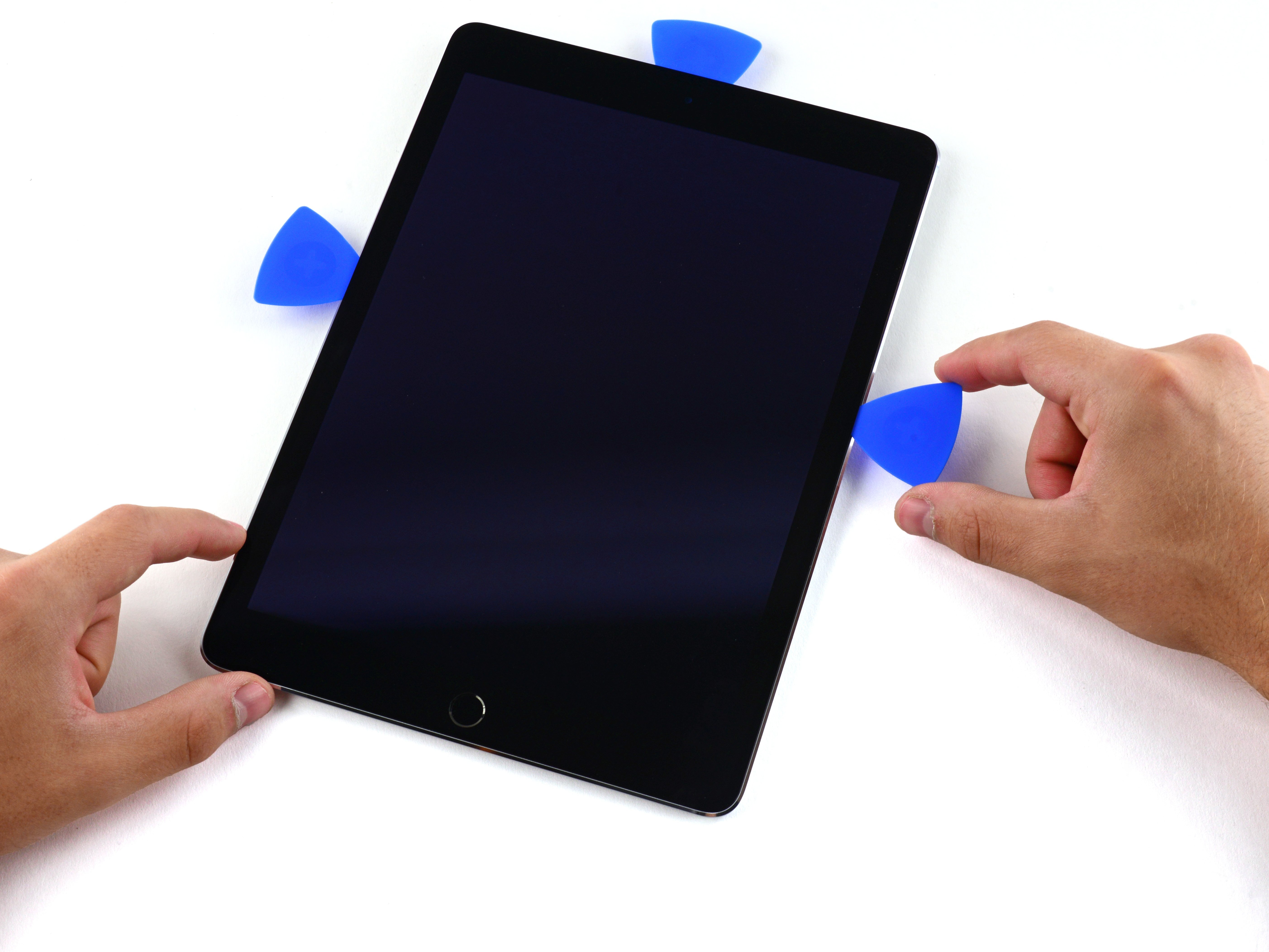
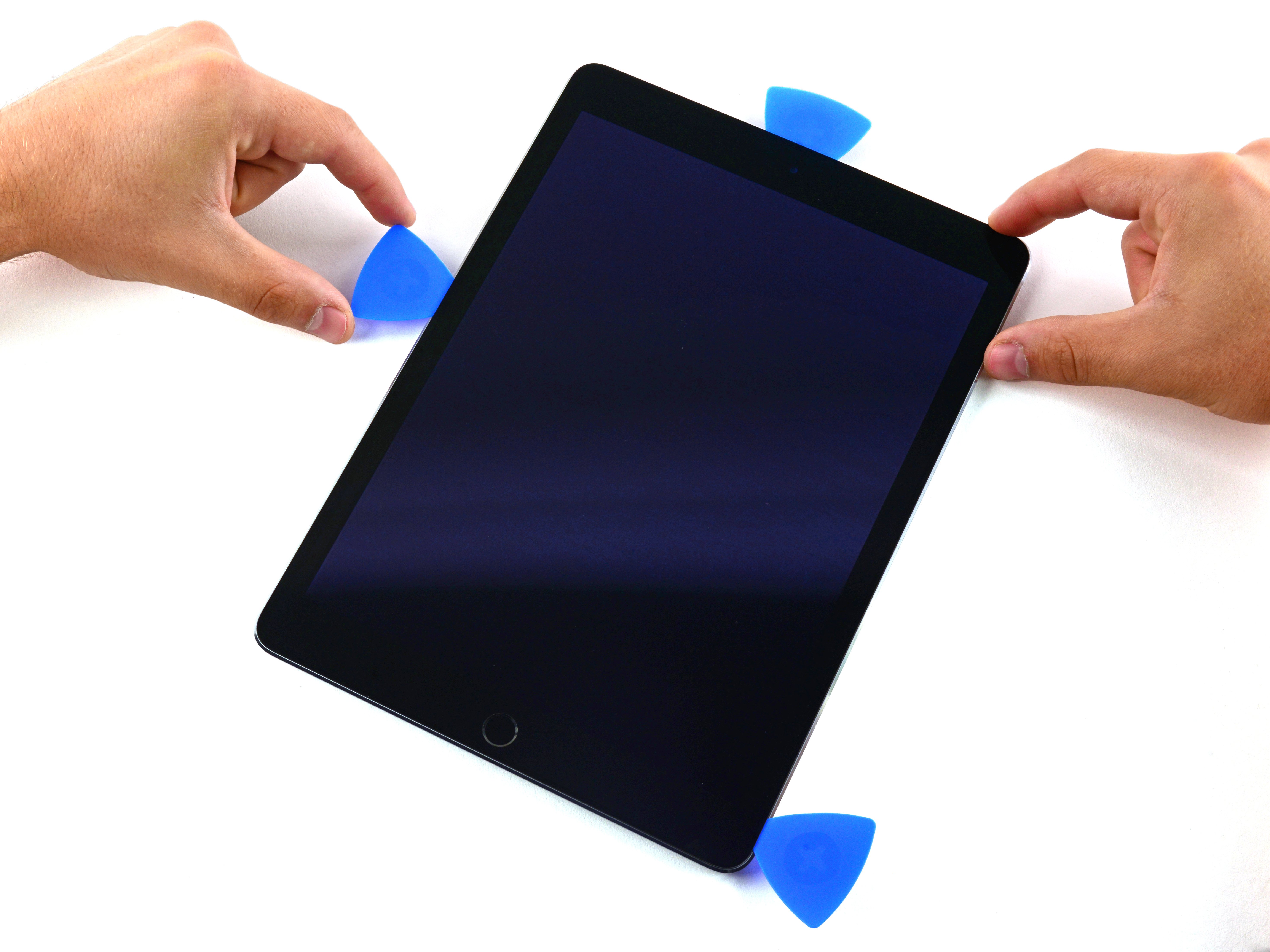
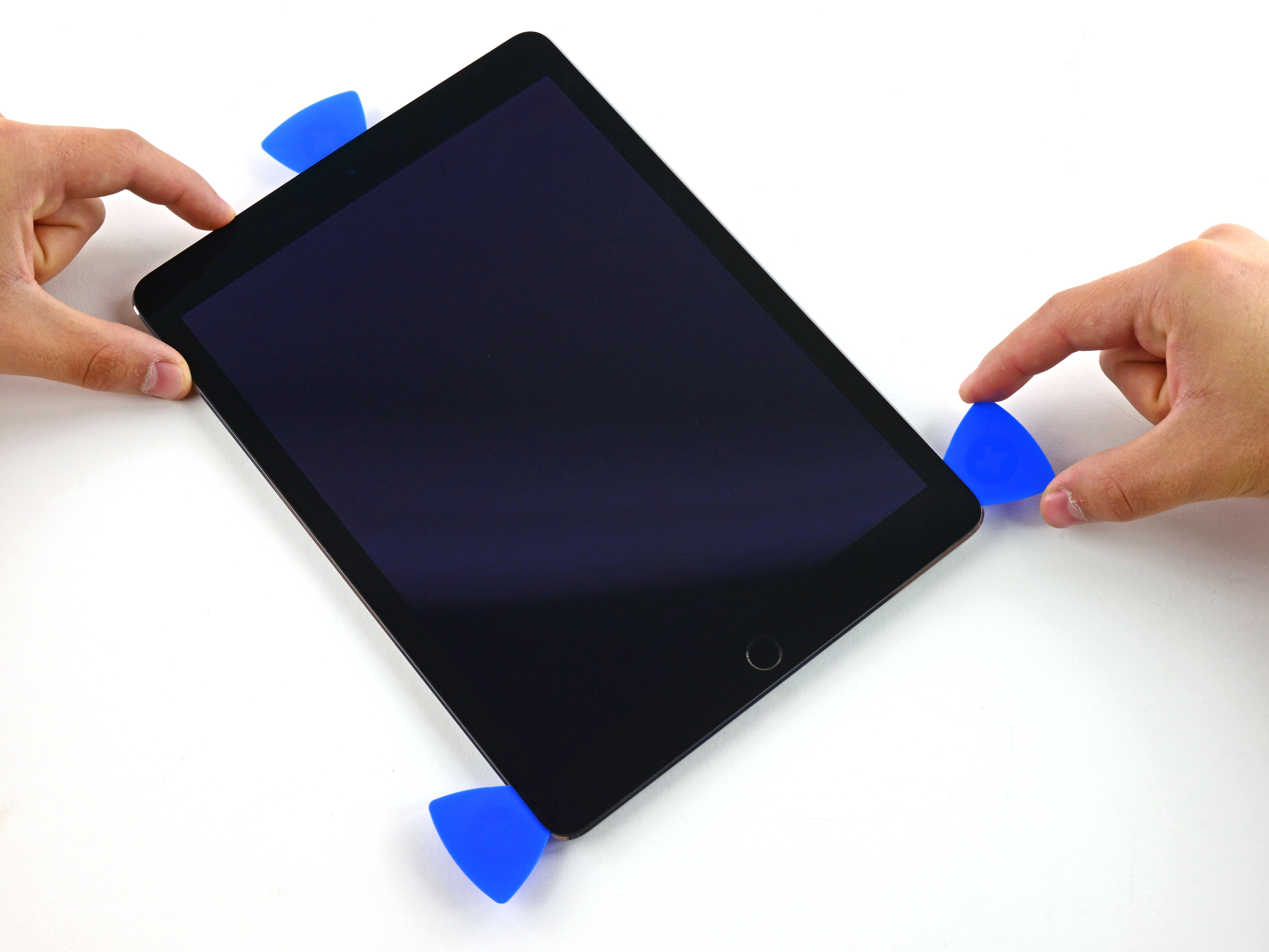
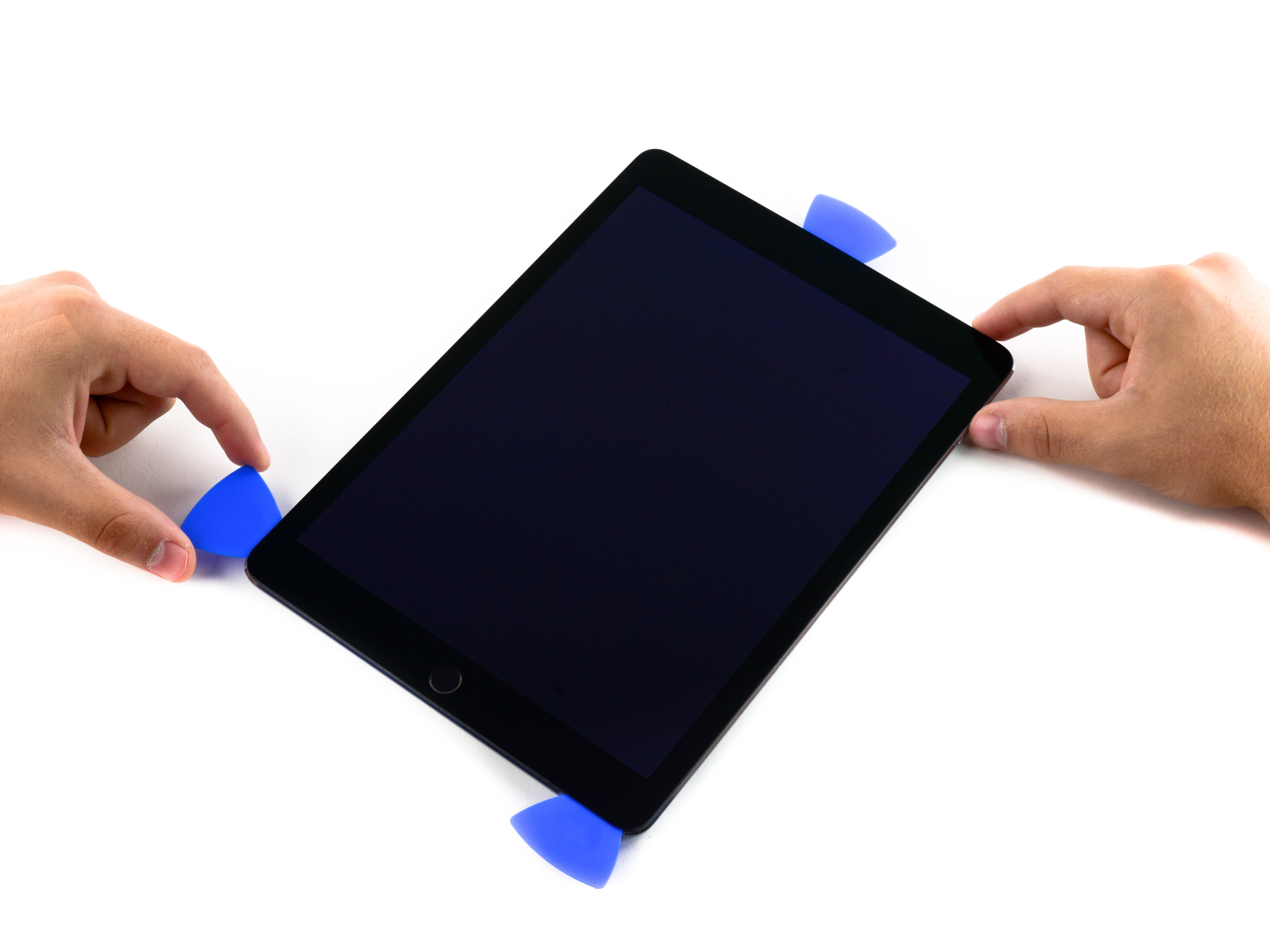
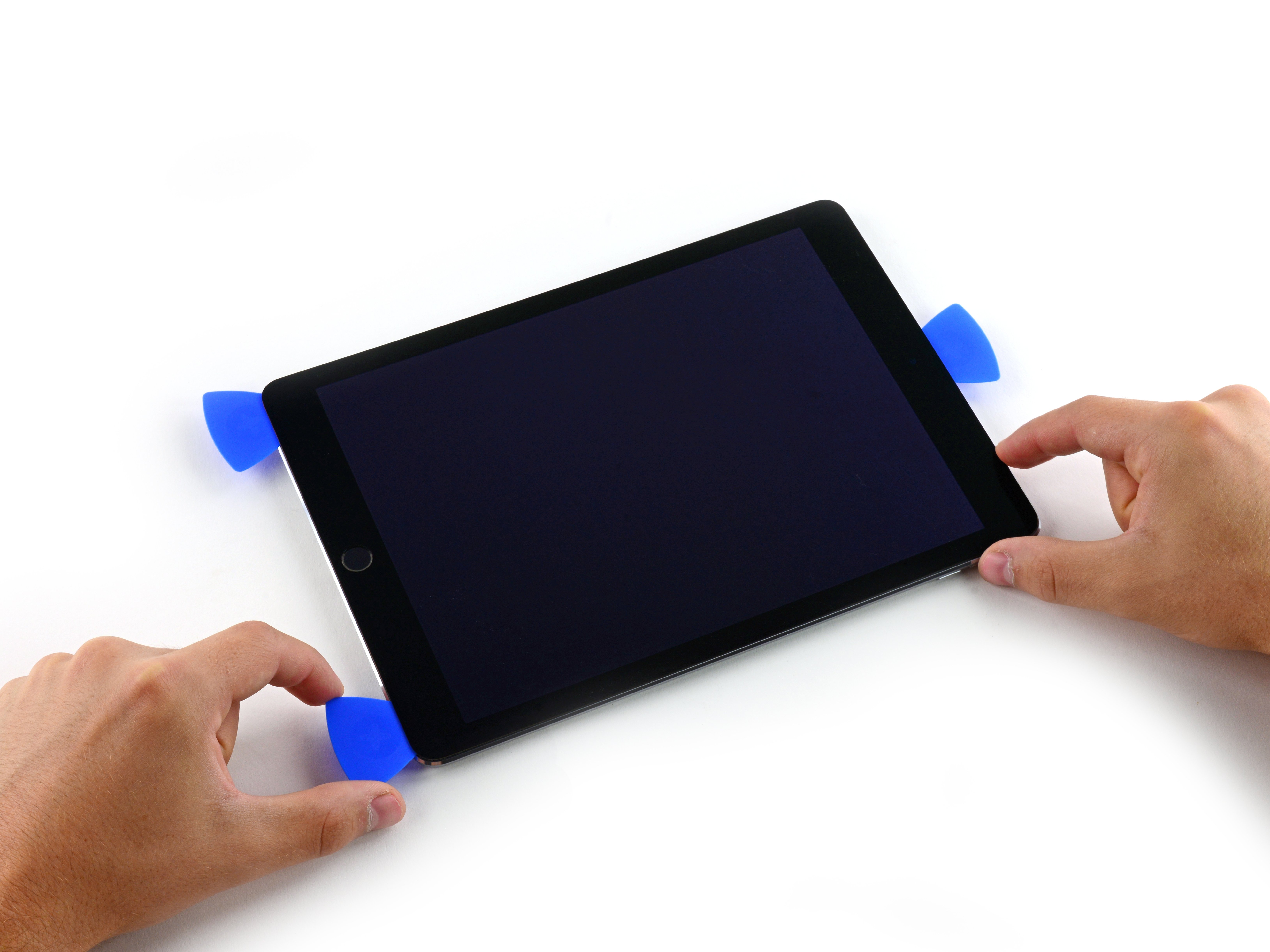
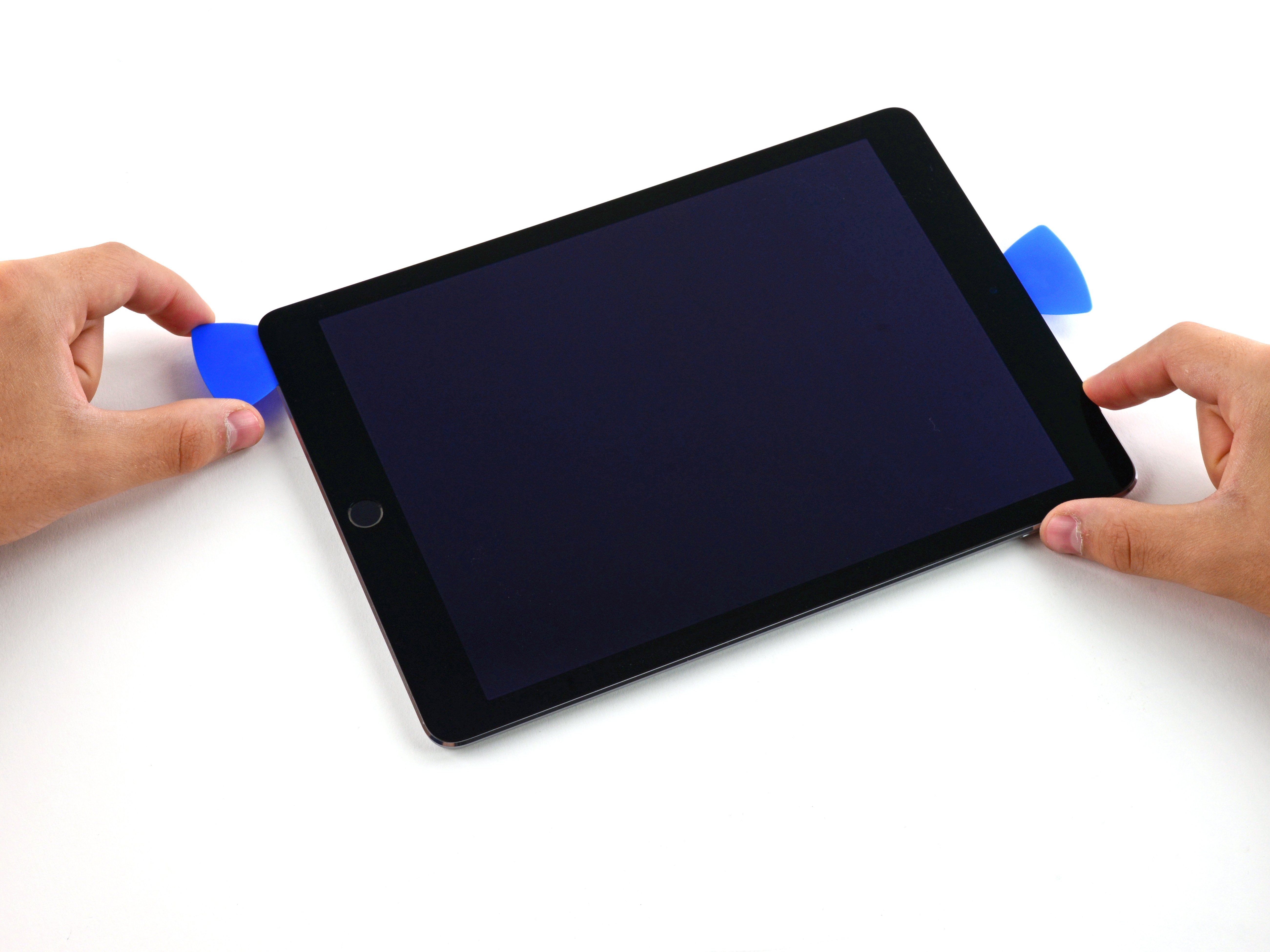
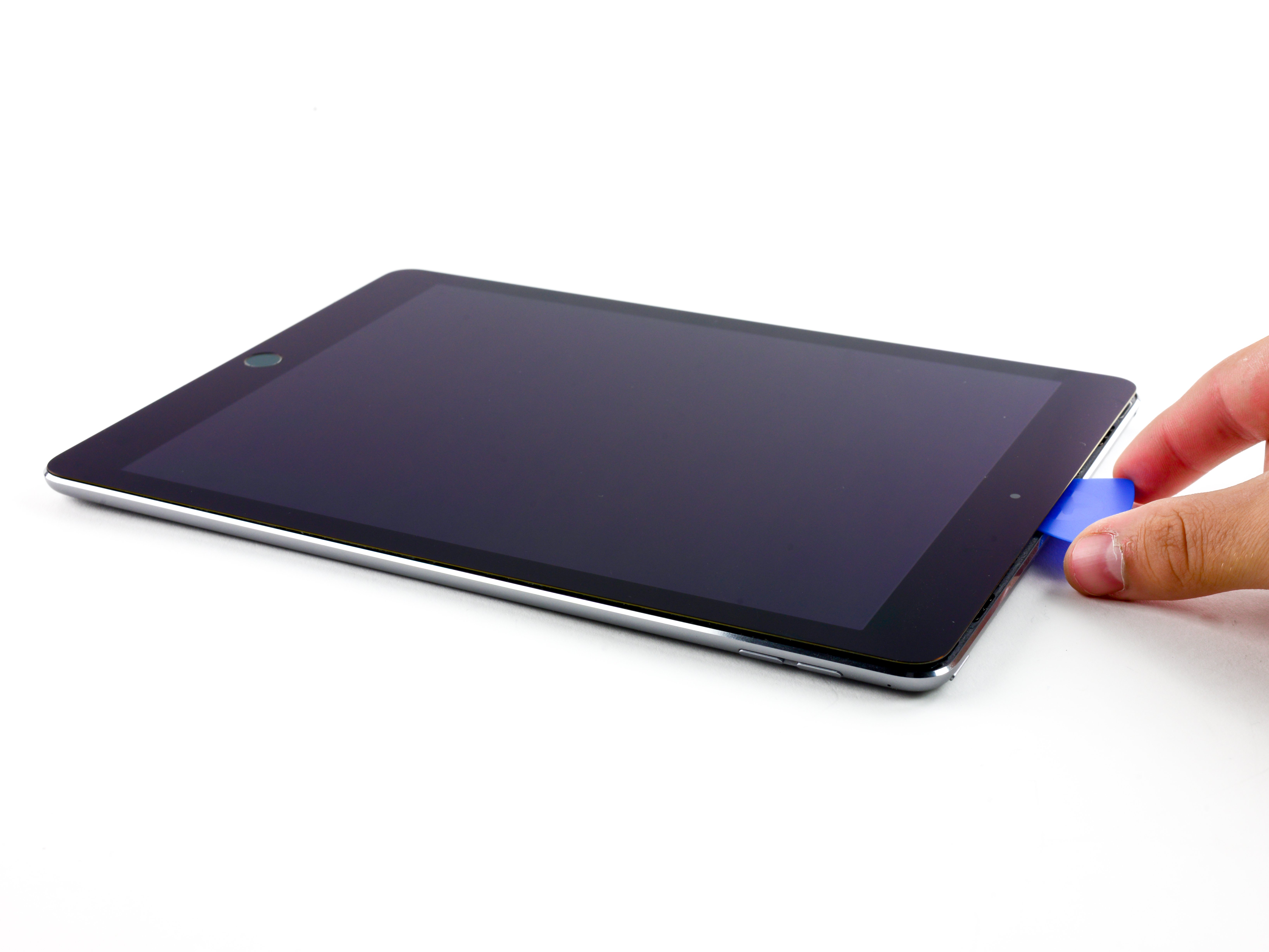
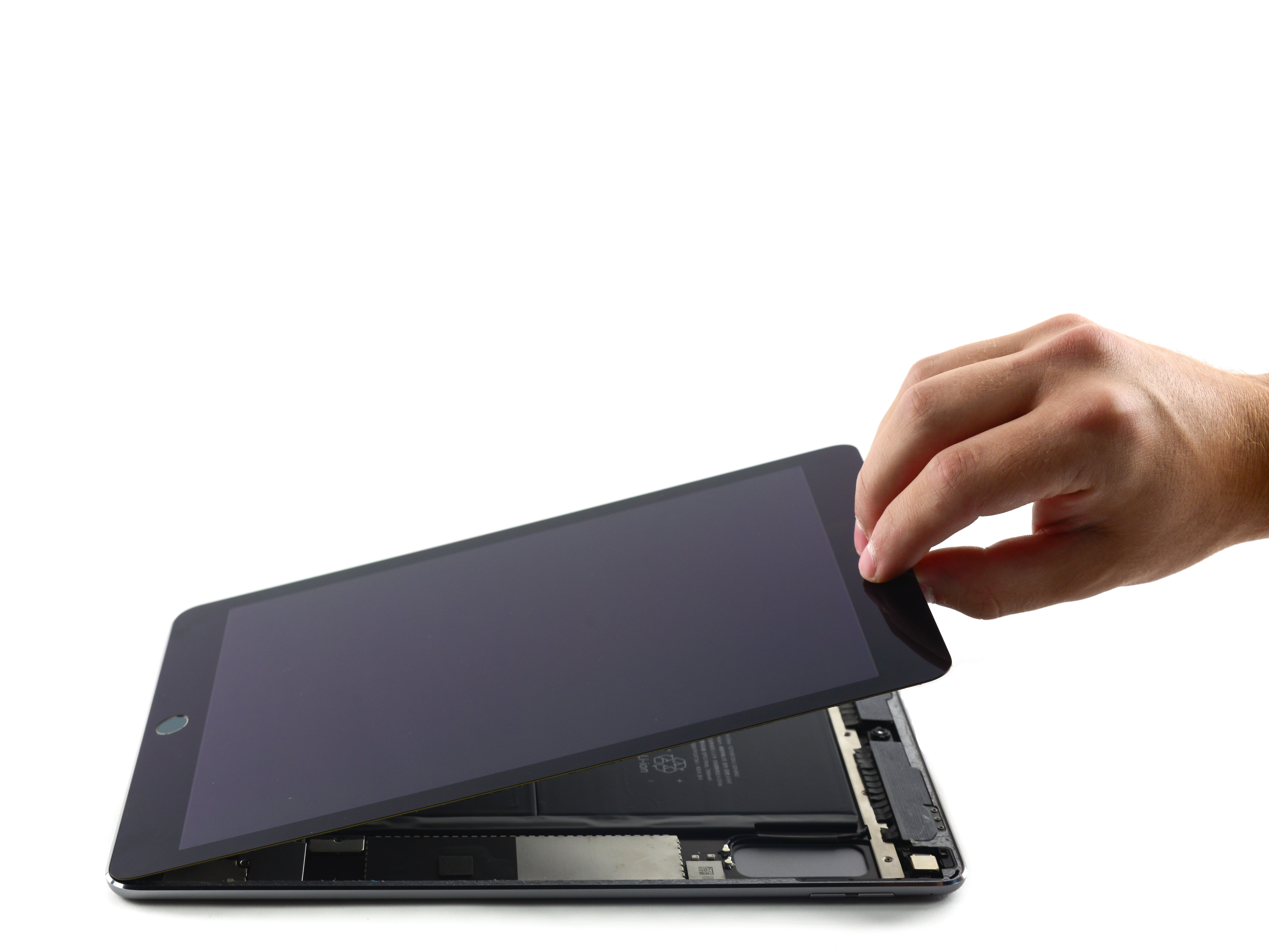
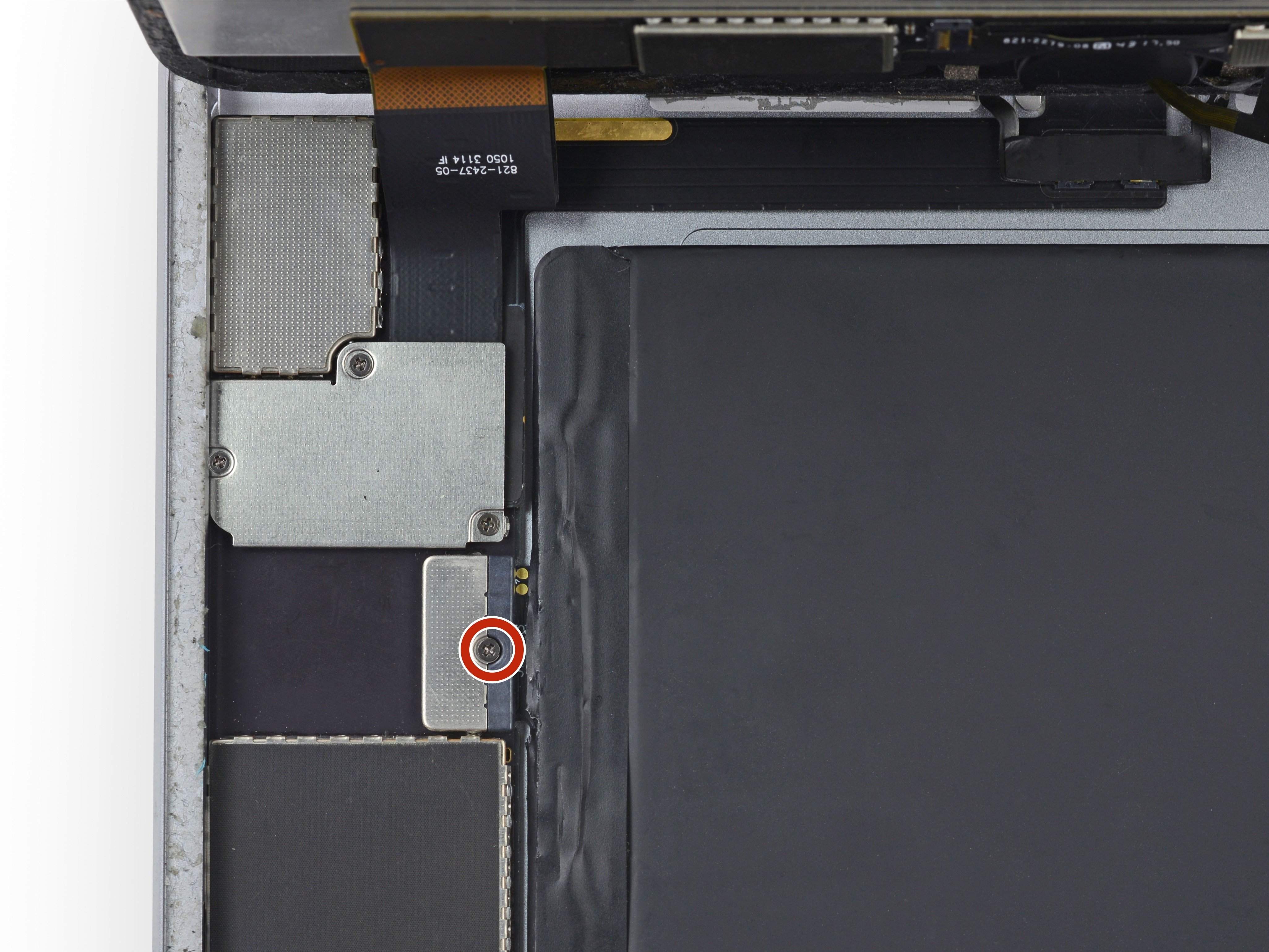
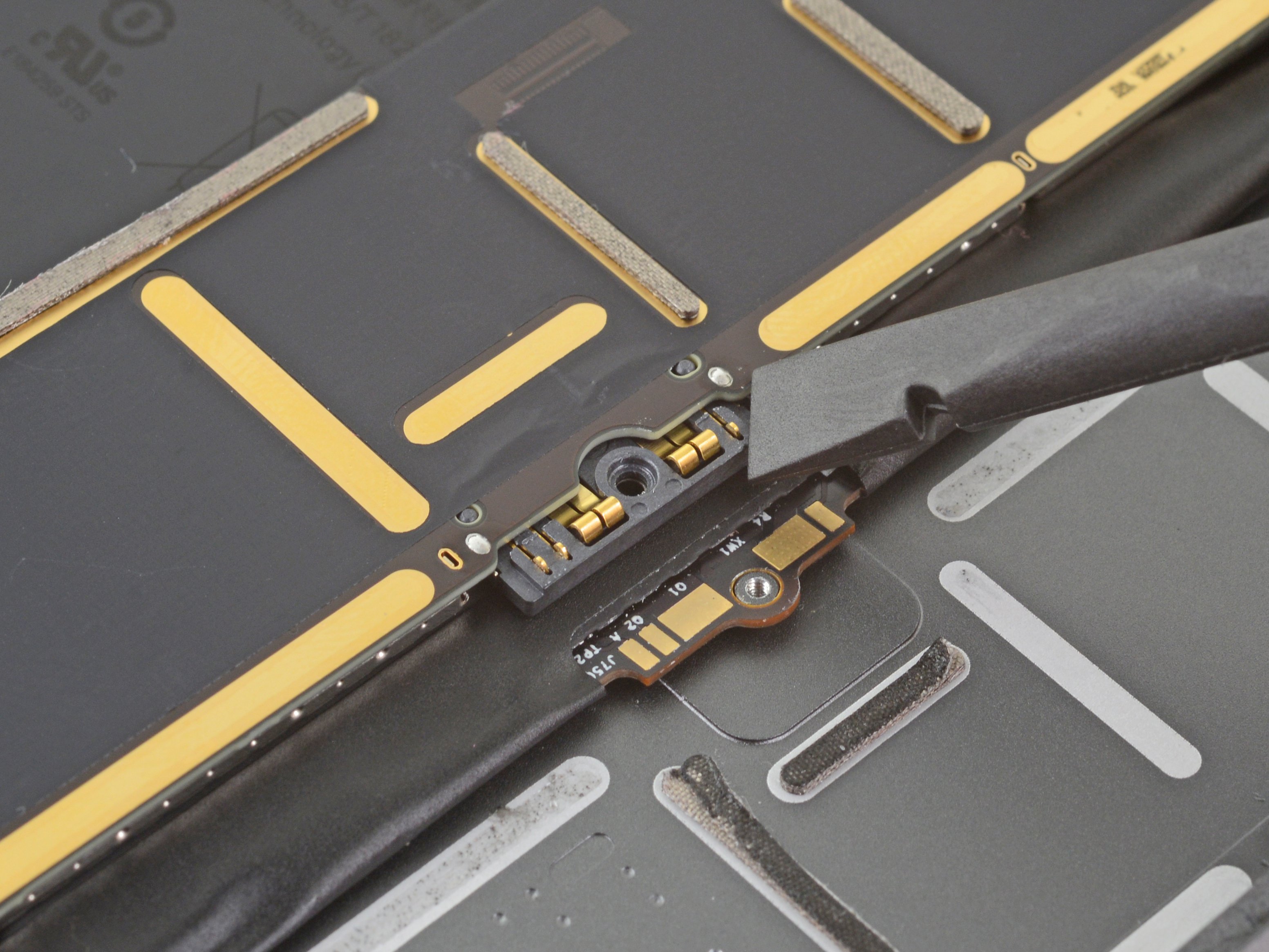
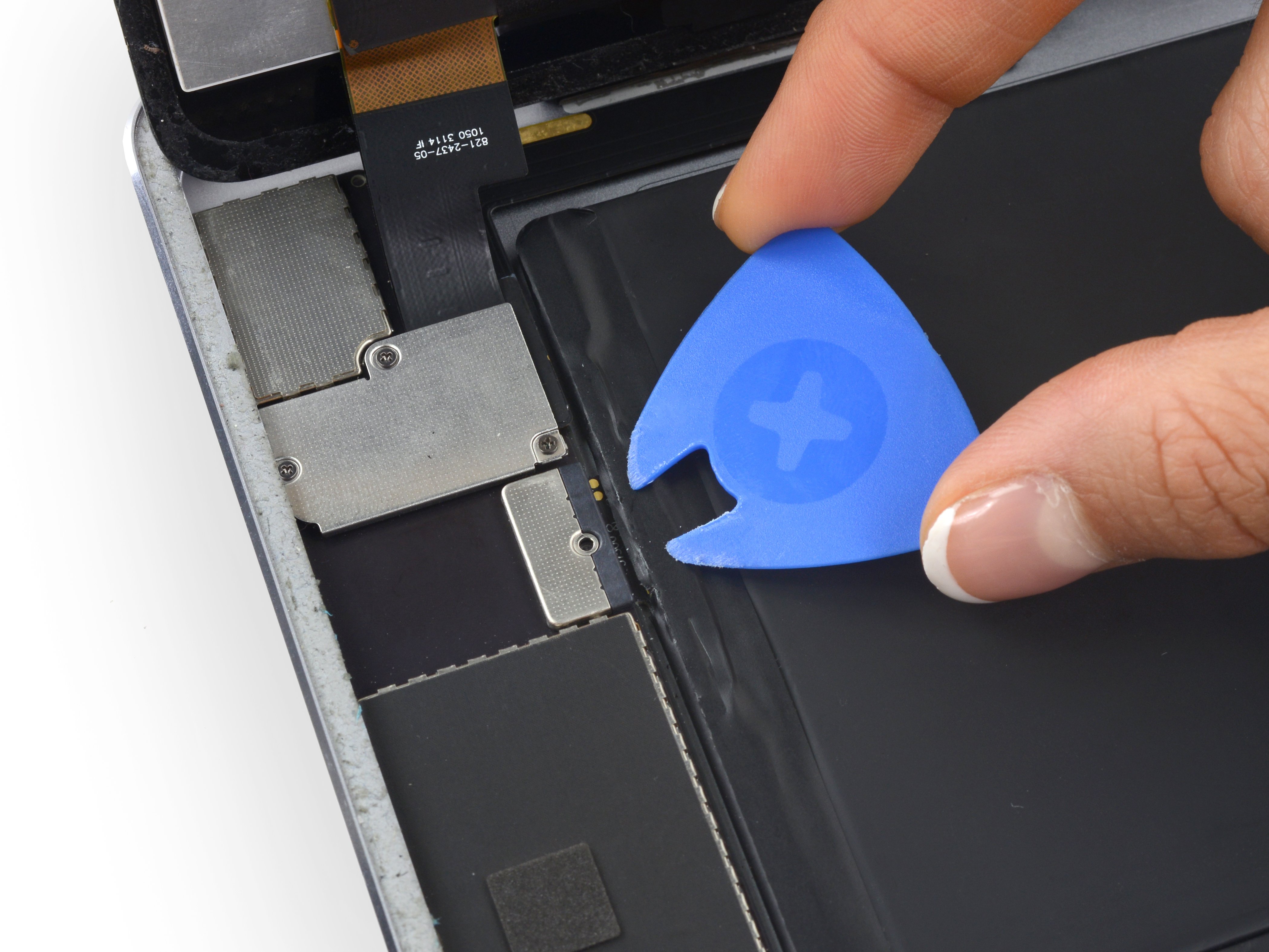
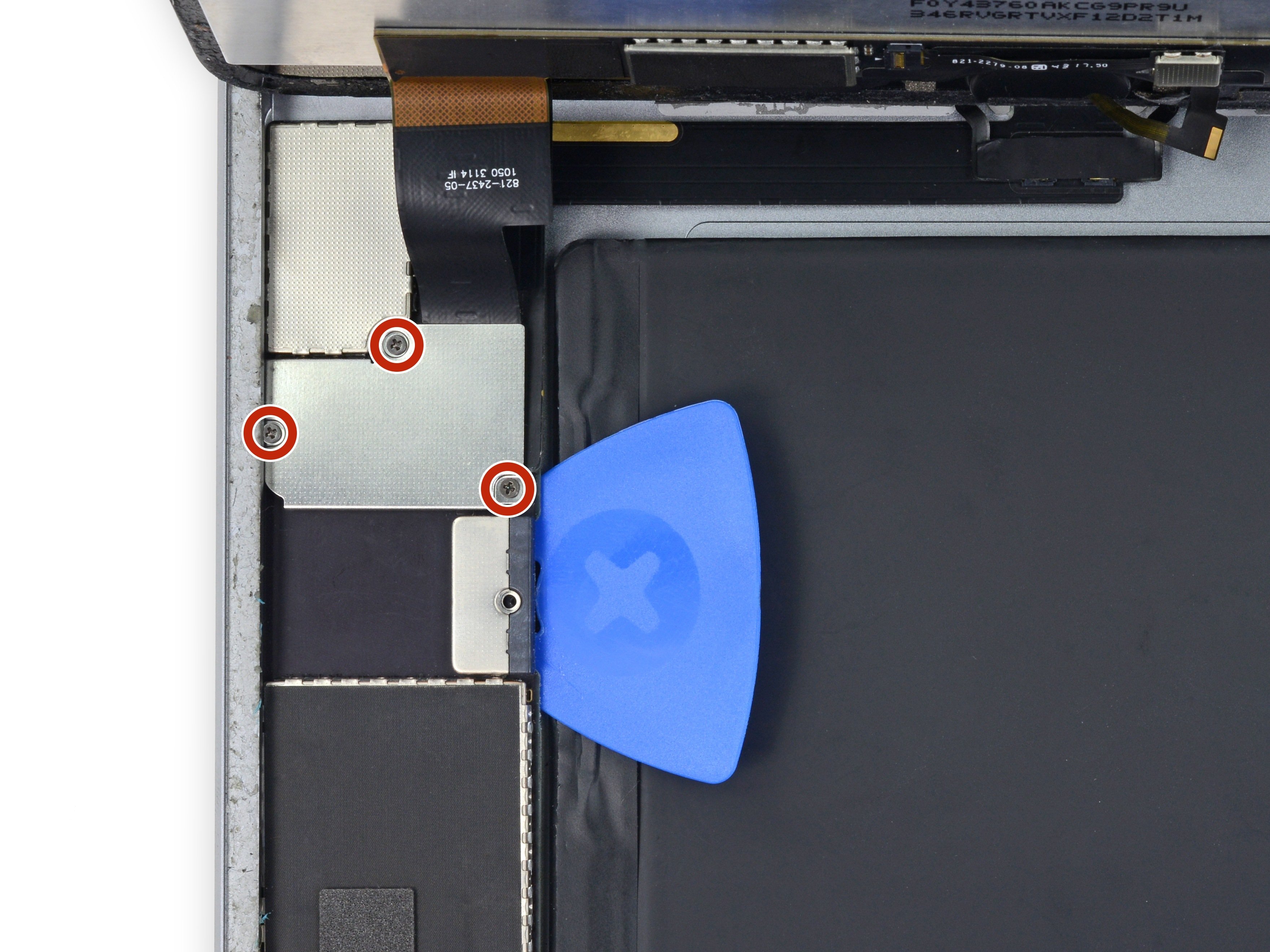
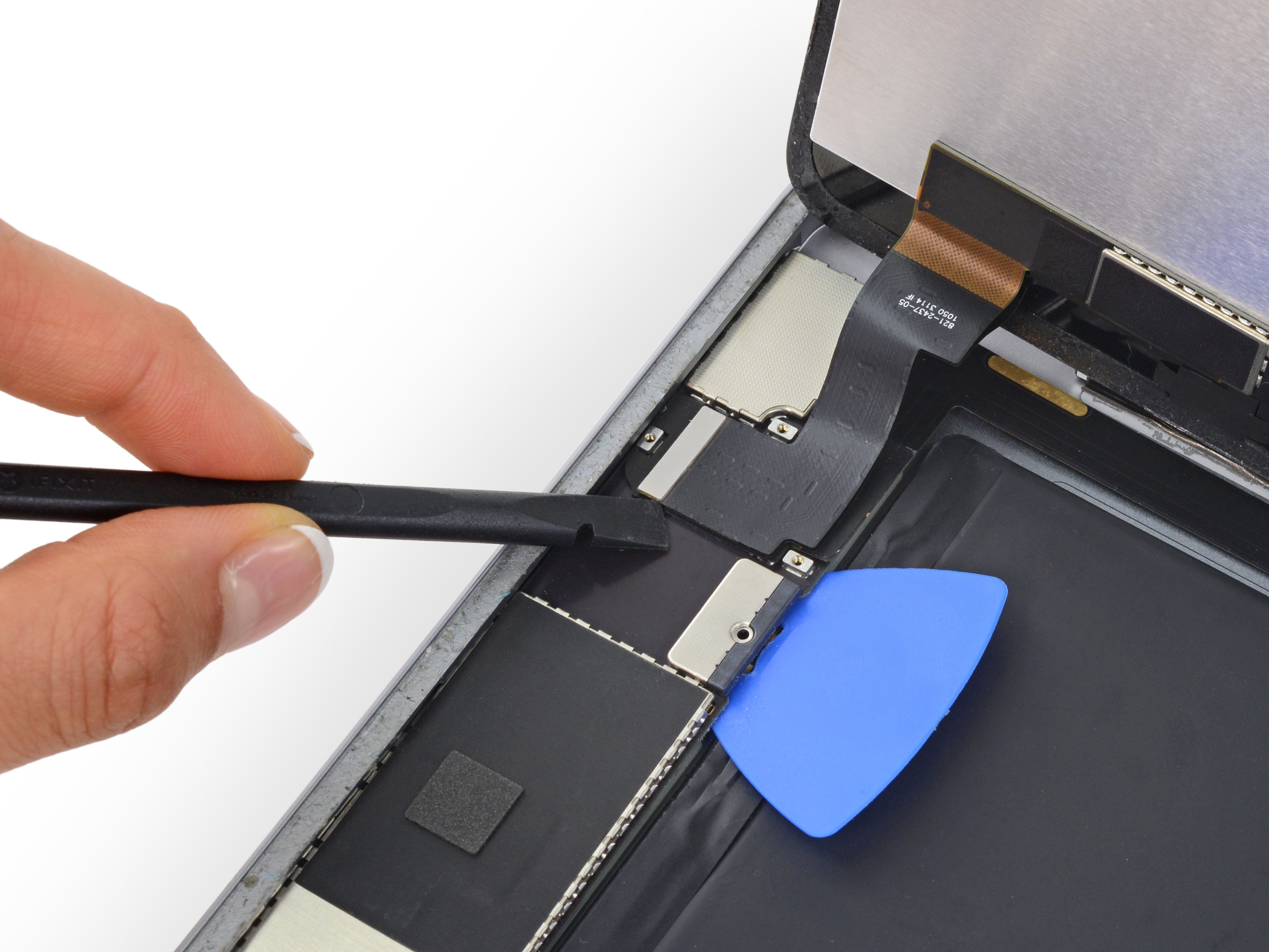
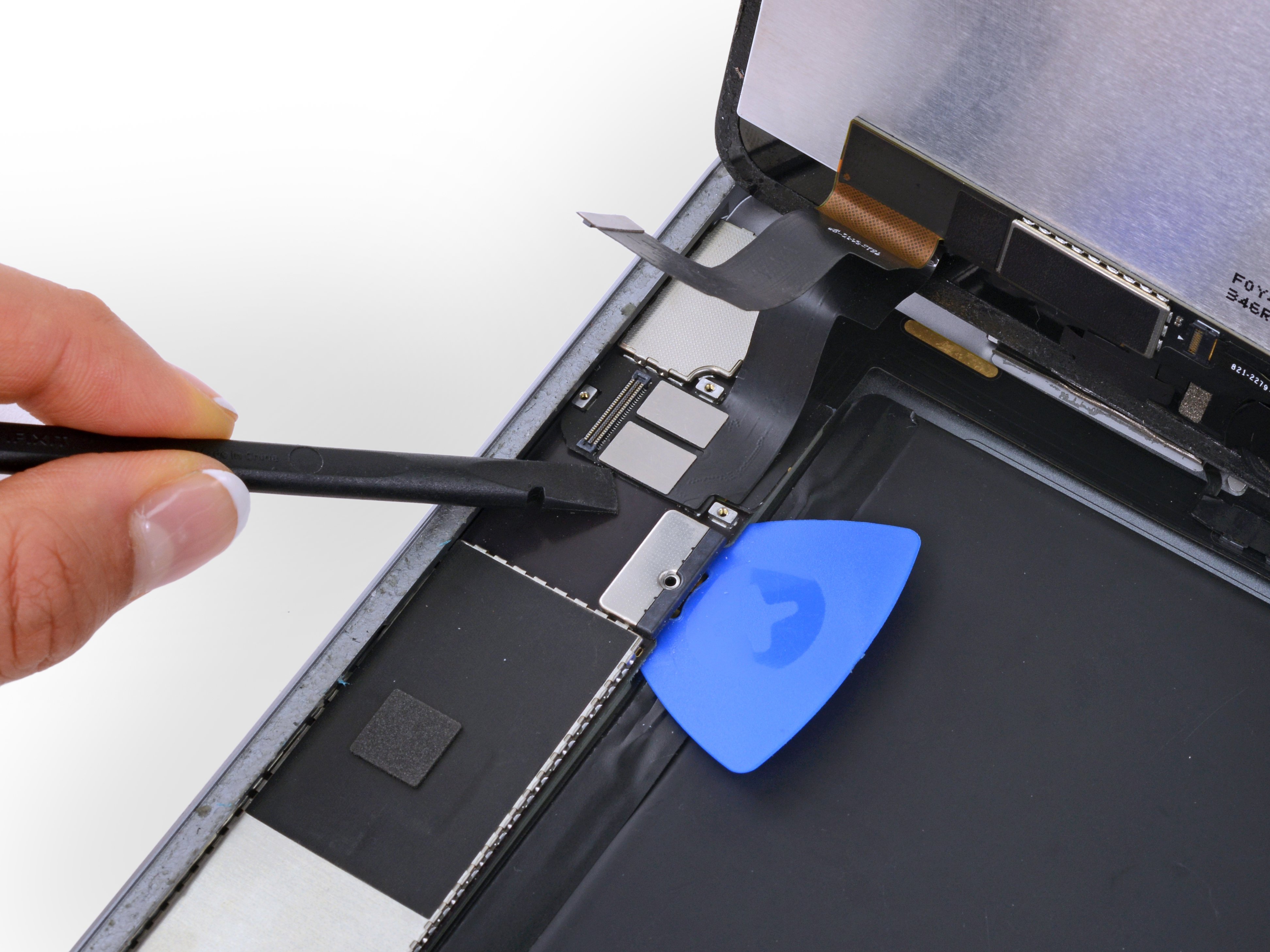
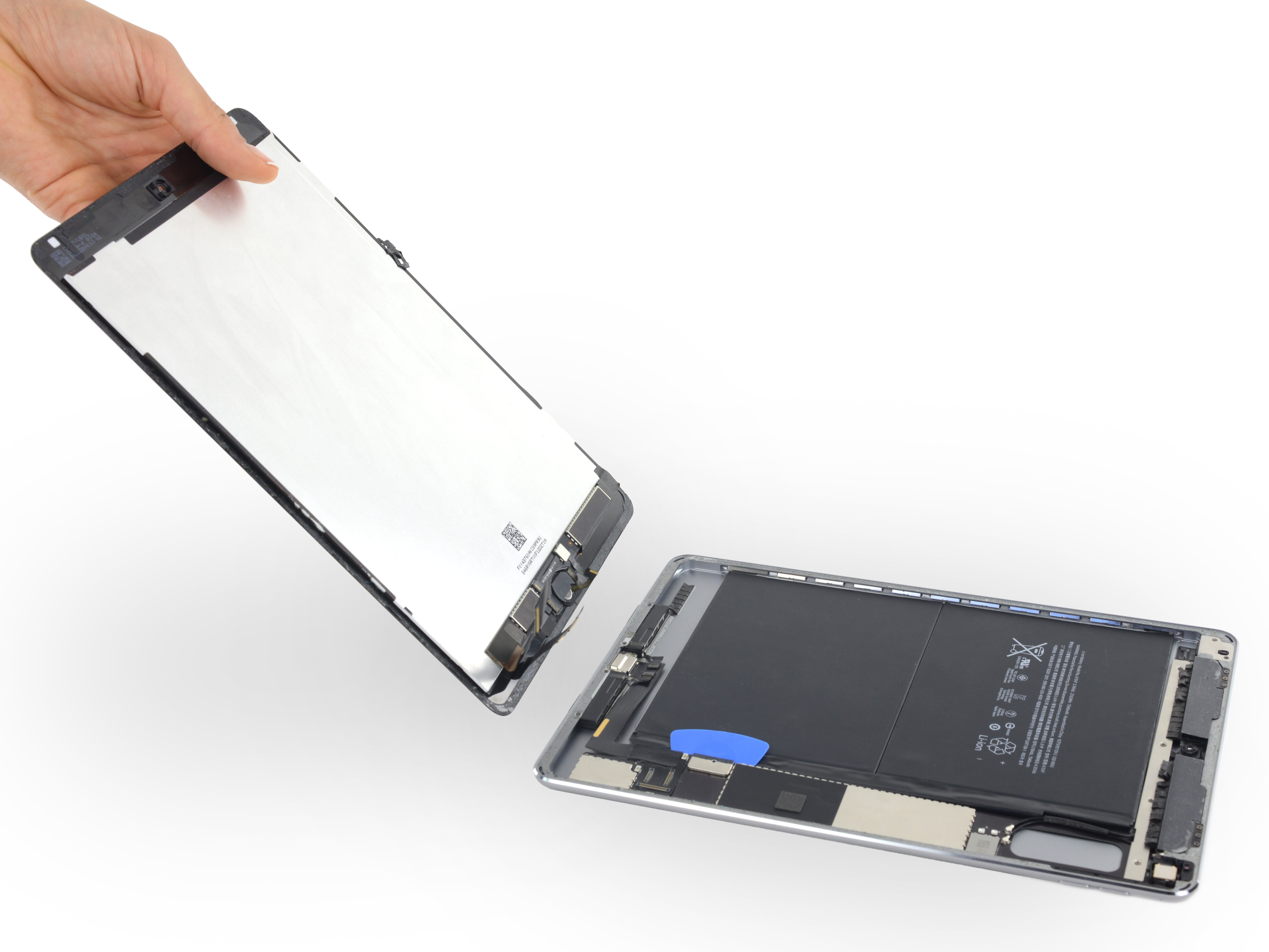
Follow this guide to replace a broken front panel assembly on an iPad Air 2 Wi-Fi. The front panel or display assembly consists of the glass digitizer on top and the fused LCD underneath. In the iPad Air 2, these two parts are not separable and must be replaced as one piece. Note that the fingerprint scanner in the home button is paired to the iPad's logic board. In order to maintain Touch ID functionality, you must transfer your original home button to the new display assembly. This process can fix issues like a cracked glass digitizer, a non-responsive touchscreen, or a broken LCD screen. Be very careful when you isolate the battery using a battery blocker. The battery contacts are easily damaged, resulting in irreversible damage to the logic board.