FIXONIC
SellSavedMy Fixonic
Official iFixit API visual reference

Graco Secure Coverage Nursery Unit Power Jack Replacement

Use this guide to replace the power jack on...

iFixit Library Graco Secure Coverage Moderate No estimate Guide 50709
Open the authorised source
Licensed iFixit integration

This attributed iFixit guide is displayed through Fixonic's recorded commercial API permission. iFixit remains the independent source and author of the procedure.

Guide overview

Before you begin

Use this guide to replace the power jack on your Graco Secure Coverage Digital Baby Monitor for nursery unit. The power jack replacement includes the power jack and battery replacement.

Step 1

Repair step

  • Remove the 9mm screw from the battery cover of the nursery unit using a Phillips #1 tip screwdriver.
Step 2

Repair step

  • Using the plastic opening tool, pry and remove the battery cover carefully.
  • Remove the batteries using plastic opening tool.
  • Replace the batteries.
Step 3

Repair step

  • Remove the two 9mm Phillips #1 screws from the rare case of the device.
  • Place the screws in a secure place.
Step 4

Repair step

  • Hold the bottom of the device with one hand and pull down to separate the front and rare cases.
  • While holding the device with one hand, use plastic opening tool to pry the edges of the front case away from the back case.
  • Take your time and apply constant force carefully to avoid breaking any other plastic parts from the device.
Step 5

Repair step

  • Remove all three 7mm Phillips #1 screws from the mother board.
  • Make sure you gently unscrew the screws with moderate force and light pressure to avoid any damages.
Step 6

Repair step

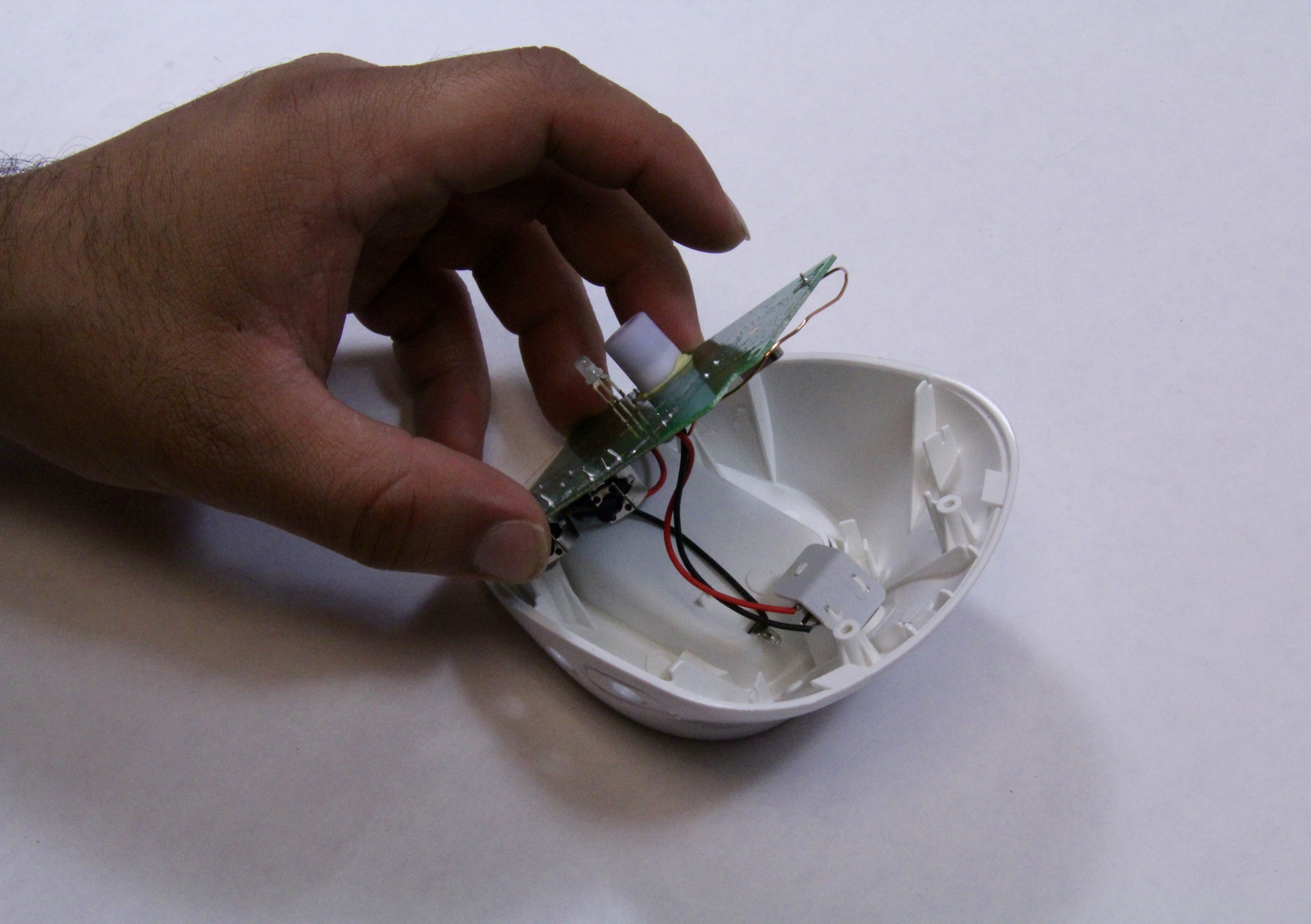
  • Pick up the mother board carefully.
  • Using plastic opening tool, gently pry the power jack plastic part and separate it away from the device case.
  • Apply constant force to avoid breaking the plastic part.
Step 7

Repair step

  • Solder off the wires from the mother board.
  • There are many pins attached to the mother board, make sure you solder off the proper pins that attached to the power jack wires.
  • Replace the power jack.